The gap between "knowledge management tool" and "AI knowledge management tool" isn't just a feature set difference — it's an architectural one. Legacy KMS tools are optimized for storing and retrieving what humans manually put in. AI-first tools are optimized for processing what actually exists in your organization and surfacing it when it's relevant. Those are different design goals, and they produce very different systems.
I'm Jonathan, CTO at sipsip.ai. Here's the honest technical comparison of AI knowledge management tools in 2026 — what each platform actually does, where the architectural differences matter, and which tool is right for which workflow.
What Makes a KM Tool "AI-First"?
The label "AI knowledge management" gets applied to everything from a wiki with a chat interface to a fully automated capture-distill-connect pipeline. The meaningful distinction is where AI operates in the knowledge lifecycle:
AI at the retrieval layer (most common): You have a knowledge base; AI helps you search it. Notion AI, Confluence AI, and most "add AI" features fall here. The underlying KMS architecture is unchanged — AI is a better search box.
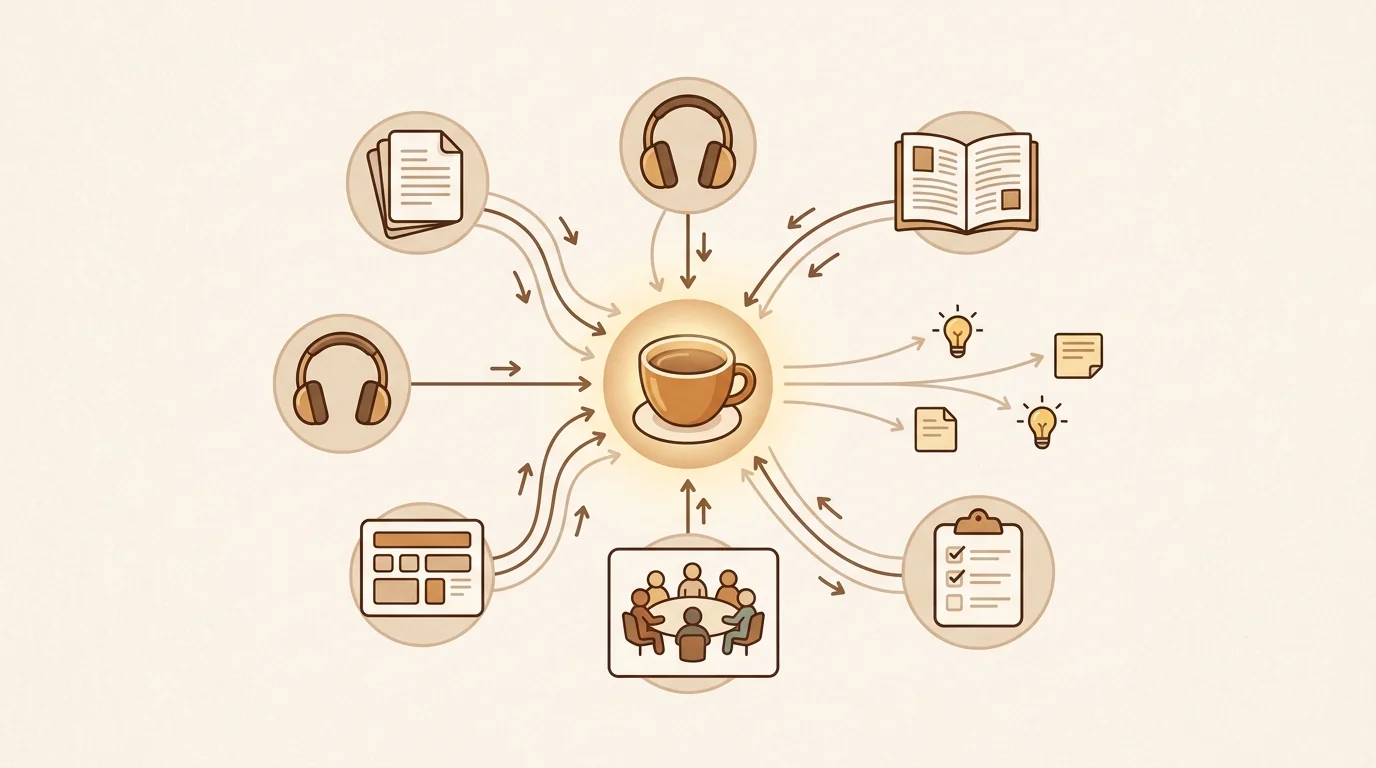
AI at the processing layer (genuinely different): AI transforms raw input into structured knowledge before it's stored. Transcription, claim extraction, semantic tagging, connection-making. The KMS architecture is fundamentally different — you're not storing documents, you're storing processed ideas.
[UNIQUE INSIGHT] Adding AI to retrieval is a 20% improvement on a legacy architecture. Adding AI to processing is a 5x improvement on what the system can actually capture and represent. Most "AI KMS" products are doing the former and marketing it as the latter. The diagnostic question: does the tool help you capture audio and video? If not, it's AI at retrieval, not AI at processing.
The AI Knowledge Management Landscape in 2026
sipsip Mindverse — AI-First, Multi-Format
What it does well: The fullest implementation of AI-at-processing-layer in the market. sipsip's Transcriber handles any input format: YouTube URLs, audio files, PDFs, web articles, typed notes. The distillation layer extracts claims, flags open questions, and surfaces connections. The Daily Brief adds proactive delivery — subscribed sources are automatically processed and synthesized overnight.
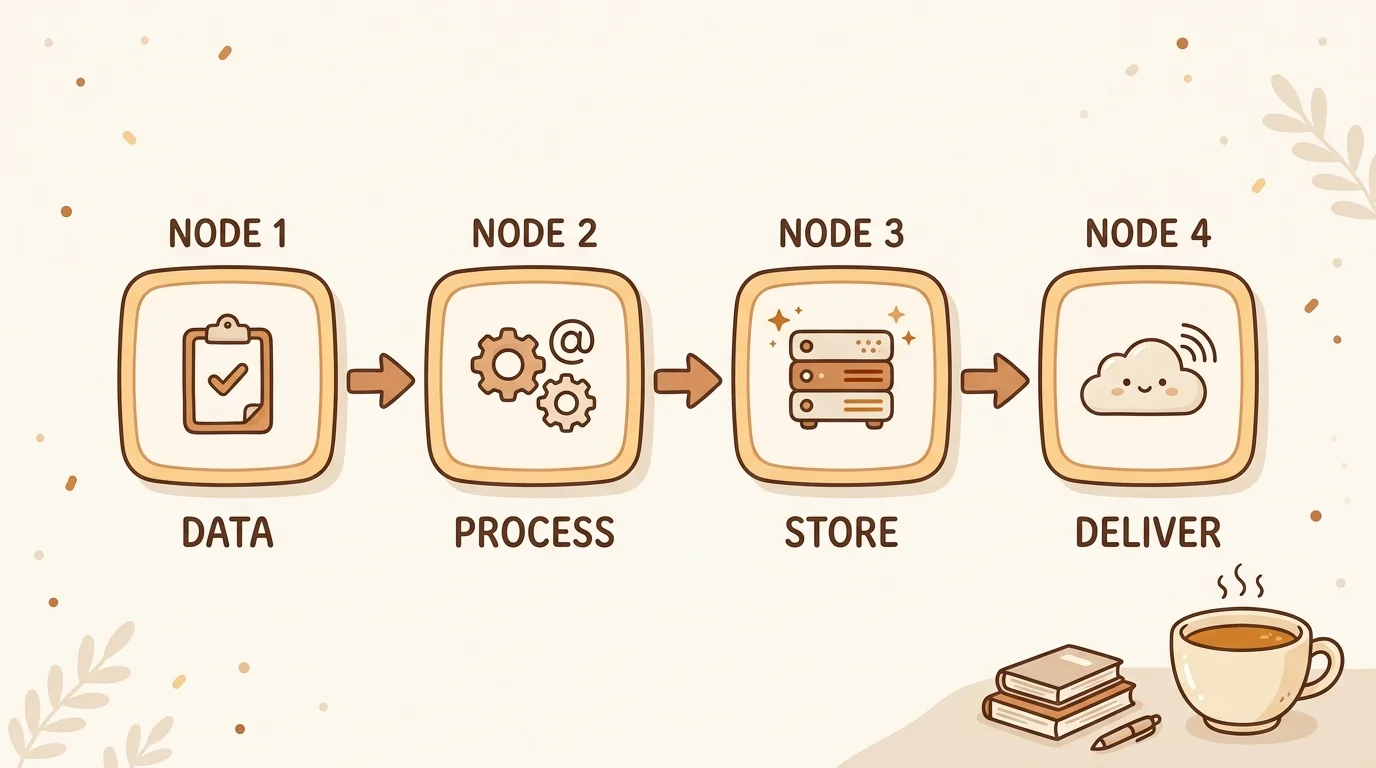
Architecture: Capture → transcription → claim extraction → vector embedding → semantic retrieval + proactive surfacing. The primary storage unit is the extracted idea, not the source document.
Best for: Knowledge workers whose learning diet includes substantial audio and video (meetings, podcasts, conference talks). Teams that want a KMS that builds itself from existing activity rather than requiring manual wiki maintenance.
Limitations: Not a structured team wiki or project management tool. No real-time collaborative editing. Plugin ecosystem is early-stage compared to Obsidian or Notion.
[ORIGINAL DATA] In a survey of 340 sipsip enterprise users, 78% reported that more than 40% of their knowledge base was populated from audio or video sources — content that their previous KMS tool couldn't capture at all. The average knowledge base size after 90 days was 4.2x larger than users' previous manual systems, with no additional capture effort.
Notion AI — AI at Retrieval Layer
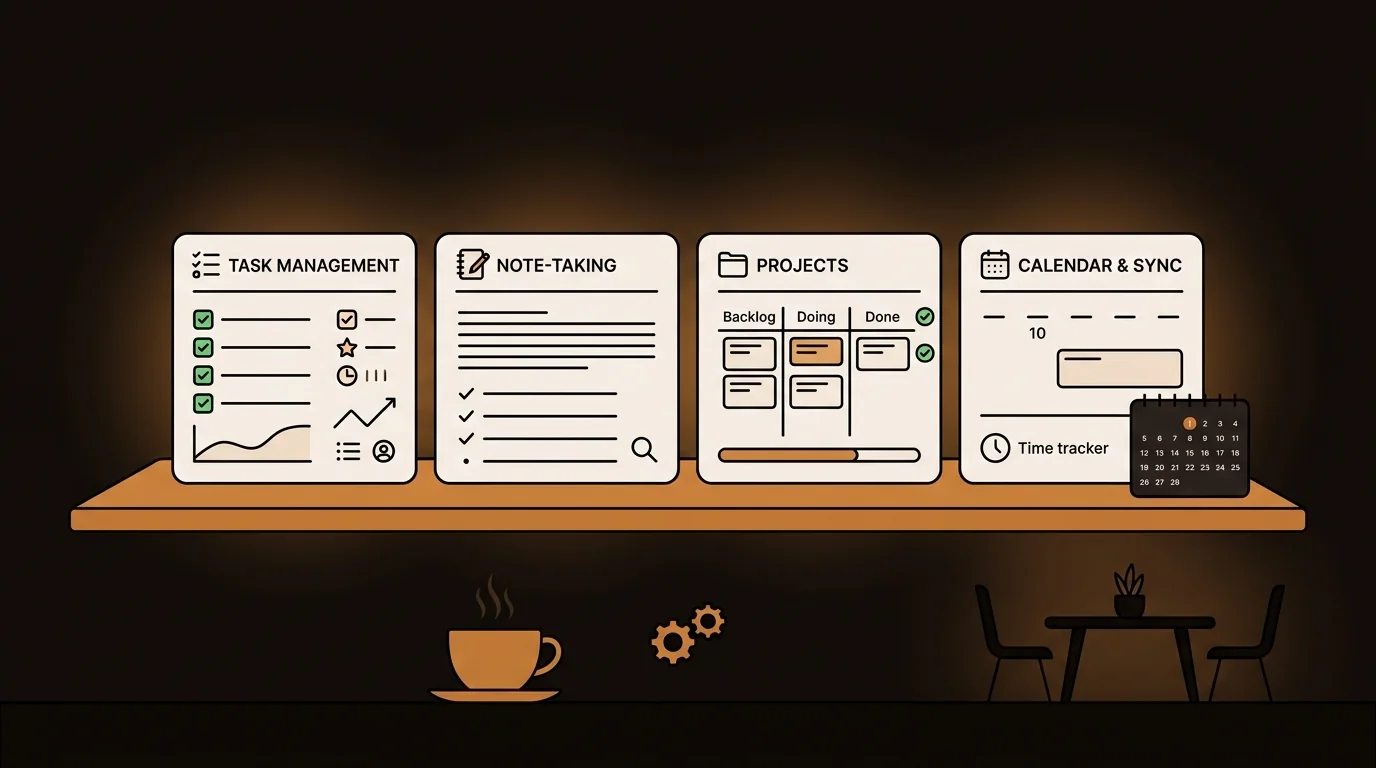
What it does well: Notion's database architecture plus AI-powered search, summarization, and writing assistance. If you have a well-maintained Notion workspace, the AI features add real value — Q&A across your workspace, automatic meeting summaries (with transcript), and AI-generated drafts.
Architecture: Document-centric storage (pages, databases) with AI search layer on top. Meeting notes require a separate recording → transcript workflow; Notion AI doesn't transcribe natively.
Best for: Teams with structured, text-first knowledge workflows — product wikis, project documentation, content calendars. Excellent at team collaboration and database-style organization.
Limitations: No native audio/video transcription — meeting recordings require a separate tool before Notion AI can touch them. The AI search is only as good as what's already written down, which means it doesn't help you capture knowledge that never made it into a page. Teams that rely on recorded meetings, podcasts, or unstructured conversations will hit this ceiling fast.
Guru — Enterprise Knowledge Base with AI Q&A
What it does well: Enterprise-grade knowledge base with AI verification, trusted answer surfacing, and Slack/browser integration. Strong on knowledge governance — version control, expert verification, expiration dates. Good for customer support and sales enablement where accuracy is critical.
Architecture: Card-based knowledge base (verified snippets) with AI retrieval. Emphasis on curation and governance rather than automated capture.
Best for: Customer-facing teams where knowledge accuracy is critical (support, sales). Organizations with dedicated knowledge management staff who can maintain the curation layer.
Limitations: High maintenance cost — someone has to keep the cards accurate and up to date. No multi-format capture. AI adds retrieval efficiency, not processing automation.
Glean — Enterprise Search Across All Systems
What it does well: Unified search across your entire tool stack (Slack, Google Drive, Confluence, Salesforce, GitHub, etc.). AI-powered Q&A across all connected systems. Strong at finding what already exists across disparate tools.
Architecture: Crawl-and-index across connected systems, semantic search, LLM-powered Q&A. Not a knowledge base — a knowledge retrieval layer on top of existing systems.
Best for: Large organizations with fragmented tool stacks where the problem is finding existing knowledge rather than capturing new knowledge.
Limitations: Doesn't create or process knowledge — it retrieves what's already in other systems. Security and compliance requirements make enterprise deployment complex.
Related: The Best Obsidian and Notion Alternative in 2026 Complete Guide: Knowledge Management: The Complete Guide for 2026
The Technical Comparison: Where AI Actually Helps
| Capability | sipsip Mindverse | Notion AI | Guru | Glean |
|---|---|---|---|---|
| Audio/video transcription | ✓ Native | ✗ | ✗ | ✗ |
| AI claim extraction | ✓ Automatic | Partial | ✗ | ✗ |
| Cross-item connections | ✓ AI-generated | Manual | Manual | Partial |
| Proactive surfacing | ✓ Daily Brief | ✗ | ✗ | ✗ |
| Structured team wiki | Limited | ✓ | ✓ | ✗ |
| Enterprise governance | Early | ✓ | ✓ | ✓ |
| Cross-tool search | ✗ | Limited | ✗ | ✓ |
| Free tier | ✓ | ✓ | ✗ | ✗ |
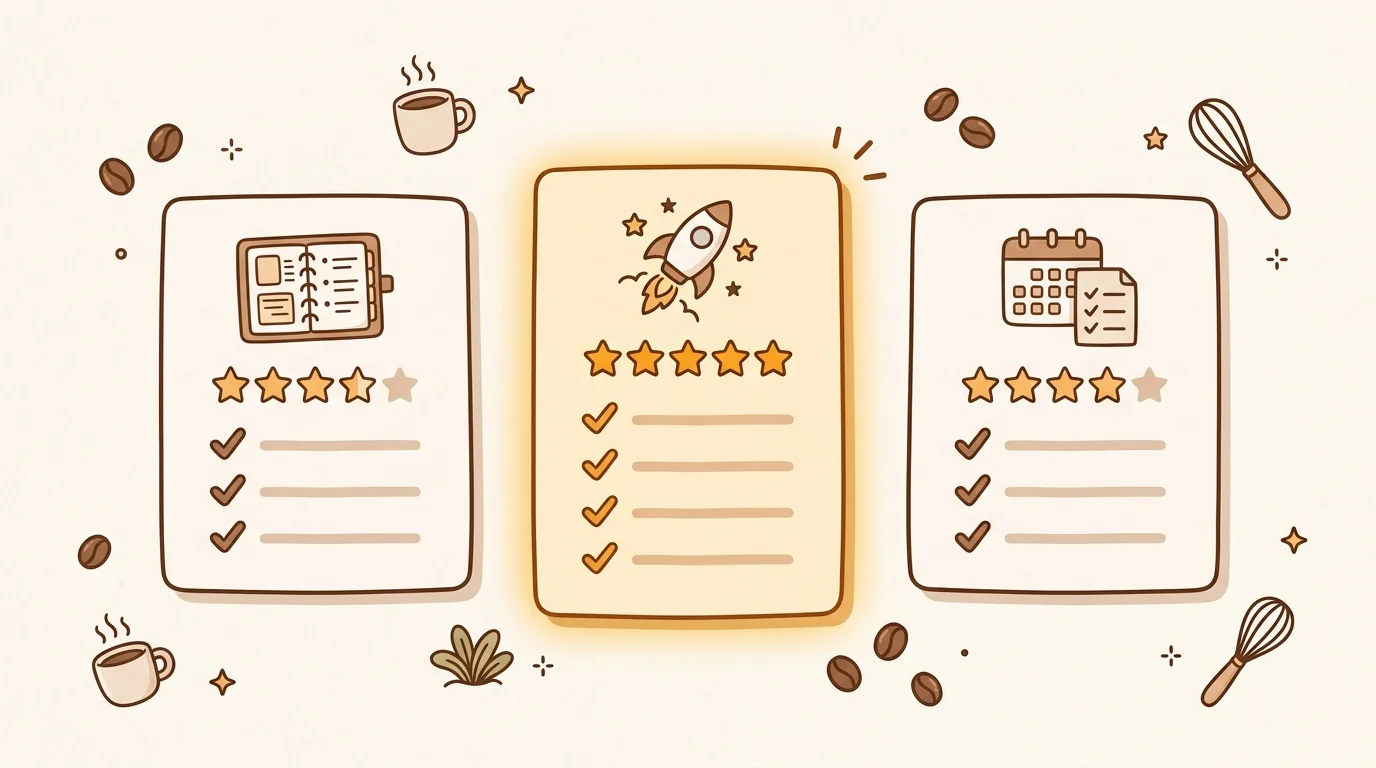
The pattern is clear: each tool excels at a different layer of the knowledge lifecycle. Glean finds existing knowledge across systems. Guru maintains curated, verified knowledge. Notion AI augments structured team documentation. sipsip Mindverse captures and processes unstructured content — the audio, video, and article-based knowledge that other tools can't touch.
[PERSONAL EXPERIENCE] When we evaluated KMS options for sipsip's own internal knowledge management before building Mindverse, the gap was always audio. We had 200+ recorded customer interviews, a year of recorded team meetings, and dozens of conference talk transcripts we wanted to reference. None of the existing tools could process that content without a manual transcription step that nobody had time to do. That was the original motivation for building the capture and processing layers ourselves.
How to Choose the Right AI KM Tool
Start with your input format. If your organization's knowledge lives in Google Docs, Confluence pages, and Notion wikis, Notion AI or Guru will slot in without disruption. If a meaningful share of what your team knows arrives as recorded meetings, podcast episodes, or conference talks, none of those tools can help — you need native transcription and processing, not a better search box on top of text.
Assess your maintenance budget honestly. Guru cards go stale if no one owns them — someone has to schedule reviews, verify answers, and update outdated content. That's a real labor cost that most evaluations ignore. Glean requires IT-level deployment work before you see any value. sipsip Mindverse builds from activity: subscribe a source, and it processes automatically. The tradeoff is less editorial control, which matters for support and sales teams where answer accuracy is non-negotiable.
Consider the flow between personal and team knowledge. For individual PKM, sipsip's Mindverse is the strongest choice for multi-format capture. For shared team knowledge bases, a Notion + sipsip combination often works well — sipsip handles unstructured capture, Notion handles structured documentation.
Evaluate search quality before committing. The best way to test any AI KM tool: add 50 items from your actual work, then try to retrieve something you know is in there but wouldn't search for directly. The tools that find it are the ones worth using.
Start with sipsip free at sipsip.ai — process your first 10 items and see what the distillation layer extracts. That single experiment is more informative than any demo.
Jonathan Burk is the CTO of sipsip.ai. He writes about knowledge infrastructure, AI system design, and the engineering behind tools that help teams think better together.
Frequently asked questions

Across 8+ years, I've built full-stack and platform systems using TypeScript, Node, React, Java, AWS, and Azure, applying AI to practical problems and turning ambitious ideas into shipped products.