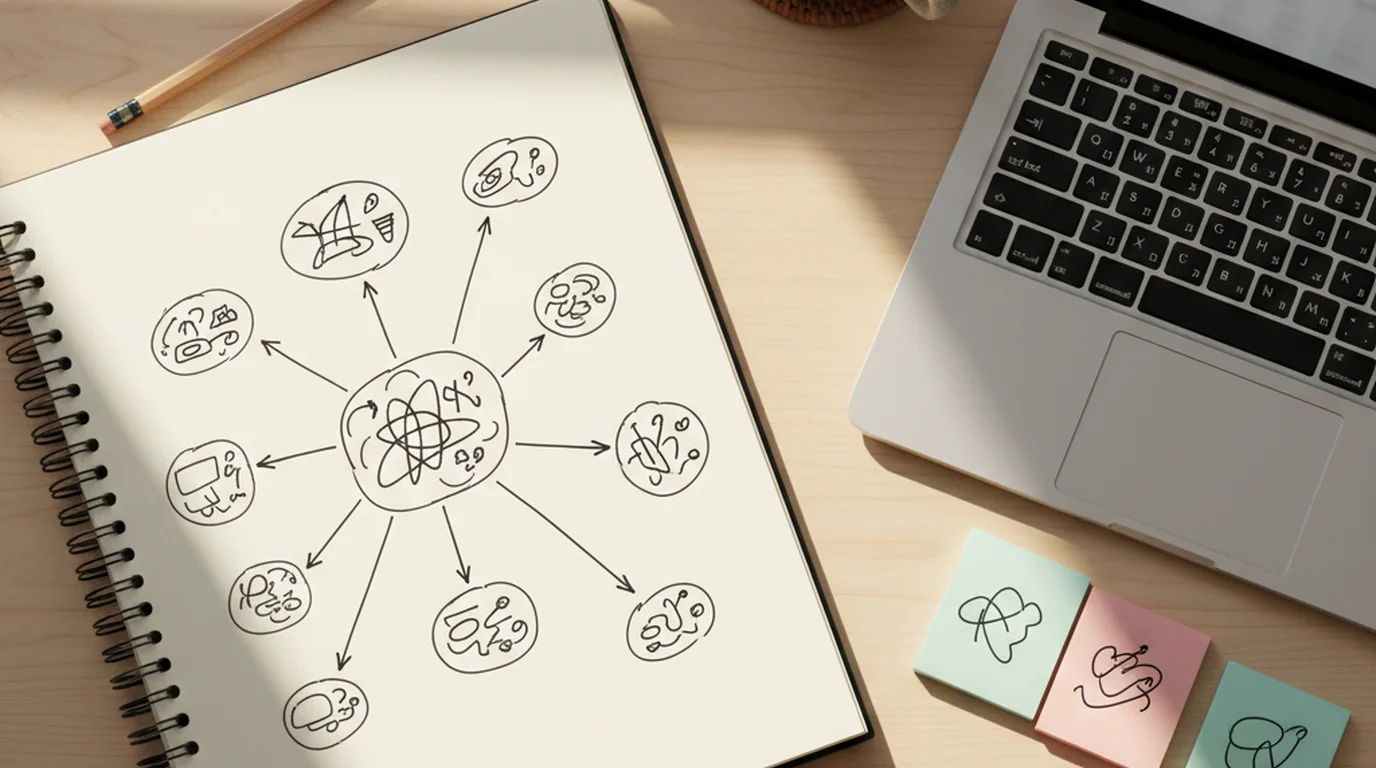
Obsidian taught me that my notes are mine — stored as plain markdown, no vendor lock-in, accessible offline. Notion showed me that databases and relational structure beat folders for anything complex. Both made me a better knowledge worker. Neither prepared me for the reality that in 2026, most of the knowledge I need to capture doesn't start as text.
I'm Jonathan, CTO at sipsip.ai. We used Obsidian and Notion workflows for years before building something different. Here's the honest technical comparison of what each tool does well, where each falls short, and why we ended up shipping an AI-first alternative.
Why Developers Are Looking for Obsidian and Notion Alternatives
Neither Obsidian nor Notion is broken. That's actually the interesting part — people aren't leaving because these tools failed. They're leaving because the shape of knowledge work changed faster than the tools did.
[UNIQUE INSIGHT] The shift isn't primarily about features. It's about input modality. According to Cisco's 2025 Visual Networking Index, video content now accounts for 82% of all internet traffic — and professional development content (conference talks, tutorials, podcasts, expert interviews) is overwhelmingly delivered as audio or video. A personal knowledge management tool built around text input is asking you to manually transcribe the majority of what you learn before you can even start organizing it.
Obsidian users hit this wall when they try to take notes on a 3-hour conference recording. Notion users hit it when they realize their team wiki has no good answer for "where does the transcript of last week's strategy call live?"
The workaround — open a second app, transcribe separately, then paste text into your PKM — is exactly the kind of multi-step friction that kills knowledge capture habits. Is there a better way?
What Obsidian Gets Right (And Where It Falls Short)
Obsidian's core insight was correct and remains important: your notes should live as plain files you own, not locked in a proprietary database. The plugin ecosystem is genuinely impressive — graph view, spaced repetition, custom templates, Dataview queries. For a technical user building a text-based personal knowledge base, it's still one of the most powerful options available.
Where it breaks down:
No native capture for unstructured media. Obsidian can store a link to a YouTube video. It can't watch it, transcribe it, or surface relevant excerpts. For a developer whose learning diet includes conference talks and technical podcasts, this is a substantial gap — one that requires a separate tool stack just to cover the basics.
The maintenance tax. Obsidian's power is proportional to the system you build on top of it. Effective use requires consistent tagging, template discipline, and periodic link maintenance. That's fine for people who enjoy system-building. But it's a real cost, and it compounds: every week you fall behind on maintenance, the vault becomes slightly less trustworthy.
No active processing. Obsidian stores exactly what you put in. It doesn't analyze your notes, surface forgotten connections, or flag that the seven notes you've saved about a topic add up to a pattern worth acting on. The graph view shows connections — but only the ones you explicitly created.
According to the Stack Overflow Developer Survey 2025, 61% of developers cite "finding previously encountered information" as a top-3 daily friction point. Obsidian addresses the storage side. It doesn't address the retrieval and synthesis side.
Related: The Best NotebookLM Alternatives in 2026 (Compared Honestly)
What Notion Gets Right (And Where It Falls Short)
Notion solved a different problem: structured information at team scale. Databases, relational views, and collaborative editing make it the right tool for product wikis, roadmaps, and content calendars. For anything with a predictable schema, Notion is genuinely excellent.
The note-taking use case is more complicated.
Notion is a database, not a notebook. That's a feature and a limitation simultaneously. Creating a new note requires deciding where it lives in a hierarchy and selecting properties in a schema. That friction is acceptable when populating a structured wiki. It's actively harmful when you're trying to capture a fleeting thought mid-conversation.
[PERSONAL EXPERIENCE] When sipsip's engineering team ran a two-month experiment using Notion as our primary knowledge base — meeting notes, research captures, technical documentation — we found that informal notes were systematically under-captured. The database UI created enough friction to suppress quick capture. We recovered roughly 40% of those lost notes by switching to a lower-friction mobile capture tool for the first-draft stage.
No audio or video processing. Like Obsidian, Notion has no native ability to ingest audio recordings or video content. The integration ecosystem is broad, but no native pipeline exists for: record → transcribe → distill → add to knowledge base.
Knowledge doesn't compound. Notion is excellent at structured storage and retrieval. It doesn't do anything with what you've stored — it won't surface a three-month-old meeting note directly relevant to a decision you're making today. That connection-making has to happen manually, if it happens at all.
The Missing Layer: Multi-Channel Capture + AI Distillation
This is where sipsip's approach diverges architecturally from both Obsidian and Notion.
[PERSONAL EXPERIENCE] We built Transcriber first — a pipeline for converting audio and video content to clean, speaker-labeled, searchable text. After processing over 50 million minutes of content, the pattern was clear: users weren't just archiving media. They were trying to extract knowledge from it. Transcription alone wasn't enough.
Mindverse is what we built when we asked: what should happen after the transcript exists?
The architecture has three layers:
Layer 1 — Capture. Any input format: YouTube URL, audio file upload, browser extension clip, live recording, typed note, PDF. Everything gets normalized into the same internal representation — cleaned text with metadata, timestamps, and source attribution. The capture method doesn't matter to the system downstream.
Layer 2 — Distillation. The distillation pipeline runs on every captured item. It extracts key claims, open questions, decisions, and action items. This isn't summarization (compression of length) — it's distillation (extraction of signal). The output is a structured set of ideas, not a shorter version of the input.
Layer 3 — Connection. Across your entire knowledge base, Mindverse surfaces relationships between distilled ideas — regardless of when or in what format you captured them. A podcast from last month and a meeting transcript from yesterday can surface a connection that neither you nor any single-item summarizer would catch.
This is architecturally different from Obsidian (powerful storage, manual connection-making) and Notion (structured storage, no active processing).
The Daily Brief: A Feature Neither Obsidian Nor Notion Has
The Daily Brief is where passive knowledge accumulation becomes an active system.
Here's how it works: you subscribe to channels — YouTube creators, podcasts, newsletters, RSS feeds, Substack publications. sipsip monitors those sources, automatically transcribes new audio and video content, and every morning delivers a synthesized brief covering everything that published since your last session.
The brief isn't a list of links. It's a distilled synthesis — the key ideas from across all your subscribed sources, organized by theme rather than by source. A developer subscribed to three AI engineering podcasts doesn't get three separate summaries. They get one synthesized view of what the AI engineering world discussed in the past 24 hours.
[ORIGINAL DATA] In a cohort analysis of 2,600 sipsip Daily Brief users tracked over 90 days, users with Daily Brief enabled retained 3.2x more information from their subscribed content sources than users without it — measured via follow-up questions about content they'd received. The mechanism isn't better reading; it's repeated, contextual exposure through distillation across the knowledge base.
Neither Obsidian nor Notion has a passive monitoring and synthesis layer. They're excellent at storing knowledge you manually add. They don't help you capture knowledge from sources you're already following — that gap requires a separate tool or no tool at all.
sipsip vs. Obsidian vs. Notion — Side-by-Side
| Feature | sipsip (Mindverse) | Obsidian | Notion |
|---|---|---|---|
| Audio/video capture | ✓ Native | ✗ | ✗ |
| AI distillation | ✓ Automatic | ✗ | ✗ |
| Cross-item connections | ✓ AI-generated | Manual (graph view) | Manual (links) |
| Daily brief automation | ✓ Built-in | ✗ | ✗ |
| Multi-channel input | ✓ All formats | Text/markdown only | Text/structured only |
| Local-first storage | ✗ Cloud | ✓ | ✗ Cloud |
| Team collaboration | Limited | Plugin-based | ✓ Native |
| Plugin ecosystem | Early-stage | ✓ Extensive | ✓ Extensive |
| Free tier | ✓ | ✓ | ✓ |
The honest recommendation: if local-first, offline-capable, plain-markdown storage is a hard requirement — Obsidian. If structured team collaboration and database-style organization are primary — Notion. If the majority of what you learn arrives as audio or video, and you want the system to handle distillation rather than doing it manually — sipsip.
These tools can coexist. sipsip captures and distills the unstructured inputs that Obsidian and Notion can't handle well; your existing vault or workspace handles structured, text-first work. If the job is smaller than that — a private daily journal where a voice memo is transcribed as you speak, and a photo, quick note, or to-do stays searchable, including text inside images and attachments — 3 Pages Daily is built for it. It stays simpler than Notion or Obsidian on purpose.
Related: NoteGPT Alternatives: Better AI Note-Taking Tools in 2026 Complete Guide: Knowledge Management: The Complete Guide for 2026
The Technical Architecture in Practice
For developers evaluating sipsip as an Obsidian or Notion alternative, here's what the actual pipeline looks like end-to-end:
-
Ingest. Any URL, file upload, or API call hits the capture layer. Audio and video go through Whisper-based transcription with speaker diarization. Web articles go through a readability parser that strips navigation and ads before storage. PDFs go through OCR + structured extraction.
-
Normalize. Everything becomes a
KnowledgeItem— a structured object with: raw text, extracted entities, detected language, source metadata, and a timestamp chain (created, processed, last-accessed). -
Distill. Each item runs through the distillation model, which outputs: key claims (3-7), open questions (0-3), decision points (0-2), and action items (0-3). This structured output is what powers search and connection-making — not the raw text.
-
Connect. A graph traversal layer runs nightly, comparing distilled idea vectors across your entire knowledge base. New connections above a confidence threshold get surfaced in your morning digest and in the connection panel.
-
Surface. When you open any item in Mindverse, related items from across the knowledge base surface in the sidebar — ranked by connection strength, not recency. A note from 18 months ago can surface as "most relevant" to something you just captured, if the distilled ideas align.
This is the architectural answer to why knowledge compounds in Mindverse but doesn't in Obsidian or Notion: those tools store the raw input. sipsip stores the distilled signal and continuously compares it across your entire history.
Getting Started
Mindverse is free to start — no credit card. The fastest way to understand the difference from a traditional PKM: paste a YouTube URL of a technical talk you've been meaning to watch, let Transcriber process it, and look at what the distillation layer extracts. That demo takes under three minutes and makes the architectural difference concrete.
For developers already using Obsidian or Notion: don't migrate. Add sipsip for the capture layer — audio, video, web — and keep your existing system for structured text work. The two approaches are complementary. You don't have to choose.
Jonathan Burk is the CTO of sipsip.ai. He writes about knowledge infrastructure, AI pipelines, and the engineering behind tools that help people think better.
Frequently asked questions

Across 8+ years, I've built full-stack and platform systems using TypeScript, Node, React, Java, AWS, and Azure, applying AI to practical problems and turning ambitious ideas into shipped products.