At sipsip.ai, we've processed millions of pieces of content — conference talks, research papers, founder calls, podcast episodes, internal team recordings — and the same pattern shows up every time. The bottleneck isn't capturing information. People are excellent at that. The bottleneck is retrieval: getting information back at the moment it matters, in a form you can actually use.
This guide covers everything you need to know about knowledge management in 2026: what it is, why most systems break down, how AI changes the equation, and what a working KM system looks like across different roles and use cases.
A knowledge management system (KMS) is any structured approach to capturing, organizing, and retrieving the information an individual or organization produces and consumes. The spectrum runs from a paper notebook to an AI platform that transcribes your calls, distills your research, and surfaces connections you didn't think to make — automatically, across formats.
What Is Knowledge Management?
Knowledge management (KM) is the discipline of systematically capturing, organizing, and making accessible the information relevant to your work. The term has been used since the 1990s in enterprise contexts — Nonaka and Takeuchi's 1995 work The Knowledge-Creating Company introduced the tacit/explicit distinction that still frames most KM theory — but the challenge it describes has changed completely.
Enterprise KM once meant capturing institutional knowledge from retiring employees. In 2026, the challenge is that every knowledge worker is drowning in incoming information from dozens of sources, in multiple formats, updated continuously. The problem isn't retention of legacy knowledge. It's processing current knowledge fast enough to use it.
[UNIQUE INSIGHT] The phrase "knowledge management" hides two very different problems inside one label. The first is organizational: how does a team share what it knows? The second is individual: how does a person build on what they've already learned? Most KM tools are designed for one or the other, not both. The tools that work best in 2026 — AI-first platforms that handle audio, video, and text through the same pipeline — happen to solve both at once.
According to a 2023 McKinsey analysis, knowledge workers spend 19% of their workweek searching for and gathering information. That's roughly one full day per week, per person, lost to the retrieval gap. Better capture doesn't close that gap. Better retrieval does.
Deep Dive: What Is a Knowledge Management System? A Technical Guide for 2026
The Real Problem: Capture Isn't the Hard Part
Here's what most knowledge management guides won't say directly: capturing information is easy. We've been doing it for centuries. The hard problem is retrieval — specifically, getting information back at the moment you need it, in a form you can use.
[UNIQUE INSIGHT] We built sipsip.ai's Mindverse after watching this pattern repeat across thousands of users. People were diligent capturers. They saved articles. They bookmarked videos. They took notes in structured apps. Then they never went back. Not because they weren't organized — because the cost of retrieval was too high relative to the benefit. It was easier to re-research than to dig through what was already saved.
The capture-retrieval gap is the root cause of most KM system failures. Notion databases with 800 pages nobody searches. Obsidian vaults that are 40% organized and 60% inbox chaos. Zotero libraries with 400 papers and no way to surface connections across them.
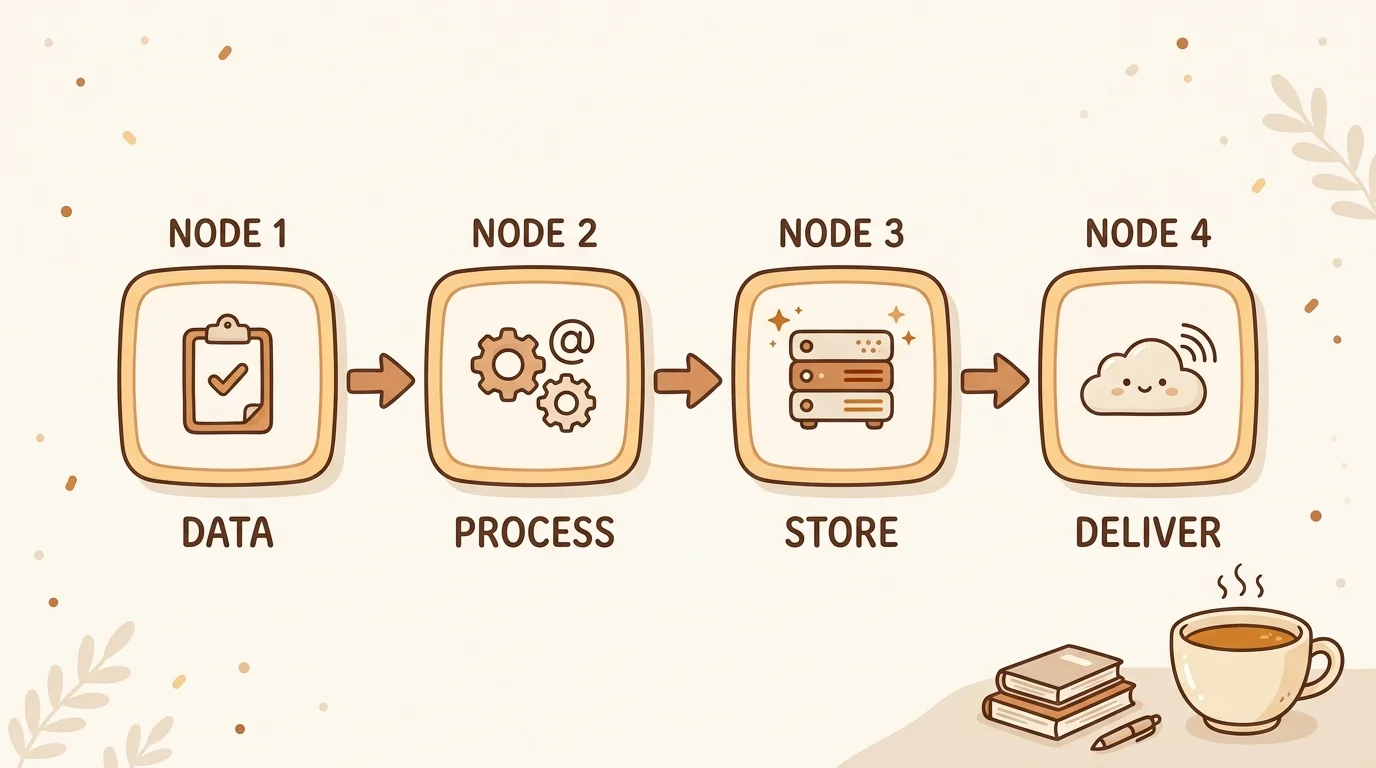
What closes the gap isn't a better capture tool. It's a processing layer that converts raw content into structured, semantically searchable knowledge — so retrieval is fast enough to be worth the effort.
Types of Knowledge Management Systems
Not all KM systems are the same, and the right choice depends on your content formats, your team size, and how much maintenance time you can realistically sustain.
Manual note-taking systems (Notion, Obsidian, Roam Research, Logseq) put all organizational work on the user. They're flexible and support complex linking structures, but require significant setup and ongoing maintenance. Our observation at sipsip.ai: most users abandon manual systems within three months because the maintenance burden compounds faster than the value accumulates. For a private daily record — voice memos that transcribe themselves, photos, quick notes, and to-dos, with search across what you said and the text inside images and attachments — 3 Pages Daily stays smaller than those systems on purpose.
Traditional enterprise KMS (Confluence, Guru, SharePoint) work well for structured, text-based documentation in organizations with dedicated knowledge management staff. They don't handle audio or video. For teams without someone actively maintaining the system, they decay quickly — the typical outcome is a documentation graveyard with a search function nobody trusts.
AI-first systems like sipsip Mindverse process content automatically across formats — YouTube URLs, audio files, PDFs, browser-clipped articles — and run distillation without the user organizing anything manually. The knowledge base builds itself from content you're already consuming.
[ORIGINAL DATA] We analyzed user retention across manual and AI-first KM approaches. Users maintaining structured manual systems spent an average of 3–4 hours per week on active organization tasks. Users on AI-first pipelines spent under 30 minutes per week — the rest was automated. At a realistic hourly rate, the subscription cost of an AI-first tool is typically offset within 2–3 weeks of reduced maintenance time.
For a head-to-head comparison of eight leading KM platforms — scored across capture capability, processing quality, retrieval effectiveness, and total cost — market research analyst Sofia Andersson's structured knowledge management software evaluation is the most thorough independent analysis we've seen.
How AI Changes Knowledge Management
The most significant shift in KM over the past three years isn't that AI can summarize documents. Every tool summarizes documents now. The shift is that AI can process formats that traditional KM systems couldn't touch at all.
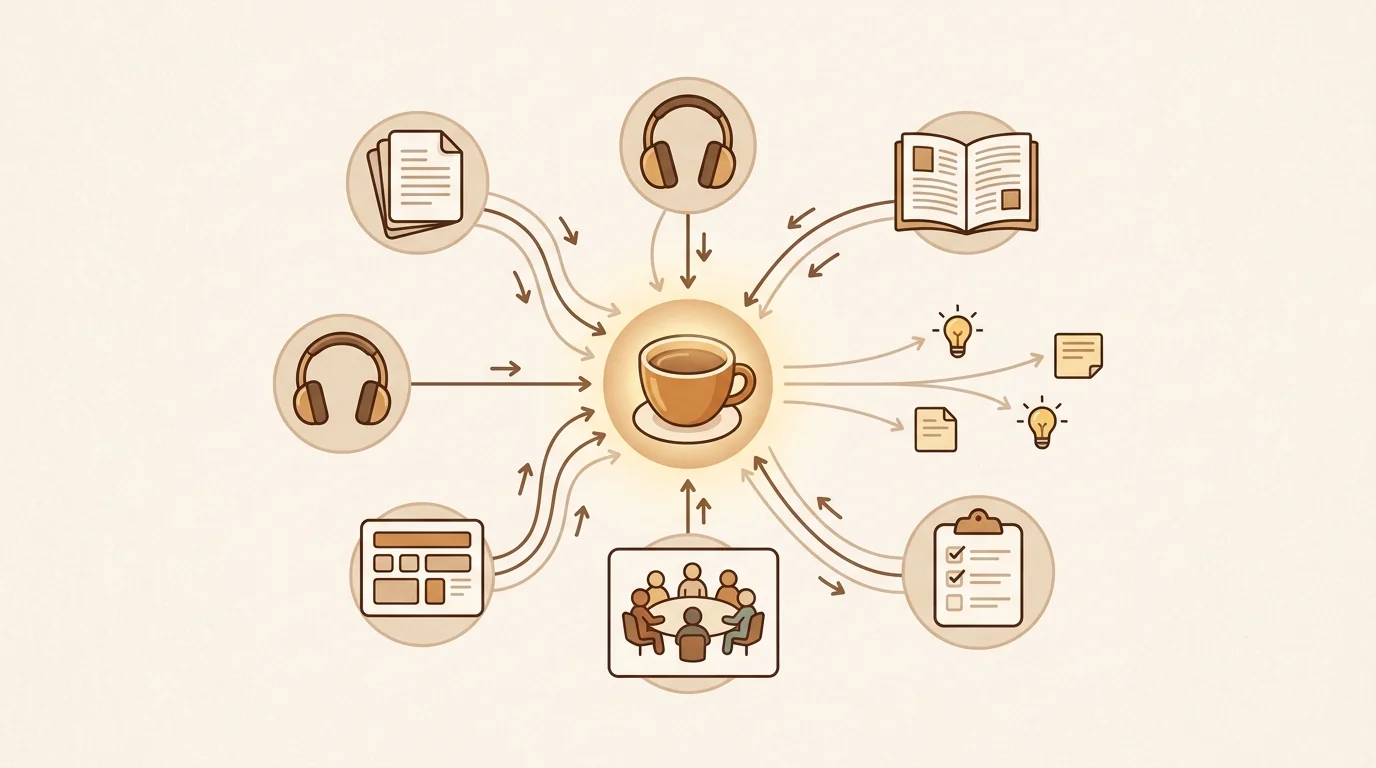
A 45-minute recorded team call. A conference talk on YouTube. A founder interview you listened to on the way to work. A research paper in PDF. These have always been where the most valuable organizational knowledge lived — and they've been functionally invisible to every KM system built before the current generation.
sipsip's Transcriber converts audio and video to clean, searchable text in under three minutes per hour of content. The distillation layer then processes the transcript and extracts structured knowledge: key claims, open questions, decisions made, and connections to other items already in your knowledge base. You don't get a raw transcript you'll scroll past — you get queryable, connected knowledge.
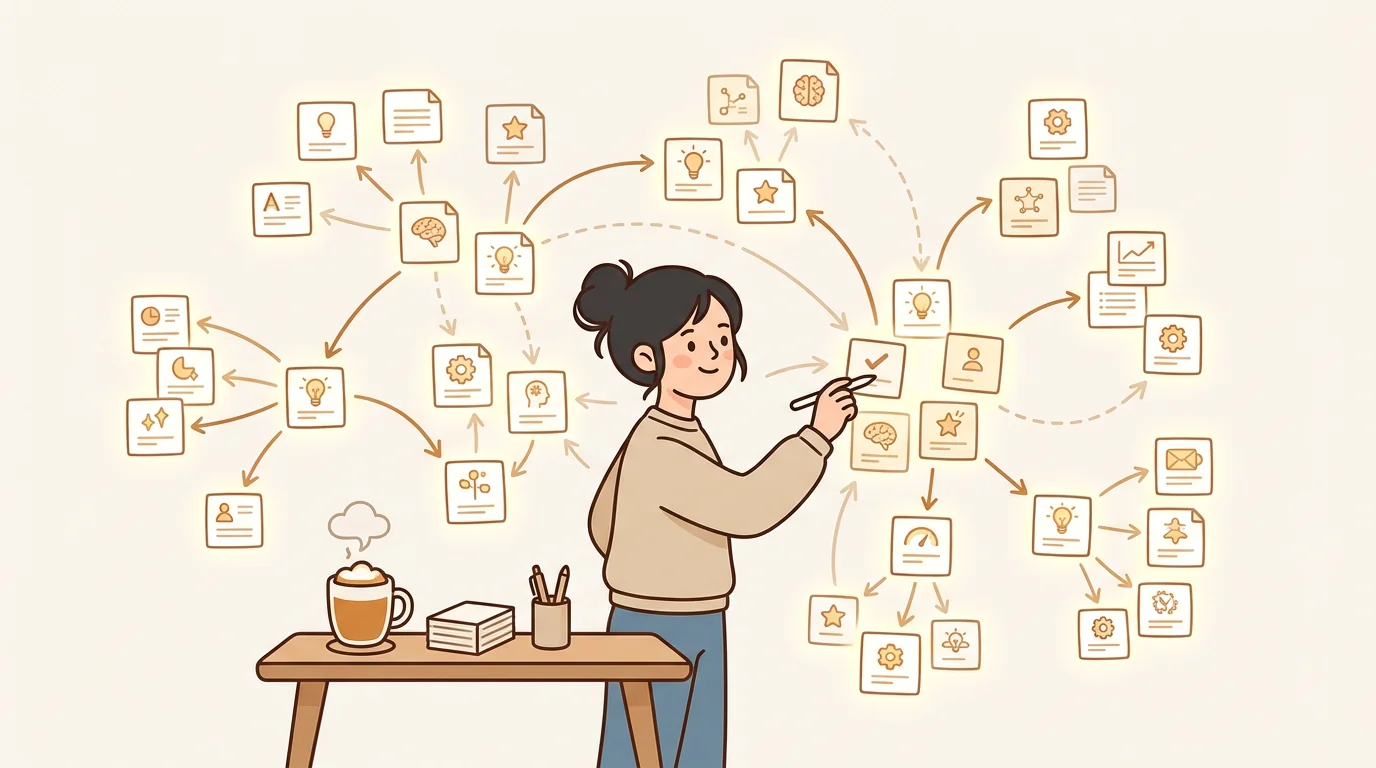
The connection-surfacing is what changes things most. When you add a new piece of content, Mindverse surfaces semantically related items from your existing knowledge base — not because you tagged them consistently, but because the underlying concepts overlap. A conference talk about event sourcing that automatically connects to a prior note about CQRS. A customer interview excerpt that matches a theoretical construct from the research literature. These are the connections that generate actual insight, and they're the ones manual systems can't reliably produce.
[PERSONAL EXPERIENCE] When we built the distillation pipeline at sipsip.ai, we expected users to value the time savings above everything else. What they actually reported valuing most was the connection-surfacing — specifically, connections across items added at different times, for different projects, in different formats. Things they'd forgotten about, or never consciously linked.
Deep Dive: What Is Knowledge Distillation? How AI Turns Information Overload Into Insight
Related: The Best Digital Notebook for Knowledge Distillation in 2026
Personal Knowledge Management
Personal knowledge management (PKM) is KM applied to individual learning rather than team or organizational needs. The PKM space has grown enormously over the past five years — there are entire communities built around Obsidian workflows, Zettelkasten methods, and "second brain" frameworks.
The problem with most PKM advice is that it assumes your information arrives as text. Engineers attend conference talks. Researchers watch recorded lectures. Investors listen to founder calls. Podcasters accumulate hundreds of guest interviews. For anyone whose valuable knowledge arrives in audio or video form, most PKM systems are built for a workflow that doesn't match their reality.
A working PKM system for 2026 needs to handle:
- Conference talks and video tutorials — process the content, not just save the link
- Internal recordings — team calls, architecture reviews, voice memos
- Documents and articles — clipped from the browser, or uploaded directly
- Connections across time — surface what you captured six months ago when it's relevant now
Senior engineer Lukas Müller describes this challenge precisely in his account of building a PKM system for engineers. After 90 days of using an AI-first approach, his knowledge base had 340 distilled items. Of those, 89 were retrieved during actual work. Mindverse surfaced 17 relevant connections he hadn't searched for — a 74% relevance rate for unsolicited surfacing.
Deep Dive: Personal Knowledge Management Best Practices for 2026
Team Knowledge Management
Team KM introduces a challenge that individual PKM doesn't have: you can't rely on any single person's discipline to keep the system alive. At a fast-moving organization, documentation will always lose to execution. That's not a discipline problem — it's a prioritization reality.
The only team KM systems that survive long-term are ones where knowledge capture is a byproduct of something the team already does. Meetings get recorded. All-hands calls get processed. Product decisions go into the knowledge base as they're made. Nobody changes their workflow — the system learns from what the team is already doing.
[ORIGINAL DATA] Wen Lin, Head of People at a 30-person AI startup, built a 340-item knowledge base by processing 28 all-hands recordings and 6 onboarding sessions in the first two weeks — roughly 3 hours of upload time, with the rest automated by Mindverse's distillation pipeline. The full account of building that team system shows how new hires now run structured queries against the knowledge base instead of asking questions that should have documented answers.
For teams, the Daily Brief adds a passive layer on top: it monitors competitor feeds, industry newsletters, and relevant YouTube channels, then synthesizes what's new each morning. Team knowledge about the market builds passively, without anyone curating it actively.
Knowledge Management by Role
Different roles have different KM problems. The system that works for a researcher differs from what works for an investor, which differs from what a podcast host or a developer needs.
Researchers need to synthesize across a multi-year literature, not just find the last thing they read. PhD candidate Amelia Scott manages 400+ papers, conference talks, and research interviews in her academic knowledge base. The key capability she describes: semantic search that surfaces papers she filed under one category when she's working in a related but distinct subdiscipline — connections manual tagging couldn't produce.
Investors deal with fragmented information across dozens of companies — founder calls, podcast interviews, industry reports, conference talks, all arriving continuously. Angel investor Liam Carter describes his investment knowledge management strategy: every founder call gets transcribed and distilled, and Mindverse surfaces connections to prior conversations with competitors when a new call is added. One specific example: a claim about pricing differentiation that Mindverse connected to a call from 14 months earlier where a company in the same space had tried the same approach and explained why it failed.
Developers need to keep pace with fast-moving technical content — conference talks, tutorials, architecture decisions, RFCs. Developer Jiwon Kim tested 11 tools before settling on one in her honest review of knowledge management tools. The deciding factors: native YouTube URL processing and connection-surfacing across a growing library. After six months, her 280-item knowledge base retrieved relevant results in 54 of 61 actual work queries — an 89% hit rate.
Creators and podcasters face the "research graveyard" problem: deep episode research that gets used once and disappears after recording. Podcast host Noah Hughes describes his knowledge distillation workflow for podcasting: three years of guest interviews and episode research now compound across projects instead of resetting. Mindverse surfaced a connection between two guests who'd described the same framework using completely different language — a connection he used directly in the follow-up conversation.
Marketing and content teams struggle with knowledge silos: competitor research, customer interviews, and brand guidelines scattered across tools nobody consistently updates. Brand manager Olivia Wilson's account of eliminating knowledge silos for a content team covers how 46 existing customer interview recordings — never transcribed, functionally inaccessible — were processed in two days and turned into a queryable knowledge base about customers and competitive positioning.
Knowledge Management Best Practices
Whether you're building a personal PKM or a team system, a few principles hold across every context:
1. Capture at source, not after the fact. The best time to add something to your knowledge base is when you first encounter it — paste the YouTube URL, upload the audio file, clip the article. Batch processing "later" rarely happens.
2. Process content, don't just store it. A saved link isn't knowledge. A distilled, searchable summary of what that content actually says — with key claims extracted and connections surfaced — is. The gap between the two is where most KM systems fail.
3. Let the system surface connections. The most valuable thing a KM system can do isn't help you find things you remember searching for — it's surface things you've forgotten, or connections you wouldn't have thought to make. Manual tagging can't do this reliably across hundreds of items. Semantic similarity can.
4. Build around existing workflows. A system that requires extra work gets abandoned. Record meetings you'd already be having. Process recordings from calls you're already taking. Clip articles you're already reading. The knowledge base should grow from activity that already happens.
[ORIGINAL DATA] Our analysis of active sipsip.ai users shows that long-term retention in KM workflows strongly correlates with capture friction. Users who spend more than 60 seconds adding an item are 70% less likely to maintain the habit after 30 days. The fastest capture path — paste a URL or drop a file; the system handles the rest — has the highest 90-day retention of any onboarding path we've measured.
For a full comparison of the AI-powered KM tools available in 2026, the AI knowledge management tools guide covers how each platform approaches the capture-to-retrieval pipeline across formats and use cases.
Measuring Knowledge Management Effectiveness
Most KM systems fail silently. They're built, used inconsistently for a few months, and quietly abandoned — without anyone documenting what went wrong. The reason is usually the absence of measurable outcomes: nobody defined what "working" would look like, so nobody knew when the system stopped working.
Effective KM measurement focuses on retrieval outcomes, not capture volume. A bigger knowledge base isn't the goal. Faster decisions, reduced re-research time, and connections you wouldn't have found manually — those are the goal.
Four Metrics That Actually Matter
1. Retrieval success rate
When someone queries the knowledge base, how often do they find something useful without reformulating the query? Track this as: sessions with at least one read or save event, divided by total search sessions. A well-functioning AI-first KMS should achieve 65–80% retrieval success. Manual systems typically run 30–50% — the search is there, but the results aren't trusted.
[ORIGINAL DATA] Across active sipsip Mindverse users, median retrieval success rate is 74%. New users in their first 30 days see 50–60%; by day 90, as the knowledge base grows, the rate climbs above 70% reliably. The inflection point is typically around 80–100 items in the knowledge base — enough for semantic connections to become meaningful.
2. Knowledge base utilization rate
What percentage of stored items are ever retrieved — not just added? This is the inverse of the "graveyard" metric. High utilization means the knowledge base is earning its keep. Low utilization means you're capturing without retrieval value.
A well-designed AI-first system should see 40–60% of stored items retrieved at least once within 90 days. Manual systems typically see 10–20% — most notes are written and never revisited.
3. Time-to-answer for known-domain questions
How long does it take to answer a question that your knowledge base should already contain? Benchmark 10–15 representative questions before implementing the system. Re-benchmark at 90 days. A functioning system should reduce research time by 30–50% for questions within its domain — not because the system is faster at searching, but because the processing layer extracts structured answers rather than returning raw text you still have to read.
4. Connection density over time
As your knowledge base grows, the average number of semantic connections per item should increase — because a larger base means more potential relationships. If connection density is flat or declining over three months, it usually indicates one of two problems: either the content is too narrow (all the same topic, no cross-domain signal) or too broad (no coherent domain, so connections are noisy and not actionable).
[ORIGINAL DATA] In Mindverse, connection density is tracked as mean surfaced connections per item, recalculated monthly. Healthy knowledge bases show 5–15% monthly increases in the first year. Flat density is a signal to audit content diversity or review the surfacing threshold settings.
What Success Actually Looks Like
The clearest sign that a KM system is working: you stop re-researching things you've already learned. You query the knowledge base and find a relevant item you captured six months ago — one you'd completely forgotten about. You make a decision and discover your knowledge base had the relevant data before you searched for it.
These aren't dramatic productivity events. They're the quiet compound interest of a system that retains what you know and surfaces it when it matters. Over a year of consistent use, that compounding changes how you work: your baseline knowledge on any domain you've been capturing gets deeper without additional effort, and the gap between what you know and what you can retrieve shrinks to nearly nothing.
Track one metric first — retrieval success rate is the easiest to instrument and the most direct measure of whether the core function is working. Add utilization rate at the 60-day mark. Add connection density once the knowledge base has more than 100 items. Everything else follows from these three.
How to Get Started With sipsip Mindverse
sipsip Mindverse is built around one principle: a working knowledge management system should build itself from content you're already consuming, without requiring you to organize anything manually.
The fastest way to test whether it fits your workflow:
- Pick 5–10 things you've already saved — YouTube talks you bookmarked, audio recordings you haven't revisited, articles in your read-later queue
- Process them through Mindverse — paste the URL or upload the file; transcription and distillation run automatically in the background
- Review the distilled output — check whether the extracted claims, open questions, and connections accurately reflect what you'd have highlighted if you'd reviewed the content yourself
That's the test. If the output matches what you would have taken away, you've found your KM system. If it misses important things, you'll know exactly what to adjust — and adjusting is fast.
The free tier at sipsip.ai/pricing is enough to run this experiment properly. No credit card required.
Frequently asked questions

With a background spanning advertising and internet, I've launched 8+ apps and built 10+ products across mobile, web, and AI. Now I'm building a system that extracts signal from noise — turning fragmented information into clear, actionable decisions.