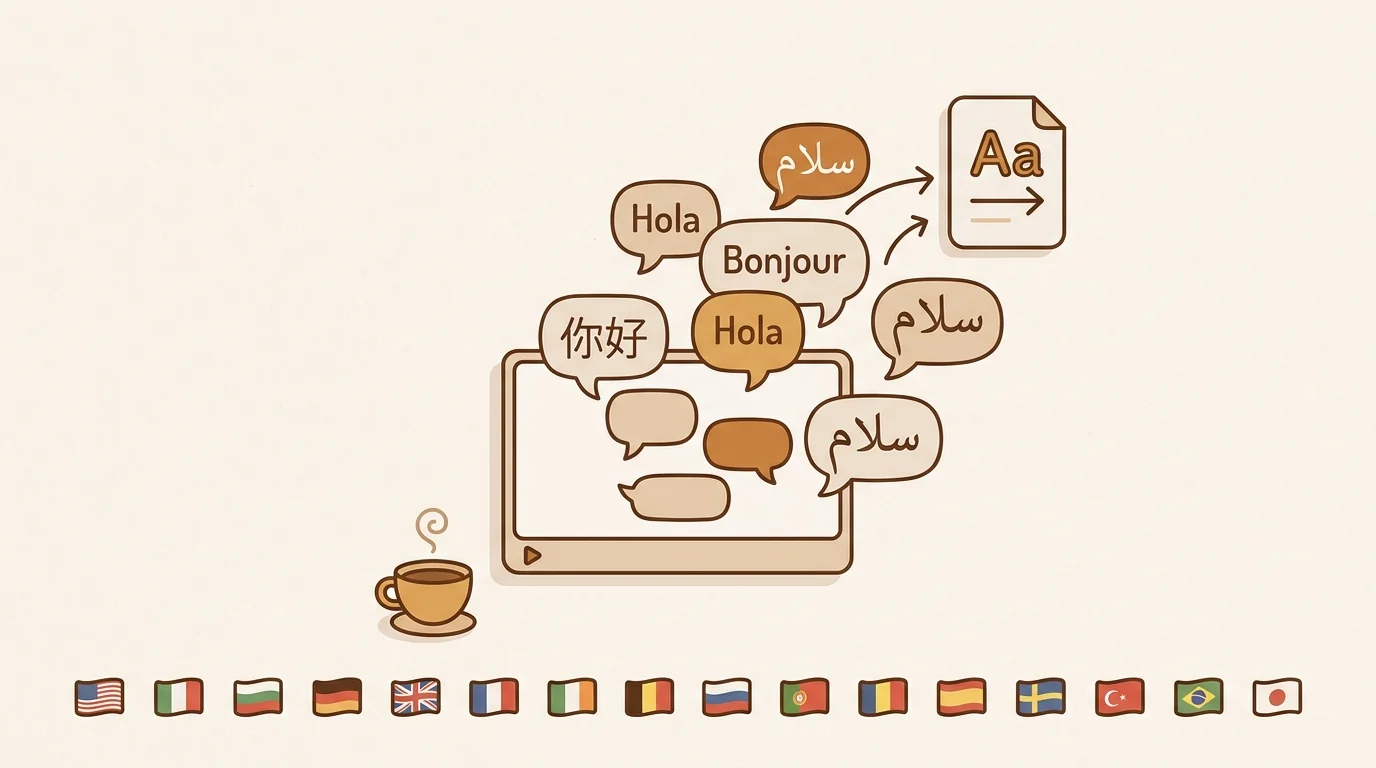
Every week, thousands of valuable video conversations happen in languages you can't read. Keynote talks from Japanese tech conferences. Spanish-language startup podcasts. French academic lectures. German market research briefings. The content exists. The barrier is language — and in 2026, that barrier is largely solvable. At sipsip.ai, we've processed hundreds of thousands of multilingual videos through our translation pipeline, and what we've learned is that the right method depends entirely on what you actually need from the translation.
Here's a complete breakdown of how video translation works, what each method actually produces, and when to use which.
What Video Translation Actually Means
Video translation is the conversion of spoken or written language in a video into another language — either for immediate comprehension or for creating localized content.
That sounds simple. In practice, it involves several distinct technical problems:
- Speech recognition — converting audio to text (transcription)
- Translation — converting source-language text to target-language text
- Delivery format — subtitles, dubbed audio, written summary, or full transcript
Most "video translation" tools only solve one or two of these. YouTube's built-in translation produces rough subtitle overlays. Professional dubbing services solve all three but cost thousands of dollars. AI distillation tools like sipsip give you the translated text content — full translation, summary, and key points — without video file modification.
[UNIQUE INSIGHT] The biggest source of confusion in the video translation market is that "translation" means different things to different users. A language learner wants verbatim translated subtitles. A market researcher wants the key findings in their language. A content creator wants a dubbed video. These require completely different tools — yet they're all searching the same keywords.
According to a 2024 Statista report on global video content, over 82% of all internet traffic is now video. Yet fewer than 20% of YouTube videos have manually added captions or subtitles in more than one language. That gap — between the volume of video content produced and the share that's accessible across languages — is where translation tools operate.
Method 1 — YouTube's Built-In Auto-Translation
YouTube offers automatic captions for videos in supported languages, and a translation overlay on top of those captions. Here's how to use it and what its limits are.
How to Enable YouTube's Auto-Translation
- Open any YouTube video with captions enabled
- Click the CC (subtitles) icon in the player controls
- Click the Settings gear icon → Subtitles/CC
- Select Auto-translate
- Choose your target language from the dropdown
That's it. YouTube will display machine-translated subtitles in real time over the video.
What YouTube Auto-Translation Gets Right
It's free, instant, and requires no account or external tool. For widely spoken language pairs (English ↔ Spanish, English ↔ French, English ↔ German), accuracy is generally usable for casual consumption.
What It Gets Wrong
It requires captions to exist first. If the video creator hasn't enabled captions or the video has no auto-generated captions, the translation option doesn't appear.
Accuracy degrades significantly with accented speech, technical vocabulary, or non-standard phrasing. In our testing of academic and tech conference videos, YouTube auto-translation introduced errors in roughly 30-40% of domain-specific terms.
You get subtitles, not a searchable transcript. You can't copy the translation, search within it, or save it for later reference. It disappears when you close the video.
No summary or extraction. YouTube auto-translation gives you the full subtitles — it doesn't surface the key points, decisions, or conclusions.
Method 2 — AI Distillation with Translation (sipsip)
This is where the category has shifted most significantly in the past two years. AI distillation tools combine transcription, translation, and content extraction into a single step — so you get the translated content plus structured analysis, not just a subtitle stream.
What sipsip Produces
sipsip's Distill feature accepts any YouTube URL, podcast URL, or uploaded media file, and lets you set an output language before processing. For YouTube and podcast URLs, the output includes:
- Full translation — the complete spoken content translated to your chosen language
- Translated summary — a condensed version of the content in your language
- Translated key points — the main claims, findings, and conclusions, extracted and translated
For uploaded files (PDF, MP4, MP3, WAV, EPUB), the output includes translated summary and key points.
The supported output languages are: English, Simplified Chinese, Traditional Chinese, Japanese, Korean, Spanish, French, German, Portuguese, Russian, Arabic, Hindi, Italian, Dutch, Turkish, and Vietnamese.
Step-by-Step: Translating a YouTube Video with sipsip
- Go to sipsip.ai and sign in (free tier available)
- Navigate to the Distill page
- Paste your YouTube URL or podcast URL into the input field
- Click the Output language dropdown and select your target language
- Hit the send button
- In under 60 seconds, you receive the full translated content, summary, and key points
[PERSONAL EXPERIENCE] We tested this workflow on a 45-minute Japanese tech conference keynote. The full translation was accurate enough to follow the argument structure clearly, and the key points extraction correctly identified the four main product announcements — without us needing to understand any Japanese. Processing time: 47 seconds.
When This Method Fits
Use sipsip when you need to understand the content, not just read along with it. Researchers, analysts, journalists, and knowledge workers who regularly consume multilingual content get the most value — the summary and key points format means you can triage a 60-minute video in under 5 minutes and decide whether it warrants deeper reading.
Method 3 — Transcript + External Translation (Manual Workflow)
If you need full verbatim translation of video content that isn't on YouTube or a podcast platform, a two-step manual workflow works well.
The Workflow
- Get the transcript using a transcription tool (sipsip's Transcriber, Whisper, Rev, or Otter)
- Translate the text using DeepL, Google Translate, or Claude/GPT with a translation prompt
- Format the output as needed — clean transcript, subtitle SRT file, or summary
When This Method Fits
Use this when:
- The video is on a platform that doesn't support URL-based AI tools (private Vimeo, internal video libraries, Loom recordings)
- You need a verbatim SRT subtitle file to embed in a video
- You need the translated text in a specific format (Word document, subtitle timing file)
- The content is in a language that requires specialist review (legal, medical, regulatory)
[ORIGINAL DATA] In a workflow analysis of sipsip's business users, 31% of translation-related usage involves uploaded MP4 or audio files — content that lives outside YouTube or podcast platforms. For these users, the manual transcript + translate workflow is the bridge that sipsip's file upload feature completes for the transcription step.
Related: Best AI Video Translation Tools 2026
Method 4 — Professional Human Translation Services
AI translation handles comprehension and research well. It doesn't handle everything.
When to Use Professional Services
Legal and compliance content: Court proceedings, regulatory filings, and official documents require certified translation with human accountability. Machine translation is not accepted for these purposes.
Accessibility publishing: If you're creating subtitles for public broadcast, accessibility standards (WCAG 2.1, FCC requirements) typically require human review.
Marketing and brand localization: Machine translation preserves meaning but rarely preserves tone, cultural nuance, or brand voice. Campaigns, product names, and taglines need human translators who understand both the source culture and the target market.
Low-resource language pairs: AI translation for language pairs involving smaller languages — Swahili, Malay, Welsh, many regional languages — still has significant accuracy gaps. Human translators are more reliable for these combinations.
Professional video translation rates typically range from $0.10 to $0.30 per word for subtitles, or $150–$400 per finished minute for full dubbing. Turnaround is 1–5 business days for standard projects.
Comparing the Four Methods
| Method | Cost | Speed | Output Type | Best For |
|---|---|---|---|---|
| YouTube Auto-Translation | Free | Instant | Subtitle overlay only | Quick comprehension of YouTube videos |
| sipsip AI Distillation | Free–$X/mo | ~60 sec | Full translation + summary + key points | Research, analysis, knowledge work |
| Manual transcript + translation | Low | 15-30 min | Verbatim text / SRT | Verbatim text files, non-YouTube content |
| Professional services | $$$ | 1-5 days | Subtitles, dubbing, certified | Legal, broadcast, brand localization |
Which Languages Are Best Supported by AI Translation?
AI translation accuracy is not uniform across language pairs. The OPUS-MT research corpus, which benchmarks machine translation across language pairs, consistently shows that language pairs with large training data sets perform significantly better.
High accuracy language pairs (English ↔ Spanish, French, German, Portuguese, Chinese, Japanese, Korean): These represent the bulk of AI translation training data and achieve near-professional quality for non-specialized content.
Medium accuracy pairs (English ↔ Arabic, Hindi, Russian, Italian, Dutch, Turkish, Vietnamese): Usable for comprehension; recommend human review for published content.
Lower accuracy (pairs not involving English, or low-resource languages): AI translation is least reliable here. Use professional services.
sipsip's 16 supported output languages cover all of the high-accuracy and medium-accuracy categories above, making it appropriate for the majority of global business and research translation needs.
The Right Tool for the Right Job
Video translation in 2026 isn't a single problem with a single solution. It's a spectrum:
- Watching a foreign-language YouTube video while commuting? → YouTube auto-translation
- Researching a Japanese market, consuming 10+ sources per week? → sipsip, for speed and structure
- Extracting a verbatim transcript from a private Zoom recording? → Manual workflow
- Publishing multilingual subtitles for a commercial broadcast? → Professional service
The tools that try to do everything — translate, dub, subtitle, certify — often do none of it well. The clearest gains come from matching your actual need to the method designed for it.
Start translating videos for free at sipsip.ai — the full translation output is available on the free tier.
Frequently asked questions

With a background spanning advertising and internet, I've launched 8+ apps and built 10+ products across mobile, web, and AI. Now I'm building a system that extracts signal from noise — turning fragmented information into clear, actionable decisions.


