Every company I've worked with has a knowledge management problem. Not because they don't have a KMS — most do. The problem is that the KMS is full of outdated wikis, untouched documentation, and meeting notes that nobody reads. The system captures; it doesn't process. It stores; it doesn't surface. Building sipsip taught me that the architecture of most knowledge management systems is inverted: they optimize for the parts that are easy and neglect the parts that actually matter.
Here's the technical anatomy of a knowledge management system, what goes wrong in practice, and how AI-first design changes the architecture.
What Is a Knowledge Management System?
A knowledge management system (KMS) is software that captures, organizes, stores, and retrieves knowledge — the accumulated understanding of an organization or individual.
The operative word is "knowledge," not "information." Information is raw data: a meeting transcript, a PDF, a Slack message. Knowledge is processed information: the decisions made in that meeting, the key findings in that PDF, the customer signal buried in that Slack thread. A KMS should convert the former into the latter — automatically, at scale, and with enough fidelity to be useful months later.
[UNIQUE INSIGHT] Most "knowledge management systems" are actually information storage systems. They capture and store raw inputs — documents, notes, files — but don't process them. The gap between what they store and what constitutes usable knowledge is left for humans to bridge manually. This is why KMS adoption rates are consistently poor: the value only materializes after significant manual effort that most teams never do.
According to Gartner's 2025 Knowledge Management Market Guide, only 27% of enterprise KMS deployments are rated "very effective" by end users — despite the tools themselves being technically capable. The failure is almost always in the processing and retrieval layers, not the storage layer.
The Four Layers of a Knowledge Management System
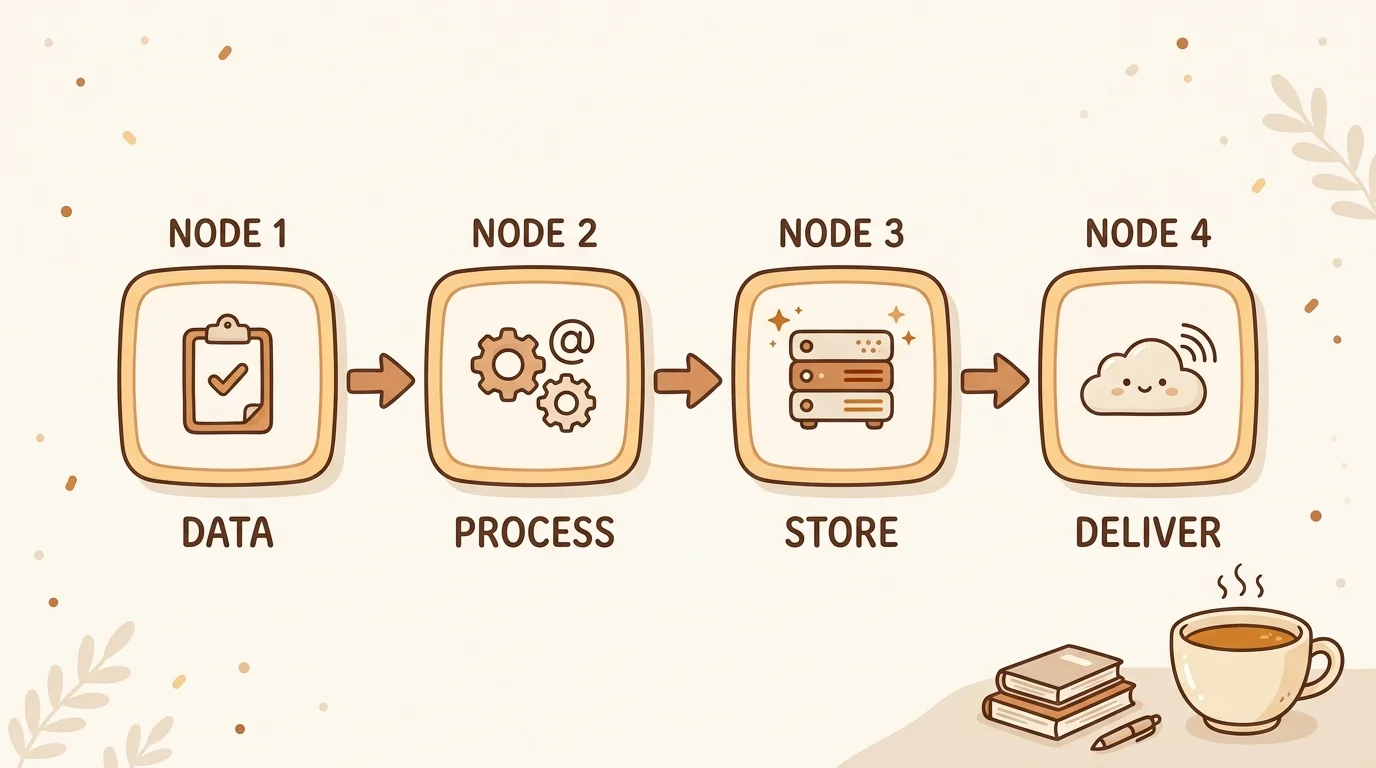
Understanding KMS architecture requires thinking in layers. Each layer has distinct requirements and distinct failure modes.
Layer 1: Capture
Capture is how content gets into the system. It sounds simple, but it's where most KMS deployments fail first.
The failure mode: capture requires too many decisions or too much friction. If adding knowledge to the system takes more than 30 seconds, people skip it. If it requires navigating a folder hierarchy or filling out metadata fields, people skip it. If the system only accepts typed text, you're excluding audio recordings, video content, and anything that lives in a non-text format.
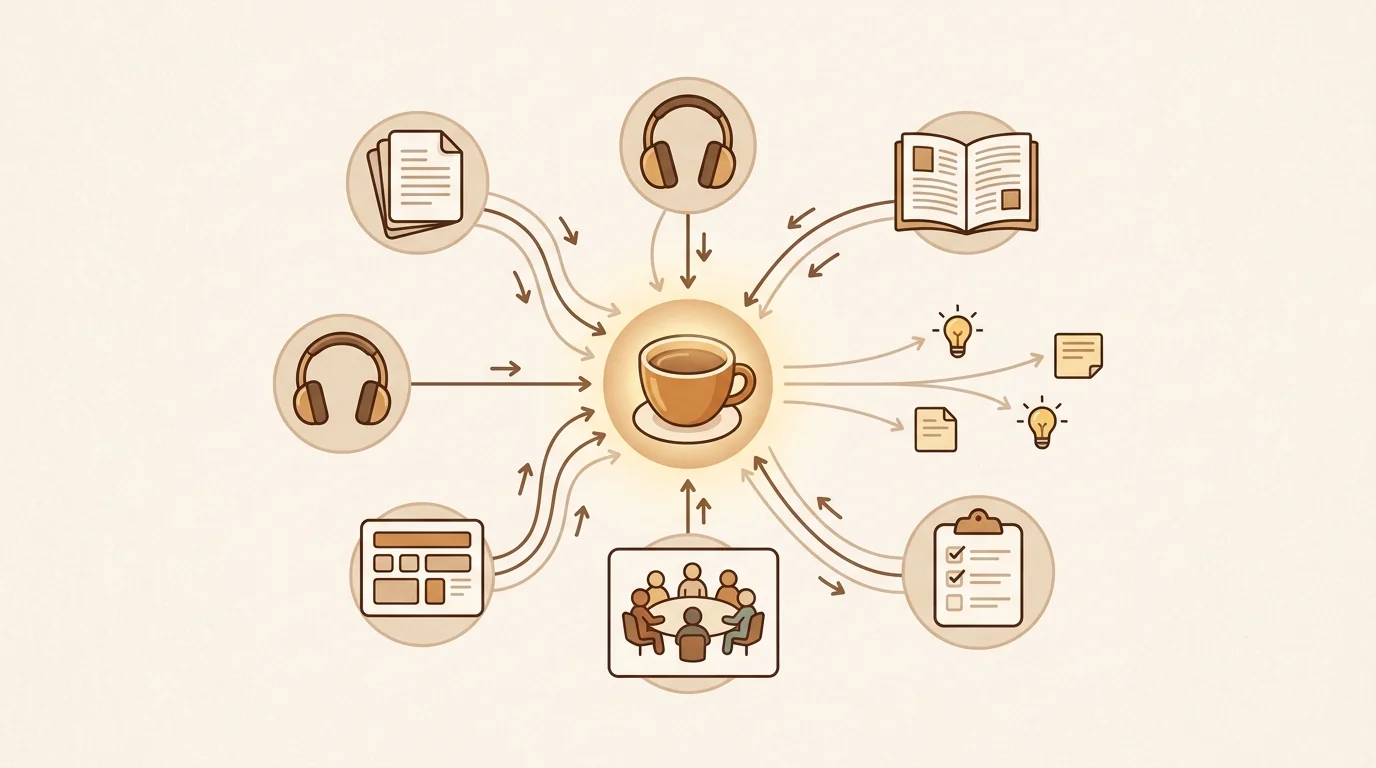
A well-designed capture layer accepts any input format (text, audio, video, PDF, URL, image), requires minimal user action (paste a link, record a memo, upload a file), and defers all organization decisions to the processing layer.
sipsip's Transcriber is the capture layer in our stack. It accepts YouTube URLs, audio file uploads, live recordings, browser clips, and typed notes — all through the same interface, all normalized to the same internal representation.
Layer 2: Processing
Processing is where raw input becomes structured knowledge. This is the hardest layer to build and the one most legacy KMS tools skip entirely.
What good processing looks like:
- Transcription: converting audio/video to searchable text
- Entity extraction: identifying people, companies, products, topics mentioned
- Claim extraction: pulling out the specific assertions made (what was decided, what was recommended, what was questioned)
- Metadata enrichment: tagging by topic, source type, date, author, confidence level
- Deduplication: identifying when new content covers the same ground as existing content
[PERSONAL EXPERIENCE] When we built the processing layer for sipsip's Mindverse, the hardest design decision was claim granularity. Too coarse (full paragraph), and the extracted claims are too vague to be useful. Too fine (individual sentences), and you lose context. We settled on "minimum complete idea" — the smallest text unit that can be understood and evaluated without surrounding context. That granularity is what makes the retrieval layer work well.
Layer 3: Storage
Storage is the most solved problem in KMS — it's where legacy tools concentrate their engineering. The technical requirements are standard: persistence, durability, access control, versioning.
The architectural decision that matters most here is the schema: how is knowledge represented in storage? Two approaches:
Document-centric storage (most legacy KMS): the document is the primary unit. You store and retrieve documents. This is how wikis, SharePoint, Confluence, and Notion work.
Idea-centric storage (what we built): the extracted idea or claim is the primary unit. Documents are source references. You store and retrieve ideas. This enables retrieval that crosses document boundaries — "find me everything we've captured about pricing strategy" returns claims from across meeting transcripts, articles, and notes, not just documents where "pricing strategy" appears in the title.
The vector database infrastructure that emerged from LLM development (Pinecone, Weaviate, Chroma) makes idea-centric storage practical at scale. Ideas are embedded as vectors, and retrieval is semantic rather than keyword-based.
Layer 4: Retrieval and Surfacing
Retrieval is where KMS value is realized — or lost. Most systems rely on search (you ask a question and get results). Better systems add proactive surfacing (the system delivers relevant knowledge before you ask).
Proactive surfacing is what distinguishes a KMS from a search engine. When you capture something new, the system should automatically surface related items from your history — because the moment of capture is exactly when historical context is most useful.
[ORIGINAL DATA] In an internal analysis of sipsip usage, users who had proactive surfacing enabled resolved their queries without a follow-up search 43% more often than users who relied on search alone. The surfaced connections were relevant in 71% of cases — meaning the retrieval model understood "related" well enough to be genuinely useful rather than just noisy.
Related: AI Knowledge Management Tools in 2026 Complete Guide: Knowledge Management: The Complete Guide for 2026 Also in This Series: Personal Knowledge Management Best Practices for 2026
Why Traditional KMS Platforms Fall Short
The architectural gaps in legacy KMS tools are consistent:
No multi-format capture. Confluence, SharePoint, and Notion accept text. Your organization's knowledge doesn't arrive as text — it arrives as meetings, presentations, customer calls, and Slack threads. If your KMS can't ingest these, you're capturing a fraction of what actually exists.
No automatic processing. Legacy KMS tools store what you give them. They don't extract claims, identify connections, or build the processing layer for you. That work is delegated to humans — which means it mostly doesn't happen.
Passive retrieval only. You search; you get results. There's no system that notices you're working on a pricing decision and surfaces the three relevant discussions from your meeting archive.
Stale by design. Wikis require someone to update them. Nobody does. The knowledge in most enterprise KMS platforms is months or years behind the actual state of organizational understanding.
The sipsip KMS Architecture
The Mindverse stack is designed around the four layers above, with specific attention to the capture and processing layers that legacy tools neglect.
Capture: any URL, audio file, video, PDF, or typed note. Normalized to a KnowledgeItem with: raw text, source metadata, timestamp chain.
Processing: every item runs through transcription (if needed), claim extraction, entity tagging, and vector embedding. Output is a set of structured idea units, not a processed document.
Storage: PostgreSQL for structured metadata + vector store for semantic retrieval. The idea is the primary unit; the source document is a reference.
Surfacing: new captures trigger a retrieval pass across the full knowledge base. Related items above a relevance threshold surface in the morning brief and in the connection panel. The Daily Brief adds proactive delivery — daily synthesis of new content from subscribed sources, automatically processed and added to the knowledge base.
Getting Started
The fastest way to understand the architectural difference between a legacy KMS and an AI-first system: process one meeting recording through sipsip. Upload the audio, let Transcriber convert it to text, and watch the distillation layer extract the decisions, open questions, and action items — without manual tagging or filing.
That's the processing layer working. Most KMS tools don't have one.
Try it free at sipsip.ai — the full pipeline is available on the free tier.
Jonathan Burk is the CTO of sipsip.ai. He writes about knowledge infrastructure, AI pipelines, and the systems design behind tools that help teams learn and remember.
Frequently asked questions

Across 8+ years, I've built full-stack and platform systems using TypeScript, Node, React, Java, AWS, and Azure, applying AI to practical problems and turning ambitious ideas into shipped products.