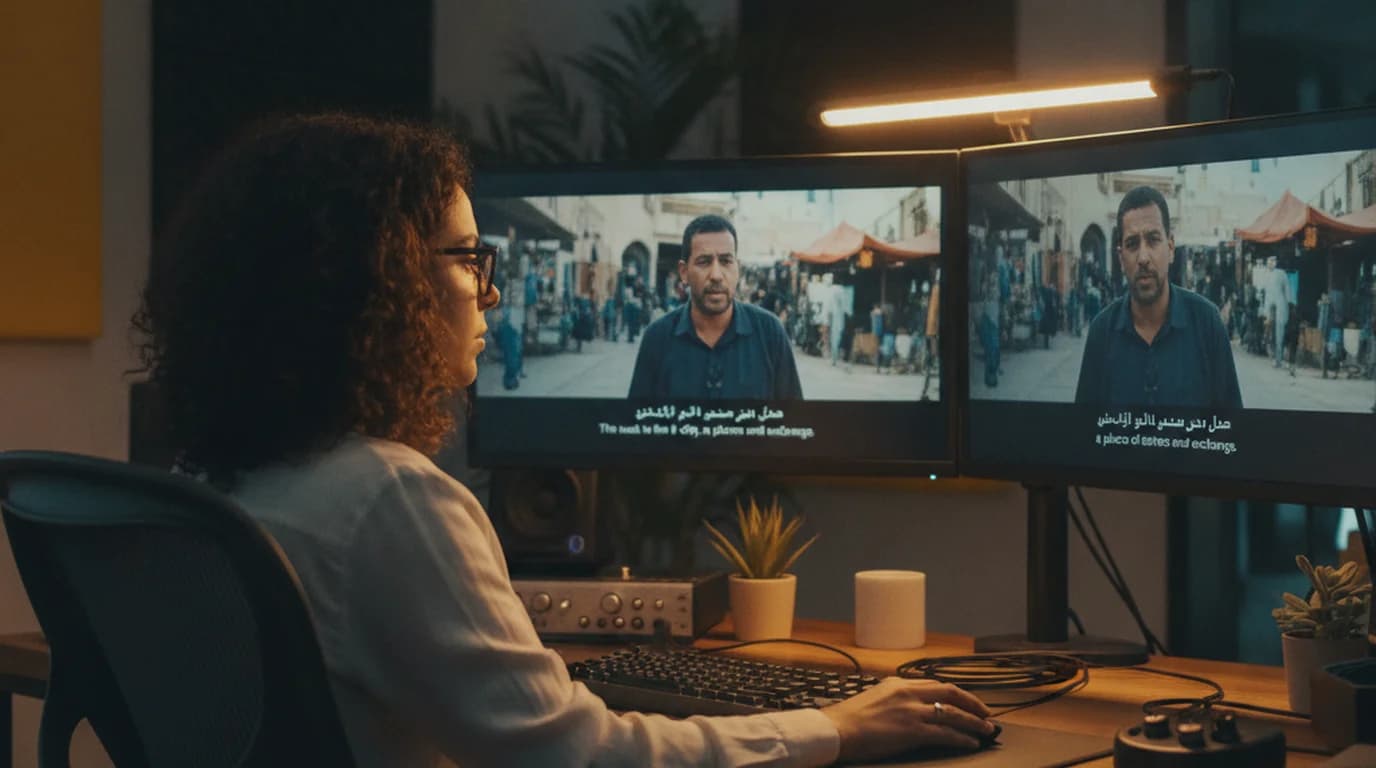
Working on a documentary series that included archival interview footage from Egypt, Lebanon, and the Gulf, I ran into a problem fast: Google Translate's text box doesn't help when you have 40 hours of Arabic video recordings that need English transcripts.
Translating Arabic to English is a different challenge from most other language pairs — not because Arabic is harder to translate, but because "Arabic" is actually a family of languages that happen to share a written standard. Modern Standard Arabic (MSA) and spoken Egyptian dialect share about 70% vocabulary but sound different enough that a model trained on one won't reliably process the other.
To translate Arabic to English: for written text, use DeepL or Google Translate directly. For audio or video, upload to sipsip.ai, select the specific Arabic dialect as the source language, transcribe to text, then translate with DeepL. Specifying the dialect — not just "Arabic" — is the step most guides skip.
The Arabic Language Challenge: MSA vs. Dialects
Before choosing a translation tool, it helps to understand what "Arabic" actually means for machine translation.
Modern Standard Arabic (MSA) — also called Fusha — is the formal written language used in newspapers, official documents, academic writing, Quran recitation, and Al Jazeera-style news broadcasts. It's understood across the Arab world, but nobody grows up speaking it as their first language. Translation tools are trained primarily on MSA.
Spoken dialects are what people actually use in daily life, social media, and informal video content. The major dialect families include:
- Egyptian Arabic — the most widely understood dialect globally due to Egypt's film and TV industry
- Gulf Arabic — spoken across Saudi Arabia, UAE, Kuwait, Qatar, Bahrain
- Levantine Arabic — Syria, Lebanon, Jordan, Palestine
- Moroccan Arabic (Darija) — significantly different from Eastern dialects, mixing in Berber and French elements
For text translation, this distinction matters less — most Arabic writing follows MSA conventions, and tools handle it well. For audio and video translation, dialect selection can be the difference between 90%+ accuracy and unusable output.
Best Tools to Translate Arabic Text to English
For written Arabic text, two tools dominate:
Google Translate handles MSA reliably for most content. It also handles Arabic text mixed with English (code-switching), which is common in Gulf social media and Lebanese written content. The Arabic keyboard input is smooth and it handles right-to-left text rendering correctly in the interface.
DeepL produces more natural English output from Arabic, particularly for longer or more formal content. Its handling of Arabic grammatical structures — including the dual number, broken plurals, and verb-subject-object sentence order — produces fewer awkward phrasings in English. For documents, academic content, or anything that will be published or shared, DeepL's output requires less editing.
According to a 2024 language model evaluation from the ArabicNLP community, DeepL outperforms Google Translate on Arabic-English translation for formal text by a statistically significant margin on BLEU scores, with the gap largest on texts exceeding 500 words.
Tool selection guide:
- Short Arabic text, social media captions, signs: Google Translate
- Formal documents, academic papers, longer articles: DeepL
- Audio and video content: transcribe first (see next section)
How to Translate Arabic Audio and Video to English
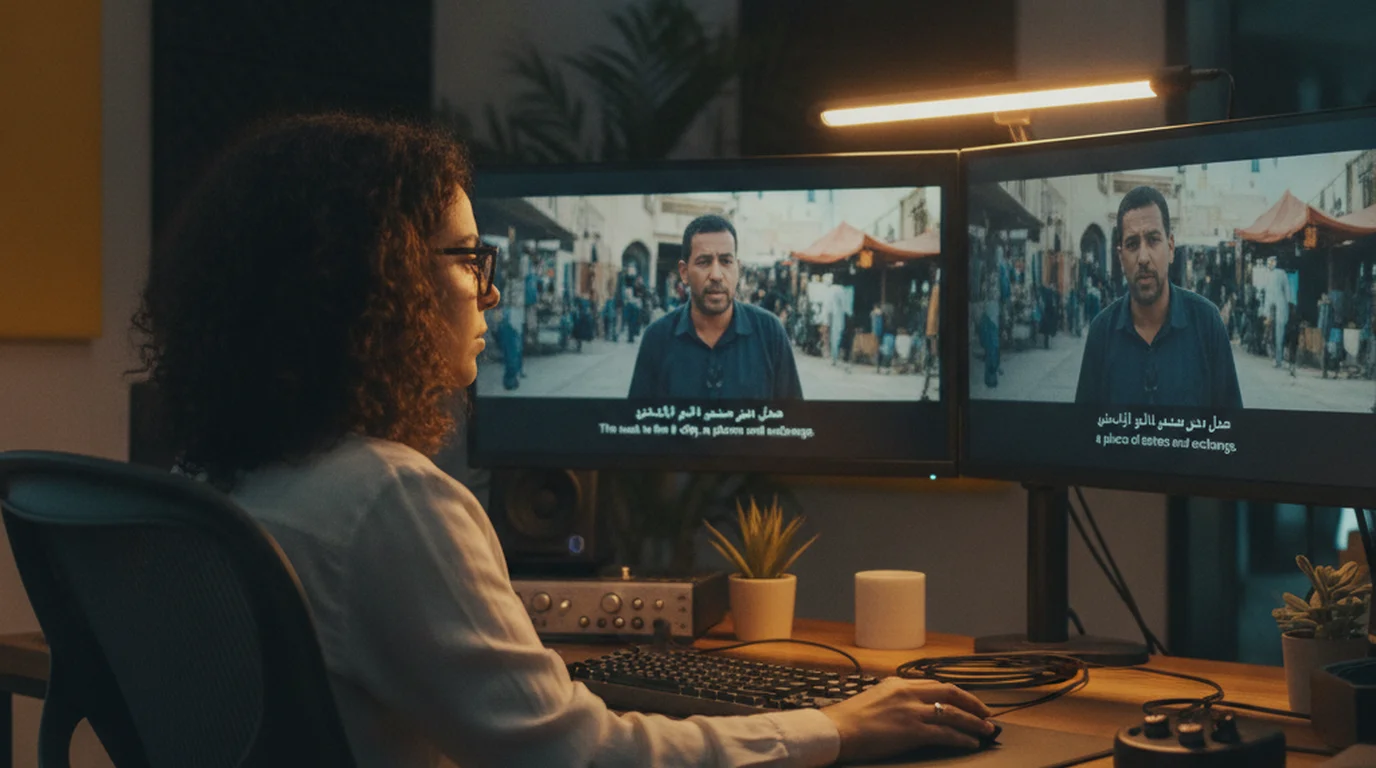
Standard translation tools don't process audio files or video content. For Arabic video — documentary footage, interviews, YouTube content, meeting recordings — the workflow that works is transcribe first, then translate.
Step 1: Upload and select the correct dialect
Upload your audio or video file to sipsip.ai's transcriber. The dialect selection step matters more for Arabic than for almost any other language. Select:
- "Arabic (Modern Standard)" for news broadcasts, formal speeches, Al Jazeera content, Quran recitation
- "Arabic (Egyptian)" for Egyptian films, TV shows, Egyptian YouTube creators
- "Arabic (Gulf)" for content from Saudi Arabia, UAE, Kuwait, Qatar
- "Arabic (Levantine)" for Syrian, Lebanese, Jordanian, Palestinian content
If you're unsure, Egyptian Arabic is the best default after MSA — it's the most widely represented in training data and the most universally understood dialect.
For a 45-minute interview recording in Gulf Arabic, transcription takes approximately 4–5 minutes.
Step 2: Review proper nouns and dialect-specific terms
Arabic proper nouns — names of people, places, and organizations — are the most common source of transcription errors, particularly for names that don't have a standard Arabic script spelling (many Gulf family names, Lebanese place names, Palestinian village names). Scan the transcript for these before translating.
Dialect-specific vocabulary that doesn't exist in MSA may be transcribed phonetically. Flag these for human review after translation.
Step 3: Translate the transcript
Paste the transcript into DeepL and select "Arabic" as the source language. DeepL handles MSA and transcribed dialect text well — dialect vocabulary that made it through transcription intact usually translates correctly in context.
For YouTube videos in Arabic, paste the video URL directly into sipsip.ai. The tool retrieves the audio without requiring a file download.
The video translation guide covers additional considerations for Arabic video, including subtitle timing and right-to-left text rendering for Arabic captions.
How to Translate Arabic Documents to English
For Arabic PDF, Word documents, and other formatted files:
DeepL's document upload handles Arabic Word (.docx) and PDF files up to 5MB on the free tier. It preserves formatting — table layouts, font sizing, numbered lists — which matters for legal documents, academic papers, and reports. Processing a 10-page Arabic document typically takes 30–60 seconds.
Important caveat for Arabic PDFs: many Arabic PDFs are image-based (scanned documents or PDFs exported from design software), particularly older government documents, Arabic-language books, and content from print publishers. DeepL's document upload needs a text layer — it can't process images of Arabic text.
For image-based Arabic PDFs, run OCR first. Adobe Acrobat Pro handles Arabic OCR reliably. Free alternatives include online OCR tools with Arabic language support. Arabic OCR is harder than Latin-script OCR due to connected script and the importance of diacritics (short vowel markings) for accurate reading — expect some errors, particularly on older documents with non-standard fonts.
Challenges Specific to Arabic-English Translation
Connected script and ambiguity: Arabic is written without most vowels in most contexts. This is fine for native readers who infer vowels from context — it creates ambiguity for machine translation, particularly on words that differ only in their vowels. Technical texts with specialized vocabulary and religious texts with specific diacritics are higher risk for this type of error.
Gender and number: Arabic marks grammatical gender on verbs, nouns, and adjectives in ways English doesn't. Machine translation handles this well in most cases, but complex constructions involving mixed gender groups or formal address can produce gendered English that sounds awkward (e.g., "she" where "they" would be more natural in English).
Arabic numerals vs. Eastern Arabic numerals: Standard "Arabic numerals" (1, 2, 3) are used in most formal Arabic text, but Eastern Arabic numerals (٠١٢٣٤٥٦٧٨٩) appear in some contexts, particularly in handwriting, certain publications, and some regions. Both render correctly in DeepL and Google Translate.
Diglossia in social media: Gulf Twitter and Lebanese Instagram often mix MSA, local dialect, English, and French in a single sentence. Machine translation handles this unpredictably — sometimes correctly (when the mix follows recognizable patterns), sometimes not (when dialect vocabulary is unusual or slang-based). For social media translation, treat the output as a draft requiring review.
According to a 2025 study in the International Journal of Applied Linguistics, social media Arabic code-switching remains the weakest category for automated translation across all major MT engines, with accuracy 15–25% lower than equivalent MSA text.
Translating English to Arabic
The reverse direction — English to Arabic — requires one additional consideration: which dialect does your Arabic-speaking audience use?
DeepL outputs MSA by default for Arabic, which is the appropriate register for formal documents, business communication, and content intended for a pan-Arab audience. MSA is universally understood but sounds formal in casual contexts.
Google Translate also defaults to MSA. Neither tool currently offers dialect-specific output for Arabic (unlike for Portuguese or Chinese).
If your target audience communicates in a specific dialect — Egyptian for entertainment content, Gulf for business in the UAE — MSA output will be understood but may feel formal. For localized content, MSA output from machine translation plus a native speaker review is the standard workflow.
For translated subtitles and video content, MSA is the standard even for dialectal source content — it's what broadcasters and streaming platforms use for Arabic captioning.
Conclusion
For Arabic content, the most important decision is always dialect identification before transcription. Getting this right — Egyptian vs. Gulf vs. Levantine — makes the difference between a clean transcript and one that requires significant correction before translation is useful.
For text: DeepL for formal and longer content, Google Translate for quick informal text. For audio and video: sipsip.ai's transcriber with explicit dialect selection, then DeepL for the translation step.
Try sipsip.ai free — no account required for your first file.
Olivia Wilson is a content strategist and video producer who works on documentary and editorial video projects across the Middle East and North Africa. She uses sipsip.ai to transcribe Arabic-language interview footage before translation and review.
Frequently asked questions
I'm a brand and content manager. Our team monitors competitor video output across YouTube and podcast platforms — AI video summaries made that workload manageable.


