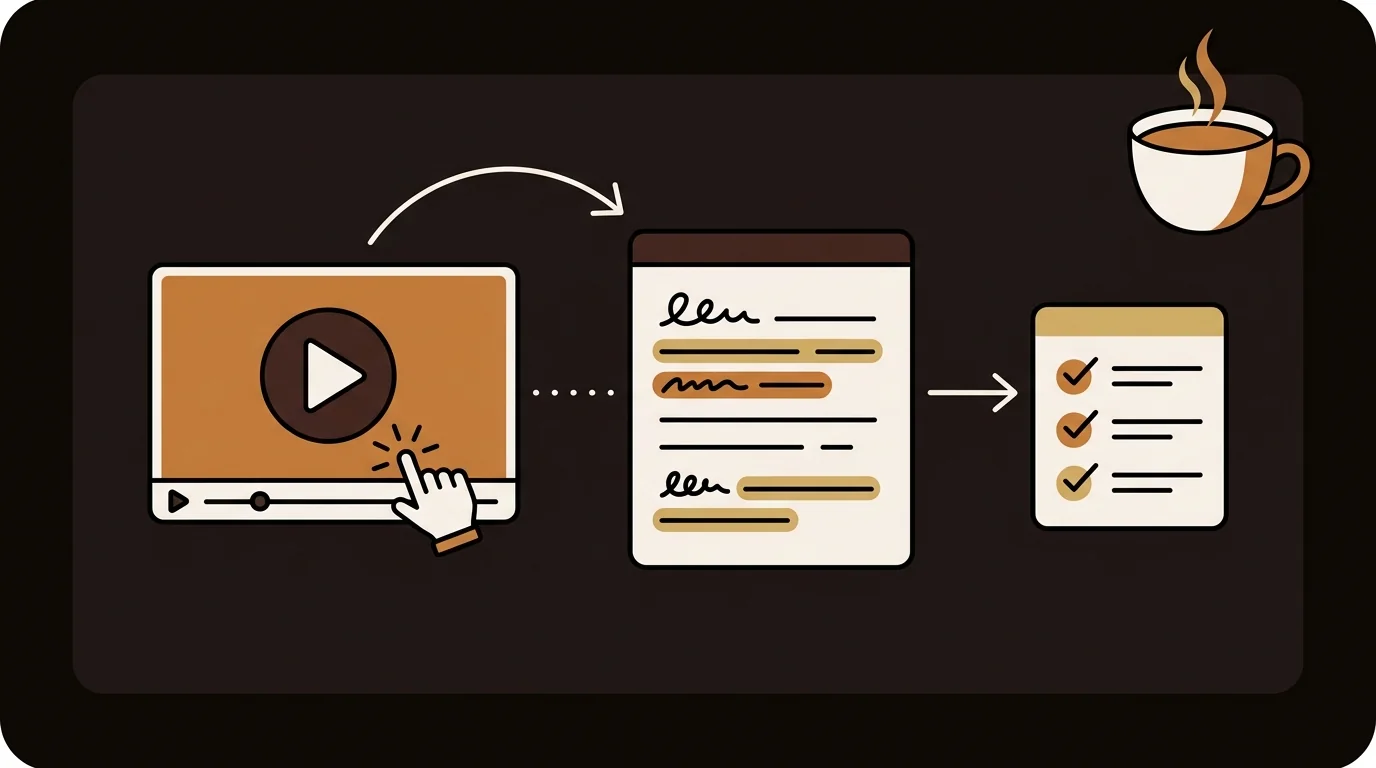
For researchers and academics, YouTube has become a primary source format: conference talks, expert interviews, documentary footage, and primary testimony are increasingly published there first. Extracting that content into citable, searchable, archivable text is now a standard part of the research workflow — but the methods vary significantly in accuracy and suitability for academic use.
What Researchers Need From YouTube Content Extraction
Academic extraction requirements differ from casual use. A researcher needs:
- Accuracy on technical vocabulary — a garbled proper noun or misrecognized technical term carries into your notes and citations
- Timestamped output — citations require a specific location in the source, not just the URL
- Exportable format — the transcript needs to move into reference managers, NVivo, Atlas.ti, or plain text archives
- Verifiability — the extraction method should be documentable in a methods section
A YouTube video encodes information in two tracks: audio (speech, narration) and visual (slides, diagrams, on-screen text). Current AI tools work on the audio track. For most academic content — conference talks, lectures, interviews — 90%+ of the citable content is in speech. Visual-only content (charts not narrated, code not read aloud) requires separate handling.
Method 1: YouTube's Built-In Transcript Panel
YouTube provides a native transcript panel for any video with captions enabled. To access it: click the three-dot menu below the video → 'Show transcript'. You can toggle timestamps on or off and copy the text directly.
Limitations: only works on desktop, only for videos with captions enabled, auto-generated captions have accuracy issues for technical vocabulary, and there's no export option. For a quick check of what's in a video, it works. For systematic extraction, the limitations add up quickly.
Method 2: AI Transcript Extraction Tools
Tools like sipsip.ai's Transcriber extract a clean, accurate transcript by running independent speech recognition on the video's audio — not relying on YouTube's captions. The output is formatted, timestamped text you can copy, search, and export.
- Works on any video with audible speech, regardless of whether captions exist
- Better accuracy than YouTube's auto-generated captions for technical vocabulary and accents
- Timestamped output — click any line to jump to that moment in the video
- Exportable as clean text for use in notes, research, or other tools
Method 3: AI Summarization
If you don't need the full transcript — you need the key points — AI summarization extracts the substance without the verbosity. A summarizer processes the transcript and produces structured output: the main argument, key findings, notable quotes, and actionable takeaways.
For videos you want to review efficiently rather than transcribe in full, summarization is faster and more useful. The sipsip.ai daily brief uses this approach: instead of reading full transcripts, you get a distilled brief of what matters across all the videos you're tracking.
Method 4: Timestamped Search and Navigation
A transcript with timestamps gives you something YouTube's native search doesn't: the ability to search inside a video's content and jump to the exact moment a topic is discussed. This is useful for long-form content where you know a specific topic was covered but not when.
In sipsip.ai, the transcript viewer lets you click any sentence to seek to that position in the video. A 3-hour conference recording becomes a navigable document — search for a term and jump directly there, without scrubbing through the timeline.
Related Article
How to Get a YouTube Transcript (3 Free Methods for 2026)
Choosing the Right Method for Research
| Research Task | Best Method | Why |
|---|---|---|
| Verifying a claim before citing | YouTube built-in + timestamp | Instant, pinpoints location |
| Interview or testimony transcription | AI transcript tool | Accurate, citable, timestamped |
| Systematic literature review | AI transcript tool + export | Batch-processable, searchable archive |
| Tracking a field across many talks | AI summarization | Fast signal extraction at scale |
| Finding a specific moment in a long lecture | Timestamped transcript search | Precise navigation without scrubbing |
Research Citation Workflow
For academic use, the extracted transcript is not the final output — the citation is. A complete citation for a YouTube source includes: speaker name, video title, channel name, publication date, URL, and a timestamp to the relevant passage.
sipsip.ai's Transcriber outputs timestamped transcripts that make this straightforward. After extraction:
- Note the timestamp of the relevant passage from the transcript viewer
- Format the citation using your institution's preferred style (MLA, APA, Chicago) with
[video, HH:MM:SS]as the locator - Export the full transcript as plain text and store it alongside your notes — YouTube videos can be deleted or edited; a local archive preserves the source
For systematic work across many videos, extract in batches: process a playlist or a speaker's full conference talk history through sipsip.ai in a single session, then export all transcripts to a structured folder. A 10-video conference session that would take hours to watch becomes a searchable text archive in 20–30 minutes.
What Can't Be Extracted (Yet)
Audio-based extraction has real limits that matter for research. Visual-only information — diagrams, equations, tables, and on-screen code that isn't read aloud — doesn't appear in the transcript. This is a genuine gap for quantitative papers, technical presentations, or talks where the slides carry data not narrated in the speech.
For this content, the transcript works best as an index: use it to locate the relevant moment, then verify the visual against the video at that timestamp. Treat the transcript as a finding aid for the primary source, not a replacement for it.
Frequently asked questions

Across 8+ years, I've built full-stack and platform systems using TypeScript, Node, React, Java, AWS, and Azure, applying AI to practical problems and turning ambitious ideas into shipped products.


