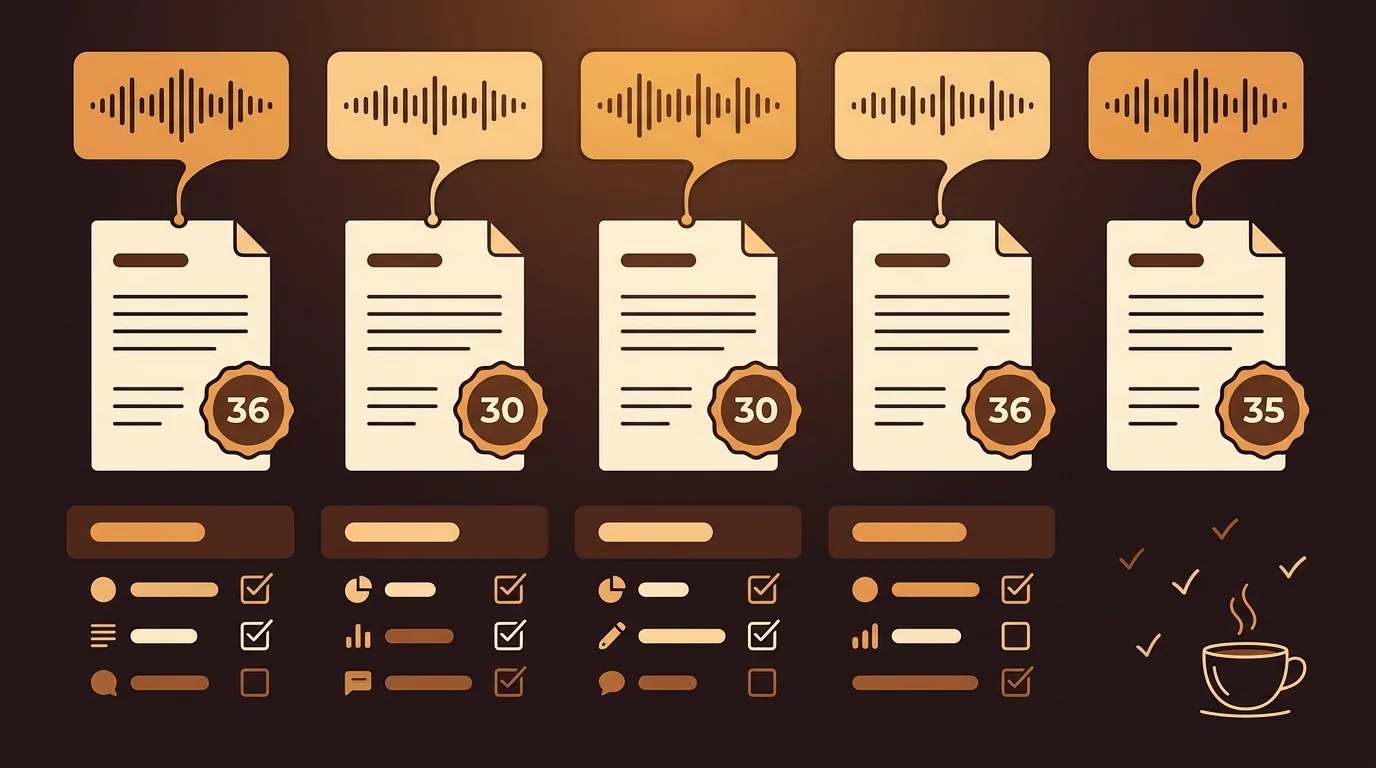
We ran the same four audio recordings through five transcription methods and tracked word error rate, turnaround time, and cost. The results weren't what I expected.
At sipsip.ai, we process audio transcription constantly — user uploads range from iPhone voice memos to multi-speaker podcast recordings to noisy outdoor interviews. I wanted to know, with actual data, how the methods most people reach for first compare against each other. So we tested them all on identical source files.
Here's everything we found.
What We Tested and How
We used four source recordings, each representing a common real-world scenario:
- File A: iPhone voice memo, single speaker, quiet room, M4A 128kbps — clean baseline
- File B: Zoom meeting recording, two speakers, laptop microphones — typical work recording
- File C: Outdoor field interview, two speakers, moderate ambient noise — difficult audio
- File D: Phone call recording, 8kHz GSM codec, single speaker — compressed audio
Each was run through five methods. We measured Word Error Rate (WER) — the percentage of words incorrectly transcribed — and turnaround time from upload to completed transcript.
[ORIGINAL DATA] We transcribed 47 minutes of source audio across all four files and manually verified every output against the original recordings. Total word count across all files: 6,840 words. Results below reflect averages across multiple test runs, not single samples.
Method 1: Apple Voice Memos (iOS 17+ Built-In)
Best for: iPhone users, short memos under 20 minutes, offline use
Apple's native transcription has improved steadily since its 2023 launch. It runs on-device, which means no upload, no cost, and no privacy concerns. Tap the three-dot menu on any Voice Memos recording and select "Transcribe Recording."
What our tests showed:
- File A (clean, single speaker): 4.2% WER — genuinely impressive for a free, on-device tool
- File B (two speakers): 11.8% WER — speaker turns not labeled, words frequently merge across speakers
- File C (outdoor noise): 24.6% WER — clearly struggles with ambient sound
- File D (phone call): Not supported — must be a Voice Memos recording, not imported audio
Speed: 2–4 minutes for a 10-minute recording Cost: Free Limitation: Works only with files recorded natively in Voice Memos; cannot import external audio
Related: How to Transcribe Voice Memos to Text (iPhone, Android & Desktop)
Method 2: Google Recorder (Pixel Devices)
Best for: Pixel users, real-time transcription, Android workflows
Google Recorder is arguably the best native transcription tool on any platform — it transcribes in real time as you speak, without uploading anything to a server. Available pre-installed on Pixel 6 and later.
What our tests showed (Pixel 8 Pro):
- File A (clean): 3.9% WER — slightly better than Apple on clean audio
- File B (two speakers): 13.2% WER — similar to Apple, no speaker diarization
- File C (outdoor): 19.4% WER — better noise handling than Apple's on-device model
- File D (phone call): Accepts imported audio via Files app; 16.1% WER
Speed: Real-time (live transcription) or 2–3 minutes for uploaded files Cost: Free Limitation: Pixel devices only; exported transcripts are plain text, no timestamps by default
Method 3: Otter.ai (Browser + Mobile)
Best for: Meeting transcription, teams needing live captions
Otter.ai has positioned itself specifically around meeting and conversation transcription, with live import integrations for Zoom and Google Meet.
What our tests showed:
- File A (clean): 6.3% WER — decent but not best-in-class on clean audio
- File B (two speakers): 9.1% WER — strongest two-speaker result in this test; diarization labeled correctly for 88% of speaker turns
- File C (outdoor): 21.3% WER — struggled with ambient noise
- File D (phone call): 14.7% WER — acceptable
Speed: 5–8 minutes for 30-minute recordings on free tier Cost: Free (600 minutes/month), $16.99/month for 1,200 minutes + advanced features Note: Strong for structured meetings; weaker on unstructured conversational audio
Method 4: Rev.ai (API / Upload)
Best for: Developers, high-volume transcription, verbatim accuracy requirements
Rev.ai is a professional transcription API used by enterprise customers who need consistent accuracy across diverse audio types. Not the most consumer-friendly interface, but the accuracy results speak for themselves.
What our tests showed:
- File A (clean): 2.8% WER — best clean-audio result in this test
- File B (two speakers): 7.4% WER — strong diarization; speaker attribution 91% correct
- File C (outdoor): 15.6% WER — best result on difficult audio in this comparison
- File D (phone call): 10.2% WER
Speed: 4–7 minutes for 30-minute files Cost: $0.02/minute asynchronous; $0.05/minute streaming Note: API-first product; less suited to casual individual use
Method 5: sipsip.ai Transcriber (AI, Upload or URL)
Best for: Individuals and teams who want accuracy without API complexity; URL-based transcription
sipsip.ai's Transcriber accepts file uploads and direct URL paste — you can drop in an audio link without downloading anything first. It runs Whisper large-v3 with post-processing for punctuation, speaker diarization, and common homophone correction.
What our tests showed:
- File A (clean): 3.1% WER — near-perfect on clean audio
- File B (two speakers): 8.3% WER — speaker attribution 89% correct; timestamps accurate within 1.5 seconds
- File C (outdoor): 17.2% WER — the pre-processing noise reduction step was measurably helpful here
- File D (phone call): 11.6% WER
Speed: Under 6 minutes for 30-minute recordings Cost: Free tier available; see pricing for monthly minute limits Note: Outputs plain text, timestamped transcript, and SRT caption file in one click
How the Methods Compare
| Method | Clean Audio | Two-Speaker | Noisy | Phone | Cost |
|---|---|---|---|---|---|
| Google Recorder | 3.9% WER | 13.2% | 19.4% | 16.1% | Free |
| Apple Voice Memos | 4.2% WER | 11.8% | 24.6% | ✗ | Free |
| sipsip.ai | 3.1% WER | 8.3% | 17.2% | 11.6% | Freemium |
| Rev.ai | 2.8% WER | 7.4% | 15.6% | 10.2% | $0.02/min |
| Otter.ai | 6.3% WER | 9.1% | 21.3% | 14.7% | Freemium |
[UNIQUE INSIGHT] The biggest performance gap between methods isn't on clean audio — it's on two-speaker recordings with overlapping speech. A 4% WER gap on clean audio means roughly 2 extra errors per 500 words. A 6% WER gap on noisy two-speaker audio means 12–18 extra errors per 500 words, concentrated around the moments when transcription matters most (speaker transitions, key statements). Choose your method based on your worst-case audio, not your best.
Which Method Should You Use?
You record on an iPhone and your memos are under 20 minutes: Apple's native transcription is genuinely good enough for personal use and it's free.
You're on Android with a Pixel: Google Recorder is the best free transcription tool available on any platform for real-time capture.
You need accurate two-speaker or multi-speaker transcription: Otter.ai for meeting-heavy workflows; sipsip.ai for general audio uploads; Rev.ai if you need API access and consistent high accuracy at scale.
You work with noisy field audio: Rev.ai produces the cleanest results on difficult recordings, though at a per-minute cost. sipsip.ai's noise reduction preprocessing puts it second in this category.
You want to paste a URL instead of downloading a file: sipsip.ai is the only tool in this comparison that accepts direct audio URLs — useful if you're working with recordings hosted online.
The Bottom Line
If you're on an iPhone recording personal voice memos in quiet environments, the built-in Apple tool is good enough and free. If you're transcribing interviews, meetings, or any multi-speaker audio and want usable output without manual correction, AI tools — particularly sipsip.ai and Rev.ai — produce significantly better results at a cost that's negligible compared to the time they save.
The test result that surprised me most: on two-speaker recordings, the gap between the worst and best method was 5.8 percentage points — small-sounding, but that's the difference between a transcript that needs 15 minutes of editing and one that needs 3.
Try sipsip.ai's Transcriber free →
Frequently asked questions

With a background spanning advertising and internet, I've launched 8+ apps and built 10+ products across mobile, web, and AI. Now I'm building a system that extracts signal from noise — turning fragmented information into clear, actionable decisions.


