At sipsip.ai, document translation is one of the most frequent questions we get from users: researchers working with foreign-language papers, analysts reading international reports, teams collaborating across language barriers. The answer depends entirely on what you need from the translation — a rough read-through is a completely different job from a legally certified copy.
To translate a document, match the method to the file and the stakes: a Word file or Google Doc can be translated inside the editor, an upload tool handles most other files, and official documents need a certified human translator.
Before You Start: What Type of Document Do You Have?
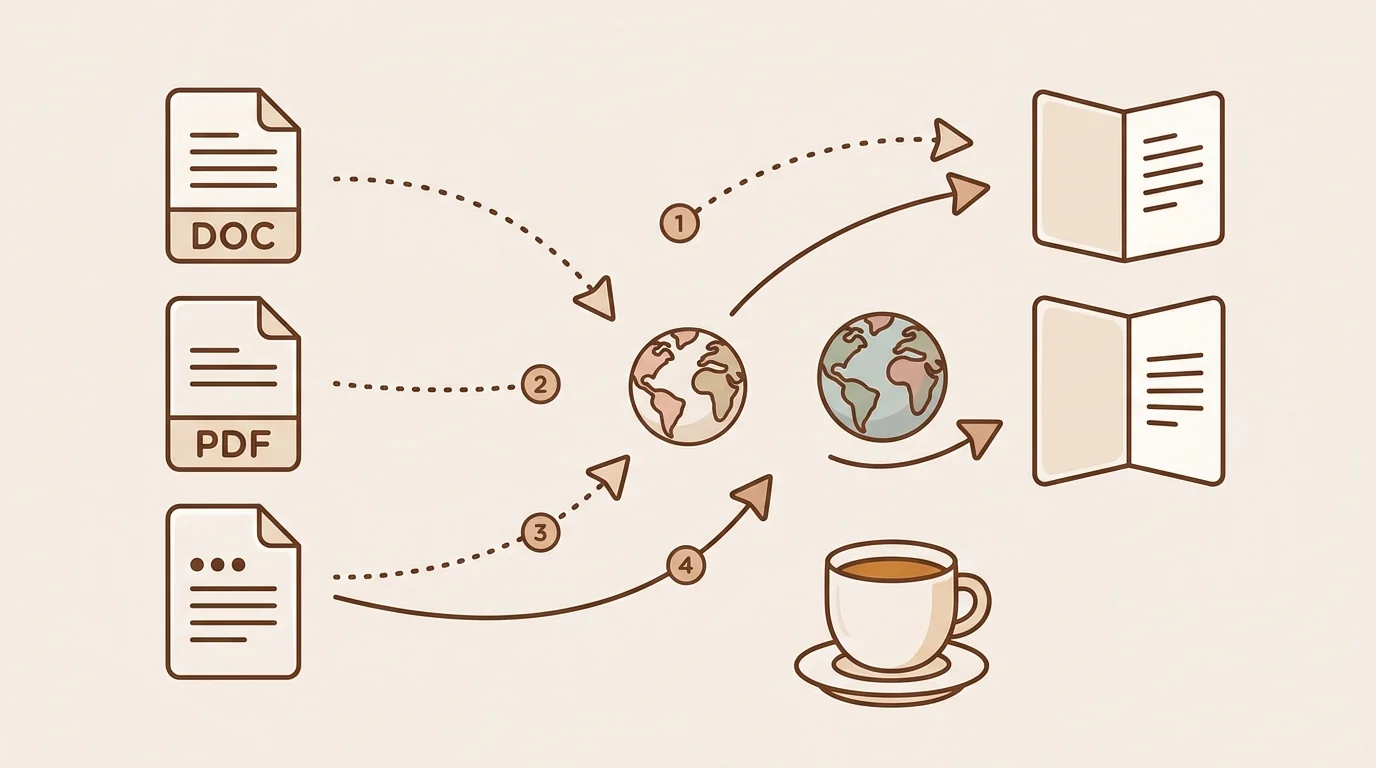
The most important variable in document translation is the document type:
| Document Type | Translation Challenge | Best Approach |
|---|---|---|
| Word file or slide deck | Straightforward | Google Translate, DeepL, sipsip |
| Google Docs | Built-in translate feature | Google Docs Tools menu |
| PDF (text-based or scanned) | Layout and OCR issues | See the PDF guide linked below |
| Official / legal document | Certified human translation required | Accredited translation agency |
| Long research document (50+ pages) | Distillation often more useful than verbatim | sipsip for key content extraction |
Method 1 — Microsoft Word / Google Docs Built-In Translation
Both major word processors have document translation built in — no third-party tool required.
Microsoft Word
- Open your document in Word
- Go to Review → Translate → Translate Document
- Select source and target language
- Click Translate — Word creates a new translated document in a browser window
- Copy the translated content back into a Word file as needed
Microsoft Translator (which powers this feature) covers 70+ languages and performs at a level comparable to Google Translate. For documents already in Word, this is the path of least friction.
Google Docs
- Open your document in Google Docs
- Go to Tools → Translate document
- Name the new document and select your target language
- Click Translate
Google creates a new translated document while preserving your original. The translation uses Google's standard machine translation engine.
Both tools are free and require no file upload to external services — useful for documents containing confidential or sensitive information that you don't want to send to a third-party server.
Method 2 — Google Translate Document Upload (Free)
Upload the file at translate.google.com under the Documents tab, pick the target language, and download the translated copy. It accepts DOCX, PPTX, XLSX, ODT and PDF files up to 10MB in 130+ languages, at no cost. Quality is good for major language pairs and weaker on technical or legal vocabulary.
Method 3 — DeepL Document Translation (Free up to 5/month)
DeepL translates DOCX, PPTX, XLSX and TXT files with more natural phrasing than Google for European language pairs such as German, French, Dutch, Polish, Portuguese and Spanish ↔ English, and it keeps Word formatting well. The free tier covers 5 documents a month; DeepL Pro starts at $8.74/month.
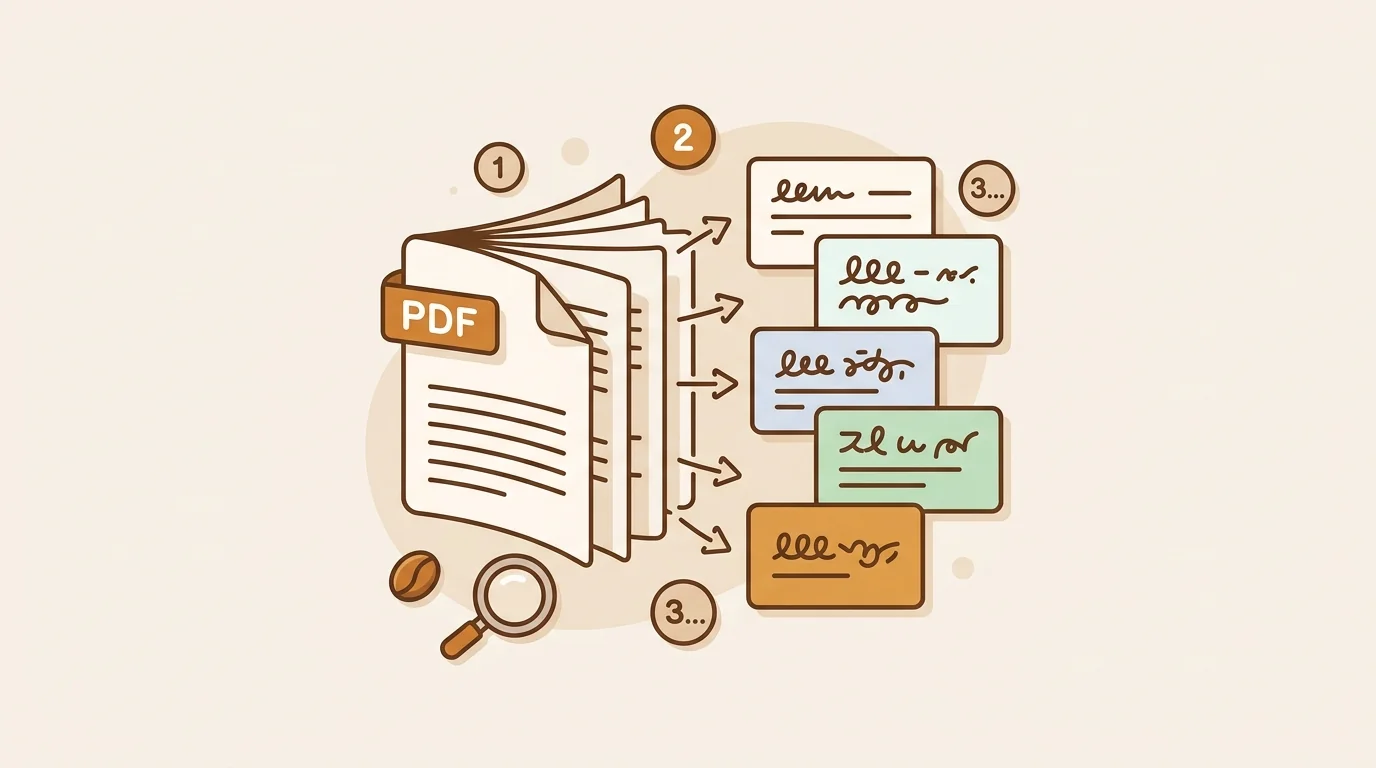
For PDFs specifically — including scanned pages that need OCR and layouts that break during translation — the step-by-step guide to translate PDF files covers Google Translate, DeepL, Adobe Acrobat and OCR workflows in detail.
Method 4 — sipsip AI Distillation (Free, Best for Long Documents)
sipsip's Distill feature extracts and translates the key content of a document — summary and key points — instead of every sentence. Upload the file on the Distill page, pick one of 16 output languages, and the result arrives in under 60 seconds. It fits researchers and analysts who need to understand a long foreign-language report rather than reproduce it.
Method 5 — Professional Human Translation (For Official and High-Stakes Documents)
AI translation is not appropriate for every situation. Use professional human translation when:
The document has legal or official status: Immigration applications, birth certificates, marriage certificates, diplomas, court documents, and contracts all typically require certified human translation. The receiving institution specifies the requirements; AI translation is often explicitly excluded.
Accuracy is critical and errors have real consequences: Medical records, financial statements, technical manuals, and safety documentation warrant human review even when AI handles the first draft.
Cultural nuance matters: Marketing materials, brand copy, and user-facing product content should be reviewed by native speakers of the target language. Machine translation can be grammatically correct while being culturally tone-deaf.
Less common language pairs: AI translation for language pairs like Swahili ↔ German, Tagalog ↔ French, or any pair involving regional or minority languages is significantly less reliable than for major language pairs.
Professional document translation rates typically range from $0.08 to $0.25 per word for standard documents. Certified translation (for official use) runs $0.15 to $0.40 per word and typically includes the translator's credentials and signature. The American Translators Association maintains a directory of certified translators if you need to find one.
Quick Decision Guide
Fastest free verbatim translation of a Word file or slide deck: → Google Translate document upload (translate.google.com → Documents)
Best quality translation for European languages: → DeepL (free for 5 docs/month)
Understand the key points of a long foreign-language document: → sipsip.ai (translated summary + key points, 16 languages)
Translate a document that's already in Word: → Review → Translate in Word (free, no external service)
Translate a Google Doc: → Tools → Translate document in Google Docs (free)
Official document (legal, immigration, academic credential): → Certified human translator — check ATA directory
Start translating documents for free at sipsip.ai — upload any PDF or file and select your output language on the free tier.
Wendy Zhang is the founder of sipsip.ai. She writes about AI tools, content consumption, and the infrastructure behind knowledge work.
Frequently asked questions

With a background spanning advertising and internet, I've launched 8+ apps and built 10+ products across mobile, web, and AI. Now I'm building a system that extracts signal from noise — turning fragmented information into clear, actionable decisions.