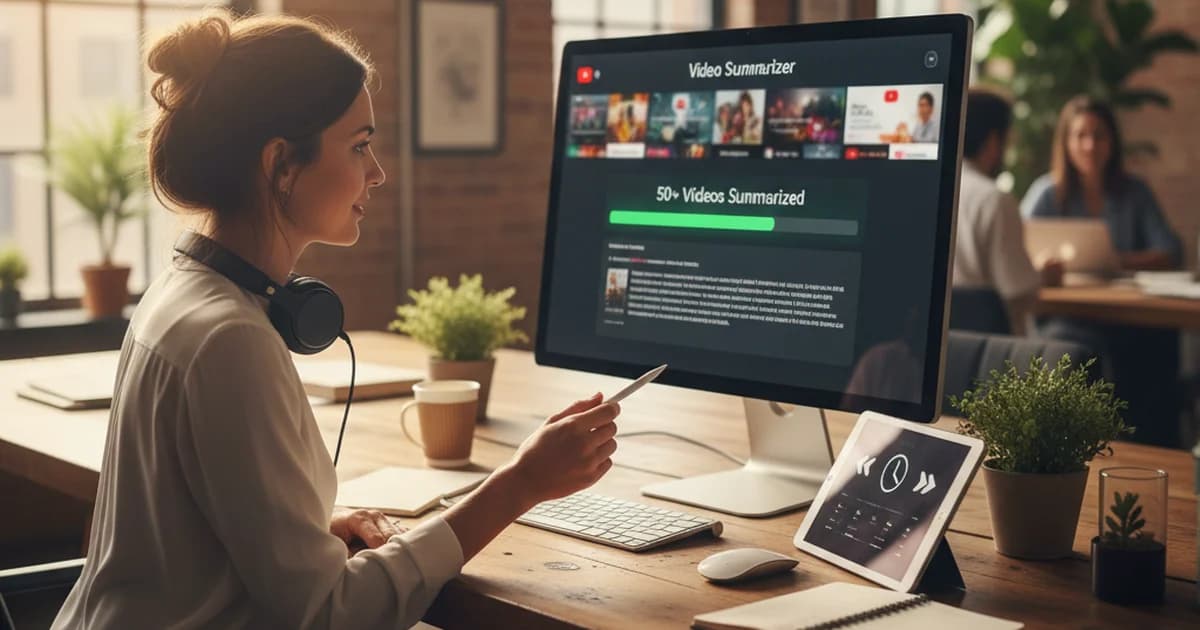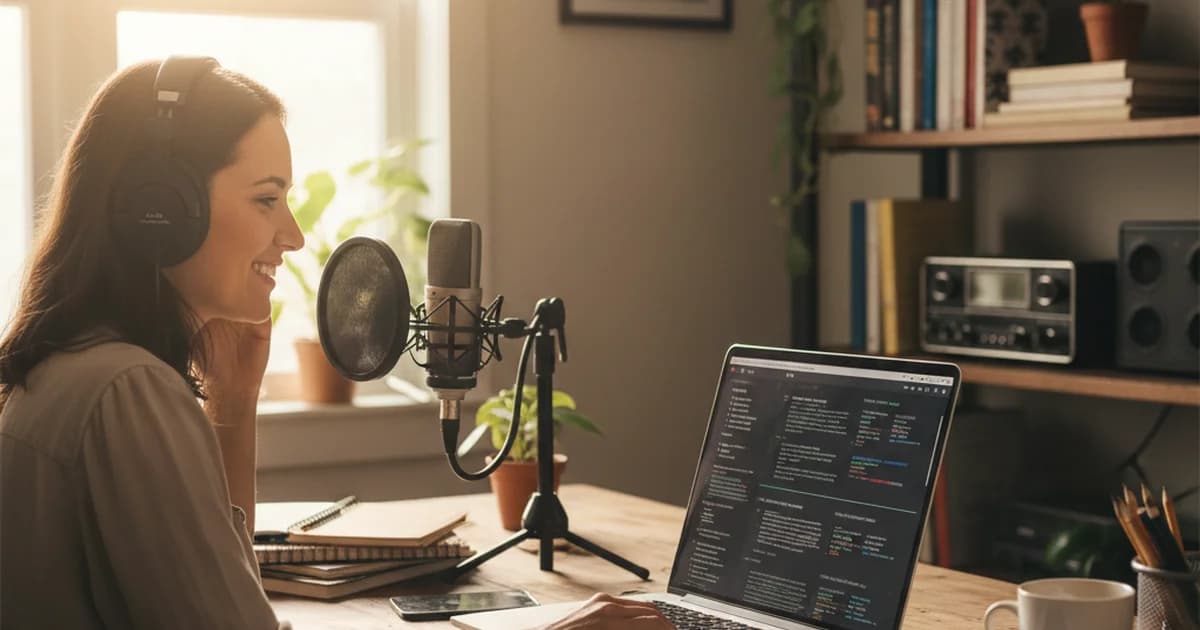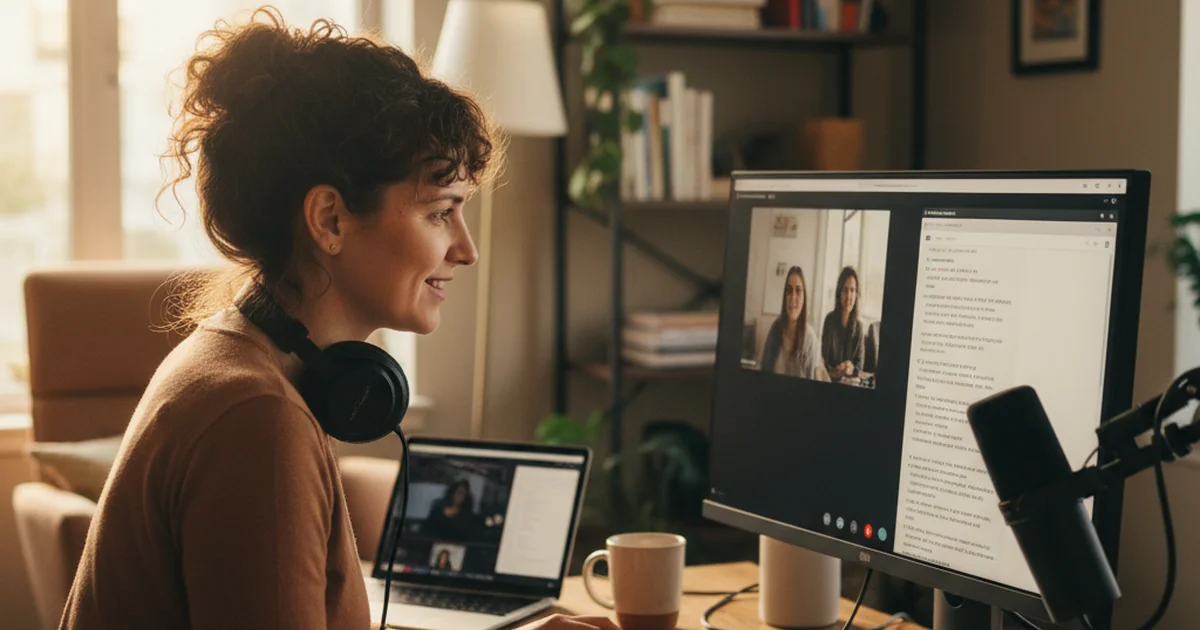
I write features, case studies, and long-form content for B2B clients. Every piece involves source interviews — phone calls and video calls I record as audio files. For years, transcription was either expensive (per-minute services) or slow (doing it myself). Then I found a free tool that handles it well.
Freelance Writers and the Transcription Tax
Freelance writing has a hidden labor cost that nobody tells you about: transcription. Every source interview produces an audio file. That file needs to become text before you can write from it.
Professional transcription services charge $0.25–$1.50 per minute. For a writer doing 8–10 interviews a month, that's $80–$300 a month in transcription costs before you've written a single word. On freelance margins, that's significant.
The DIY approach — listening and typing — takes roughly 3–4 hours per hour of audio. A 30-minute interview costs you 90 minutes of transcription time. Multiply that across a month of interviews and you've spent a full workday on transcription.
I needed a free solution that was accurate enough for professional use.
Pricing that time into your rates helps too. Clara Vale's free freelance rate calculator shows the hourly rate you need once interview prep and transcription are counted, and the self-employed tax calculator estimates what to set aside each month.
Using the Free Audio Transcriber
Sipsip.ai's free audio transcriber accepts MP3, M4A, WAV, and MP4 files. I upload my interview recording, and the transcript comes back in a few minutes. No account required to try it. No per-minute fees.
For my workflow:
- Record the interview (I use a call recorder app that exports MP3)
- Upload the MP3 to sipsip.ai
- Come back after a few minutes to the full transcript
A 30-minute interview file is ready in about 3–4 minutes. The output is clean, readable text I can work with immediately.
"I was paying $40 a month for transcription. Now I pay nothing and get results in the same time."
— Priya Sharma
Audio to Text: What the Output Looks Like
The transcript is formatted as a readable block of text. For interview audio with two speakers, the model makes reasonable attempts at speaker separation — not perfect, but enough that I can tell when I asked a question versus when the source was answering.
What I get from each interview file:
- Full transcript — everything said, in order
- AI summary — what the interview was actually about (useful for multi-subject interviews where I need to quickly see what ground was covered)
- Key points — the most quotable or substantive moments
For writing purposes, the key points often surface the best quotes directly. For long interviews with multiple topics, the summary tells me which sections to read carefully.
MP3 to Text: My Common File Formats
Different recording setups produce different formats:
MP3 — what my call recorder exports by default. This is my main format.
M4A — iPhone Voice Memos. When I do a quick in-person conversation, I use my phone's native recorder.
MP4 — Zoom and Google Meet exports. When a source requests a video call, the recording comes out as MP4.
All three work directly with the transcriber. I never convert files before uploading.
Try Free
Free Audio Transcriber — Upload MP3, M4A, or WAV, Get Text in Minutes
Accuracy for Professional Use
The transcription is accurate enough for feature writing, case studies, and content work. Proper nouns — especially names of people, companies, and products — sometimes need correction. My standard practice is a quick scan for names after the transcript arrives, which takes 2 minutes on a 30-minute interview.
For direct quotes in published work, I verify important ones against the original audio. This is good practice regardless of the tool — any automated transcription can introduce errors.
When I Upgrade to the Paid Transcriber
The free transcriber handles my standard interview workflow without issue. When I need more — specifically, when I want the AI summary and key points for every file, stored in an organized workspace I can search across — I use the full Transcriber product.
The free tool is the right starting point. It covers the core use case (MP3 to text, no cost) and the output is immediately usable.
Frequently asked questions

As a freelance writer, I record all my source calls as MP3 files. sipsip.ai's free audio transcriber converts them to text in minutes — no subscription, no per-minute charges.