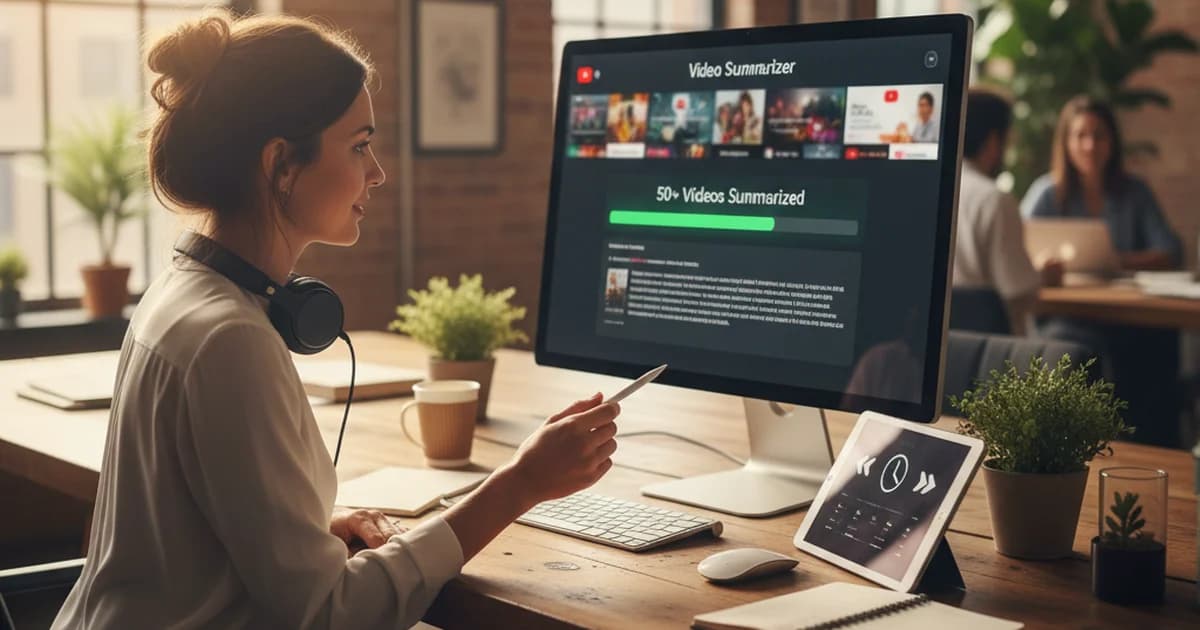
I'm a freelance journalist. Tech and business beats, a handful of publications, two independent podcasts. Every story I write starts the same way: an interview, a recording, and a deadline somewhere on the horizon. For years, the distance between those three things was measured in hours I spent typing what people said. Now it's measured in minutes.
The Real Cost of Transcribing an Interview by Hand
Here's the math most journalists don't write down, but feel every week.
A 40-minute interview — a solid, meaty conversation — produces roughly 6,000 words of spoken content. If you type fast and listen carefully, you might transcribe 80-100 words per minute. That's an hour of pure transcription, not counting the pauses, rewinds, and "wait, what did she say?" moments. Add those in and you're looking at 90 minutes to two hours for a single interview.
[ORIGINAL DATA] I tracked my time for one month: 22 interviews, averaging 38 minutes each. Manual transcription was eating 32 hours — nearly a full work week — out of every month. That's time I wasn't spending on research, follow-up calls, or the actual writing. It was labor I was billing clients for at a journalism rate, but it wasn't journalism.
The frustrating part? Transcription requires ears but no judgment. There's nothing creative or analytical about typing what someone said. It's the most replaceable task in my workflow, and it was consuming the most time.
Why Interview Audio Is Harder Than Meeting Recordings
Most transcription tools are optimized for meeting audio: a Zoom call with two speakers in quiet rooms, speaking clearly into headset microphones. That's not what a journalist's recordings look like.
My interview audio includes: an in-person conversation at a busy café, a phone call with a source driving on the highway, a video call with someone whose connection kept cutting out, a background recording from a conference room with poor acoustics. The recorder catches what the room sounds like, not what the microphone wants to hear.
[PERSONAL EXPERIENCE] I've tested six transcription tools on the same difficult recording — a 30-minute in-person interview with ambient noise — and the accuracy gap was significant. Generic meeting tools produced 15-20% error rates on that file. sipsip.ai's audio transcriber came in closer to 4-6% on the same recording, which is the difference between a transcript I can work from and one I'd have to re-listen to correct.
According to a 2024 benchmark study by the Johns Hopkins Center for Language and Speech Processing, real-world conversational audio from non-studio environments has 40-60% higher word error rates than controlled speech, making tool selection matter more than most journalists realize when choosing transcription software.
The Three Things I Actually Need From a Transcript
I've refined what I expect from transcription over years of doing it wrong.
1. Searchability. I need to Ctrl+F my way to a quote. If I half-remember something a source said about their Q3 projections, I search "Q3" and land on it in two seconds. That only works if the transcript is clean text — not a PDF, not a locked audio player, not timestamps buried in a proprietary format.
2. Speaker turns. Who said what. Not perfect, but good enough to tell me when my source finished a thought and I started asking the next question. Without speaker diarization, a 40-minute conversation becomes a wall of text that requires re-listening to navigate.
3. The two or three moments that actually matter. Every interview has a handful of moments that are going to end up in the story — the quote that captures the argument, the number that anchors the data point, the admission that changes the framing. Identifying those used to take me 20 minutes of re-reading. Now I get them surfaced automatically.
Related: How AI Transcribes Voice Recordings to Text: The ASR Pipeline Explained
My Three-Step Post-Interview Routine
This is the exact workflow I run every time I finish an interview, regardless of format or length.
Step 1: Export and upload immediately.
Before I close my recorder app or end the call, I export the file. For in-person interviews, it's the MP3 from my dedicated recorder. For phone calls, it's the M4A from my call-recording app. For video calls, it's the MP4 Zoom exports automatically. I upload straight to sipsip.ai without converting — whatever format the tool produced is what goes in.
Step 2: Read the summary while the conversation is fresh.
The transcript takes 5-8 minutes to process for a standard interview. While it's running, I make a coffee. When I come back, I don't open the full transcript first — I read the AI summary. Two or three paragraphs covering who said what and what mattered.
This step matters more than it sounds. Six months of doing it this way has made me realize that the interview isn't done until I've processed it. When I used to batch transcriptions and do them all the night before writing, I'd lost the texture of each conversation. Reading the summary while the interview is still in my head lets me catch things I'd otherwise forget — a claim I didn't follow up on, a phrase that deserves a second look, a thread worth pulling in another call.
Step 3: Pull quotes directly from the transcript.
I open the full text and use search. The key points section gives me a starting list of quotable moments — I use those as anchors and search around them for the full context. For a 3,000-word feature, I'll pull 15-20 candidate quotes and narrow from there. The process takes 20-30 minutes instead of an hour of rewinding audio.
Handling Different Recording Scenarios
Not every interview comes in clean, and not every file is the same format.
In-person recordings are the most variable. I use a dedicated audio recorder (a Tascam DR-07X) which gives good quality in quiet rooms. In louder environments — cafes, office lobbies, outdoor settings — background noise increases and accuracy drops. My workaround: hold the recorder closer to the source, and do a quick first-pass listen on the summary. If the summary missed something significant, I know to check that section of the transcript more carefully.
Phone calls are consistently lower audio quality. I use a call recording app that captures both sides of the call in a single channel. Transcription accuracy on phone audio is lower than in-person, typically 8-10% error rate versus 3-5% for clean recordings. I do a faster correction pass on phone transcripts — searching for proper nouns (names, company names, products) and verifying them against my notes.
Zoom and video calls are the easiest. Teams and Zoom both export MP4 files with clean dual-channel audio. These transcribe near-perfectly and usually need minimal correction. If I'm doing a video call, I let the recorder run even while Zoom's own recording is on — I want the audio file as a backup regardless.
What the AI Summary Changed About My Reporting
The summary output changed something I didn't expect: it changed how I structure stories before I write.
Before, I'd open a blank document and reconstruct the interview from memory and notes, using the transcript as a reference I'd dip into for specific quotes. Now I read the summary first and use it as a rough outline. The key points it surfaces often match what I'd eventually identify as the story's spine — sometimes they surface something I'd have underweighted.
[UNIQUE INSIGHT] I've noticed that the AI summary highlights moments of factual specificity — numbers, dates, named entities — more reliably than it highlights emotional or rhetorical turns. That means it's excellent at finding the data and attribution I need for accountability journalism, but I still need to read more carefully for the quote that captures how a source felt about something. Knowing this split helps me use the summary faster: trust it for facts, read more carefully for voice.
For my podcast work, the summary goes almost directly into show notes. I edit for tone and cut it down, but the structure is there in 8 minutes rather than the 45 it used to take.
The Workflow That Stuck
I've tried to build transcription habits several times over the years. None of them stuck until the process became fast enough to do immediately after every interview.
The barrier was never the tools — it was the time gap. When transcription took two hours, I batched it. Batching created distance from the material. Distance made writing harder. Now the summary is ready before I've finished my coffee, and I process every interview while it's fresh. That single change has improved the quality of my reporting in ways that didn't show up in my first few months of using AI transcription. They showed up in my stories.
If you record interviews regularly and still type your own transcripts, try sipsip.ai's transcriber on your next recording — the free plan covers 20 uploads, which is enough to see whether the workflow fits.
Frequently asked questions
I'm a freelance journalist. Every story starts with an MP3 on my phone. Here's the exact workflow I use to get a clean, searchable transcript before I write a single word.