Our brand team operates mostly in Discord. We share links constantly — competitor content, industry interviews, creator videos relevant to a campaign. The problem was never finding the content. The problem was the pile of links that everyone says they'll watch later and nobody does. /transcribe killed the pile.
The Shared Link Graveyard
Every team that works in Discord has one: a channel full of links with fire emojis and "🔥 everyone watch this" and then complete silence. The video was 45 minutes. Nobody watched it. The insight it contained — never discussed.
For a brand team, this is particularly costly. A creator posts a 60-minute breakdown of our product category. Someone shares it in #content-research. Three days later, I realize no one has watched it, and by then the conversation has moved on.
The issue isn't attention — it's friction. A 60-minute video requires 60 minutes of synchronized attention. A Discord channel is asynchronous and fast. The formats don't match.
/transcribe Changes the Equation
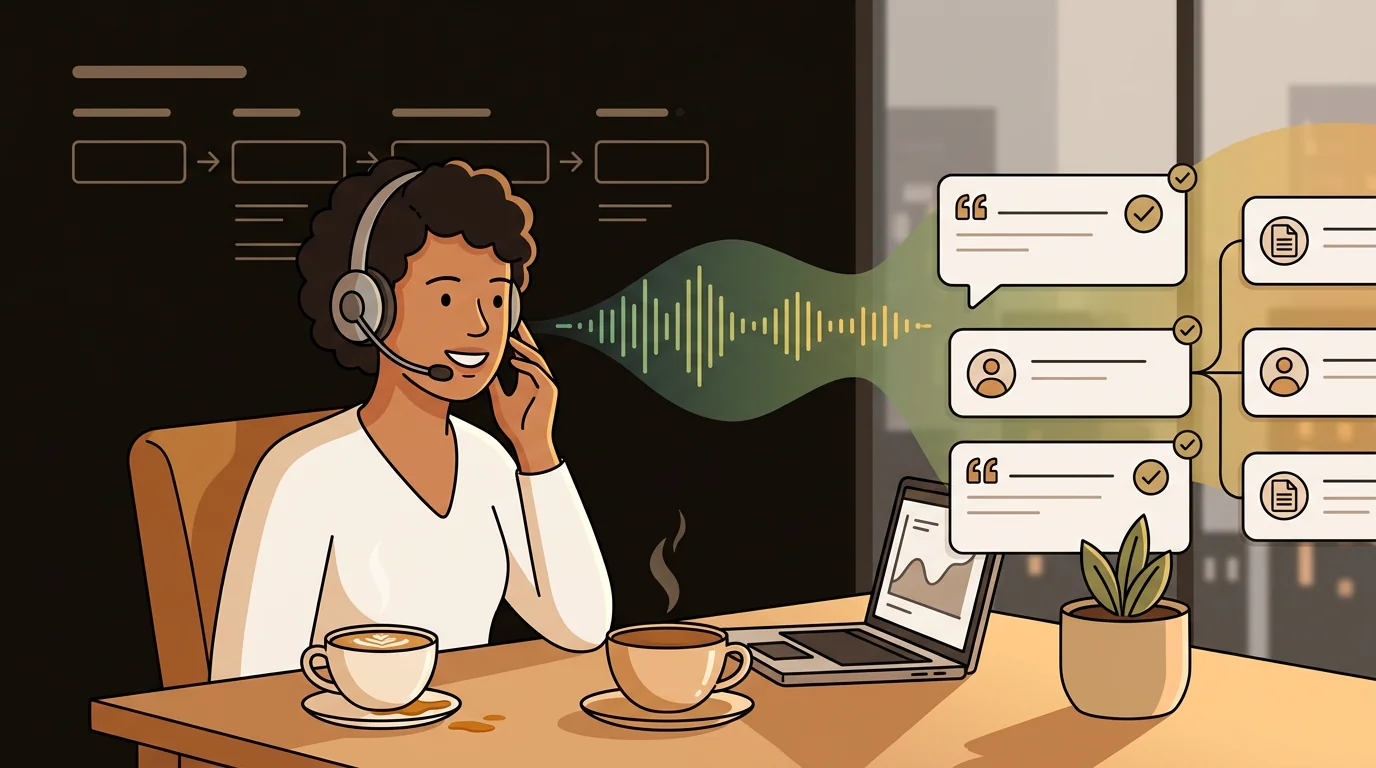
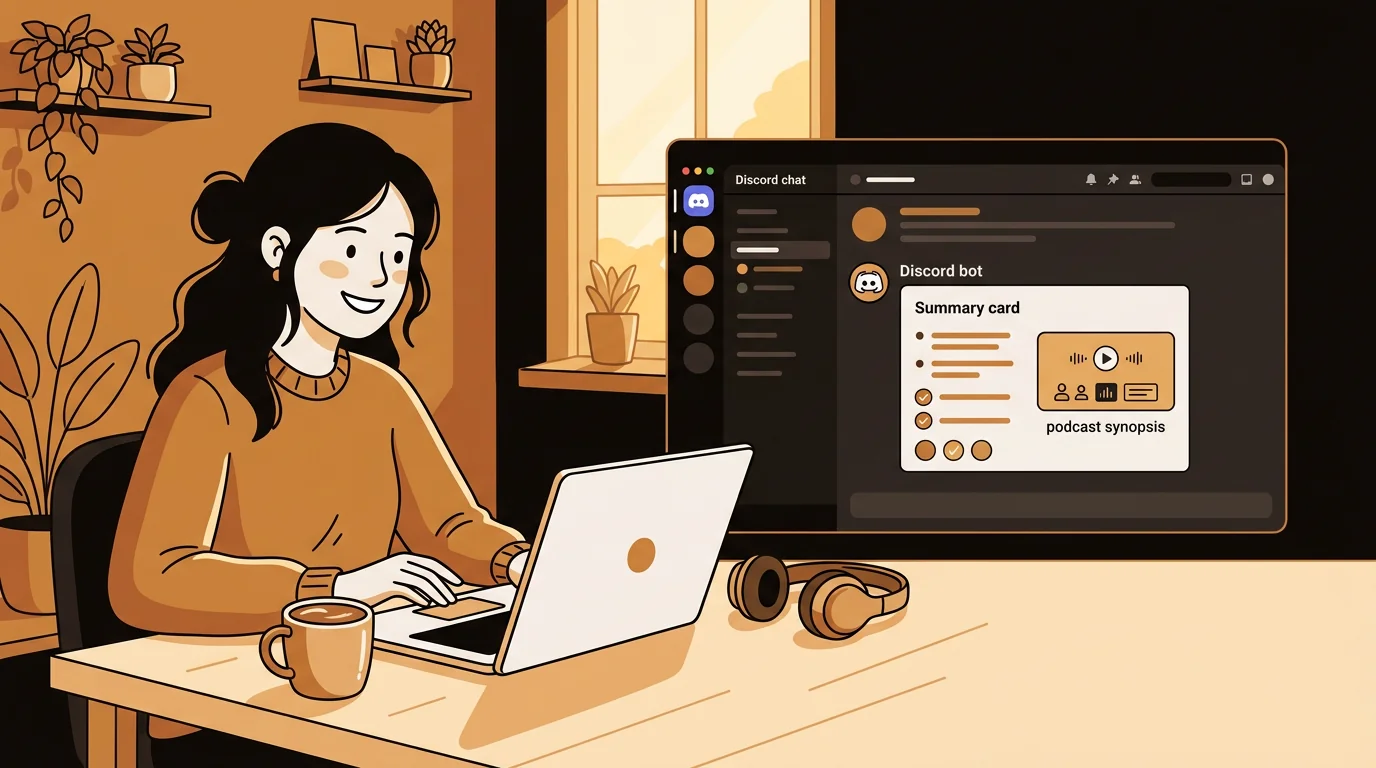
When the SipSip AI bot is in your Discord server, any link becomes a summary. Someone drops a YouTube URL, someone types /transcribe with the link, and within seconds the bot posts the key points directly in the channel.
The first time one of our designers did this in a content brainstorm, the rest of the team immediately understood the shift. A 90-minute podcast episode our social lead had shared three days earlier — still unwatched by most of the team — got transcribed on the spot. Everyone had the key points in front of them in under a minute. The discussion that followed was the best content brainstorm we'd had in months.
We started using it deliberately after that.
"The link pile is gone. Not because people suddenly have more time — because nobody needs to watch the video to have the conversation about it."
— Olivia Wilson
How We Use /transcribe in Practice
Our workflow now looks like this:
In #content-research: Anyone who shares a YouTube or podcast link immediately follows with /transcribe [url]. The summary lands in the thread. People react to the summary, not the link. Discussions happen in real time, not in a "who got around to watching it?" conversation a week later.
In #competitor-intel: When a creator posts a review or comparison video involving our product or a competitor's, we transcribe it instantly. The AI summary tells me what they actually said — tone, key claims, how they positioned us — without me watching the full thing. If something needs attention, I have enough context in 45 seconds to escalate or respond.
In campaign brainstorms: We drop reference content — interviews with target customers, commentary from creators in our space — and transcribe in the session. Instead of "let's all watch this before next week's meeting," we read the summary together and respond to it in the moment.
What the Bot Actually Returns
When you use /transcribe with a YouTube or podcast URL, the SipSip AI bot posts:
- Preview — a one-paragraph summary of what the content is about
- Key points — 3–5 bullet takeaways from the full transcript
- Source link — the original URL plus an "Open in sipsip" button to view the full transcript with timestamps
For most purposes, the preview and key points are enough. When I need the verbatim quote — for a response to a critical creator video, for example — I open the full transcript and search. That part takes another 30 seconds.
Blog
Full guide to /transcribe — what it does, what it supports, and how to add it to your server
The Competitive Intelligence Angle
This started as a productivity tool for our team. It turned into a competitive intelligence workflow I hadn't planned on.
When a competitor announces something — new feature, pricing change, partnership — creators in our space respond fast. Within 24 hours there are reaction videos, tutorials, comparison posts. Those live on YouTube. Before /transcribe, I'd catch them eventually. Now someone in our Discord drops the link and we have the summary in 45 seconds.
I've caught three significant competitor moves from creator reaction videos that I'd have seen days later via other channels. The speed difference is real.
Adding the Bot to Your Server
Takes about 60 seconds:
- Go to sipsip.ai/products/transcriber and click Add to Discord
- Authorize the bot on your server
- Type
/transcribe [any YouTube or podcast URL]in any channel
Free accounts get shared credits. We're on a Pro plan because we use it heavily enough that the priority queue matters — results come back faster during high-usage periods.
Frequently Asked Questions
Can any server member use /transcribe, or just admins?
Any member who has access to the channel can use the command. You can restrict the bot to specific channels via Discord's role permissions if you want to limit where it posts.
What types of links does it support?
YouTube videos, Spotify podcast episodes, and direct MP3 links (RSS-hosted podcast episodes). Twitter/X video support is coming soon according to the sipsip.ai team.
How long does transcription take?
YouTube videos with native captions: under 30 seconds. Audio-only or captionless content: 1–3 minutes. For long episodes (90+ minutes), expect 2–4 minutes.
Does the bot post publicly in the channel?
By default, yes — the summary posts in the channel where the command was used. You can use the --private flag to send the result to your DMs only.
Want to see /transcribe in action before adding it to your own server? Join the SipSip Discord community and try it there.

Brand manager Olivia Wilson's team uses /transcribe in their Discord server to instantly summarize any YouTube or podcast link — no more 'I'll watch it later' threads that go nowhere.