Blog
How-tos, guides, and notes on our products and the problems they solve

YouTube to MP4: How to Convert and Download YouTube Videos (2026)
A complete guide to converting YouTube videos to MP4 — covering yt-dlp, 4K Video Downloader, cobalt.tools, and when you can skip the download entirely by transcribing the YouTube URL directly.

WAV to MP3: How to Convert Audio Files Free (2026)
WAV files are large and incompatible with most streaming and transcription tools. This guide covers four free methods to convert WAV to MP3 — FFmpeg, Audacity, VLC, and browser-based tools — plus when skipping conversion entirely is faster.

Best Voice Recorder Apps for Podcasters and Journalists (2026)
After 140+ podcast interviews, I've tested every voice recorder that matters. Here are the apps that actually produce clean audio for AI transcription — and how to choose the right one for your recording setup.

Turkish to English Translation: Tools, Methods, and the Audio Workflow (2026)
Need to translate Turkish to English? This guide covers text translation tools, the two-step method for Turkish audio and video content, and why agglutinative structure makes Turkish one of the trickier languages for automated translation — and how to get around it.

Translate Russian to English: Free Tools and the Audio Method (2026)
Need to translate Russian to English? This guide covers the best free text translation tools for Russian, the right method for audio and video content, and what to know about Cyrillic encoding, regional variation, and technical vocabulary translation — especially for researchers tracking Eastern European markets.

How to Screen Record on Mac: 4 Methods That Actually Work (2026)
From the built-in Cmd+Shift+5 shortcut to QuickTime, OBS, and capturing system audio — here's every reliable method for screen recording on Mac, with exact steps and common fixes.

German to English Translation: Best Tools for Tech Content, Keynotes, and Research Papers (2026)
Need to translate German to English? This guide covers the best text translation tools, the right workflow for German audio and video content, and specific tips for developers tracking German tech conferences, AI research papers, and keynotes.
Claude vs ChatGPT: Which AI Is Better for Summarization, Transcription, and Knowledge Work?
We run both through the exact workflows sipsip.ai users care about — summarizing transcripts, handling long documents, and building a knowledge base. Here's what the data shows.
YouTube to MP3 Converter: How It Works and When You Don't Need One (2026)
Need to extract audio from YouTube? This guide explains how YouTube to MP3 converters work, which tools are legal and reliable, and when transcribing the YouTube URL directly is faster than converting the file at all.

English to Hindi Voice Translator: Real-Time, Audio, and Video Methods (2026)
Need to translate English to Hindi by voice — or translate Hindi audio recordings to English text? This guide covers real-time voice translation apps, the two-step method for audio recordings, and what actually works for Hindi voice content in 2026.

Translate Hindi to English: Free Text, Voice, and Audio Methods (2026)
Need to translate Hindi to English — or English to Hindi? This guide covers text translation tools, voice translation apps for real-time conversation, and the right method for translating Hindi audio recordings and video content.

Translate Italian to English: Free Tools and the Audio Method (2026)
Need to translate Italian to English? This guide covers the best free text translation tools for Italian, the right method for audio and video content, and what to know about Italian regional variation and technical vocabulary translation.

Translate English to Japanese: Tools, Audio Method, and Script Guide (2026)
Need to translate English to Japanese — or Japanese to English? This guide covers the best free translation tools for Japanese, the right method for Japanese audio and video content, and what to know about the three Japanese scripts.

Translate Chinese to English: Tools, Audio Method, and Script Guide (2026)
Need to translate Chinese to English? This guide covers text translation tools for Simplified and Traditional Chinese, the right method for Chinese audio and video content, and the Mandarin vs. Cantonese distinction that affects accuracy.

Portuguese to English Translation: Best Free Tools and the Audio Method (2026)
Need to translate Portuguese to English? This guide covers text translation with Google Translate and DeepL, the two-step method for audio and video content, document translation, and what to know about Brazilian vs. European Portuguese.
MP4 to MP3: How to Extract Audio from Any Video File (2026)
Need to extract audio from an MP4 video? This guide covers free tools for MP4 to MP3 conversion — including FFmpeg, CloudConvert, and VLC — and explains when skipping the conversion entirely is faster for transcription.

Korean to English Translation: Free Tools, Audio Method, and K-Content Tips (2026)
Need to translate Korean to English? This guide covers text translation with DeepL and Google Translate, the right method for Korean audio and video content, and why Korean-English translation handles K-drama and YouTube better than most guides say.
7 Best Open-Source AI Video Transcribers in 2026 (Tested & Ranked)
I built an open-source AI video transcriber that now has 2,900 GitHub stars. Here's my honest ranking of the best open-source options in 2026 — including what each one actually does well, and where each one breaks.
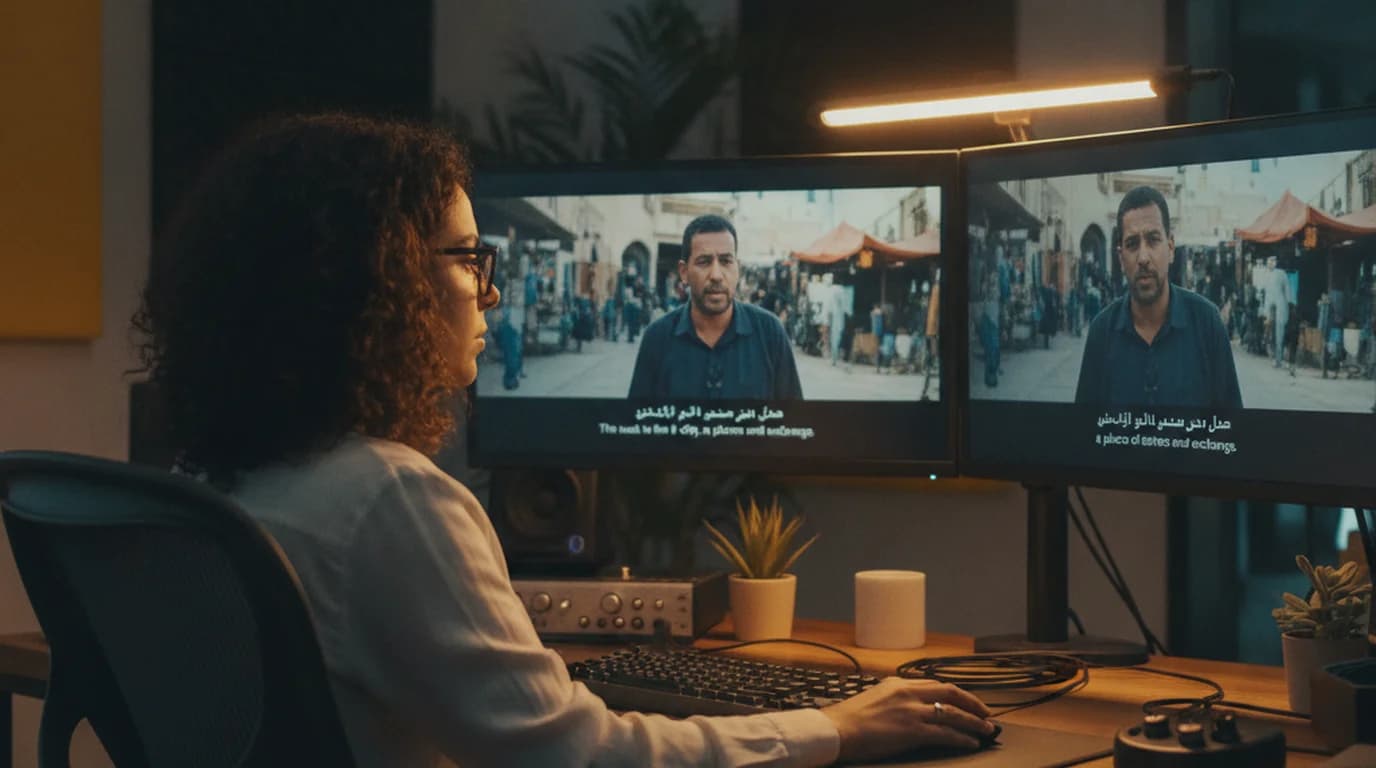
Arabic to English Translation: Tools, Methods, and the Audio Workflow (2026)
Need to translate Arabic to English? This guide covers text translation tools for Modern Standard Arabic and dialects, the two-step method for Arabic audio and video content, and why dialect matters more for Arabic than any other language.

Zoom Transcription: How to Automatically Transcribe Every Meeting
Zoom has built-in transcription — but only for cloud-recorded meetings on paid plans. For local recordings and free accounts, AI tools fill the gap in under 2 minutes.
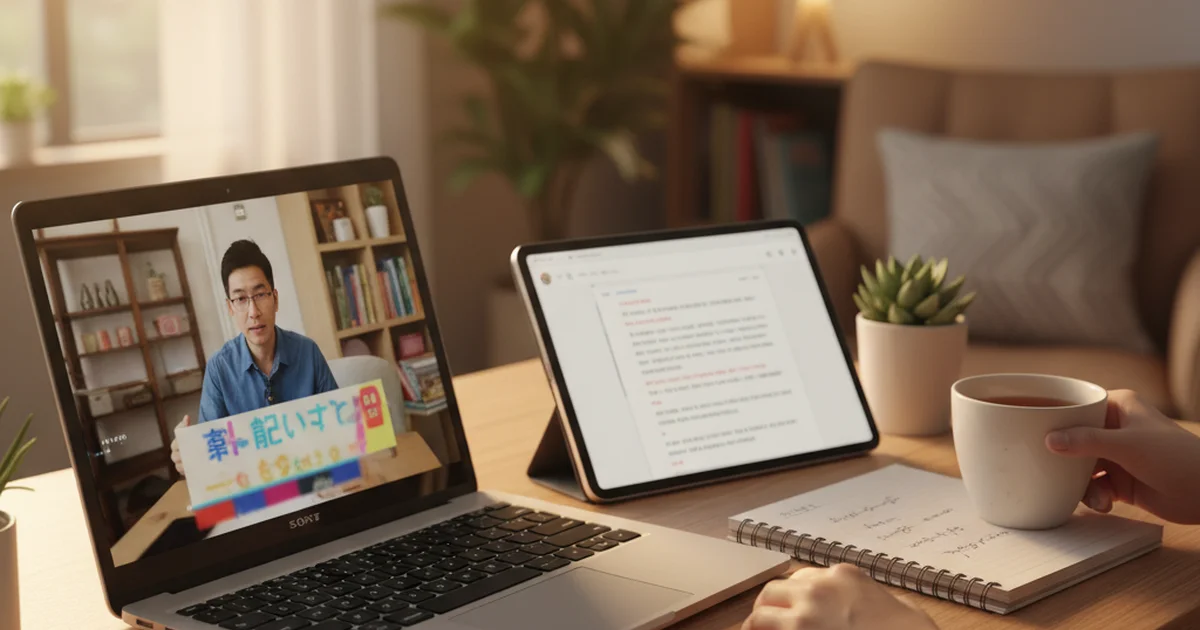
YouTube to Text: How to Get a Text Transcript from Any Video
Converting YouTube to text takes under 30 seconds with the right tool. The transcript makes video content searchable, quotable, and study-ready without re-watching.

Best AI Video Summarizer in 2026 — Tested on 50 Videos
An AI video summarizer turns an hour-long video into 4 sentences and a bullet list. We tested 6 tools across YouTube, podcasts, and MP4 uploads to find which ones are actually useful for work.

How to Translate Audio Files to English (AI Method, 2026)
Translating audio used to require a professional translator or a slow manual process. AI tools now handle audio-to-translated-text in two steps: transcribe first, translate the transcript.
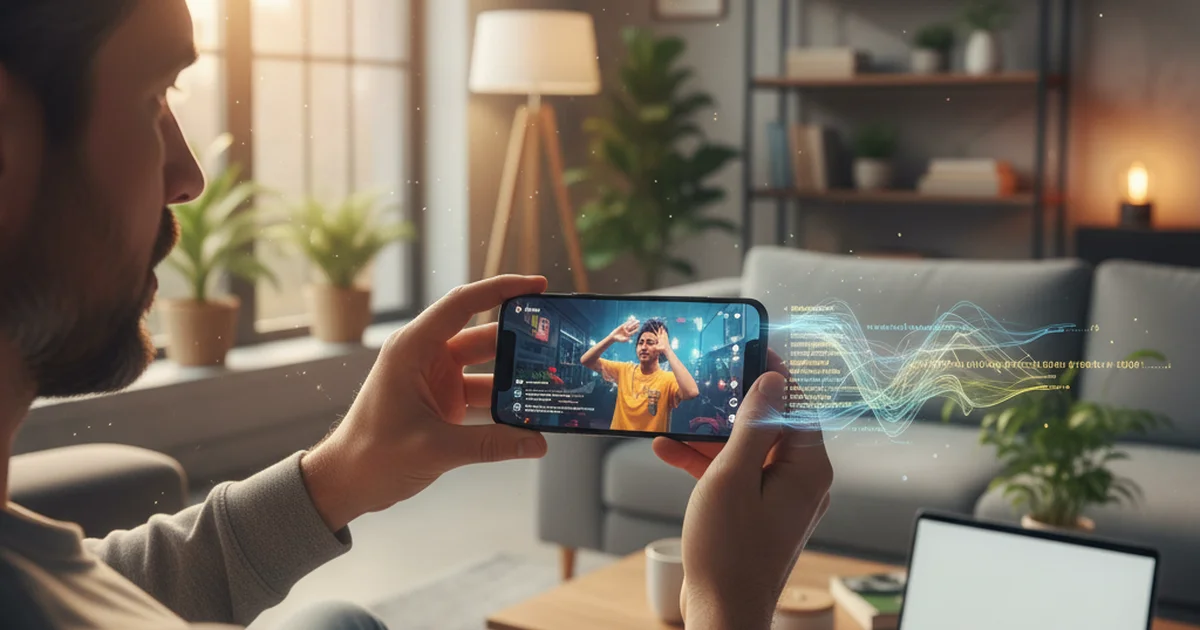
TikTok Transcript: 3 Ways to Get Text from Any TikTok Video
Getting a TikTok transcript used to mean watching the video twice and typing. Three methods now exist — one works in under 30 seconds and gives you an AI summary alongside the text.

TikTok Transcript Generator: 4 Free Tools Compared (2026)
Four tools now generate TikTok transcripts automatically. They differ in whether they use caption extraction or speech recognition — and that difference matters when captions don't exist.

Best Tactiq Alternative in 2026 — YouTube & Meeting Transcripts
Tactiq is a solid Chrome extension for meeting transcripts. These five alternatives do the same job with better language support, stronger YouTube capabilities, or no browser extension required.
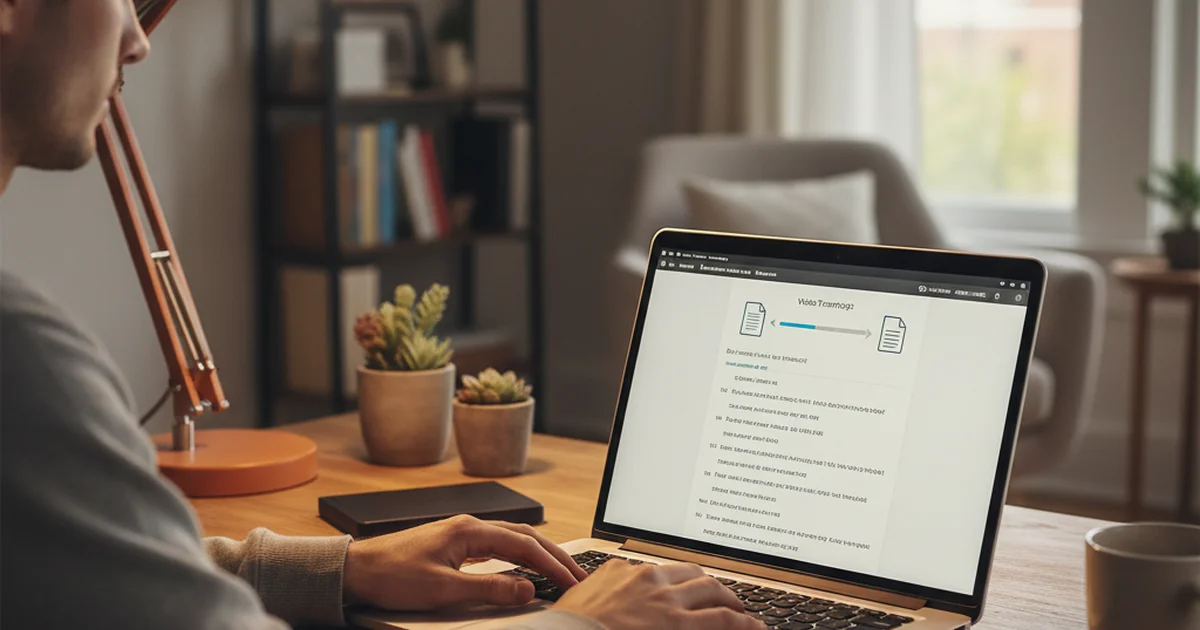
MP4 to Transcript: Convert Any Video Recording to Text (2026)
Converting MP4 files to transcripts is a one-step upload. The output — timestamped text, speaker labels, AI summary — turns a recorded meeting or interview into a searchable document.

Free Audio to Text Transcription — 5 Options That Actually Work
Five tools transcribe audio to text for free. They differ in accuracy, format support, and whether you get anything beyond raw text. Here's which one to use and when.

AI Transcription in 2026: How It Works and Which Tools Are Worth Using
AI transcription has reached the accuracy threshold where it replaces manual transcription for most professional use cases. Here's what the technology actually does, where it still fails, and which tools deliver reliable output.

MP4 Summarizer: How to Summarize Any Video File with AI (2026)
Need to extract key points from an MP4 without watching the whole thing? Here's the fastest way to summarize any MP4 file with AI — plus what the output actually looks like.
How to Set Up an AI Daily Brief from YouTube & Podcasts
Stop scrolling through YouTube feeds every morning. Here's how to subscribe to any channel or podcast and get an AI-generated daily digest — key points, no fluff — delivered at 7 AM.
Best Second Brain Apps in 2026 — Which One Actually Builds Knowledge?
Second brain apps promise to capture and connect everything you learn. Most just create a more organized mess. Here's which ones genuinely distill knowledge — and which ones are just fancy note storage.

6 Best AI Note Taker Apps in 2026 — Tested & Compared
We tested the top AI note-taking apps across 200+ meetings, voice memos, and research sessions. Here's which ones actually capture, organize, and surface what you need — without making you do the work.

The AI Daily Brief: Transcripts, Summaries & How to Follow the Podcast
The AI Daily Brief by Nathaniel Labenz is one of the most listened-to AI news podcasts in 2026. Here's where to get episode transcripts, how to search them, and how to build your own daily AI brief.
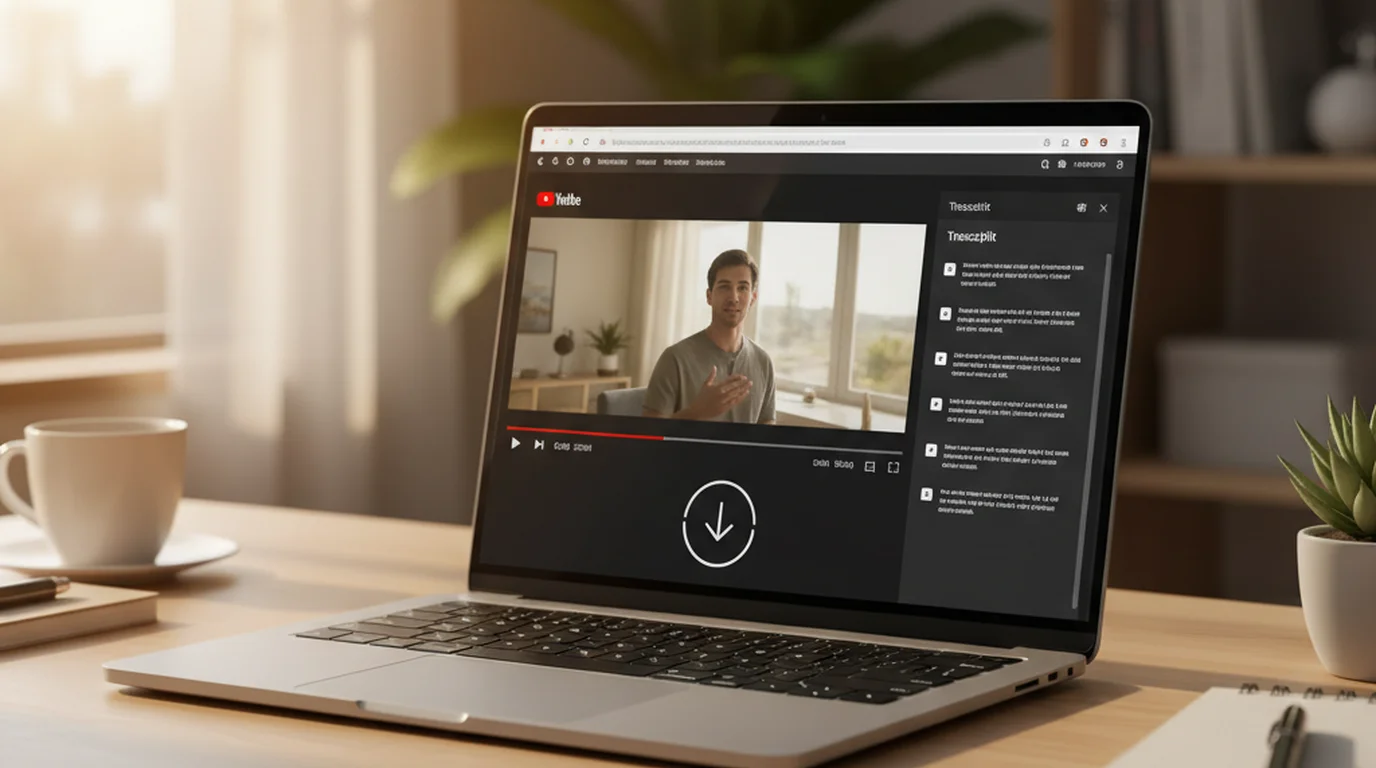
How to Download a YouTube Transcript (As a File You Can Actually Use)
Copying text from YouTube's panel is one thing. Downloading a transcript as an SRT, TXT, or VTT file you can save, import, or archive is another. Here's how to download a YouTube transcript in the format you need.
How to Transcribe Voice Recordings to Text (Free Methods for 2026)
Voice recording transcription used to mean hours of typing. Three methods compared — AI upload tools, built-in dictation, and manual — with accuracy, cost, and time breakdowns so you can pick the right one.
How to Transcribe a Video for Free — 4 Methods That Actually Work
Free video transcription is possible — but not every method produces usable output. Here are four approaches that actually work in 2026, with accuracy and format coverage compared so you can pick the right one for your video.
Microsoft Word Audio Transcription: What It Does, What It Can't, and Better Alternatives
Microsoft Word has a built-in audio transcription feature that most users don't know exists. Here's an honest assessment of what it does well, where it fails, and when a dedicated transcription tool produces better results.
Free YouTube Transcript Generator: 4 Tools That Work Without a Subscription
A free YouTube transcript generator should work on any video, produce accurate output, and not require a credit card to start. Here are four tools that actually meet that standard in 2026 — and what each one is best for.
What Is an Audio Transcriber — And How Do You Actually Use One?
Audio transcribers convert recorded speech to text automatically. Here's how the technology works, what accuracy to expect from different recording types, and a practical guide to getting started free in 2026.
5 Best Turboscribe Alternatives in 2026 (Tested & Compared)
Turboscribe bundles a YouTube downloader with transcription and charges you for both. If you just want clean AI transcription — with summaries — these alternatives do more for less.

Best Transkriptor Alternatives in 2026 (Better Free Tier + AI Output)
Transkriptor's free trial runs out fast, and paid plans charge by the minute without any AI intelligence layer. Here are the best alternatives that cost less and give you more than a raw transcript.
Best HappyScribe Alternatives in 2026 (When You Don't Need the Translation Layer)
HappyScribe is a solid tool for subtitle exports and multilingual translation — but if you're paying €17+/mo just to get English transcripts, you're funding features you'll never use. Here's what to use instead.
How to Transcribe a Podcast Episode Free (Any Format, Any Source)
Whether you downloaded the MP3, grabbed the RSS link, or exported from your podcast app — here's the exact workflow to get a full podcast transcript free, for creators and listeners alike.
Best Descript Alternatives in 2026 (When You Only Need Transcription)
Descript is a powerful video editor — but if you're paying $12-24/mo just to get transcripts, you're overpaying. Here are the best alternatives for users who need transcription without the full video editor.
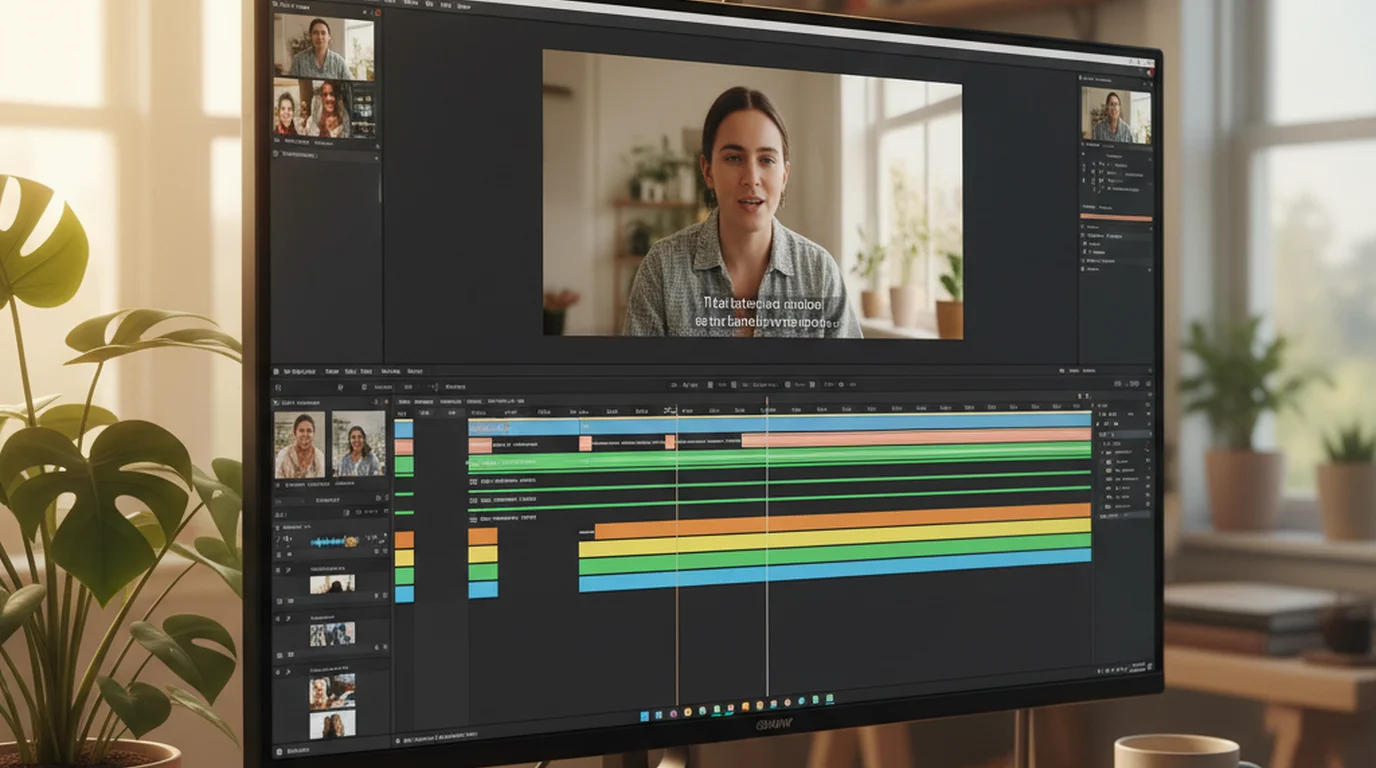
AI Subtitle Generator: How to Add Captions to Any Video (Free, 2026)
Need to generate subtitles for a video you own? Here are the best free methods — from AI transcription to YouTube's built-in captions — plus how to export an SRT file for YouTube upload or accessibility.
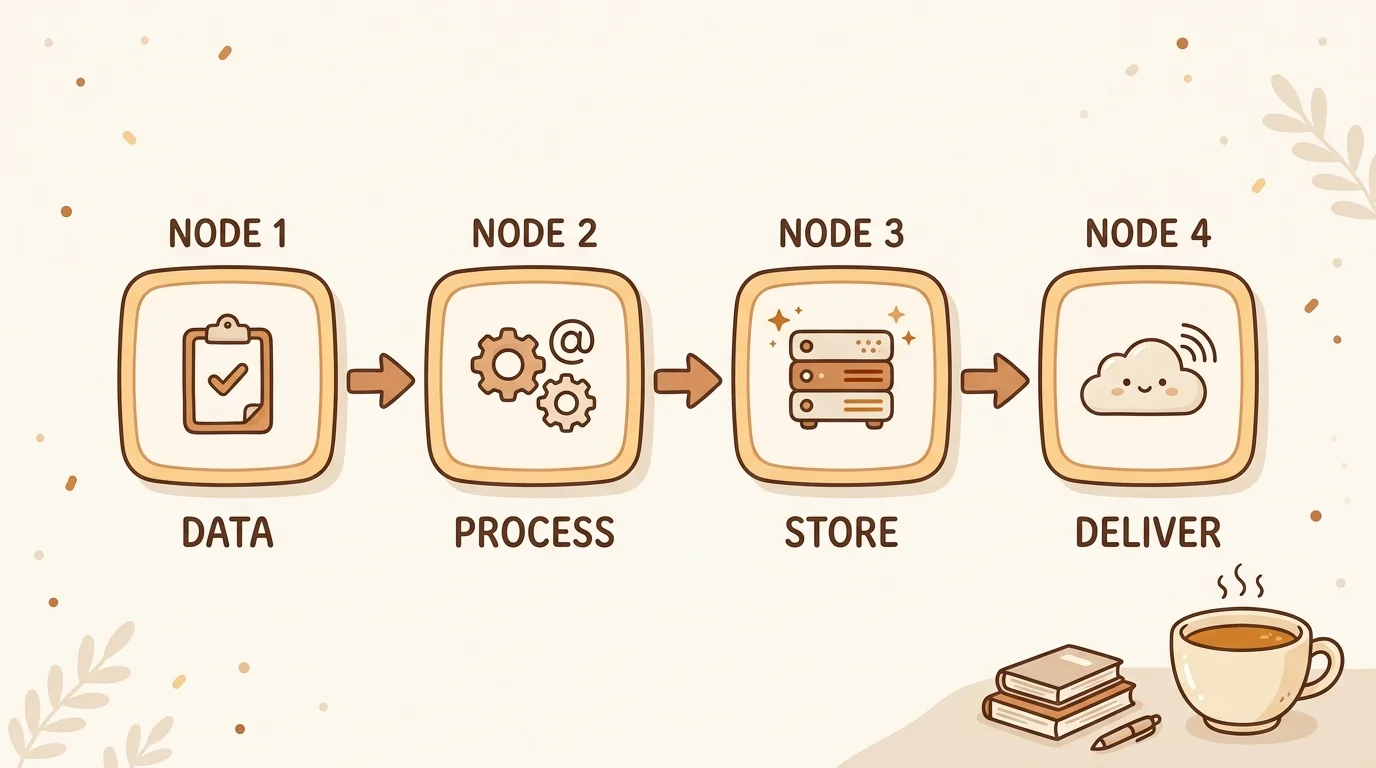
What Is a Knowledge Management System? A Technical Guide for 2026
A knowledge management system captures, organizes, and surfaces what your team knows. Here's the technical architecture behind modern KMS — and why AI changes the design.
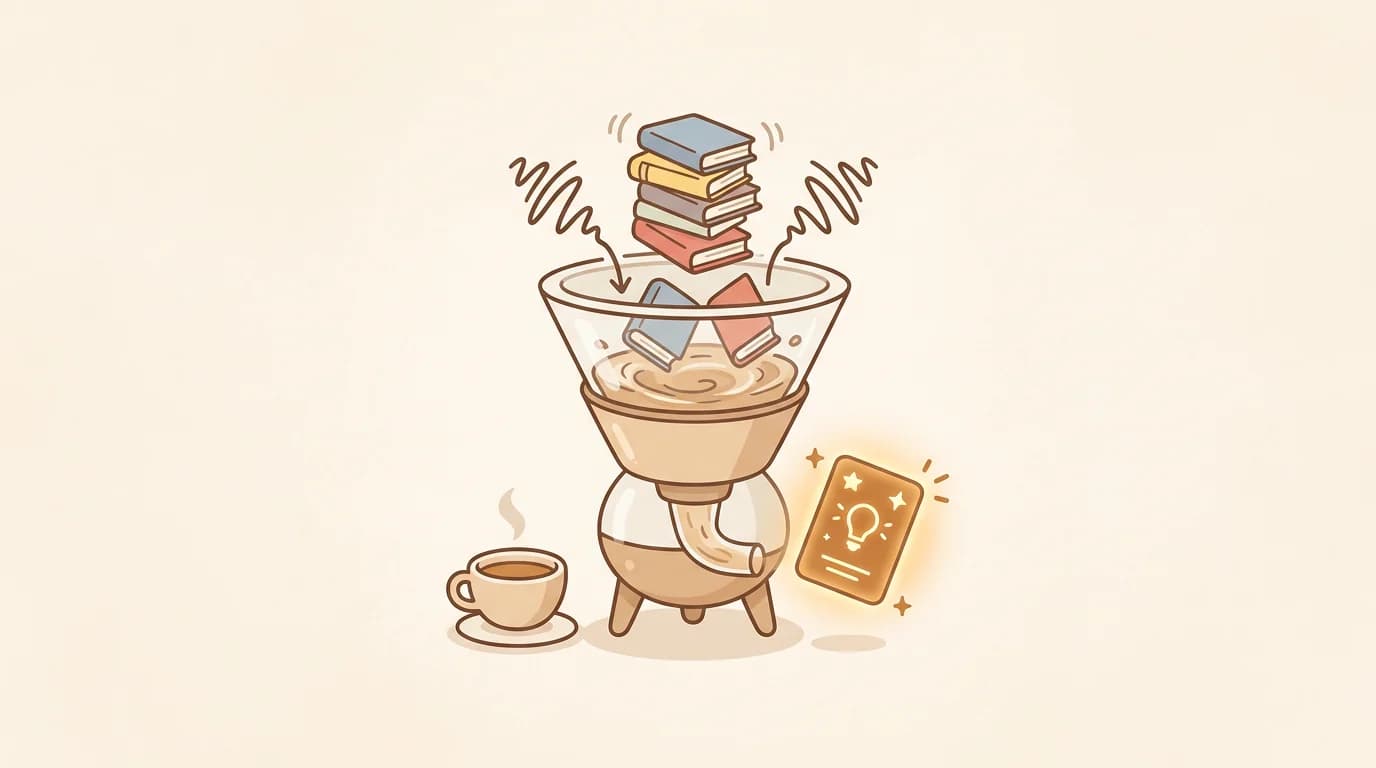
What Is Knowledge Distillation? How AI Turns Information Overload Into Insight
Knowledge distillation compresses what you've learned into reusable insight. Here's what it means, how AI applies it, and how sipsip's Mindverse makes it practical for everyone.
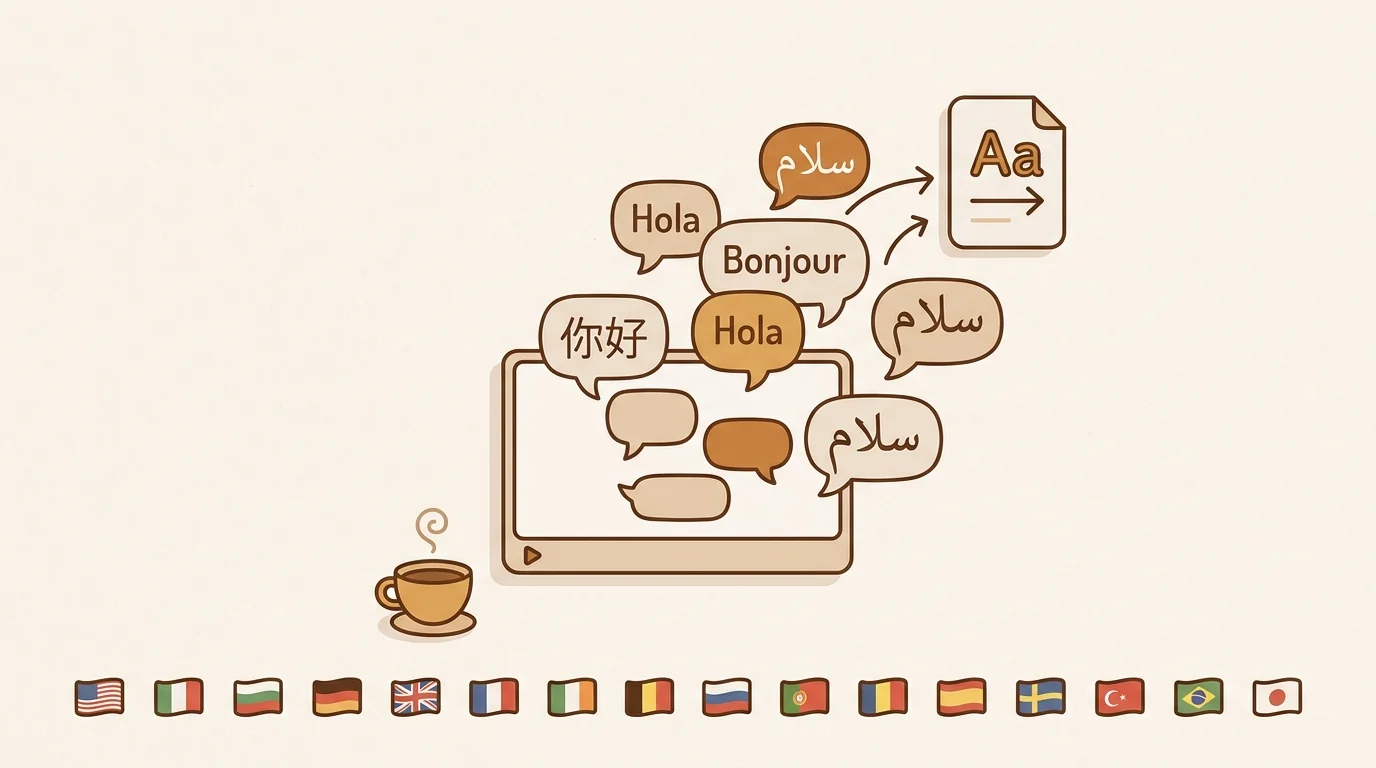
Video Translation: Methods, Tools & Complete Guide 2026
How to translate any video in 2026 — YouTube auto-captions, AI tools that output in 16 languages, or professional services. Which method fits your workflow and when to use each.
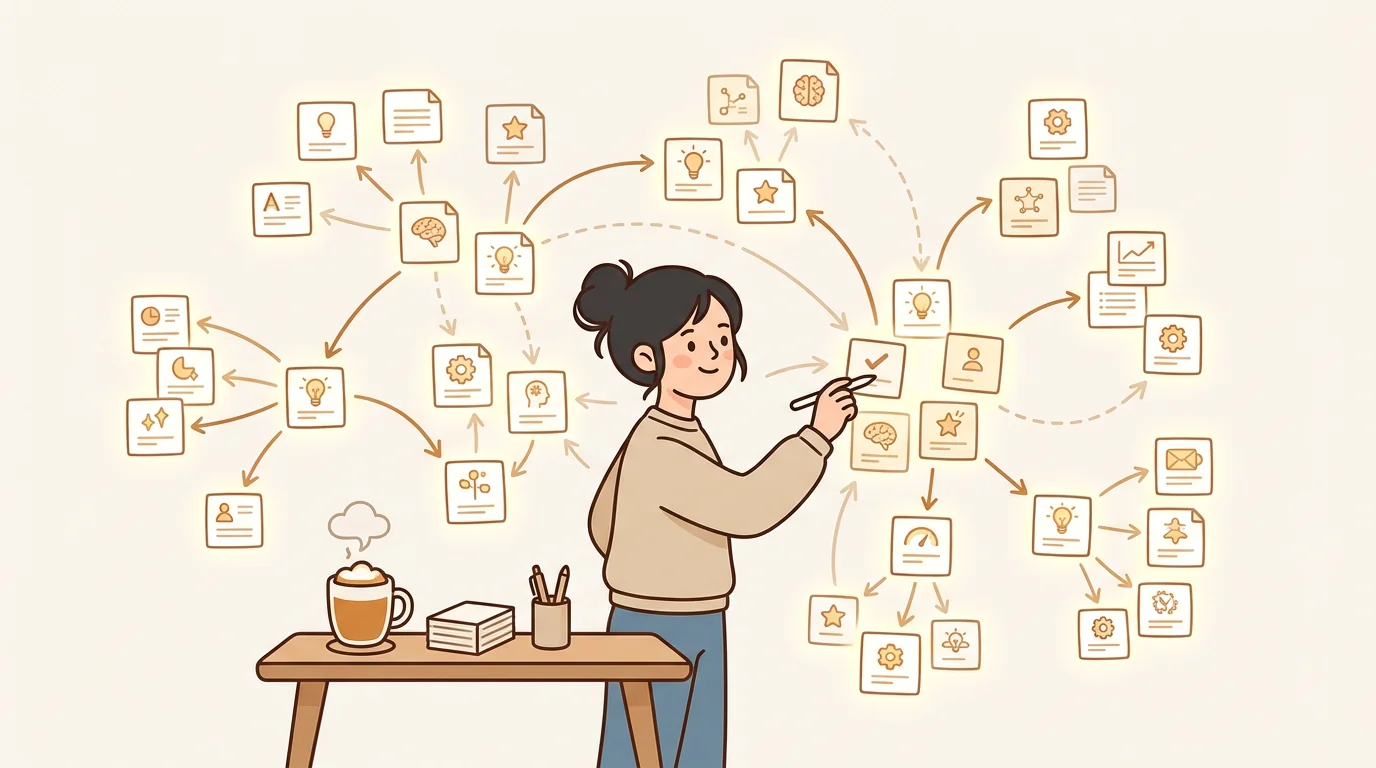
Personal Knowledge Management Best Practices for 2026
Stop losing what you learn. These personal knowledge management best practices show you how to build a system that actually compounds — with or without AI.
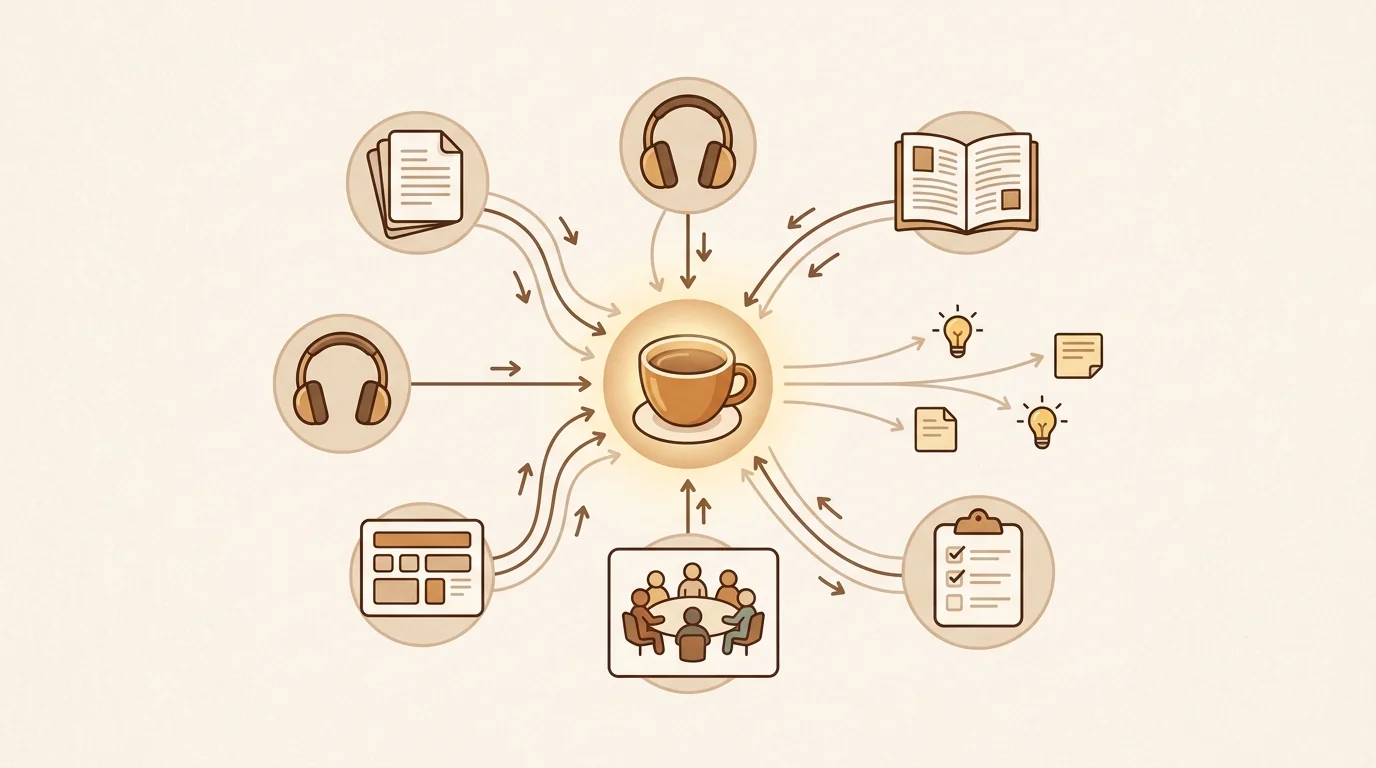
Knowledge Management: The Complete Guide for 2026
Complete guide to knowledge management in 2026: what it is, why most KM systems fail at retrieval, how AI changes the capture-to-retrieval pipeline, and how to build one that lasts.
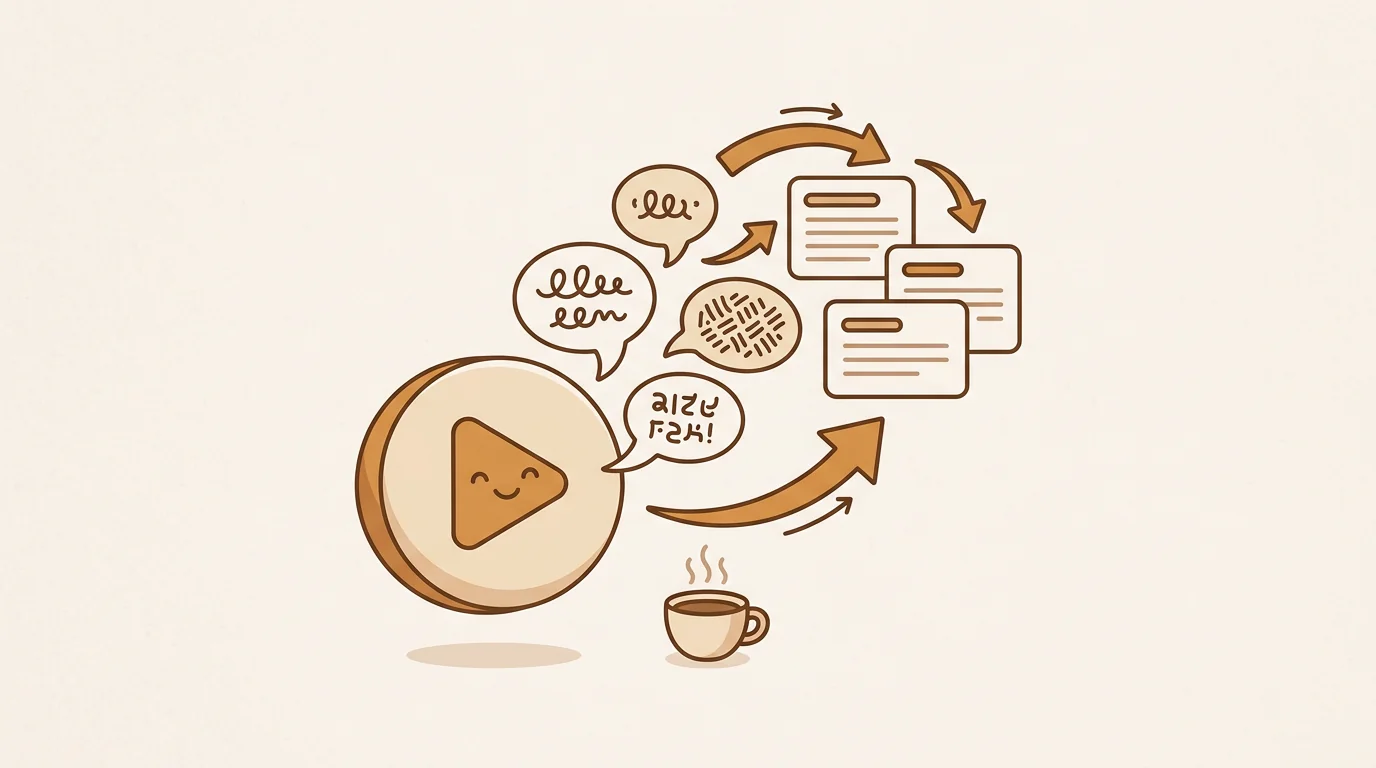
How to Translate a YouTube Video to English (3 Methods)
Three ways to translate any YouTube video to English in 2026 — YouTube's built-in subtitles, AI tools that return full translated text, and the manual transcript workflow.
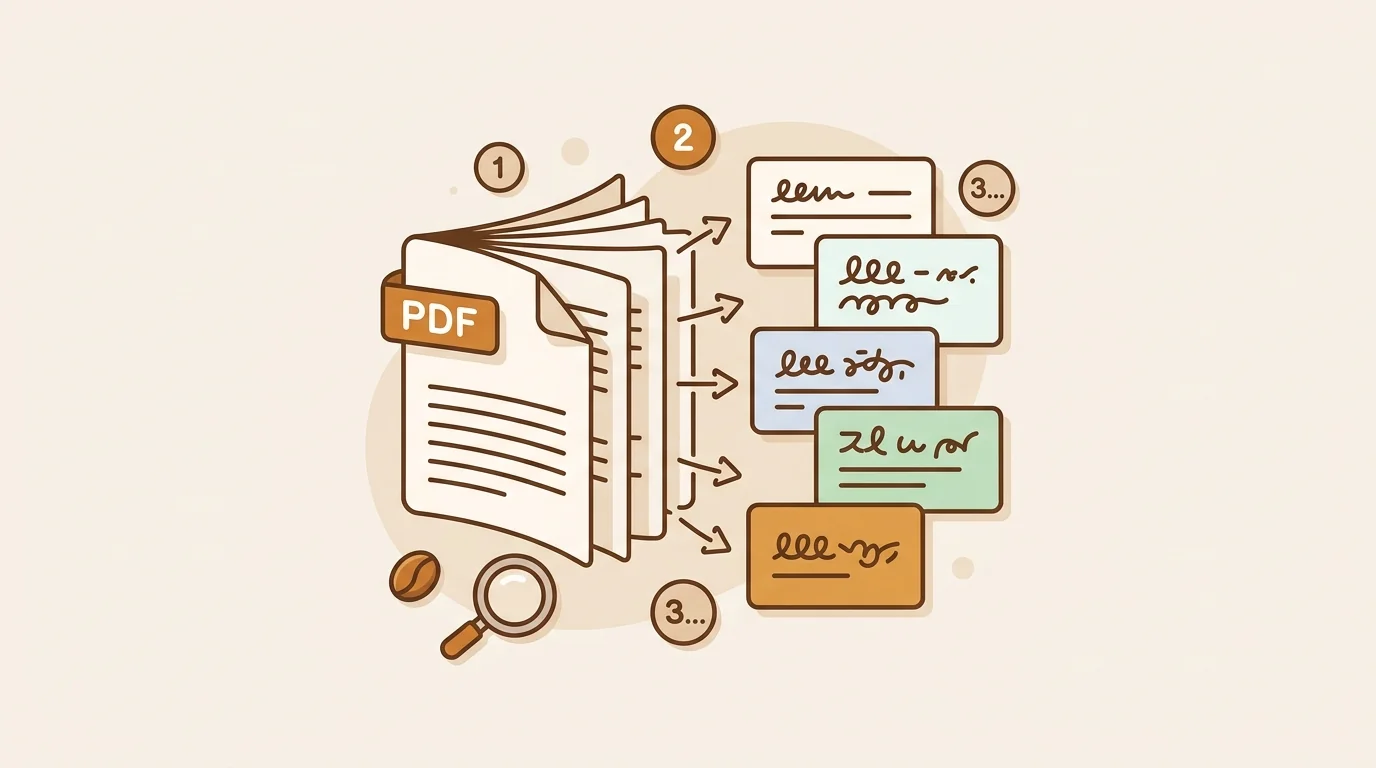
How to Translate a PDF for Free: 5 Methods That Work in 2026
Need to translate a PDF document? Here are 5 free and low-cost methods — from Google Translate's document upload to AI tools that handle scanned PDFs — with when to use each.
How to Translate a Document: 5 Methods for 2026
How to translate Word documents, PDFs, and Google Docs in 2026 — including the fastest free options, the most accurate paid tools, and when to use human translators instead.
Best AI Video Translation Tools in 2026
Tested 7 AI video translation tools across accuracy, language support, speed, and cost. Here's what each one actually does well — and where they fall short.
AI Knowledge Management Tools in 2026: How AI Changes the Way Teams Learn
AI knowledge management tools do what legacy KMS can't: ingest audio and video, distill content automatically, and surface insights before you search. Here's the honest technical comparison.
The Best Digital Notebook for Knowledge Distillation in 2026
Stop losing ideas across scattered tabs and voice memos. Mindverse — built on sipsip's Transcriber — captures every fragment and distills it into a connected, actionable knowledge base you can actually use.
The Best Obsidian and Notion Alternative in 2026: AI-First Knowledge Management
Obsidian and Notion are excellent tools — but neither captures audio, distills content automatically, or delivers daily briefs. Here's the technical case for what AI-first knowledge management actually looks like.
7 Best YouTube Video Summarizer Tools in 2026 (Tested & Ranked)
We tested 7 YouTube AI summarizers on 40+ videos across topics. Here's which tools give you accurate summaries — and which ones hallucinate.
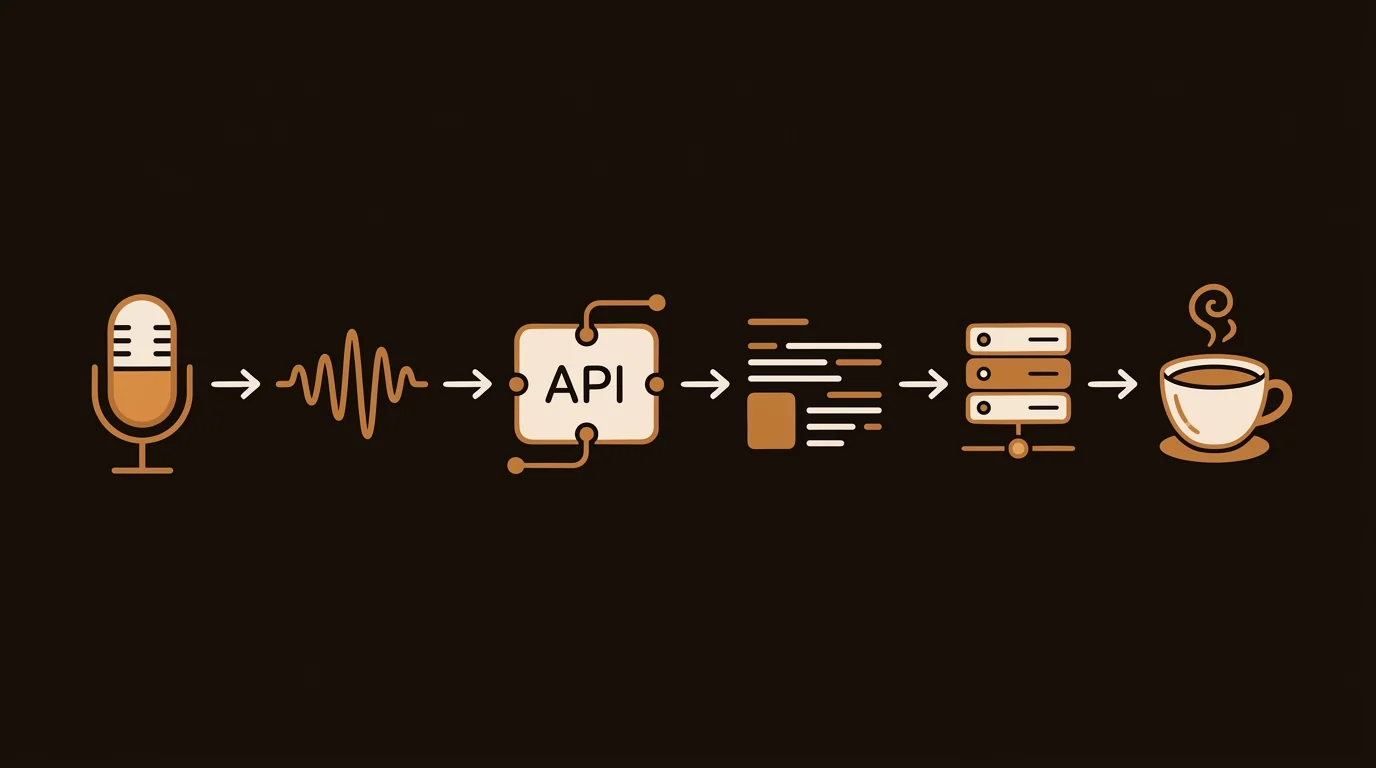
5 Best Speech-to-Text APIs in 2026 (Benchmarked by a Dev Team)
We benchmarked OpenAI Whisper, Deepgram, AssemblyAI, Rev AI, and Google STT on real podcast and meeting audio. Here's which API ships accurate transcripts — and at what cost.
8 Best Free AI Summarizers With No Signup Required (2026)
Looking for a free AI summarizer with no account? We tested 8 tools that work instantly — no credit card, no email, no login required.
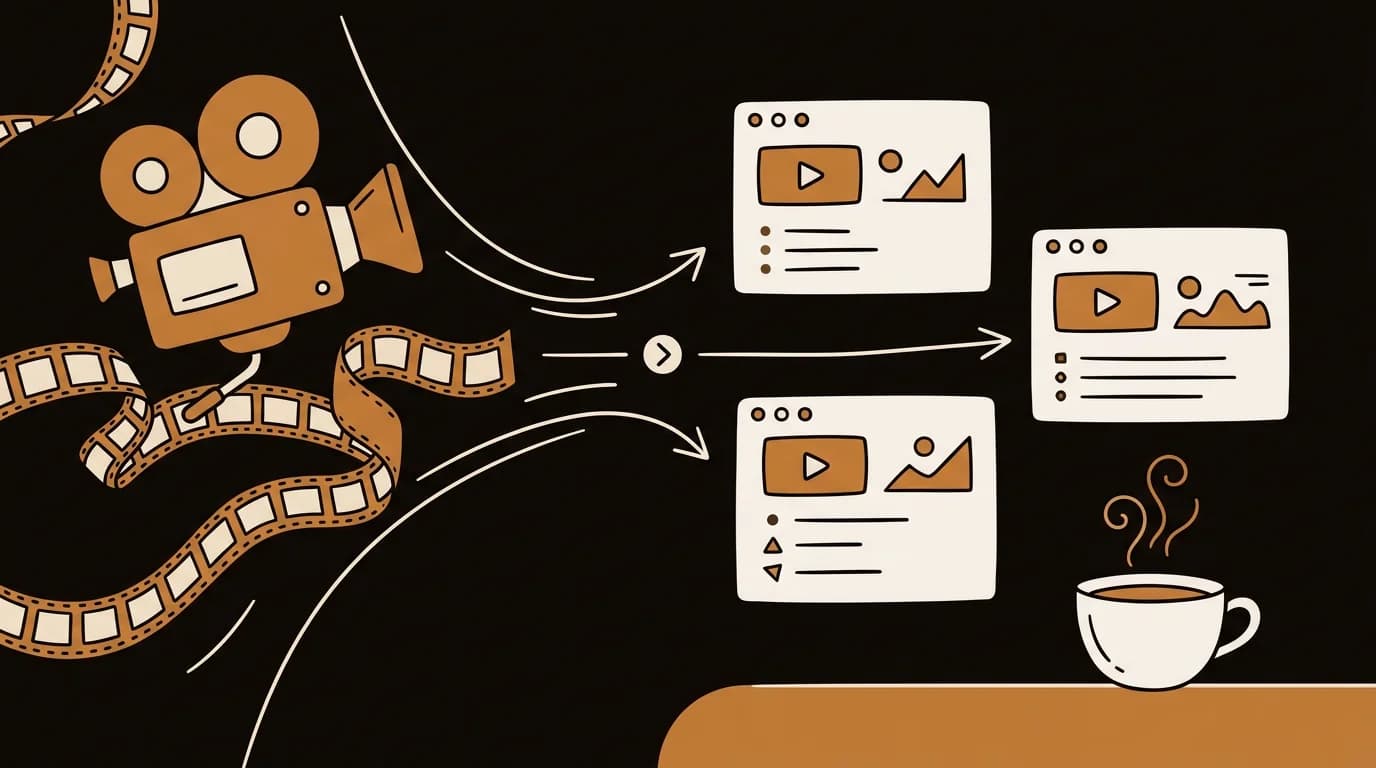
Best AI Video Summarizer for Uploaded Files, Zoom Recordings & Meetings (2026)
Need to summarize an MP4, Zoom call, Loom video, or conference recording? We tested 6 AI tools that work on uploaded video files — not just YouTube.
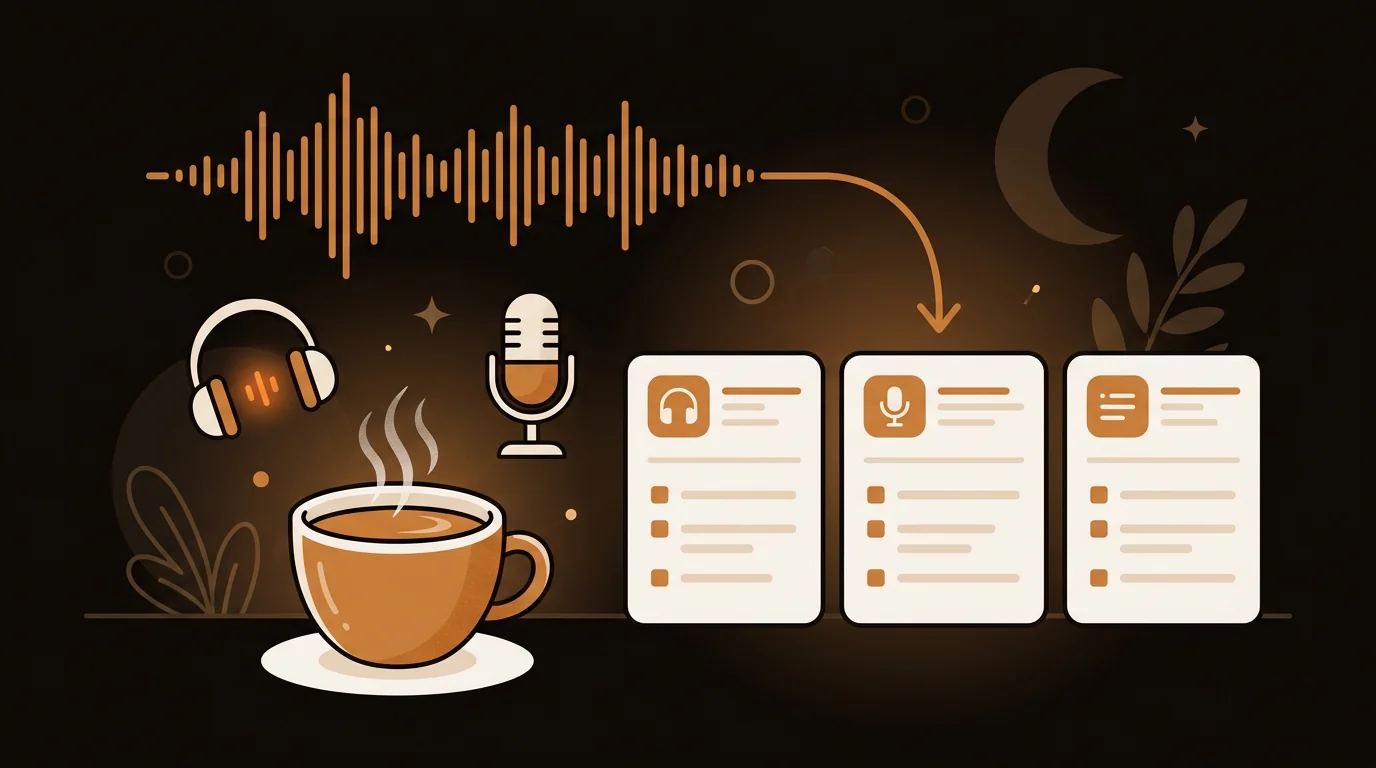
7 Best AI Podcast Summarizer Tools in 2026 (Tested & Ranked)
We tested the top AI podcast summarizers on 50+ episodes across genres. Here's which tools actually save time — and which ones produce summaries you can't trust.
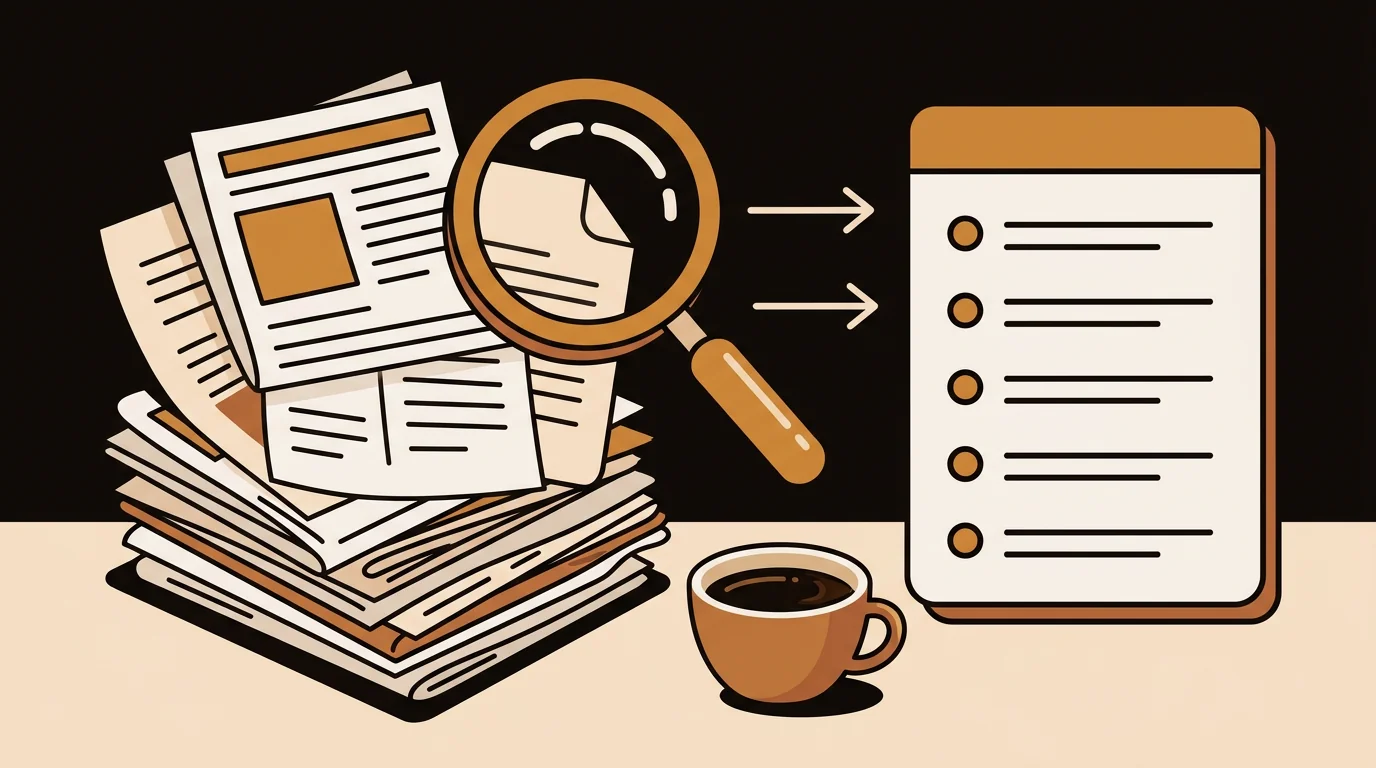
7 Best AI Article Summarizer Tools in 2026 (Tested Across 100+ Articles)
We tested 7 AI article summarizers on 100+ articles from news, research, and tech. Here's which tools produce summaries you can actually use — and which ones miss the point.
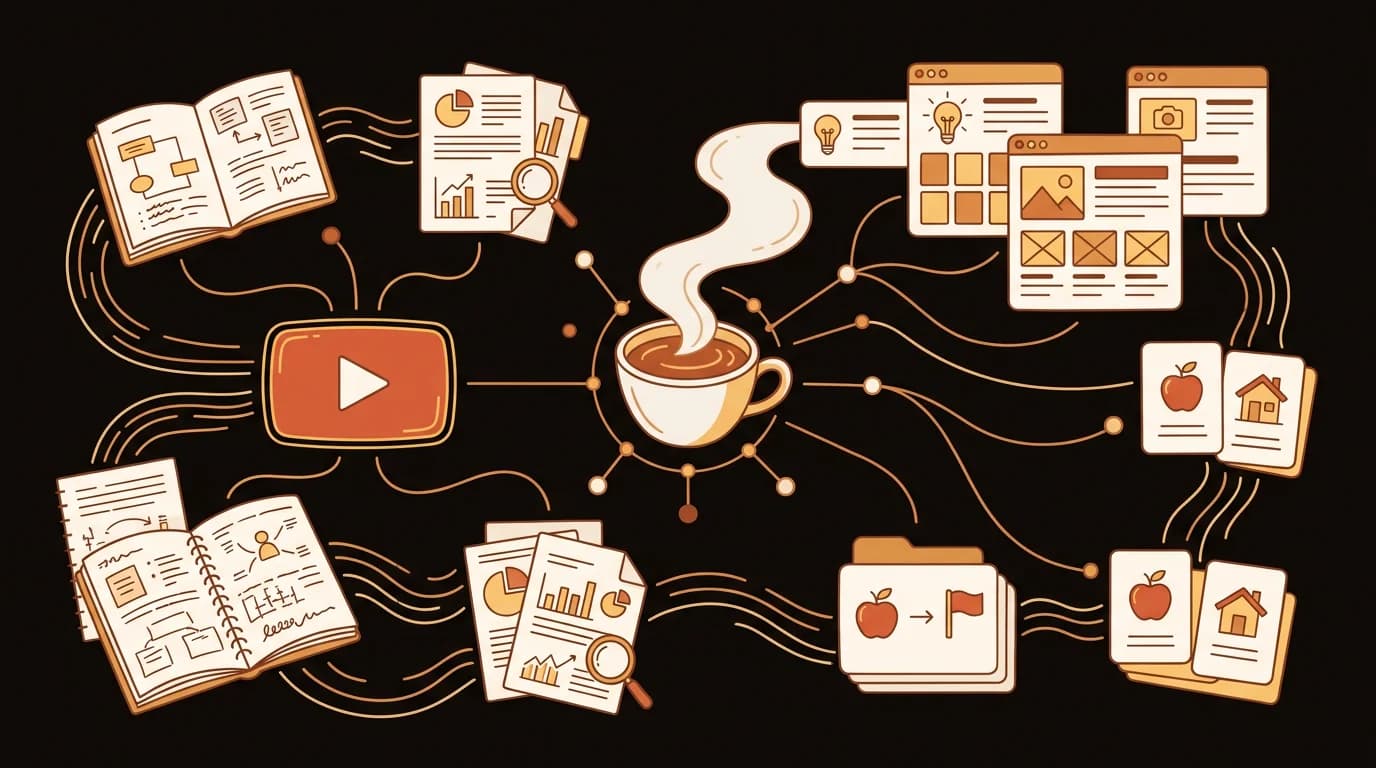
YouTube Transcript Generator: The Complete Guide (2026)
Everything you need to know about getting transcripts from YouTube videos — free methods, AI transcript generators, accuracy, use cases for students, researchers, and creators, and how to extract any YouTube video to text.
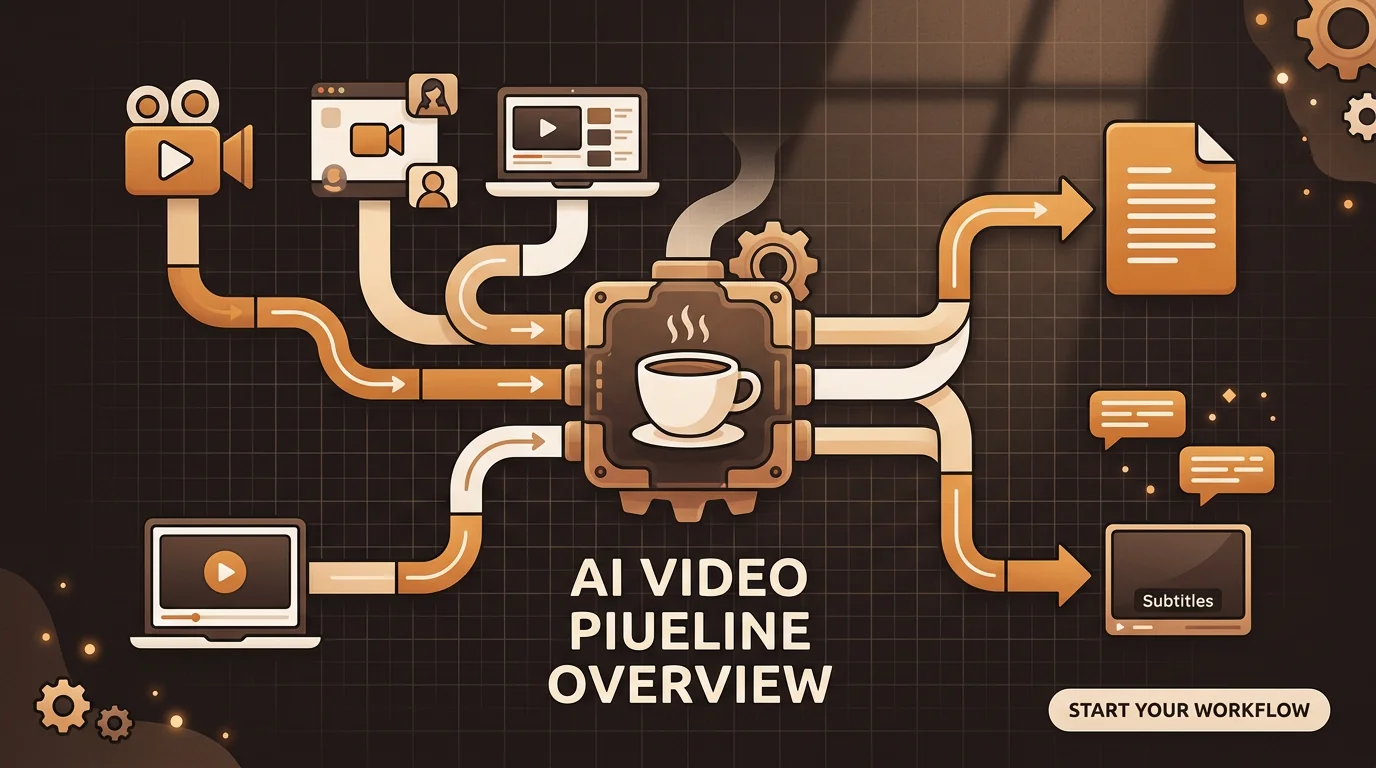
Video Transcription: The Complete Guide to Transcribing Video to Text (2026)
The complete guide to AI video transcription — how to get a transcript from any video file, MP4 to text, video transcript generators, accuracy benchmarks, and use cases for creators, educators, and researchers.
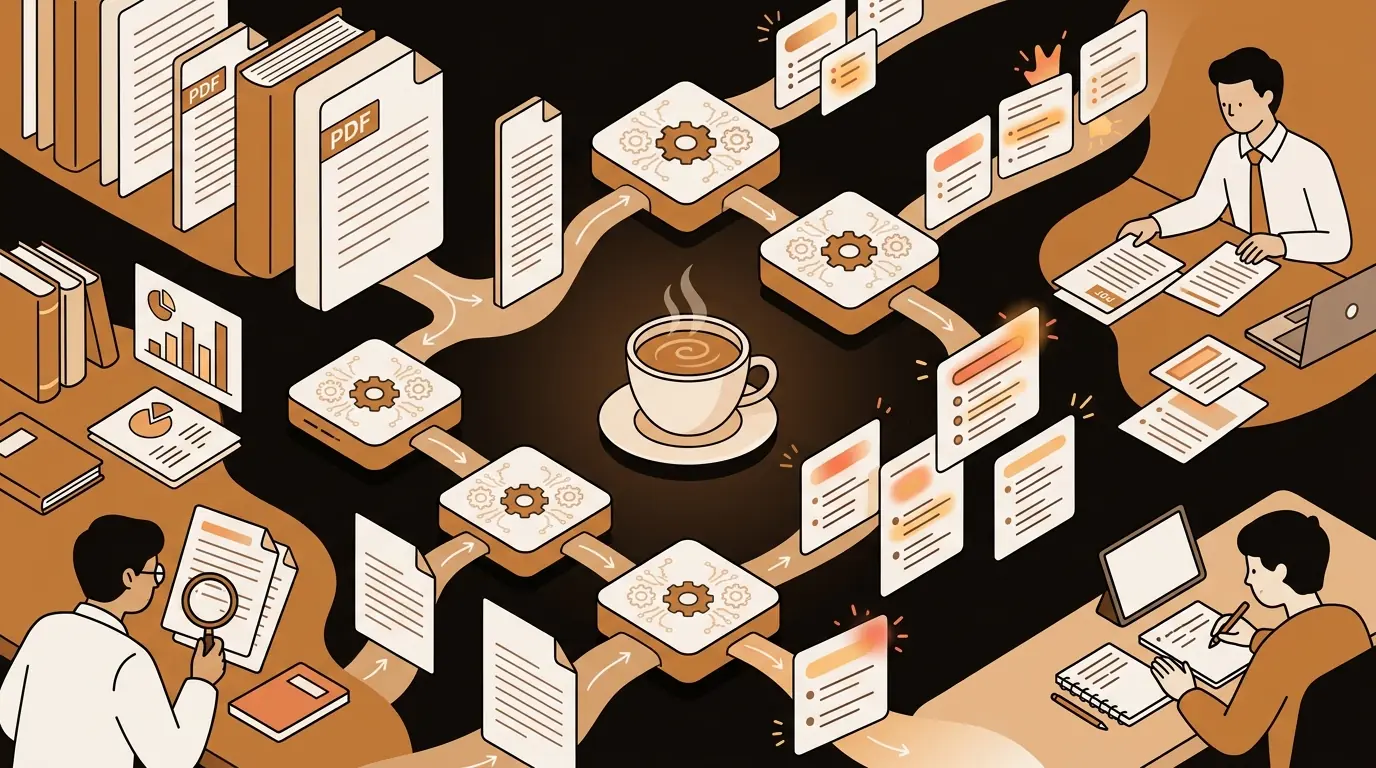
AI PDF Summarizer: The Complete Guide to Summarizing PDFs (2026)
Everything you need to know about AI PDF summarizers — how they work, accuracy, best tools, use cases for students, researchers, consultants, and knowledge workers, and how to extract real insight from long documents.
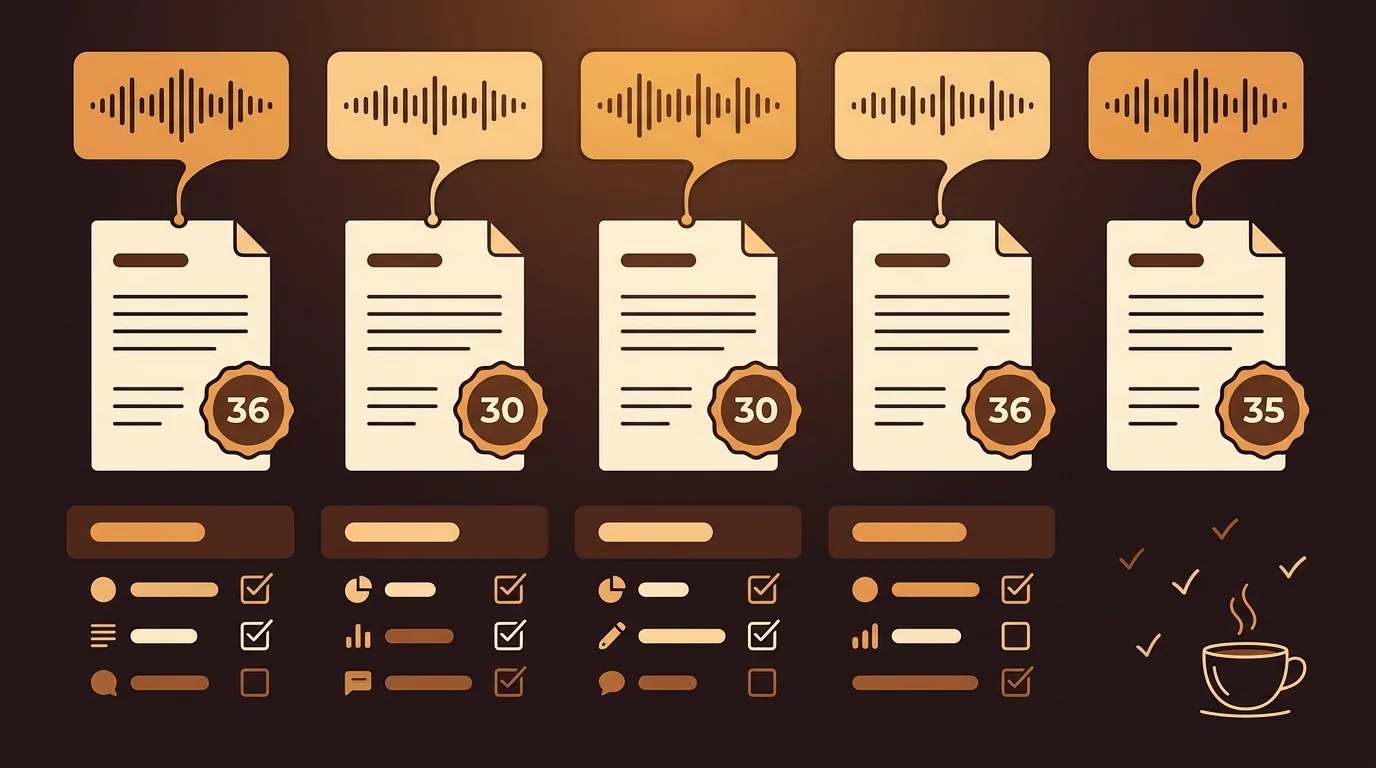
Transcribe Audio Recordings to Text: 5 Methods Tested and Ranked (2026)
We tested 5 ways to transcribe audio recordings to text on identical source files — built-in tools, browser-based, desktop apps, and AI. Here's what the accuracy data actually shows.
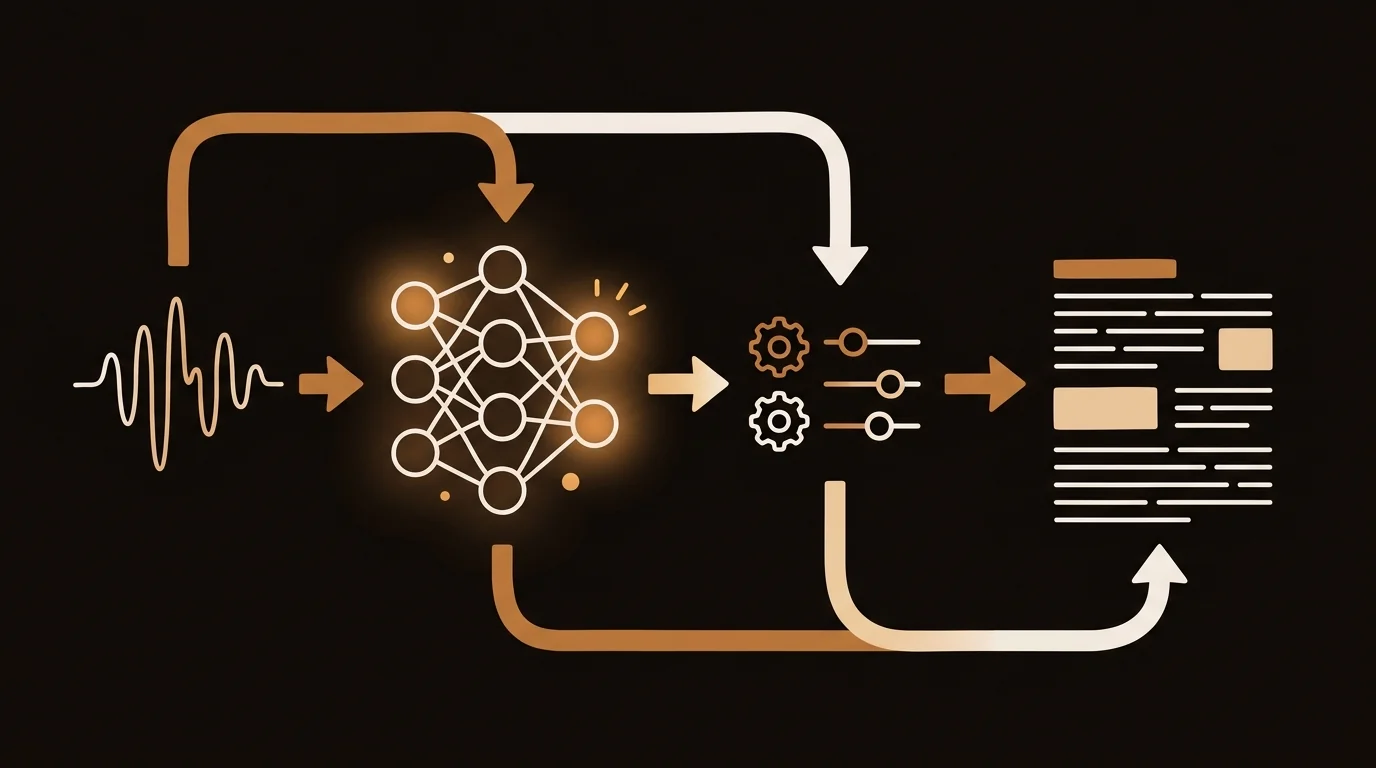
How AI Transcribes Voice Recordings to Text: The ASR Pipeline Explained
What actually happens between pressing 'upload' and getting a transcript back? A breakdown of the ASR pipeline — preprocessing, model inference, diarization, and why accuracy varies.
AI Audio Transcription: The Complete Guide to Transcribing Audio to Text (2026)
Everything you need to know about AI audio transcription — how it works, accuracy benchmarks, supported formats, MP3 transcription, speech to text, and how to choose the right tool for your use case.
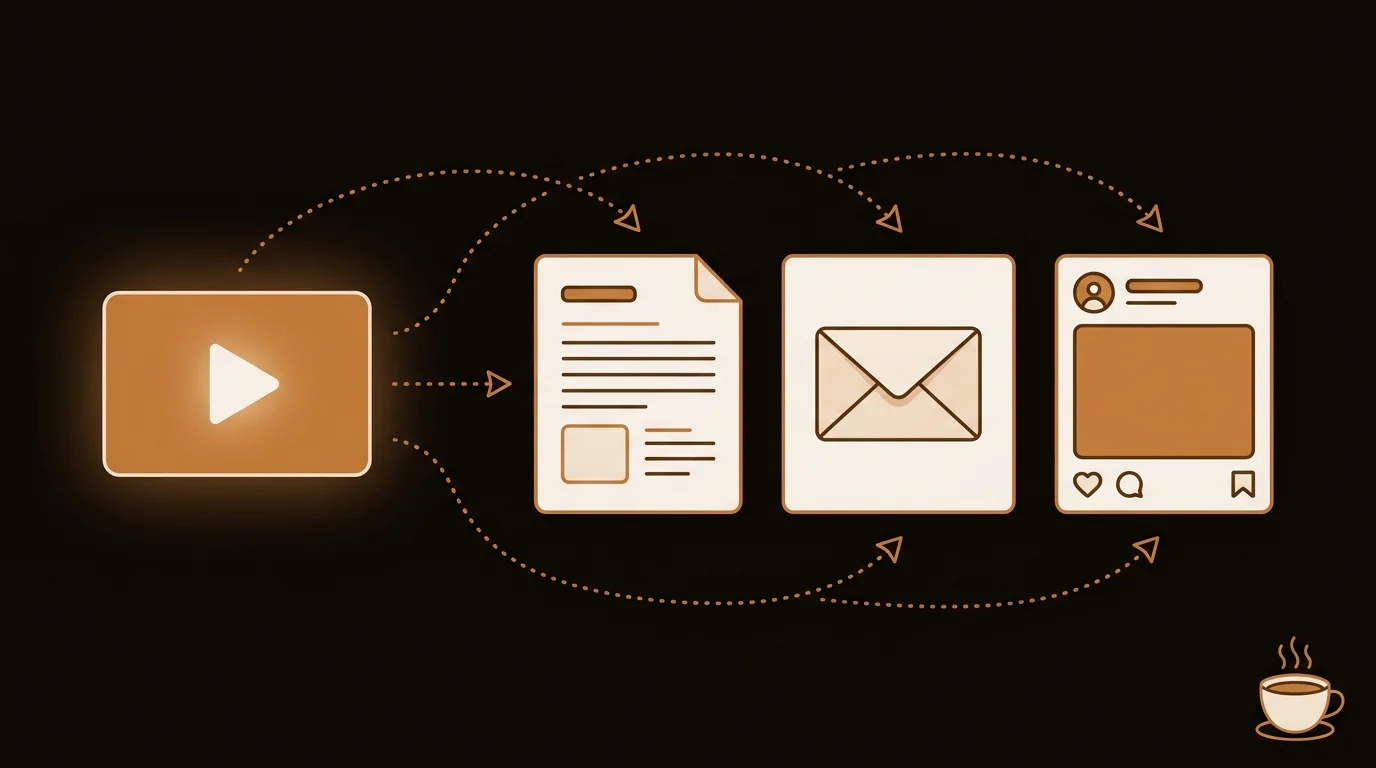
Video Transcriber for Content Creators: Turn One Video Into Five Pieces of Content
A video transcriber doesn't just extract text — it gives you raw material for blog posts, newsletters, social clips, and show notes. Here's the content repurposing workflow that actually works.
Best Free Audio Transcriber in 2026: 6 Tools Tested and Ranked
Tested the top free audio transcribers on accuracy, language support, and real-world output quality. A clear winner emerged — plus a breakdown of when to use each alternative.
The Best YouTube Video Summary Prompts for ChatGPT, Claude & Gemini (2026)
10 battle-tested prompts that get you clear YouTube video summaries from any AI chatbot — plus when a dedicated tool beats manual prompting entirely.
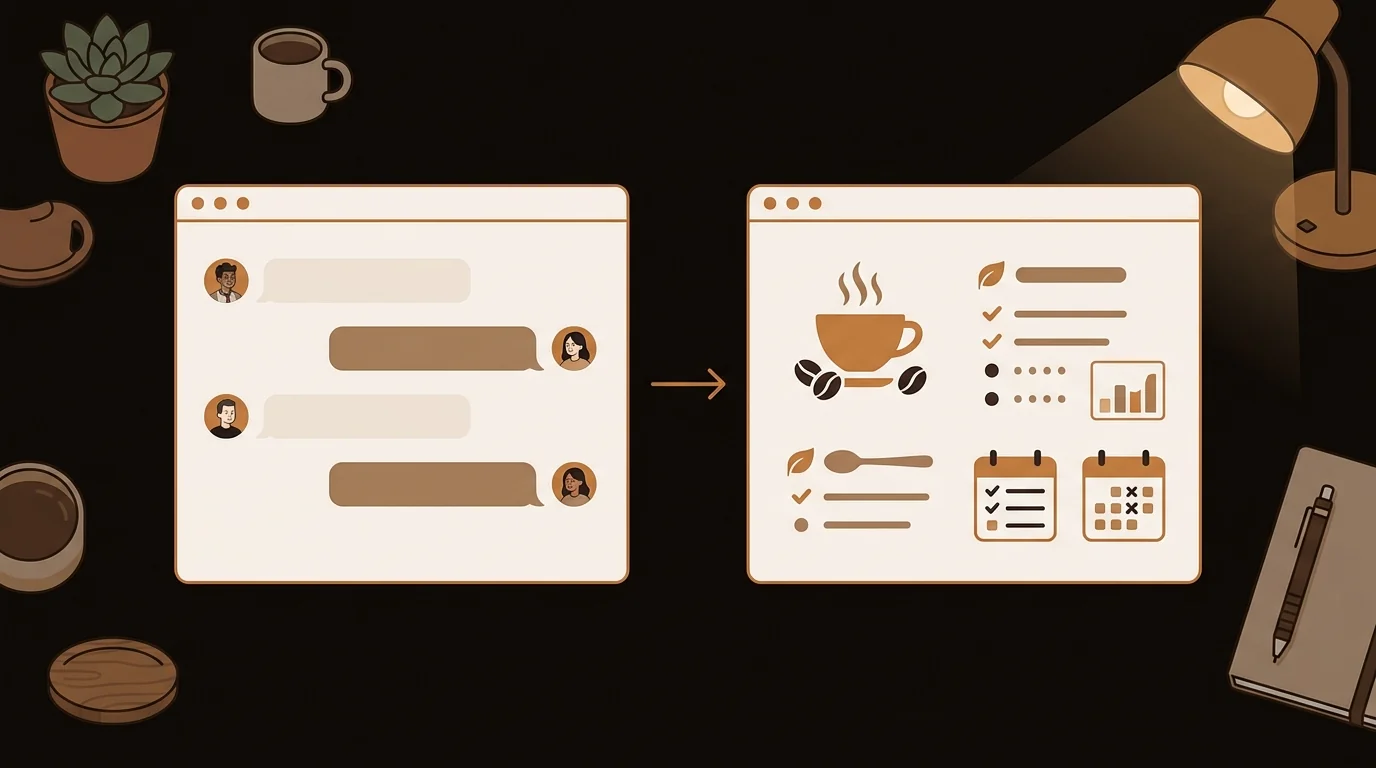
YouTube Summary with ChatGPT: Step-by-Step Guide + a Faster Alternative (2026)
How to summarize any YouTube video with ChatGPT using three methods — manual transcript, browser extensions, and Browse mode — plus when a dedicated tool is worth it.
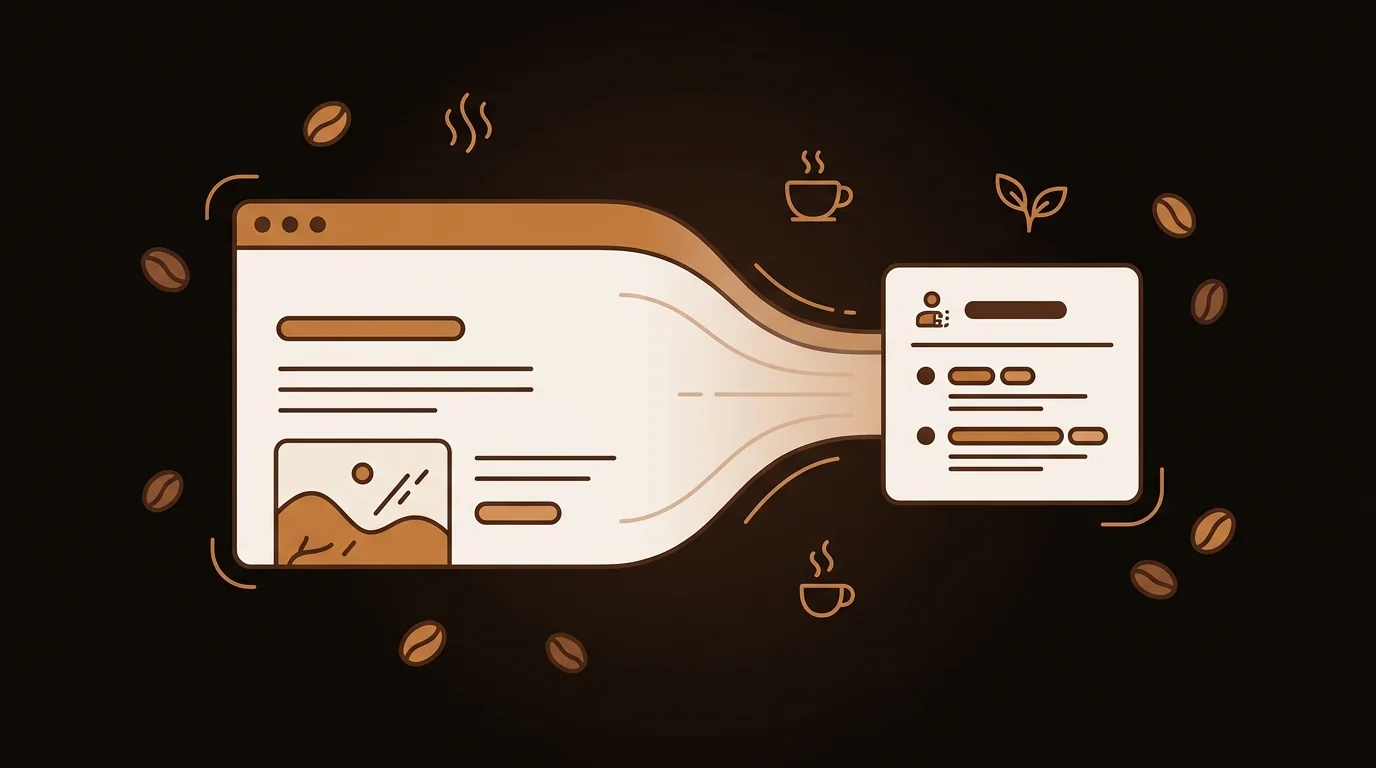
How to Summarize Any Web Page or Article with AI (5 Free Methods, 2026)
Five ways to get an AI summary of any web page or article in under a minute — browser extensions, paste-and-prompt, dedicated tools, daily digests, and bookmarklets.
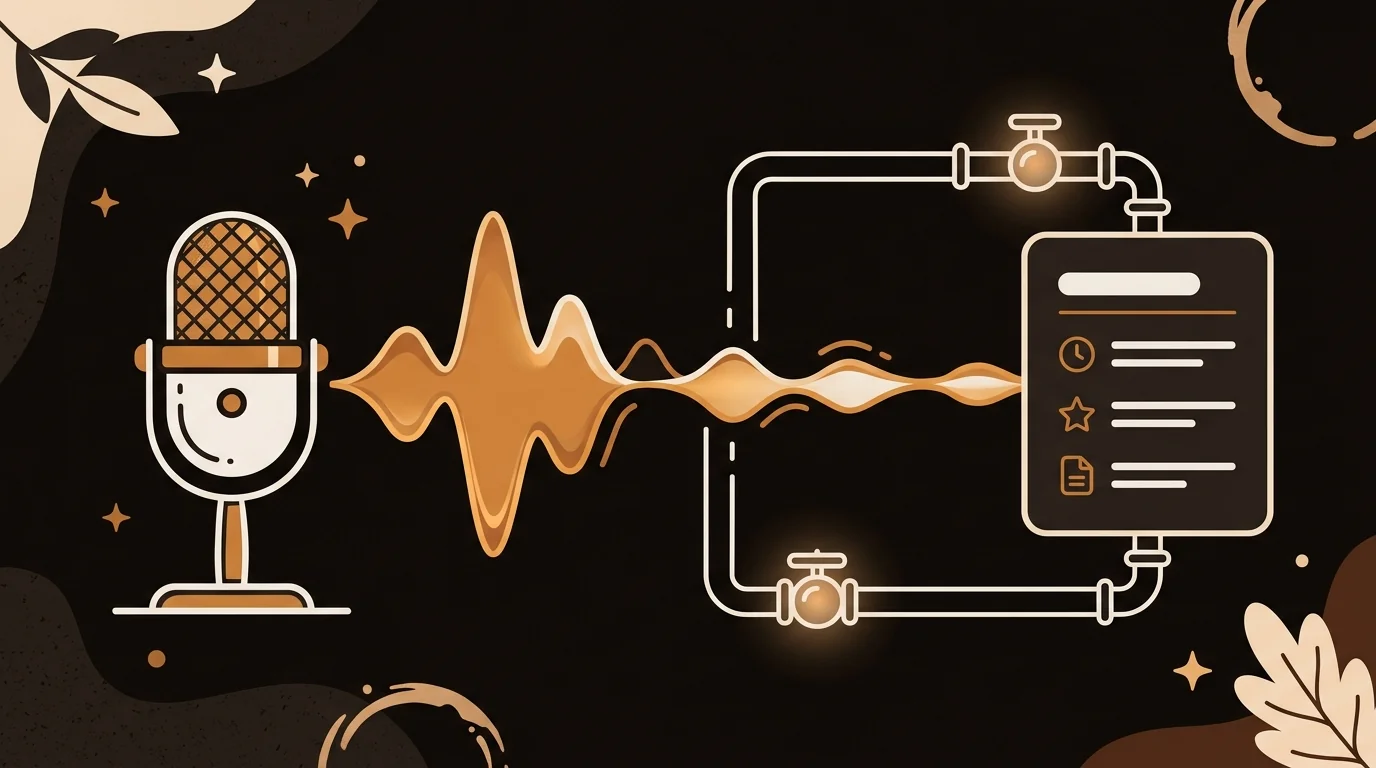
How AI Podcast Summarizers Work: Whisper, Chunking, and the Full Pipeline
The full technical pipeline behind AI podcast summarization — from RSS feed ingestion and audio extraction to Whisper transcription, semantic chunking, and LLM summary generation.
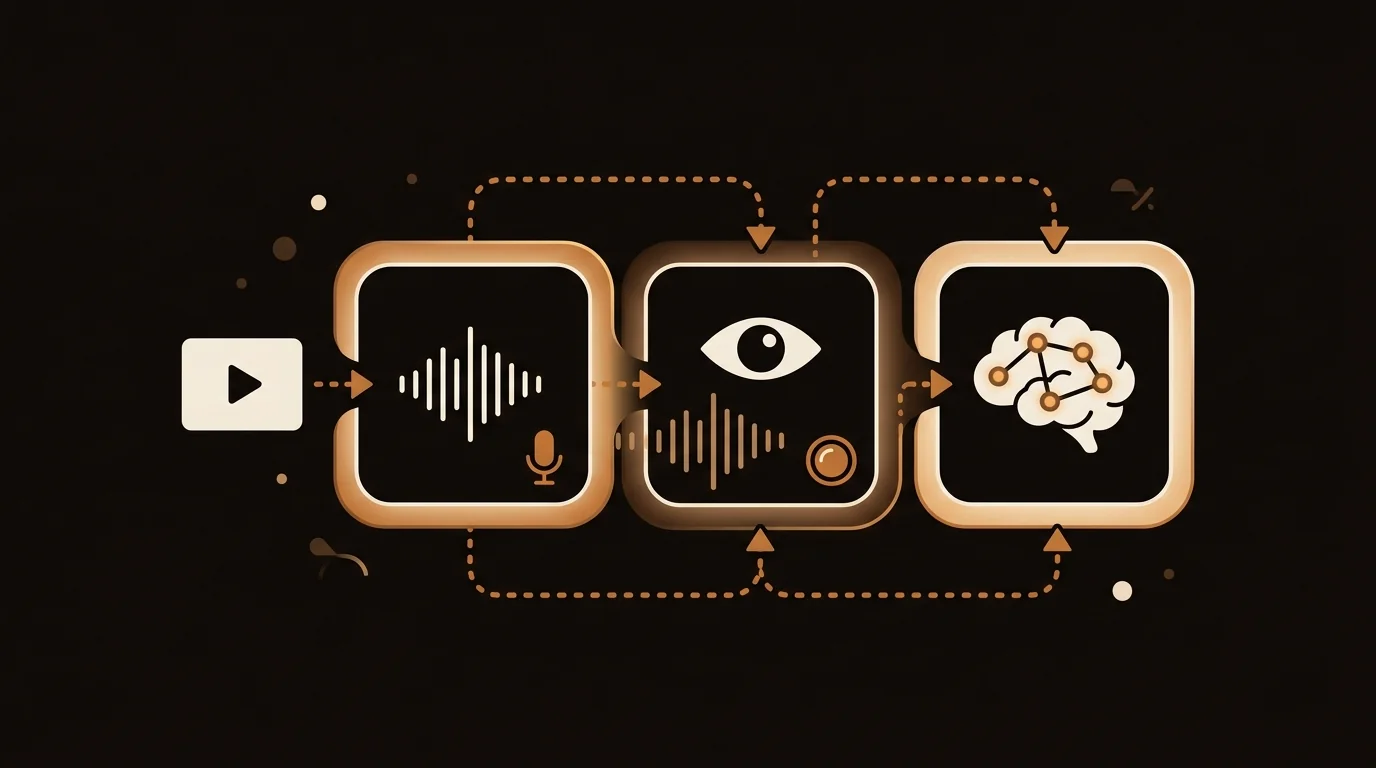
Can AI Actually Watch a Video? How AI Video Analysis Works in 2026
AI can't watch videos the way humans do — but it can analyze them effectively. Here's the actual architecture behind AI video analysis: transcription, vision models, and LLM reasoning.
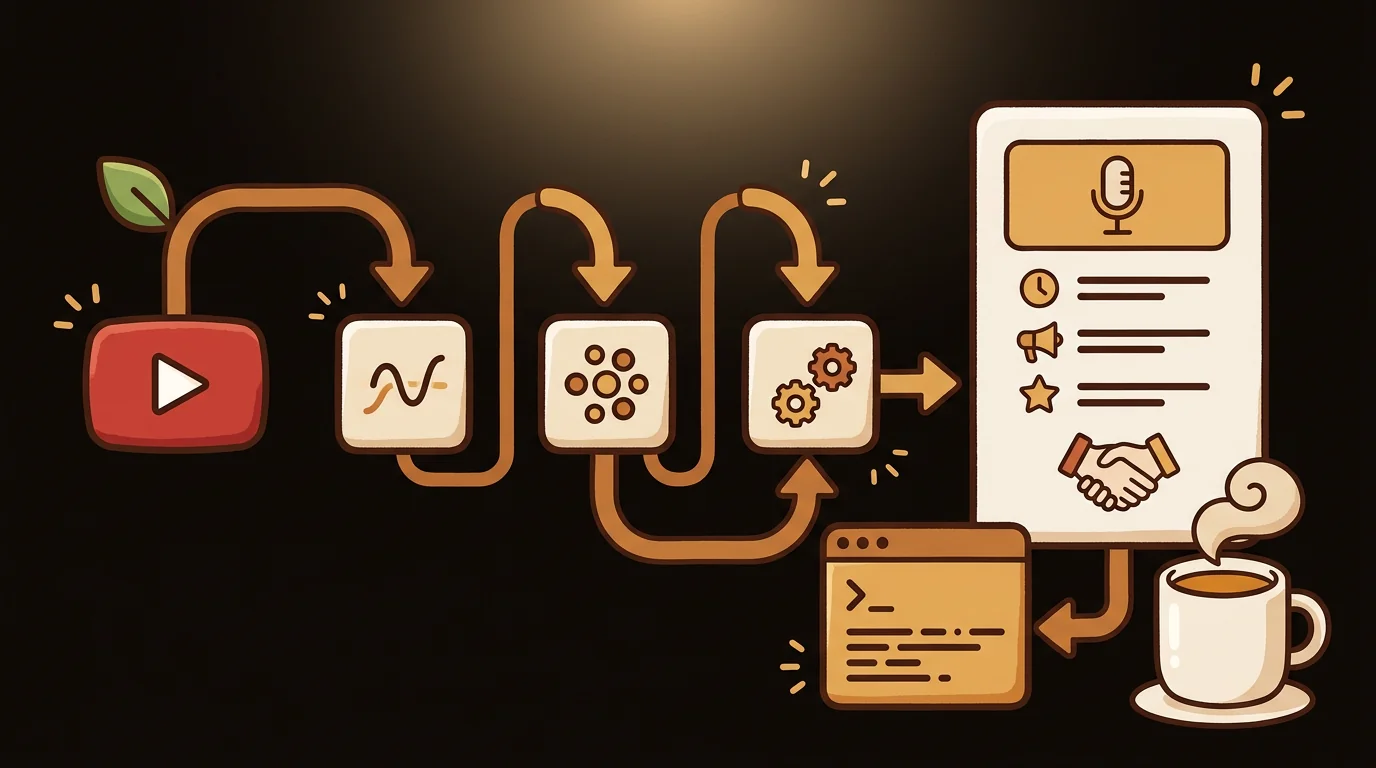
YouTube Video Summarizer API: How to Build AI Summaries from Any YouTube Video
A step-by-step technical guide to building a YouTube video summarizer using the YouTube Transcript API and an LLM. Includes working code, architecture decisions, and how sipsip.ai handles this in production.
YouTube Caption Downloader: How to Save Subtitles from Any Video (Free, 2026)
Need to download captions or subtitles from a YouTube video? Here are the fastest free methods — from YouTube's built-in export to browser tools and sipsip.ai's transcript extractor.
7 Best Vizard AI Alternatives for Video Repurposing (2026)
Vizard is great at cutting clips from long videos — but it's not the only option. Here are 7 alternatives for turning long-form video into short content, transcripts, and written assets.
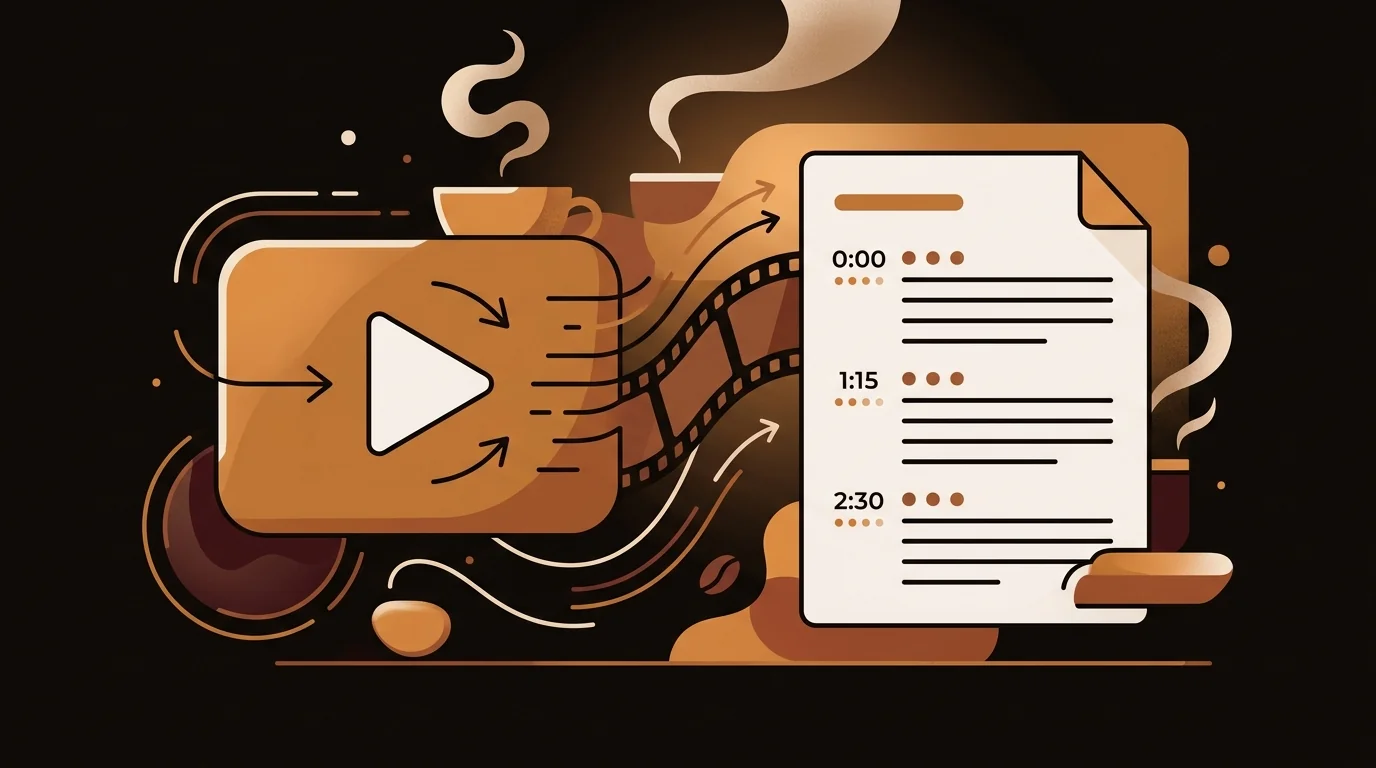
Video to Text: How to Get a Transcript from Any Video File
Whether it's a YouTube video, an MP4 file, a screen recording, or a webinar — here's how to extract the full text transcript from any video, fast.
10 Best Uniscribe Alternatives for AI Transcription and Summarization (2026)
Uniscribe offers transcription, mind maps, and summaries in one tool. Here are 10 alternatives that do some or all of this better — depending on what you actually need.
How to Transcribe Voice Memos to Text (iPhone, Android & Desktop)
Voice memos pile up because transcribing them manually takes forever. Here are three free methods to convert any voice note to text in minutes — no typing required.
Speech-to-Text Accuracy in 2026: WER Benchmarks, Model Comparisons, and What Actually Determines Quality
Word error rate benchmarks for Whisper large-v3 vs. Deepgram Nova-2, what drives accuracy variance across recording conditions, and how to consistently get above 95% on your audio.
Open-Source Video Transcribers: The Best Free Options in 2026
Whisper, Faster-Whisper, and whisper.cpp tested on real video files — accuracy, GPU requirements, setup time, and when sipsip.ai's hosted pipeline is the faster path.
Link to Text: How to Extract Readable Text from Any URL
Paste a link, get clean text. No ads, no popups, no paywalls breaking the layout. Here's how to convert any URL — article, blog post, or research page — into plain, readable text.
7 Best Rev AI Alternatives in 2026 (Cheaper & More Accurate)
Rev.ai charges $0.02/min for API access and $1.25/min for human transcription. We tested 7 alternatives that cost less and transcribe just as accurately — or better.
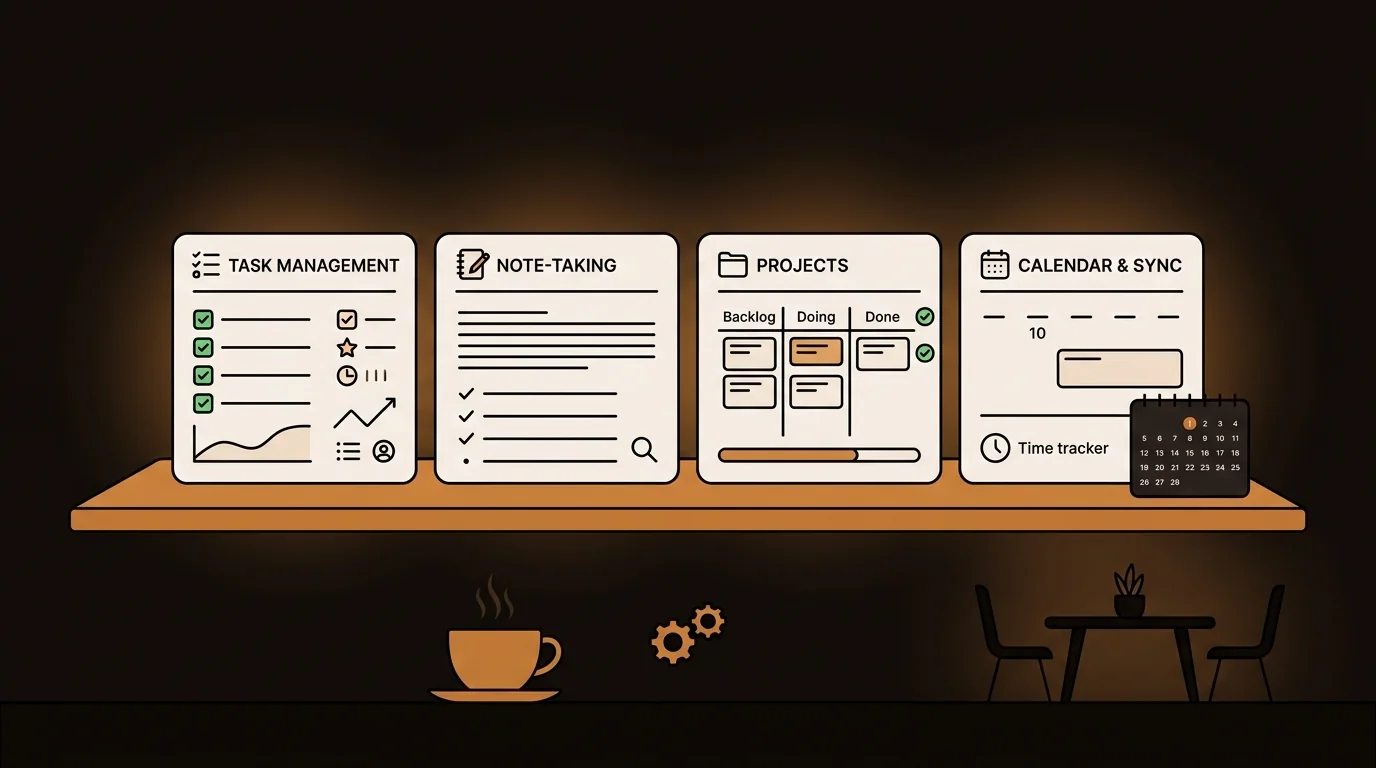
7 Best Meeting Transcription Tools in 2026 (Compared)
Live bots, file upload, or browser extensions — meeting transcription tools work very differently. Here's an honest comparison of the 7 best options in 2026, with clear guidance on which fits which workflow.
Audio to Text: How to Convert Any Audio File to a Written Transcript
MP3, M4A, WAV, or podcast file — here's how to convert any audio to clean, readable text in minutes using AI transcription. Free to start, no setup required.
The Best Otter.ai Alternatives in 2026 (Including Free Options)
Otter.ai works well for live meeting bots — but what about recorded calls, in-person meetings, or sensitive conversations where a bot isn't welcome? Here are the best alternatives.
The Best NoteGPT Alternatives in 2026 (Free & Paid)
NoteGPT is useful for YouTube summaries and flashcards — but it has real gaps. Here are the best NoteGPT alternatives for AI summarization across every format.
The Best NotebookLM Alternatives in 2026 (Compared Honestly)
Google NotebookLM is impressive — but it has real limitations. We compared the top alternatives for AI summarization, document Q&A, and content intelligence across every format that matters.
The Best Free Text Summarizer in 2026 (Tested & Ranked)
We tested the top free text summarizers so you don't have to. From pasting a wall of text to uploading a PDF or URL — here's which AI tools actually deliver clean, useful summaries.
7 Best ChatPDF Alternatives in 2026 (Free & Paid, Tested)
ChatPDF is useful but limited. We tested 7 alternatives that handle larger PDFs, better accuracy, multi-document analysis, and real workflow automation.
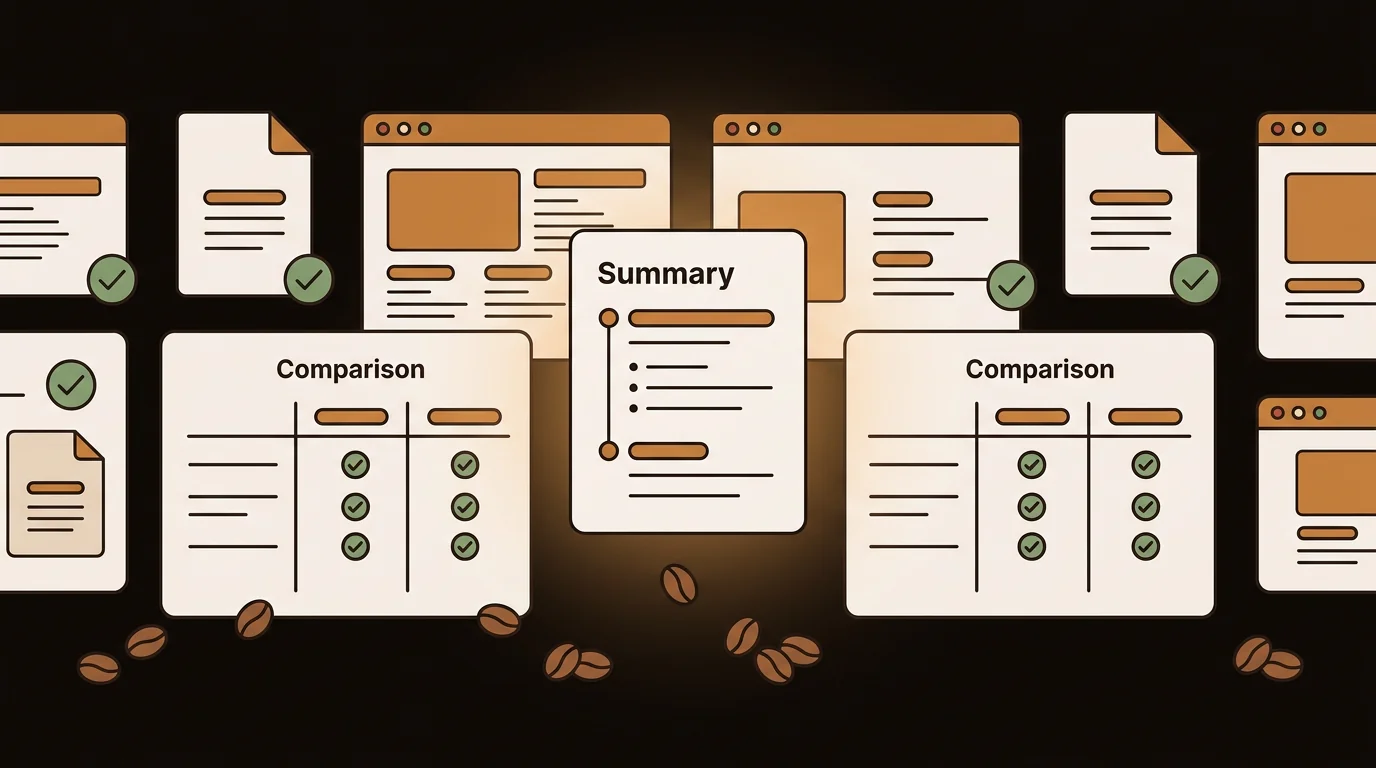
Article Summarizer Workflows for Researchers, Journalists, and Business Teams
How researchers, journalists, and business teams use AI article summarizers differently — and which tool and input format fits each workflow. Multi-format use cases and profession-specific guidance.
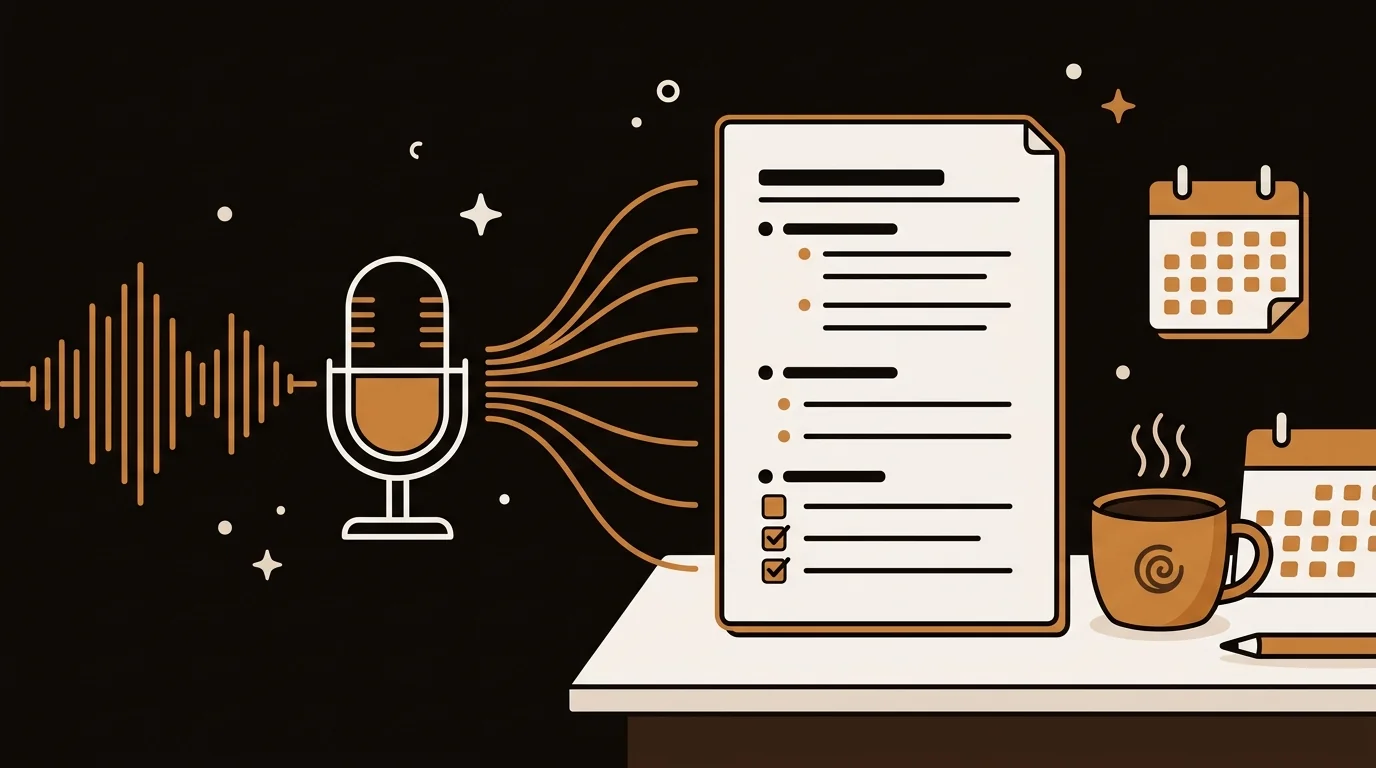
How to Automatically Summarize Meeting Recordings With AI (MP3, MP4, M4A)
You don't need a live meeting bot to get AI meeting summaries. Upload any recording — MP3, MP4, or M4A — and get a clean transcript, action items, and key decisions in minutes.
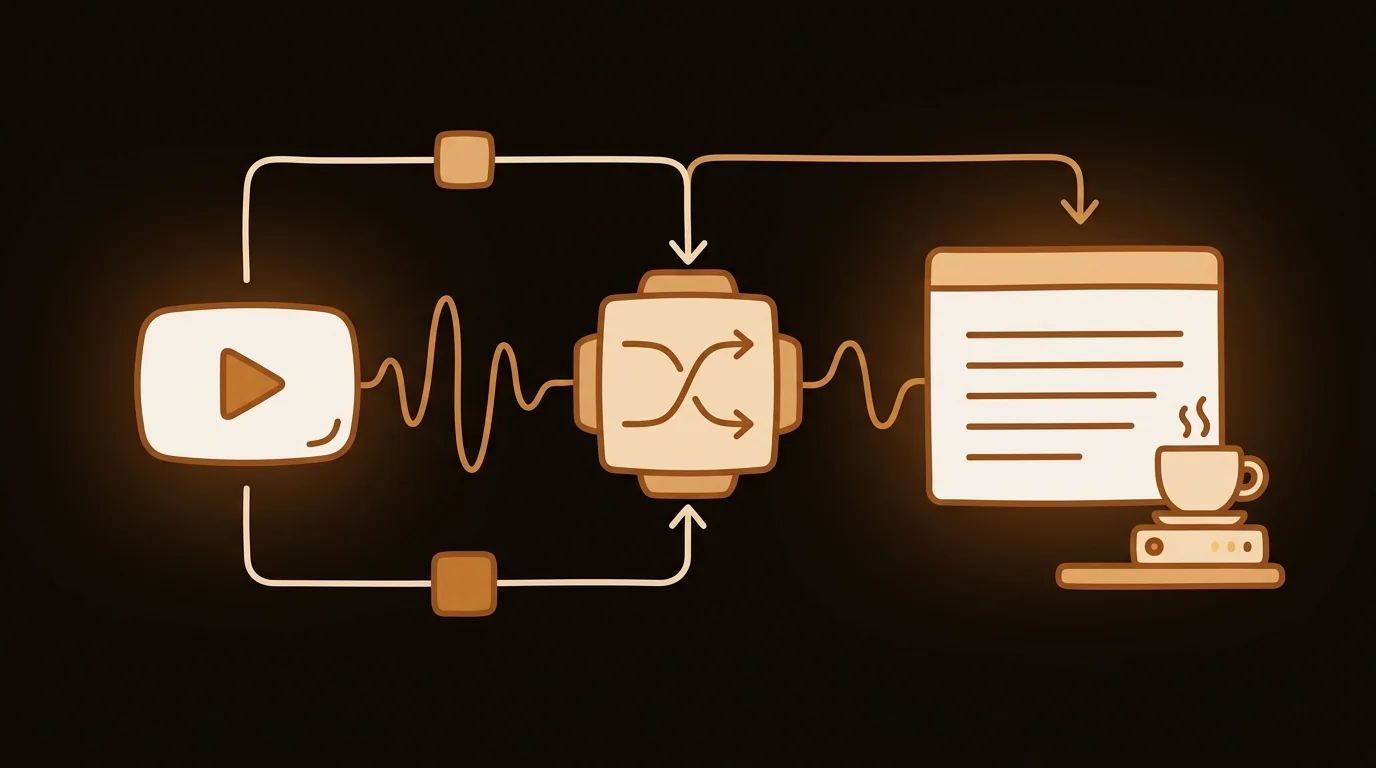
How YouTube Transcript Generators Work: ASR vs Caption Retrieval (Technical Deep-Dive)
Two fundamentally different pipelines produce YouTube transcripts — and the choice between them determines accuracy. Here's exactly what happens under the hood.
7 Best YouTube Transcript Generators in 2026 (Free & Paid)
Compared the top YouTube transcript tools on speed, accuracy, language support, and price. Sipsip, Tactiq, NoteGPT, YouTube-Transcript.io, and more.
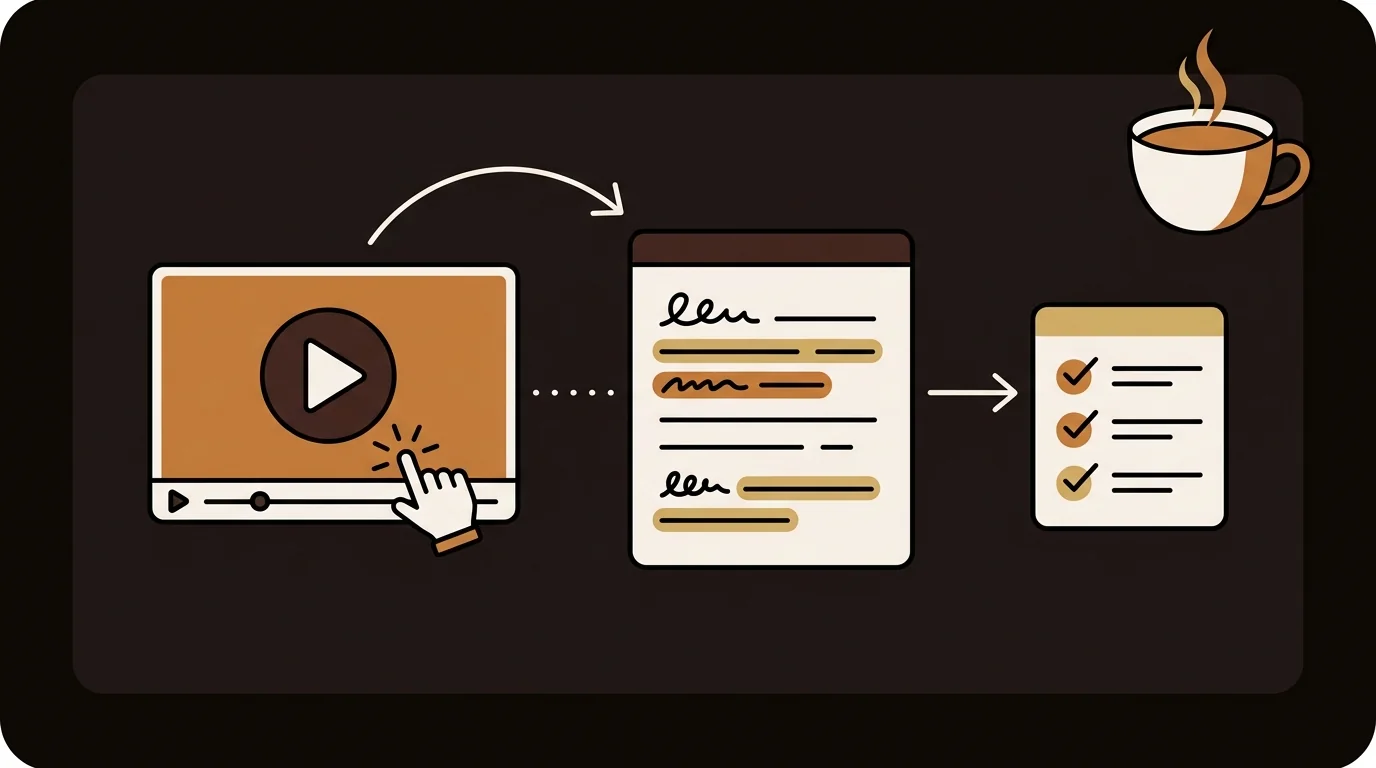
How Researchers Extract and Archive YouTube Video Content: A Systematic Workflow
A researcher's workflow for extracting, archiving, and citing YouTube video content. From accurate transcripts to batch processing, citation formatting, and building a searchable research archive.
How to Get a YouTube Transcript (3 Free Methods for 2026)
Need the plain text transcript of a YouTube video? Here are three free methods — the built-in YouTube button, a dedicated free extractor, and downloading as a file — plus when to use each.
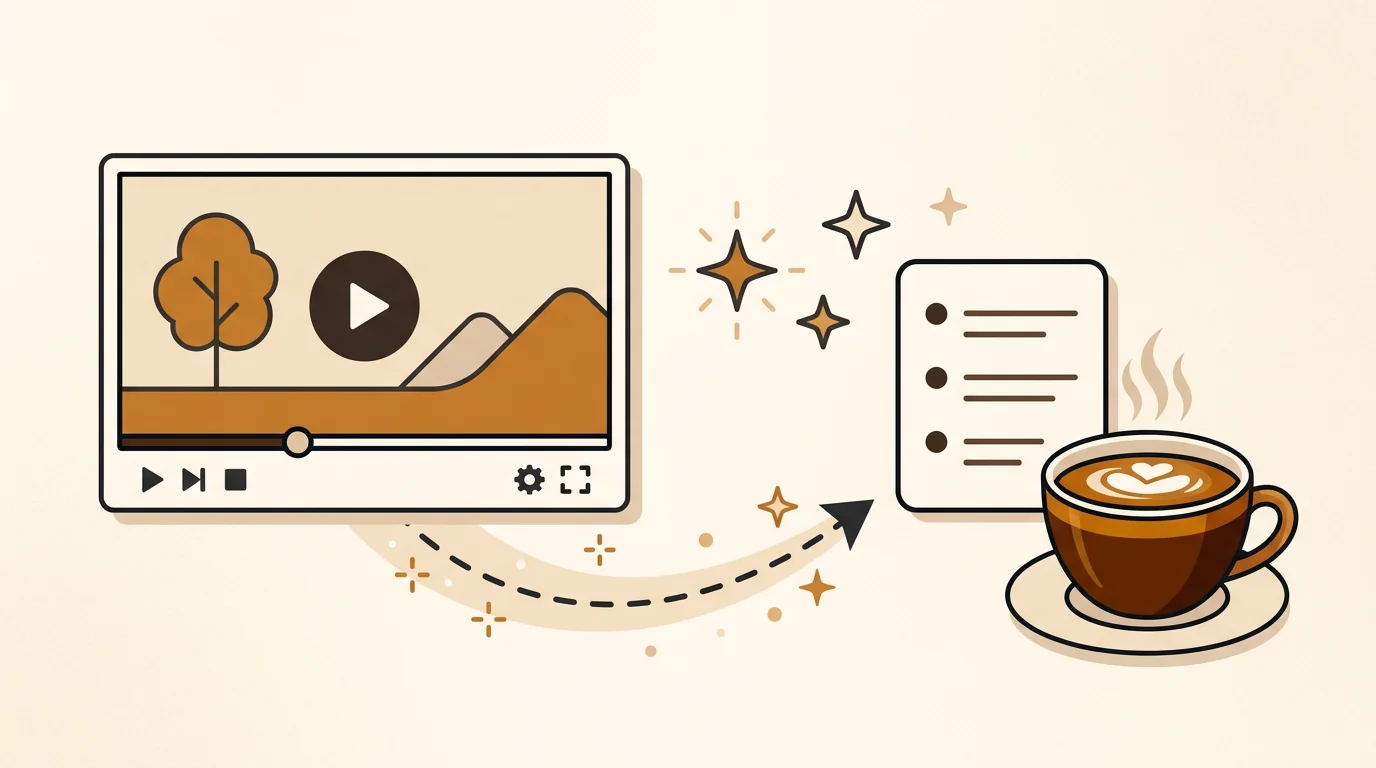
How to Summarize YouTube Videos with Sipsip: Transcript, AI Summary, and Daily Brief
Step-by-step guide to using Sipsip to summarize YouTube videos. Start with the free transcript tool, scale to full AI summaries with key points, and automate daily briefings for channels you follow.