For two years I ran every team meeting at our startup off the same meeting minutes template. Same header, same agenda sections, same action items table at the bottom. I'd open it before the call, try to type while also talking, and spend 20 minutes cleaning it up afterward. It worked. It was also the part of my week I dreaded most.
Eight months ago we switched. We stopped filling in a meeting minutes template and started letting AI write the minutes from a recording. I want to share exactly what that looks like now — the tools, the process, what broke, and what I'd tell another ops person who's considering the same move.

Why I was still using a template in 2025
I want to be fair to the template. It wasn't broken. The problem was execution.
At 30 people you have a lot of meetings that matter a lot. Weekly leads sync, product reviews, hiring debriefs, customer call recaps. Someone needs to write down what happened or it evaporates. The template gave us a consistent structure. But getting it filled in reliably meant it always fell to me, or to whoever I could guilt into taking notes that week.
The real cost wasn't the template — it was the human attention it consumed during the meeting itself. The person writing notes is not fully in the conversation. They're transcribing instead of thinking. For a team our size, that's not a good trade.
What we use now
Our current stack is simple: we record every meeting that produces decisions or action items, then run the recording through sipsip's transcriber tool to get a transcript and structured summary.
The transcriber handles the audio-to-text step and passes the output through a summary layer that pulls out decisions, action items, and open questions in a consistent format. The whole thing takes about two minutes after the call ends.
I set this up for our weekly leads sync first. After six weeks I rolled it out to all recurring internal meetings.
The actual workflow, step by step
Here is what running a meeting looks like now.
Before the meeting: I still write an agenda. This hasn't changed. A clear agenda makes better AI minutes — the model can anchor discussion summaries to agenda items when there's a structure to follow.
During the meeting: Someone hits record. That's the only operational step. No one is typing. Everyone is in the conversation.
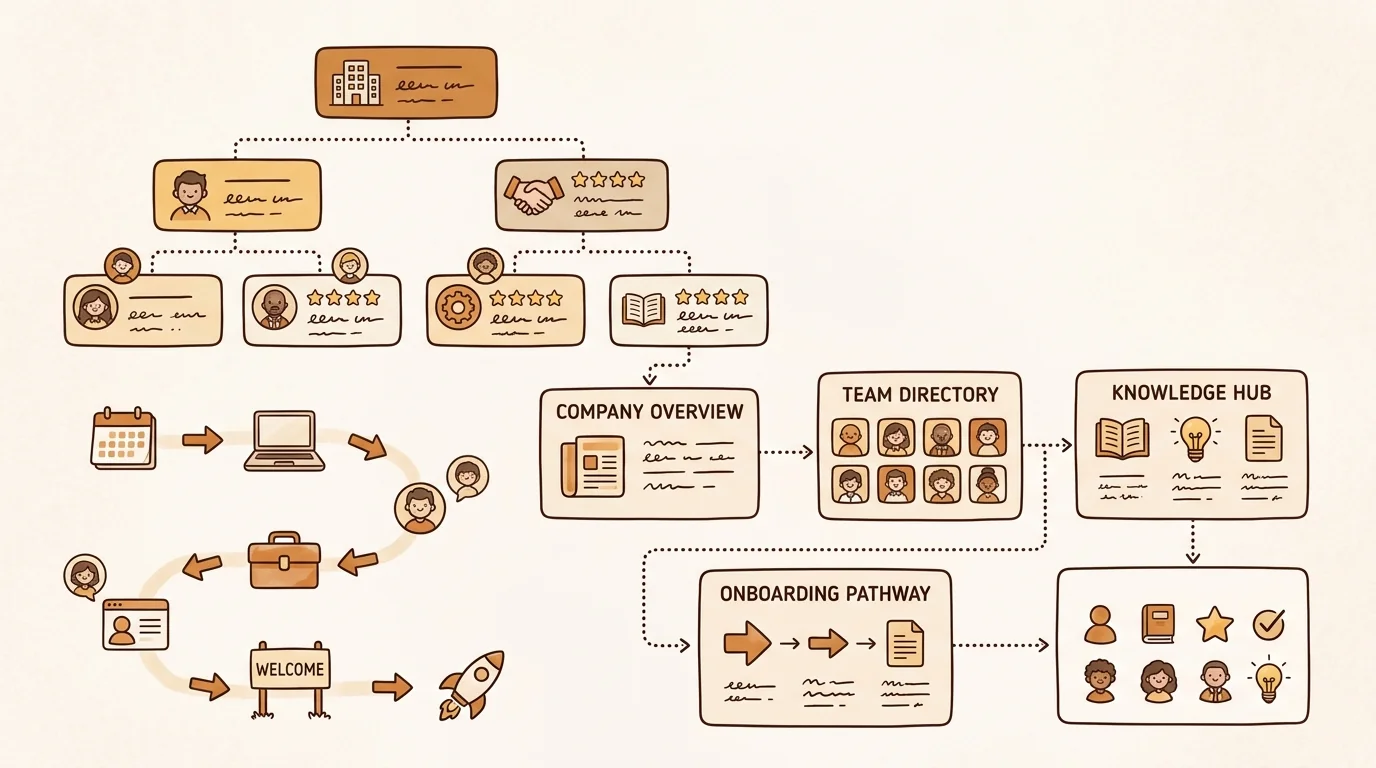
After the meeting: I upload the recording to sipsip. I get back a transcript with speaker labels and a summary that includes: a one-paragraph overview, a decisions section, an action items table with names and due dates, and a questions/parked items section. The whole document is in the same structure every time.
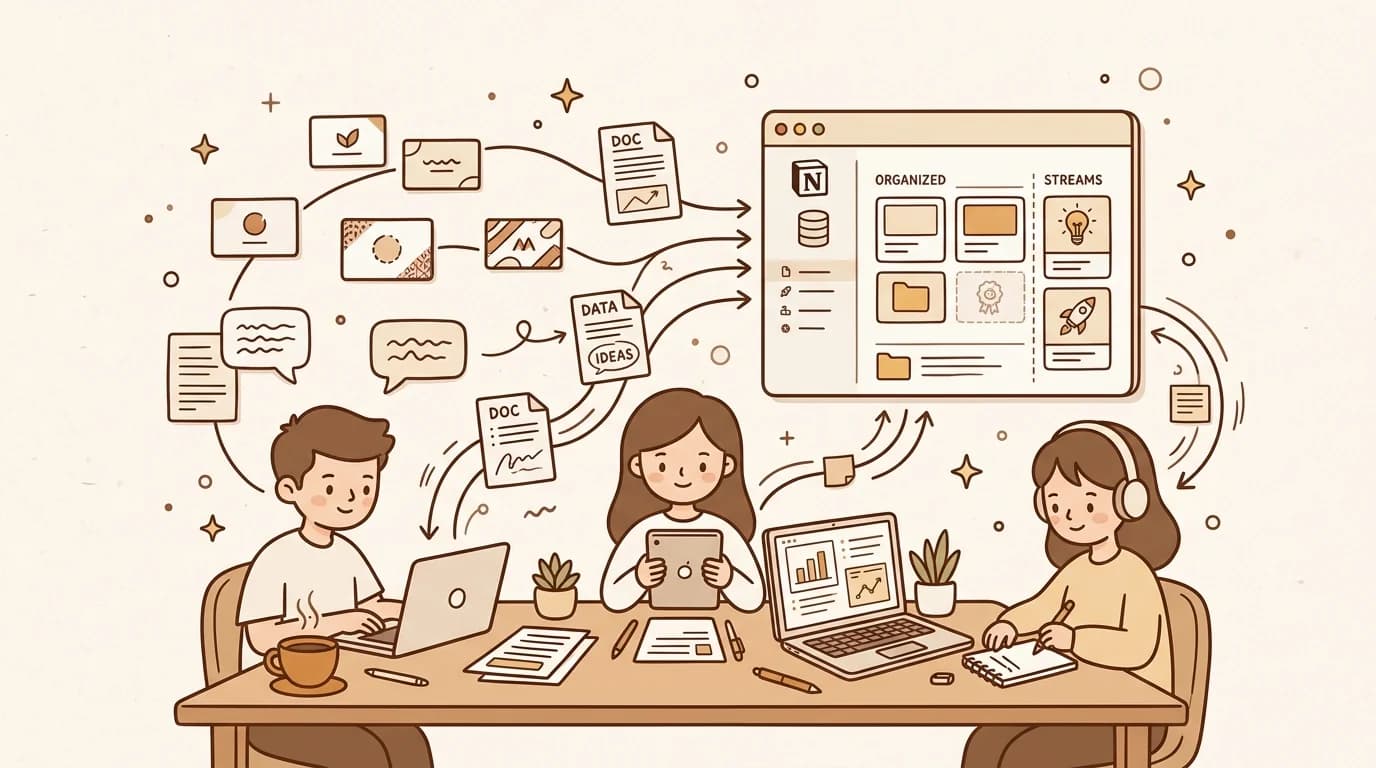
Distribution: I paste the summary into our Notion doc for that meeting series and send a Slack message with the three to five action items. Done.
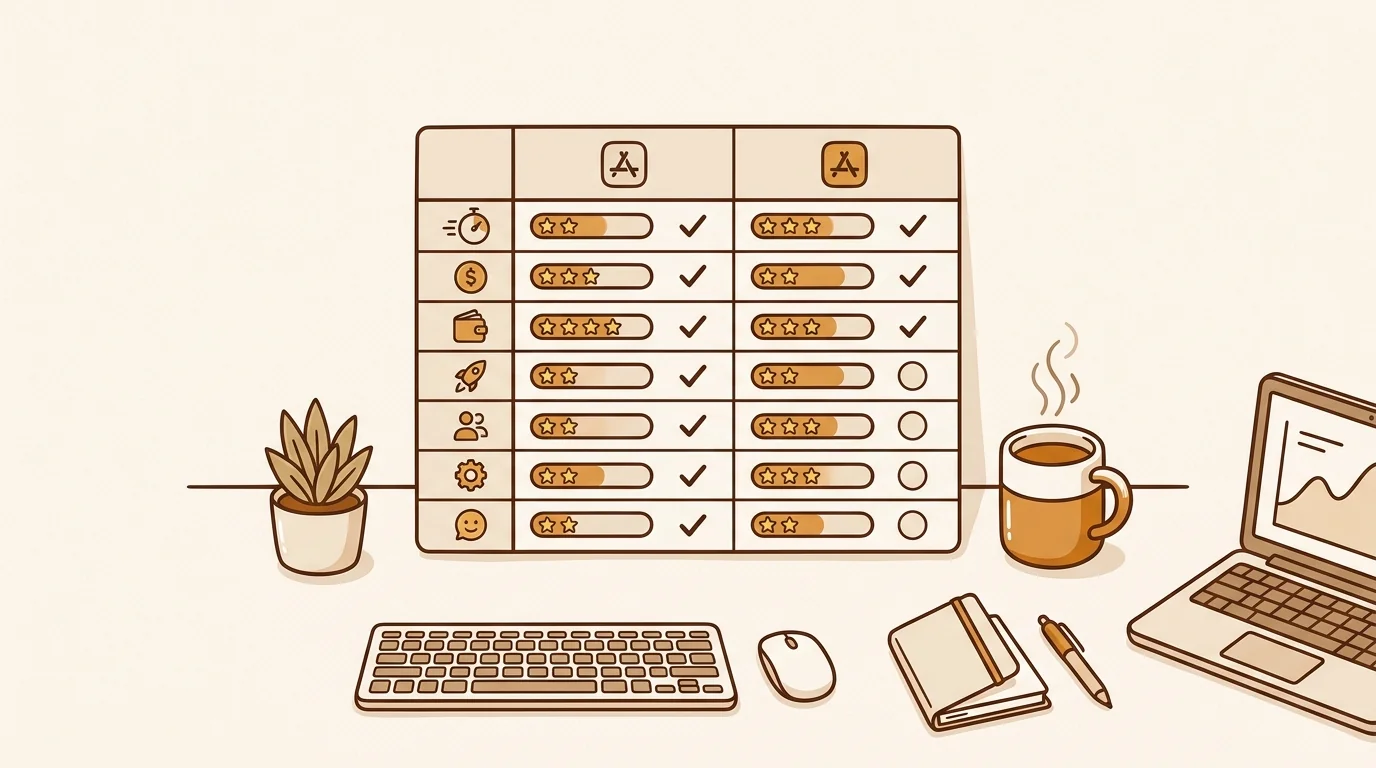
The total time I spend on meeting minutes has gone from 20–30 minutes per meeting to about four minutes. The output is more consistent than anything I produced manually.
What changed about the meetings themselves
This is the part I didn't expect.
When nobody is taking notes, people talk differently. Conversations are more direct. We've had fewer "wait, what did we decide?" moments because everyone knows the record will be accurate. Interestingly, people are also more willing to push back in the moment — there's less hedging, because no one is watching someone write down what they said.
The other change: our action items actually get done more often. I think it's because the AI is ruthless about surfacing them. If someone says "I'll look into that," it shows up in the action items table with their name. There's no ambiguity. The template I used to maintain had a similar table — but I was the one deciding what counted as an action item, and I was doing it while also trying to follow the conversation.
Citation Capsule: According to a 2024 Atlassian report on meeting culture, the average knowledge worker attends 17.5 meetings per week, and 72% report leaving meetings unsure of next steps. The primary cited reason was that no clear record was made of decisions during the meeting. Teams that circulate structured meeting notes within an hour of a meeting report 34% higher task completion on action items assigned during that meeting. Source: Atlassian State of Teams 2024
What AI still gets wrong
I want to be honest about the limitations because this is a real workflow, not a pitch.
Jargon and proper nouns. Our product has internal codenames. The AI gets them wrong often enough that I always skim the decisions section for nonsense. It's a 60-second pass, not a full rewrite.
Tone of a decision. The AI records that we decided X. It doesn't capture that the decision was contentious or that someone had strong reservations. For routine decisions this doesn't matter. For significant ones, I add a note manually.
Off-the-record moments. Sometimes a conversation happens that should not go into the written record. You have to be aware that everything said while the recording is running will be in the minutes. We've set a norm: if someone says "off the record," whoever started the recording pauses it. Simple enough, but worth stating explicitly.
Citation Capsule: MIT Sloan Management Review research on hybrid work documentation found that teams with consistent meeting documentation practices — defined as structured notes distributed within two hours — showed 28% stronger alignment scores on weekly pulse surveys compared to teams with ad hoc note-taking. The researchers attributed this primarily to reduced "meeting re-litigation," where undocumented decisions get reopened in subsequent meetings because no one can confirm what was agreed upon.
The questions I get from other ops people
When I talk about this workflow internally or at small ops gatherings, I get the same questions.
"What if the recording quality is bad?" It's a real issue on calls where people dial in from noisy environments. We've started asking remote participants to use headsets, which helps. The transcription degrades noticeably on low-quality audio. For in-person meetings with a room mic, it's consistently clean.
"Do people object to being recorded?" We were transparent about the switch. We told the team we were recording syncs for documentation purposes, that recordings are stored privately, and that anyone could opt out of being recorded in a given meeting by saying so. No one has objected. Most people prefer it because they know they can check the record later.
"Do you still use a template at all?" I keep a blank template for board meetings and external partner meetings where I need to produce formal minutes in a specific format. For everything internal, the AI output has replaced it entirely.
Should you drop your template?
Probably not immediately. Here's how I'd approach it.
Pick one recurring internal meeting — weekly team sync, product review, whatever generates the most action items and the most follow-up confusion. Run it on recordings for a month. Compare the minutes quality and the time spent. If it's better, expand. If it's worse, you still have your template.
The template isn't the enemy. The manual labor of filling it in during a meeting is. If you can separate the structure (which AI can generate reliably) from the execution (which no longer needs a human in the meeting), you get the benefit of both — consistent structure, no attention tax.
For our team, that trade-off was obvious within the first two weeks. The minutes are better, nobody dreads writing them, and the meetings themselves are sharper.
FAQ
What is the proper format for minutes of a meeting?
Standard meeting minutes include: the meeting date, time, and attendees; a brief summary of each agenda item discussed; decisions made and the reasoning behind them; action items with a named owner and due date; and any items tabled for a future meeting. Formal boards may also require a record of votes and motions.
Is there a meeting minutes template in Word?
Yes. Microsoft Word includes several built-in meeting minutes templates under File > New — search "minutes" in the template gallery. Google Docs also has a free meeting notes template. That said, a blank template still requires someone to fill it in manually during or after the meeting, which is where AI tools now handle the bulk of the work.
What are the four things that meeting minutes should include?
The four core elements are: (1) attendees — who was present and who was absent; (2) decisions — what was agreed upon and by whom; (3) action items — specific next steps, each assigned to one person with a deadline; and (4) context — enough background on each topic that someone who missed the meeting can follow the logic without asking for a recap.
What is the best template for meeting minutes?
The best template is the one your team actually fills in consistently. For most teams, that means a simple structure: date and attendees at the top, one section per agenda item with a brief summary, a decisions block, and a standalone action items table with owner and due date columns. AI tools like sipsip can generate this structure automatically from a recording, which removes the fill-in step entirely.
If your ops workflow still depends on someone manually filling in a meeting minutes template during every call, it's worth one experiment. Record a meeting, run it through sipsip, and see what you get back. It takes two minutes to find out if the time savings are real for your team.
Frequently asked questions

For two years I ran every team meeting off the same meeting minutes template. Then we switched to AI-generated minutes — and I stopped touching the template entirely. Here's the exact workflow we use at a 30-person startup.