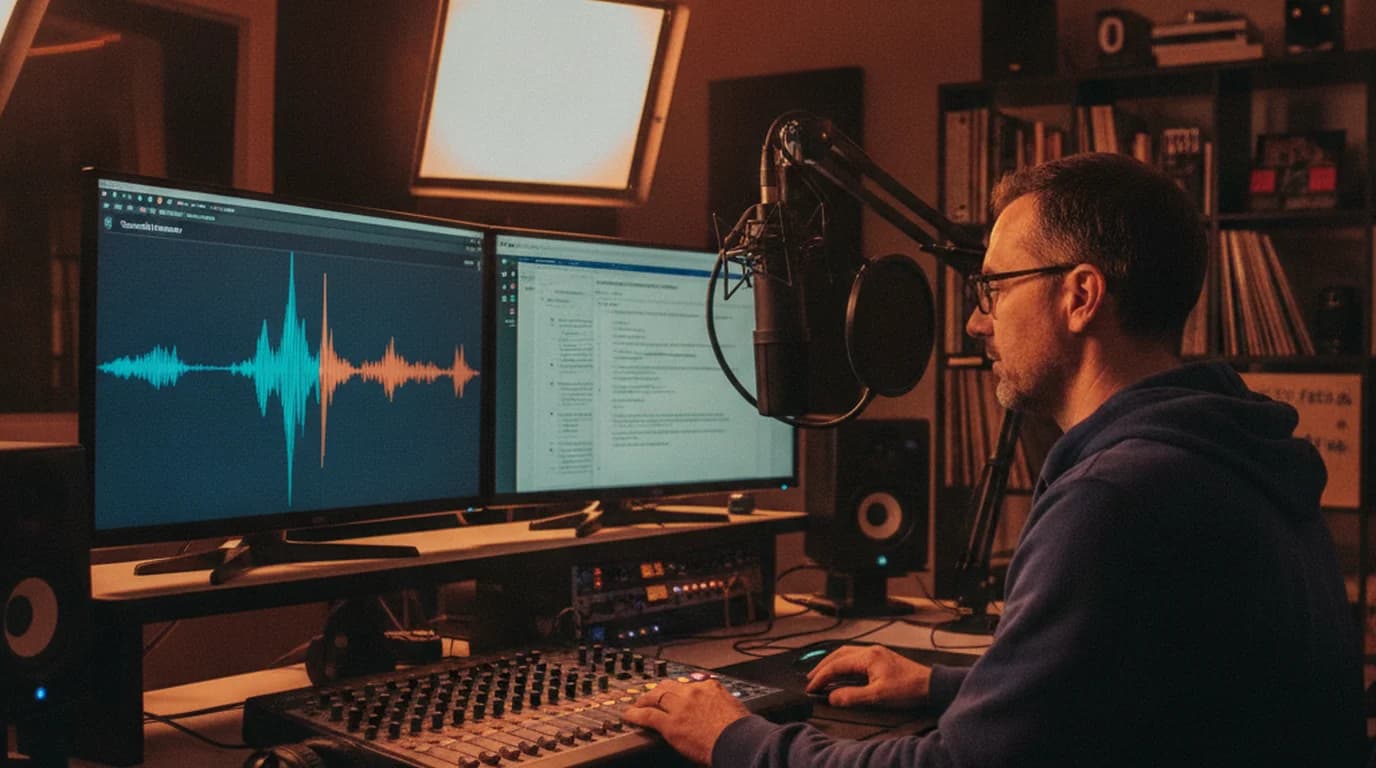
My podcast has a co-host based in Mexico City. We record bi-weekly. She records her segments in Spanish; I record mine in English; I edit and produce the episode. The show notes, full transcript, and accessibility version all need to be in English. For the first six months, this meant spending half my production day on translation. Now it takes 20 minutes.
The Bilingual Production Challenge
A bilingual show sounds like a feature. It is, when it works. The production reality is that you're doing double work on every episode — recording the content twice isn't the issue; getting the Spanish content into English formats for editing, show notes, and the website is the time sink.
My co-host records 15–20 minutes of Spanish content per episode. I need:
- An English transcript for editing (so I know what she said when I'm cutting)
- English show notes (what topics she covered, with direct quotes)
- An English accessibility transcript for the website
- Episode summaries for our newsletter (which goes to English subscribers)
That's the same Spanish audio, needed in four different English formats.
The Translation Workflow That Works
Step 1: Upload the Spanish recording to sipsip.ai.
She sends me her recording after she's done — usually a WAV file from her home recording setup. I upload it to sipsip.ai's transcriber and select Spanish (Latin American). Processing a 20-minute recording takes approximately 2 minutes.
The output I get immediately:
- Full Spanish transcript with timestamps
- AI summary of what she covered (in the language it was recorded in)
- Key moments flagged
Step 2: Translate the transcript with DeepL.
I paste the full Spanish transcript into DeepL. Spanish-English is a strong translation pair — the output typically requires about 15% editing for show notes purposes. Idiomatic expressions, cultural references specific to Mexico, and any slang she uses are the parts I review most carefully.
Step 3: Edit for show notes format.
The translated transcript is raw material, not final copy. I convert it into show notes by pulling the best quotes, adding context, and structuring it with section headers that match the episode flow. The AI summary from sipsip.ai gives me the section structure — I use it as an outline and fill in with translated quotes.
"My production time per episode dropped from about 6 hours to under 4 hours after I built this workflow. The translation was the part I couldn't get back."
— Maya Patel
Related Article
How to Translate Audio Files to English (AI Method, 2026)
Dialect and Regional Vocabulary
My co-host is from Mexico City, and her Spanish shows it — particular expressions, specific vocabulary for things that have different words in Spanish from Spain, and occasional mixing in of English tech terms in the way Mexico City professionals speak.
Specifying "Spanish (Latin American)" in sipsip.ai's language settings makes a noticeable difference in transcription accuracy for her recordings. "Computadora" vs. "ordenador," "celular" vs. "móvil," regional food and culture references — these come through cleanly when the model is calibrated for Latin American Spanish.
For translation, DeepL handles both dialects and produces standard English either way. The input dialect affects transcription accuracy; the translation output is dialect-neutral English.
Code-Switching Episodes
Occasionally my co-host records segments that mix Spanish and English — when discussing tech tools, citing English-language research, or code-switching naturally as bilingual speakers do. Sipsip.ai handles this well: when she switches to English mid-segment, it transcribes in English; when she switches back to Spanish, it continues in Spanish. The transcript comes back with both languages in context.
DeepL translates the Spanish portions and leaves the already-English portions intact, which is exactly what I need.
Related Article
How to Transcribe a Podcast Episode Free (Any Format, Any Source)
What I Do With the Accessibility Transcript
Our website publishes a full episode transcript. For the bilingual episodes, I publish the English translation of her segments alongside my English segments. Some listeners prefer reading to listening; the transcript also helps with SEO and serves listeners who are non-native English speakers who find reading easier than listening.
The translated transcript I get from sipsip.ai + DeepL needs a light editing pass before it's web-ready — about 15 minutes for a 20-minute segment. The alternative would be transcribing manually, which I haven't done in over a year.
Maya Patel is a podcast producer and audio editor who works on interview and narrative podcasts. She uses sipsip.ai to transcribe Spanish-language podcast segments and manages the translation workflow for a bilingual English-Spanish show.
Frequently asked questions
My podcast co-host records in Spanish. Our audience is primarily English-speaking. Every episode involves translating Spanish audio to English — for show notes, transcripts, and audience accessibility. Here's the workflow that makes this sustainable.