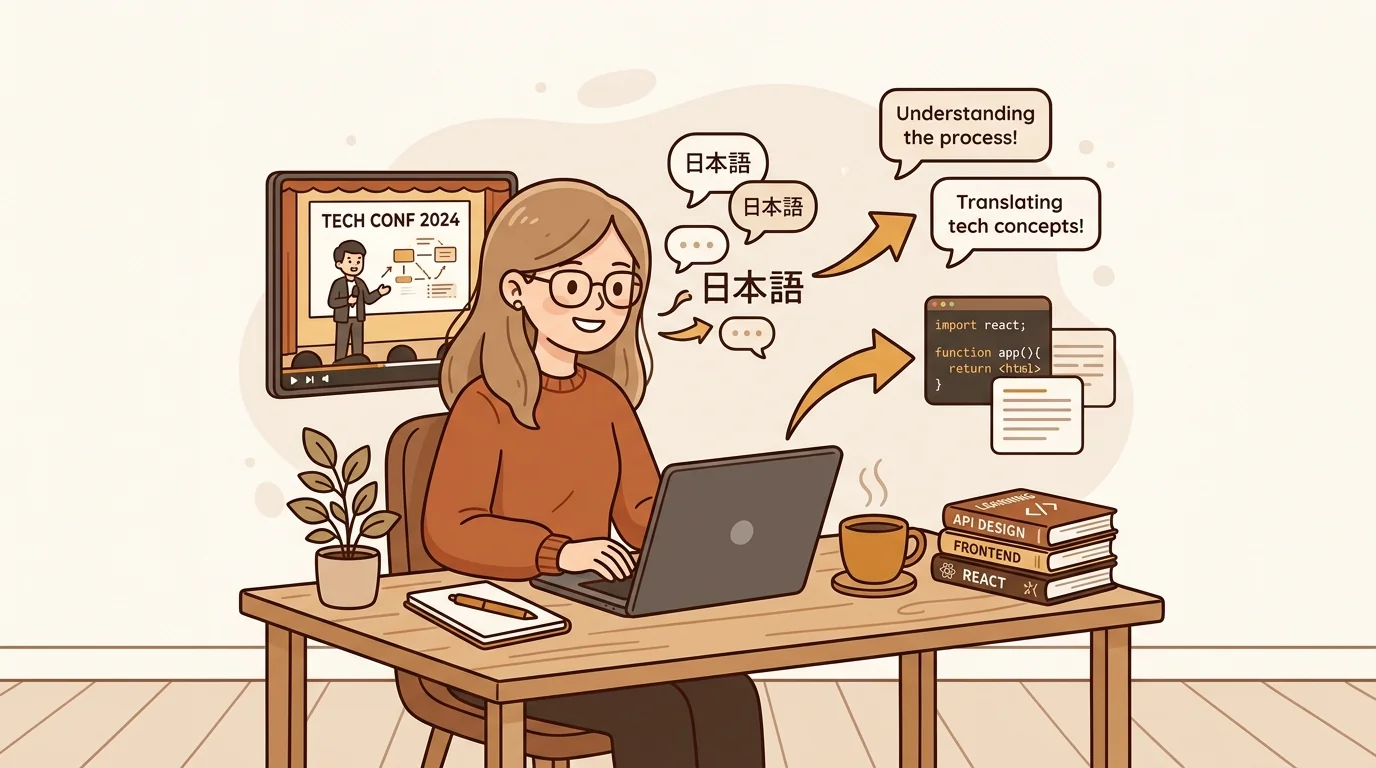
I assign documentary clips, conference lectures, and primary-source video footage to my AP History students. I need to be able to pull direct quotes, build discussion questions, and create guided viewing worksheets from that content. For years, that meant watching the same clip four or five times and typing fragments by hand. Now it takes me about ten minutes per video.
The Prep Work Nobody Talks About
Teaching with video is excellent pedagogy. It's also invisible labor. Before students see a clip, I need to know it well enough to write about it — to pull the quote I want them to analyze, to identify the three moments worth pausing on, to write the discussion question that connects the footage to the primary text.
That requires understanding the content at a level of detail you can't get from watching once. It means rewatching, scrubbing, typing fragments, losing your place. For a 40-minute documentary segment, that prep can take two or three hours.
I was teaching smarter in the classroom and inefficiently everywhere else.
Finding the Tool That Changed the Workflow
I found sipsip.ai's YouTube transcript tool looking for a way to get text from a particular documentary that my students couldn't access through our school subscription. I needed the transcript for an accessibility accommodation — one student needed the text version — and I figured if I was making it for one student, I should use it for lesson prep too.
The tool is exactly what it says: paste a YouTube URL, get the full transcript as clean, copyable text. No account, no sign-up, no paywall. I was skeptical, but it worked on the first try — a 45-minute documentary segment came back as clean text in about 8 seconds.
That was six months ago. It's now a core part of my lesson planning workflow.
What I Actually Do With the Transcript
Build discussion questions from real quotes. Instead of paraphrasing from memory, I paste the transcript into a document and pull exact language. Students analyze what was actually said — not my approximation of it. The questions are sharper and the discussion goes deeper because we're all working from the same text.
Write guided viewing worksheets. I identify the key moments from the transcript, note the timestamps, and build a structured sheet that tells students what to watch for. They arrive at the clip with better attention because they know what they're looking for.
Create excerpt handouts. For complex primary-source footage — testimonials, speeches, oral history interviews on YouTube — I use the transcript to pull a 200-word excerpt that anchors a discussion. Students read it before they watch, which helps with comprehension.
Find the exact moment faster. When I'm building a quiz or assessment and I need the precise wording of something a speaker said, I search the transcript (Ctrl+F) instead of scrubbing through video. What used to take 10 minutes of rewinding now takes 10 seconds.
"The transcript doesn't replace the video — it makes the video usable as a teaching tool."
— Amelia Scott
The Scope of Content This Covers
Practically everything academic on YouTube has captions now, which means transcripts. I've pulled transcripts from:
- History documentaries (BBC, PBS, Ken Burns)
- Congressional hearing footage archived on C-SPAN
- University lecture series (MIT OpenCourseWare, Yale Open Courses)
- TED and TEDx talks
- Oral history collections and first-person testimony
- Conference keynotes from academic professional associations
The only content that sometimes doesn't work: very old uploads before YouTube's automatic captioning was widespread, or niche material in languages where auto-captions aren't available. For those, I've had good results uploading the downloaded video file to sipsip's transcriber directly.
Try It Free
Free YouTube Transcript Tool — Paste Any URL, Get Clean Text
The Student Accessibility Angle
This workflow is also how I now provide accommodations without a separate process. I have students with reading disabilities, processing differences, and ESL students who benefit from having the text alongside the video. Before, creating that text required significant extra work on my end — or purchasing an expensive service.
Now the transcript is just part of how I prepare the lesson. Everyone gets the text version as part of the normal materials, which removes the stigma of the accommodation and makes the lesson better for all students anyway.
Reading the transcript before or alongside watching is more effective comprehension support than closed captions — you can pause, reread, annotate. Students who don't need accommodations often prefer the hybrid approach too.
The Time Calculation
My rough estimate: I used to spend 90-120 minutes on prep for any lesson that used video footage beyond a five-minute clip. That time is now 15-20 minutes.
The difference is almost entirely the transcript workflow. I'm not rewatching and pausing. I'm reading and pulling. The quality of the output — the questions, the handouts, the worksheet — is also better because I'm working from accurate text, not reconstructed memory.
Frequently asked questions

I teach AP History and spend a huge amount of prep time finding the right video clips and pulling quotes from them. sipsip.ai's YouTube transcript tool cut that prep down from hours to minutes — and made my materials better.