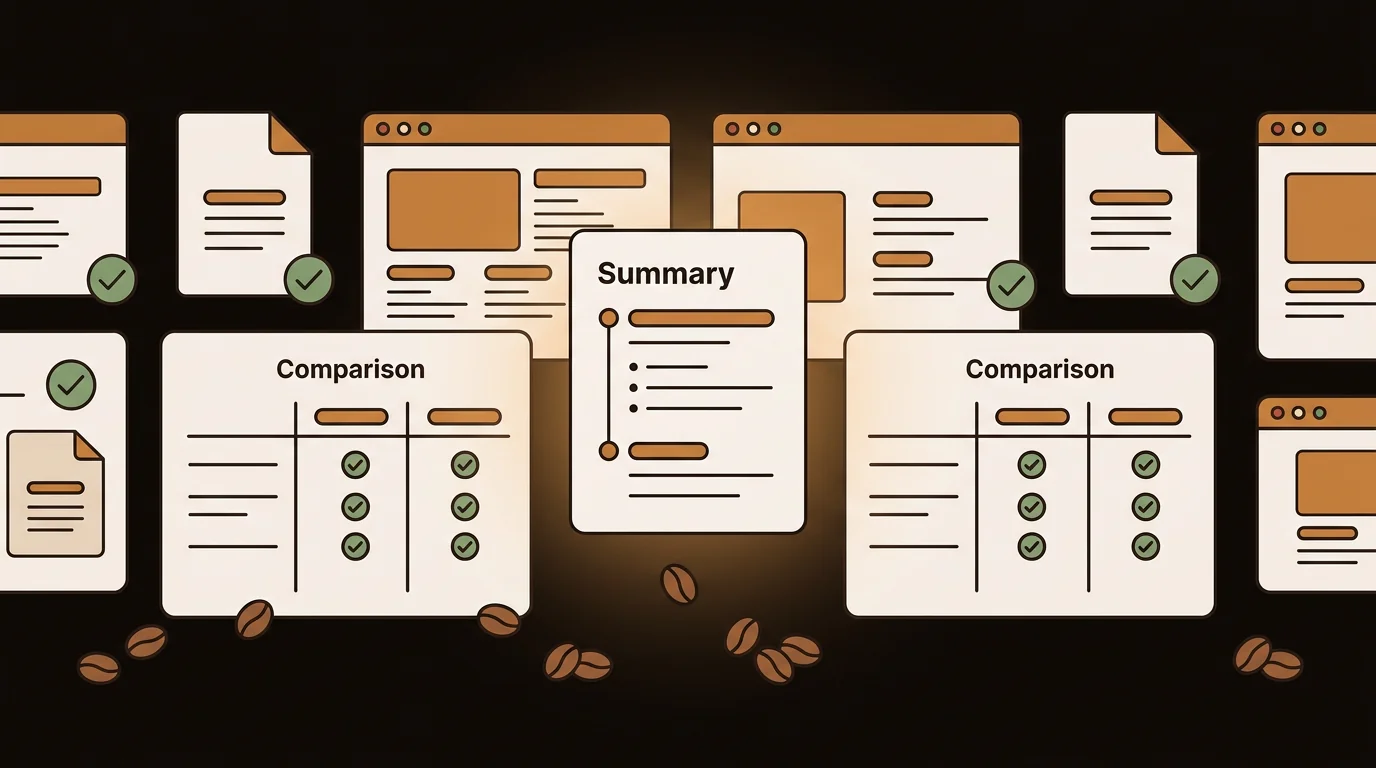
The right article summarizer workflow depends on what you read, how often you read it, and what you do with the output. A journalist extracting quotes from a 10,000-word report has different requirements than a researcher processing 40 academic papers or a marketer scanning competitor coverage every morning. Here's how three professional workflows actually use AI summarization — and which tool fits each one.
What Professionals Actually Need From an Article Summarizer
The term "article summarizer" covers a wide range of tools with very different capabilities. Before comparing options, it's worth defining what the best ones actually do:
- Read the full article, not just the headline and lede
- Handle multiple input formats: URL, pasted text, uploaded PDF, audio
- Return structured output: a summary paragraph plus key points, not just a shorter paragraph
- Work on long content: a 5,000-word analysis should produce a better summary than a 500-word one, not the same quality capped at 1,000 words
- Handle paywalled or dynamic content: many articles don't paste cleanly; a good tool handles the extraction
In our testing at sipsip.ai across hundreds of articles and documents, these criteria separate the tools worth using from the ones that look good in demos.
The Top Online Text Summarizing Tools in 2026
1. sipsip.ai — Best All-Format Article Summarizer
sipsip.ai's AI Transcriber and Summarizer is the most flexible article summarizer available in 2026. You paste a URL — any URL, including most trade press and open-access content — and receive a structured output within seconds:
- A 200–400 word summary capturing the article's core argument and key findings
- 4–6 key points in bullet form — the most actionable or significant claims
- The full extracted article text, searchable
What distinguishes sipsip.ai from URL-only tools is its format breadth. The same interface handles PDF uploads, EPUB files, TXT documents, MP3/MP4 audio recordings, YouTube URLs, and podcast episodes. If your information workflow spans multiple formats — which most professional workflows do — this eliminates the need for separate tools.
Strengths: all-format input, structured output, full document processing (no truncation on long content), 50+ language support. Free plan: 20 credits. See current pricing. For instant pasted-text summarization with no account, try the free AI text summarizer.
2. TLDR This — Best for Quick URL Summaries
TLDR This is a single-purpose tool designed for one thing: paste a URL, get a summary. It's fast, requires no account, and works reliably for standard web articles.
Strengths: instant, no signup required, clean interface. Limitations: URL input only — no PDF, no audio, no pasted text. Output is a prose summary with no key points structure. Struggles with paywalled content or JavaScript-heavy pages.
Best for: ad-hoc summarization of a single article when you don't need structured output and won't be doing it regularly.
3. Scholarcy — Best for Academic Papers
Scholarcy is purpose-built for research papers and academic documents. It produces structured summaries that include study design, key findings, limitations, and referenced claims — the information structure researchers need.
Strengths: academic document structure preserved, citation-aware summaries, export to reference managers. Limitations: optimized for academic content; general news and business articles produce less structured output. Pricing is tiered.
Best for: researchers and graduate students summarizing academic papers and journal articles.
4. Notion AI — Best for In-Workflow Summarization
If you already live in Notion, its built-in AI summarizer is the most frictionless option — highlight content, press summarize, done. No switching apps, no copy-paste.
Strengths: zero friction for Notion users, integrates with existing pages and databases. Limitations: requires a Notion subscription, only works within Notion, no URL fetch or PDF upload (you must paste content in first).
Best for: Notion users who want to summarize content they've already imported into their workspace.
5. ChatGPT — Best for Flexible Pasted Text
For pasting articles directly and requesting a summary in a specific format — "summarize in 3 bullet points", "extract the main argument", "list every statistic mentioned" — ChatGPT is the most flexible option. You can customize the output format precisely.
Strengths: highly customizable output, handles pasted text of moderate length well. Limitations: context window limits truncate very long documents. No native URL fetching on free tier. Output structure depends on how you prompt it — no automatic key-point extraction.
Best for: one-off summarization with custom format requirements when you have the article text already.
How These Tools Compare Side by Side
| Feature | sipsip.ai | TLDR This | Scholarcy | Notion AI | ChatGPT |
|---|---|---|---|---|---|
| URL input | ✓ | ✓ | ✓ | — | — |
| PDF upload | ✓ | — | ✓ | — | Paid only |
| Audio/video | ✓ | — | — | — | — |
| Structured output | ✓ | — | ✓ | — | Custom |
| Full doc (no truncation) | ✓ | — | ✓ | — | — |
| Free tier | ✓ | ✓ | Limited | Requires plan | ✓ |
| 50+ languages | ✓ | — | — | — | ✓ |
The Multi-Format Problem
Most professionals don't have a single-format information problem. A researcher might need to summarize a journal article (PDF), a conference talk (YouTube), and a press release (URL) in the same morning. A consultant needs to process client briefs (PDF), earnings calls (audio), and industry news (URL).
Tools that handle only one format require you to maintain multiple workflows. In practice, this means important content gets skipped — not because it isn't relevant, but because it's in a format your current tool doesn't support.
This is the core reason we built sipsip.ai to handle all formats with the same output structure. Whether you're summarizing a URL, a PDF, or an MP3 recording of a meeting, you get the same structured summary and key points.
Article Summarizer Workflows by Profession
Researchers and Academics
The research workflow is defined by volume and source quality. A researcher might process 20–40 papers in a literature review sprint, needing structured output from each: key findings, methodology, limitations, and referenced claims.
Best tool: sipsip.ai for mixed-format workflows (PDF journal articles, YouTube conference talks, web articles in one session), Scholarcy for pure academic paper processing. Both handle long-form content without truncation. The key requirement is exportable structured output — summaries need to move into reference managers or NVivo.
Workflow: Upload PDF → get summary + key points → paste relevant quotes into reference manager notes → verify against original before citing.
Journalists and Fact-Checkers
The journalism workflow is time-sensitive and source-verification-heavy. A journalist tracking 8 stories simultaneously needs to triage 30+ sources daily, extract specific claims, and trace statistics to primary sources.
Best tool: sipsip.ai for mixed-format triage (URLs, PDFs, audio press conferences). ChatGPT for custom extraction prompts ("list every statistic cited in this article with its source"). The key requirement is speed and specificity — not just summaries but the ability to ask targeted follow-up questions about the content.
Workflow: Paste URL or upload document → read key points (15 seconds) → ask "what primary sources are cited for this claim?" → follow up on the primary source directly.
Business Teams and Market Intelligence
The business workflow is subscription-heavy and recurrent. A strategy team monitors competitor news, earnings calls, and industry publications daily, needing a digest format rather than deep analysis on each item.
Best tool: sipsip.ai Daily Brief for ongoing channel monitoring (industry publications, competitor blogs, YouTube channels). TLDR This for ad-hoc quick checks. The key requirement is automation — the workflow can't depend on someone manually summarizing each source every morning.
Workflow: Subscribe sources to Daily Brief → receive morning digest → flag items requiring full analysis → route flagged items to relevant team members.
How to Get the Most From an Article Summarizer
Use structured output as a triage layer. Read the key points first. If none are relevant to your current work, you've spent 30 seconds instead of 20 minutes. If one or two are important, you know exactly what to read carefully.
Don't summarize summaries. If an article references a primary source — a study, a report, an original data release — summarize the primary source directly. Second-hand summaries amplify any distortion already in the article.
Verify claims you'll act on. AI summarizers are accurate for most factual content, but for decisions with real consequences — a statistic you'll cite, a finding you'll base a recommendation on — check the original. This takes 30 seconds and prevents avoidable errors.
Save your summaries. sipsip.ai stores every summarized article in your history. Instead of re-summarizing the same content or hunting through browser history, you can search your archive of summaries directly.
Frequently asked questions

With a background spanning advertising and internet, I've launched 8+ apps and built 10+ products across mobile, web, and AI. Now I'm building a system that extracts signal from noise — turning fragmented information into clear, actionable decisions.


