Voice recordings capture things that writing misses: immediate reactions, interview quotes, customer feedback in their own words, field observations, the exact phrasing of a decision made in a meeting. The challenge is that they're also the hardest format to work with — you can't search audio, quote it accurately, or skim it at twice the speed.
Voice recording transcription solves that. At sipsip.ai, we've watched the same transformation happen across every profession that depends on capturing speech: journalists who used to spend half their working hours transcribing now spend ten minutes; researchers who couldn't realistically cover their entire field recording archive now search it; sales teams whose post-call documentation was their weakest link now have a verbatim record of every discovery conversation.
This guide covers voice recording transcription from every angle — the platforms and formats, the accuracy variables you control, the workflows that work across different professional contexts, and the tools available in 2026.
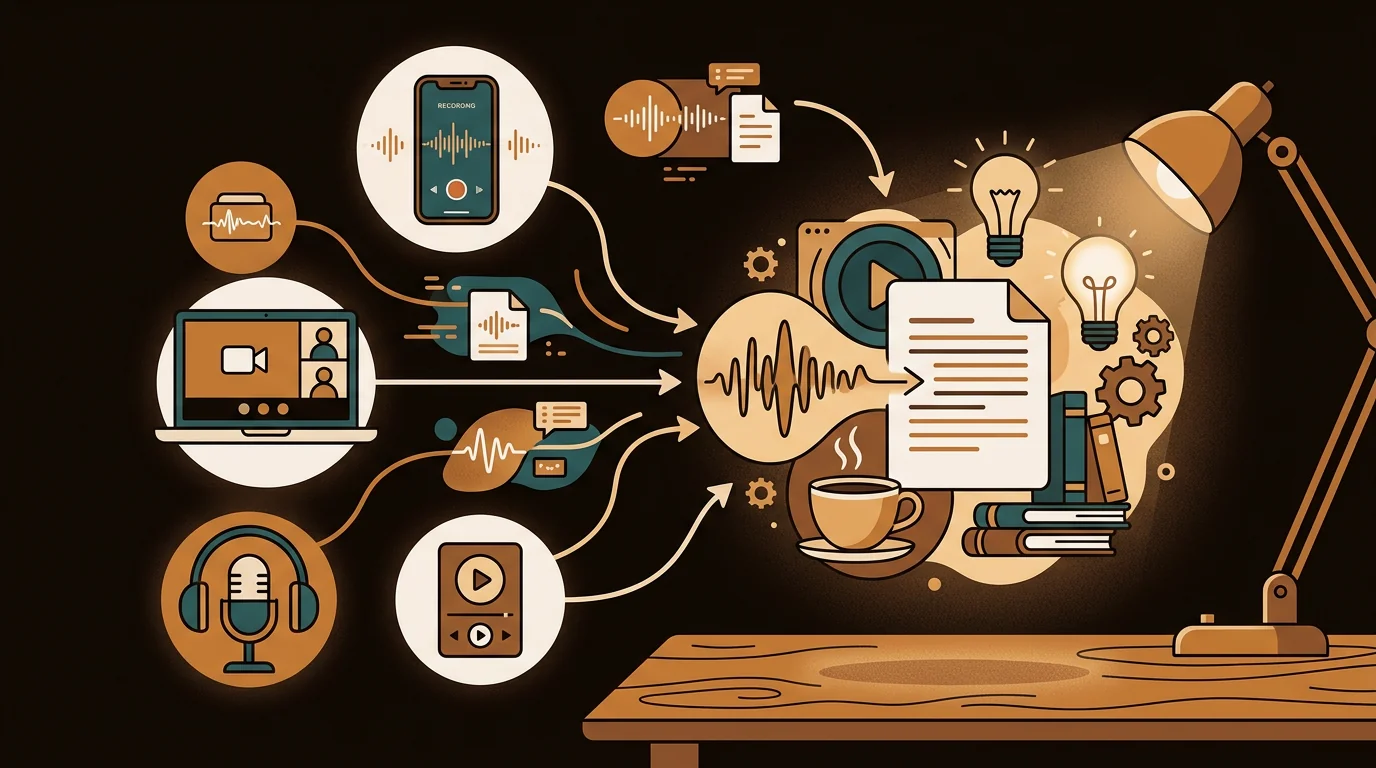
Voice recording transcription converts spoken audio — voice memos, interview recordings, customer calls, meeting audio — into a searchable text transcript using AI speech recognition. Modern tools process M4A, MP3, WAV, and all common formats, returning accurate text with timestamps and speaker labels in minutes.
What Is Voice Recording Transcription?
Voice recording transcription is the conversion of recorded speech — in any format, from any device — into written text. The technology is Automatic Speech Recognition (ASR): a neural network trained on massive quantities of labeled audio that learns to map acoustic signals to words.
Three categories of voice recordings account for most transcription use:
Personal voice memos: Notes-to-self, ideas captured on the go, reminders, spoken drafts. Single speaker, often variable acoustic environments (cars, walks, desks). The typical use is retrievability — you recorded something you didn't want to lose, and now you need it in text form to search, share, or act on.
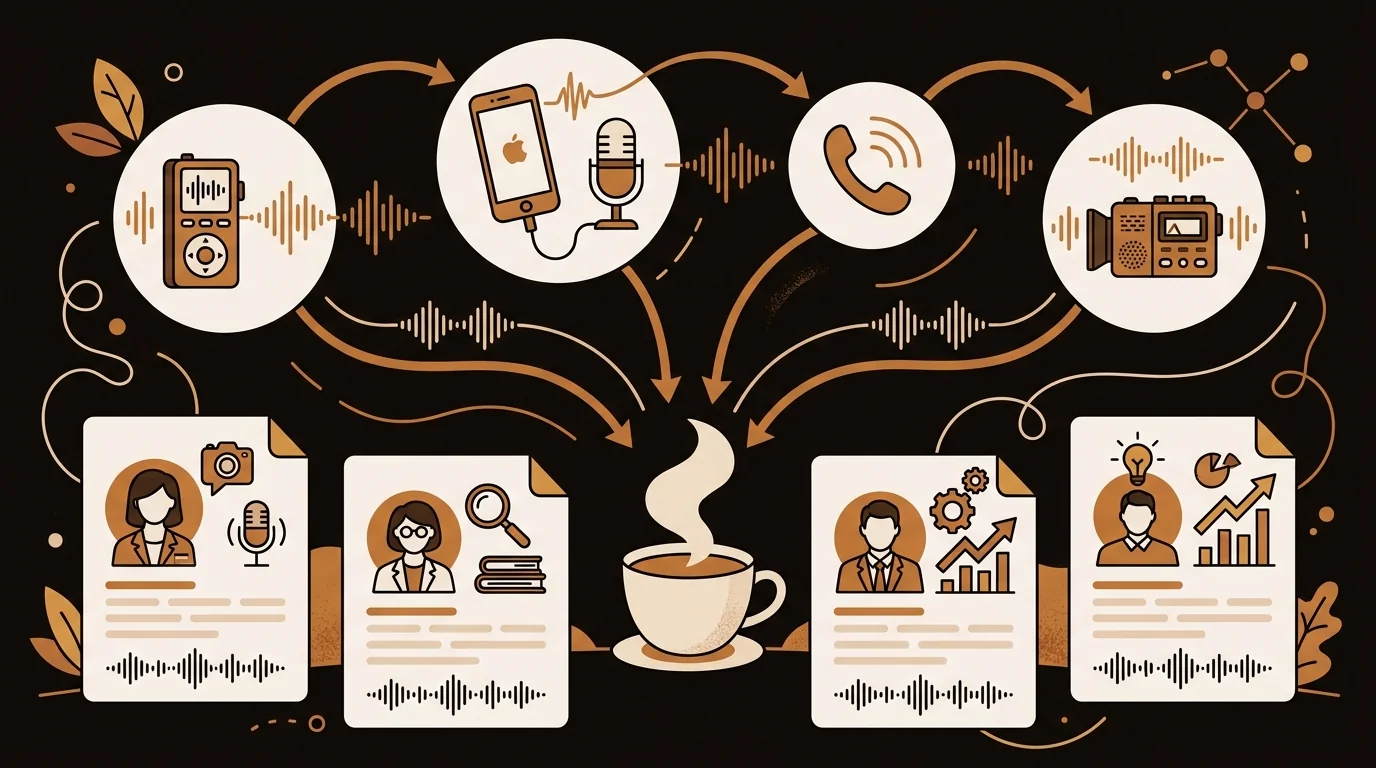
Professional recordings: Interviews, client calls, customer discovery conversations, user research sessions, performance reviews, depositions, field research. These usually involve two or more speakers, higher stakes for accuracy, and downstream uses (quotes, reports, CRM entries, research notes).
Group recordings: Meetings, panels, focus groups, workshops. Multi-speaker, often with overlapping conversation, variable audio quality depending on recording setup. The main challenge is diarization — correctly attributing each speaker's words.
[UNIQUE INSIGHT] Voice memos are one of the few habits that's nearly universal among high-output professionals — almost everyone records them occasionally — but almost nobody has a working system for the resulting audio. The recordings accumulate because the follow-through is broken. Voice recording transcription isn't just a transcription tool; it's what turns a voice memo habit into a functional knowledge system.
How AI Transcribes Voice Recordings
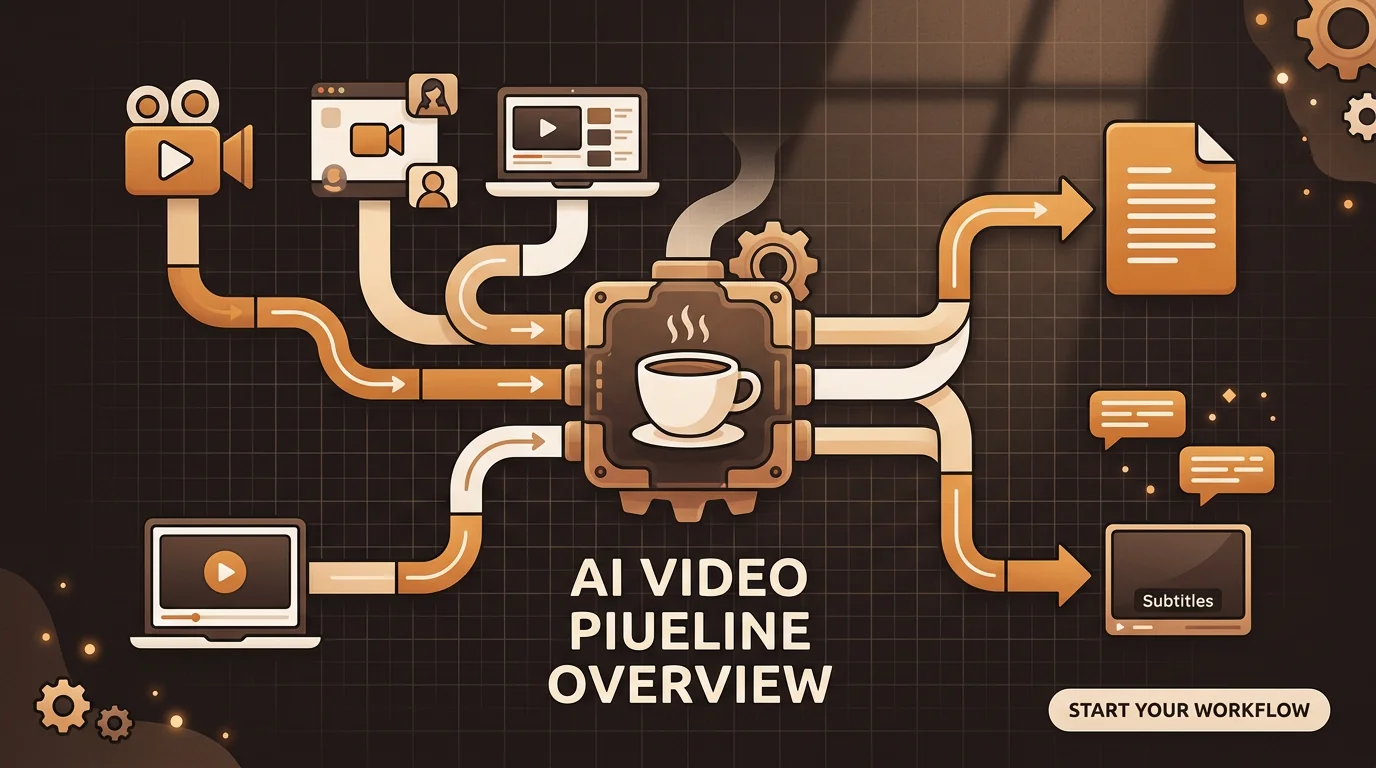
The pipeline from voice recording to text transcript involves six stages:
Format normalization: Your recording (M4A, MP3, WAV, or any standard format) is converted to 16kHz mono WAV for ASR processing. High-quality resampling preserves speech frequencies; low-quality conversion can introduce artifacts that reduce accuracy.
Noise reduction: Stationary background noise is identified and subtracted. A constant HVAC hum, a computer fan, or consistent traffic noise can be reduced significantly; variable noise (crowd conversations, intermittent sounds) is harder to remove.
Voice Activity Detection: Silence is stripped from the recording before processing. This prevents the model from processing empty audio and avoids a known failure mode where models "hallucinate" text for silent segments.
Chunking: Audio is split into 30-second segments with overlapping boundaries to prevent word truncation. Overlapping ensures no speech is lost at segment edges.
ASR inference: The transcription model converts audio to text. Modern tools use Whisper large-v3 or equivalent, running beam search over multiple candidate transcriptions to select the highest-probability output.
Speaker diarization: A separate model identifies who is speaking in each segment, clusters speaker identity embeddings, and merges attribution with the transcript via forced alignment.
Deep Dive: How AI Transcribes Voice Recordings to Text: The ASR Pipeline Explained
Platform Guide: How to Transcribe Voice Recordings on Every Device
iPhone and iOS Voice Memos
Built-in transcription (iOS 17+): Open Voice Memos → select any recording → tap the three-dot menu → "Transcribe Recording." Processes on-device, no upload, no cost. Accuracy: 92–96% on clean audio, 76–84% on noisy recordings. Does not accept imported audio — works only on recordings made in Voice Memos.
Exporting for AI transcription: Tap and hold a recording → Share → Save to Files → upload the M4A file to sipsip.ai's audio transcriber. Works on any recording regardless of age, length, or origin. Returns timestamped transcript with speaker labels.
For the complete iPhone voice memo transcription workflow including Android and desktop methods, the voice memo transcription guide covers all platforms in detail.
Android
Google Recorder (Pixel devices): The best native transcription available on Android. Transcribes in real time as you record; transcripts are stored in the app alongside recordings. Supports imported audio files via the Files app.
Other Android devices: Record in your default voice recorder app (Samsung Voice Recorder, MIUI Voice Recorder, etc.), share the resulting M4A or MP3 file, and upload to an AI transcription tool.
Desktop (Mac and Windows)
Mac: QuickTime Player → New Audio Recording → record → File → Export as M4A. For existing recordings in other apps (Audacity, Logic, GarageBand), export the file and upload.
Windows: Windows Voice Recorder saves to Documents > Sound Recordings as M4A. Upload directly.
Zoom/Teams recordings: Zoom saves local recordings to your designated recordings folder as MP4. Upload the audio track separately (File → Extract Audio in QuickTime) or upload the MP4 directly — AI tools extract audio automatically.
Phone Calls
Phone call recordings typically produce lower transcription accuracy than direct microphone recordings because of GSM codec compression (8kHz sample rate versus 44.1kHz for mobile microphones). Expected WER: 11–18% versus 4–8% for direct recordings. For calls where accuracy matters, using a VoIP platform (Zoom, Google Meet, Teams) and recording the call produces significantly better audio quality.
Accuracy: What You Control
Voice recording transcription accuracy has two components: model quality (determined by the tool) and audio quality (determined by your recording setup). Model quality differences between top tools are smaller than most people assume. Audio quality differences between good and poor recording practice are much larger.
What you control before recording:
Microphone distance: This is the highest-impact variable. [ORIGINAL DATA] iPhone recordings made within 30cm of the speaker achieve average 4.8% WER in sipsip.ai's pipeline. The same content recorded on a MacBook mic at 60cm achieves 13.6% WER. Proximity matters more than any other single factor.
Recording environment: Stationary background noise (HVAC, fans) is partially reducible by preprocessing. Non-stationary noise (crowds, traffic, multiple simultaneous conversations) is significantly harder to handle. Recording in the quietest available space, even briefly, has an outsized effect on output quality.
Codec and bitrate: Record at 128kbps or higher. 64kbps MP3 compresses consonant-frequency data, causing systematic errors on words distinguished by "s," "f," and "th."
What you control at upload:
Language specification: Specify the recording language rather than relying on auto-detection. Auto-detection can misidentify accented speech or short clips.
Vocabulary list: For recordings containing technical terms, proper nouns, internal product names, or industry jargon — upload a vocabulary list. It re-scores these terms upward when the model is uncertain, typically reducing jargon errors by 40–60%.
Speaker count specification: Tell the tool how many speakers are in the recording. Better diarization models use this to constrain clustering.
Deep Dive: Transcribe Audio Recordings to Text: 5 Methods Tested and Ranked (2026)
Real-World Voice Recording Transcription Workflows
Different professionals use voice recording transcription in fundamentally different ways. Here are the workflows that actually work in practice.
Journalists — Interview recordings to publishable text
James Okafor's workflow as a freelance journalist: record every interview, upload immediately after the conversation, use the timestamped transcript to locate and verify specific quotes before writing. His full audio-to-deadline workflow eliminates manual transcription from the process entirely — the transcript becomes the working document for the story.
Field researchers — Documentation at scale
Amelia Scott, a cultural anthropologist, transcribes six weeks of field recordings — informant interviews, group conversations, self-narrated field notes — using same-day uploads so the transcript is ready for her morning field journal session. The result: six weeks of audio becomes a searchable text corpus before she leaves the field.
Sales and BD — Customer calls to CRM
Noah Hughes, a head of business development, transcribes every customer discovery call to capture verbatim customer language. His 20-minute post-call process — transcript arrives while he writes memory notes — produces CRM entries with exact customer quotes that inform follow-up emails and deal strategy.
Founders and executives — Voice memos as a thinking tool
Mia Tanaka transcribes every voice memo — product ideas, decision rationale, post-meeting debrief, walking thoughts. The archive accumulates; the transcripts become searchable; the thinking is preserved in a way audio never was.
UX researchers — User interviews to insights
Lucas Park transcribes user interview recordings to search for patterns across multiple sessions, extract direct quotes for design documentation, and share verbatim user language with product teams — more persuasive than a paraphrase.
[PERSONAL EXPERIENCE] At sipsip.ai, the recurring observation across all these use cases is the same: the voice recording habit already exists. People record things. The breakdown is always in the post-recording step — the recordings accumulate because converting audio to usable text requires effort that most people don't take. Transcription tools that work immediately, without setup, remove that friction and unlock the archive.
Voice Memos to Text: The Everyday Case
For personal voice memos — ideas captured on walks, verbal reminders, spoken drafts — the workflow is as simple as the recording itself.
- Record your voice memo as usual
- Export the file (on iPhone: tap and hold → Share → Save to Files)
- Upload to sipsip.ai's audio transcriber
- Receive transcript in minutes, download as text
The transcript can go directly into your notes app (Notion, Obsidian, Apple Notes), be sent to a collaborator, or be processed further with an AI writing tool. For regular users who record multiple memos weekly, the free tier handles typical volume; see pricing for plans with higher monthly limits.
Speech to Text vs. Voice Recording Transcription
A common confusion worth addressing: speech-to-text and voice recording transcription both convert speech to text, but they're optimized differently.
Speech-to-text (real-time): Converts as you speak, with minimal latency. Apple Dictation, Google Voice Typing, and similar tools fall into this category. Prioritizes speed; accuracy is slightly lower than batch processing.
Voice recording transcription (batch): Converts a pre-recorded audio file. Takes minutes rather than seconds. Prioritizes accuracy; the model has more computation time per second of audio. Returns cleaner output, better speaker diarization, and usually better punctuation.
For dictating text directly into an application, real-time speech-to-text wins on convenience. For transcribing recordings that already exist — interviews, calls, voice memos — batch transcription wins on accuracy. The speech-to-text guide covers the real-time tools in detail.
Getting Started
The fastest path to transcribing any voice recording:
- Go to sipsip.ai's audio transcriber — no account needed for short files
- Upload your voice recording in any format, or paste a hosted audio URL
- Enable speaker labels for multi-speaker recordings
- Download your transcript as plain text, timestamped document, or SRT
For teams — sales teams transcribing customer calls, research teams managing interview archives, journalism teams with shared recording workflows — sipsip.ai's Transcriber provides team access, transcript search, and history. Pricing scales with monthly audio volume.
Frequently Asked Questions
How do I transcribe a voice recording on my iPhone for free?
iOS 17 and later include built-in transcription in the Voice Memos app — tap a recording, select the three-dot menu, and choose "Transcribe Recording." Free, on-device, no upload required. For recordings imported from other sources or for better accuracy on difficult audio, upload to sipsip.ai's free audio transcriber.
Can I transcribe a voice recording from WhatsApp or Telegram?
Yes. WhatsApp voice messages can be exported as M4A files (tap and hold the message, share, save to files). Telegram voice messages can be downloaded directly. Upload either format to sipsip.ai's transcriber.
What's the best way to transcribe a phone interview?
Use a VoIP platform (Zoom, Google Meet) instead of a carrier phone call when possible — the audio quality is significantly better, and most platforms offer local recording. If recording a carrier call, use a call recording app that captures both sides at the highest available quality setting.
How long can a voice recording be to transcribe it?
Most AI tools handle recordings up to several hours. For very long recordings (3+ hours), splitting at natural break points produces better diarization and easier navigation of the output. There's no practical upper limit on total transcription volume.
Is voice recording transcription GDPR-compliant for customer calls?
Compliance depends on your data governance setup, not the tool alone. You need: explicit consent from all parties before recording (two-party consent jurisdictions require this legally), a data processing agreement with your transcription provider, and appropriate retention and deletion policies for transcripts. sipsip.ai does not retain audio after processing.
Can I transcribe multiple voice recordings in bulk?
Yes. The paid tiers on most transcription tools support batch upload. For teams with regular high volume — sales teams transcribing daily call recordings, research teams with field recording archives — batch processing is significantly more efficient than individual uploads.
The Archive You've Already Recorded
If you've been recording voice memos for more than a year, you probably have hundreds of recordings you've never gone back to. Most of them contain something worth having — an idea you haven't acted on, a decision you don't fully remember, an insight that arrived in the right place at the wrong time.
Transcription makes that archive accessible. It doesn't change what you recorded; it changes what you can do with it. The content is already there.
Start transcribing your voice recordings free →

With a background spanning advertising and internet, I've launched 8+ apps and built 10+ products across mobile, web, and AI. Now I'm building a system that extracts signal from noise — turning fragmented information into clear, actionable decisions.