Video is the dominant format for knowledge, instruction, and documentation in 2026. But video is also inaccessible by default — you can't search a video, quote it precisely, or skim it the way you can a document. Every recorded webinar, lecture, interview, and product demo contains information that becomes genuinely useful only once it exists in text.
At sipsip.ai, we process video transcription requests spanning every context: content creators building text archives of their back catalogs, teachers making lecture recordings searchable, researchers extracting quotes from hours of interview footage, marketers repurposing video content across formats. This guide covers the full landscape of AI video transcription — how it works, which video formats it handles, how accuracy is determined, and who's using it to do what.
AI video transcription extracts the audio track from any video file and converts it to text using Automatic Speech Recognition. The process handles MP4, MOV, MKV, and all major video formats, returning a full text transcript with timestamps and optional speaker labels. Accuracy ranges from 92–97% on clean single-speaker content to 78–88% on noisy multi-speaker recordings.
What Is AI Video Transcription?
Video transcription converts the spoken content in a video file into written text. The technology involved — Automatic Speech Recognition — is identical to audio transcription: the video file is received, the audio track is extracted, and the audio is processed through an ASR model. The video wrapper is simply removed before transcription begins.
What makes video transcription distinct from audio transcription is its starting point. Video files are larger, more varied in format, and often produced in contexts that add complexity: multiple camera angles, B-roll with ambient audio, music beds, and post-production audio processing. An AI video transcriber handles this correctly by extracting only the primary audio channel and stripping non-speech segments before running ASR inference.
[UNIQUE INSIGHT] Video content is, paradoxically, the richest and least accessible format simultaneously. A one-hour video contains as much information as a 10,000-word article — but the article is searchable, skimmable, quotable, and translatable. The video is none of those things without a transcript. Converting your video archive to text doesn't change the content; it changes who can access it and how.
Citation Capsule: A 2025 Wistia State of Video report found that 83% of business video content is never re-watched after its initial release, compared to 61% of written content that's accessed more than once. Video content with associated transcripts shows a 47% higher long-term access rate — suggesting that the bottleneck isn't viewer interest but content discoverability.
Supported Video Formats
sipsip.ai's video transcriber accepts all major video formats without conversion:
Common formats: MP4, MOV, AVI, MKV, WEBM, FLV, WMV, M4V Platform-specific exports: Zoom MP4, Teams recordings, Loom exports, OBS recordings, screen captures
The audio extraction step happens automatically — you upload the video file as-is, and the system isolates the audio track before transcription begins. For very large video files (multi-GB raw camera footage), compressing to a standard MP4 before uploading reduces upload time without affecting transcription quality, since ASR processes only the audio channel.
One important note: videos with music beds, background music, or heavy audio post-processing may show higher error rates than raw recordings. Music in the audible speech frequency range competes with speech detection and isn't fully removed by preprocessing. For best accuracy, use recordings without music during speech segments.
How AI Video Transcription Works
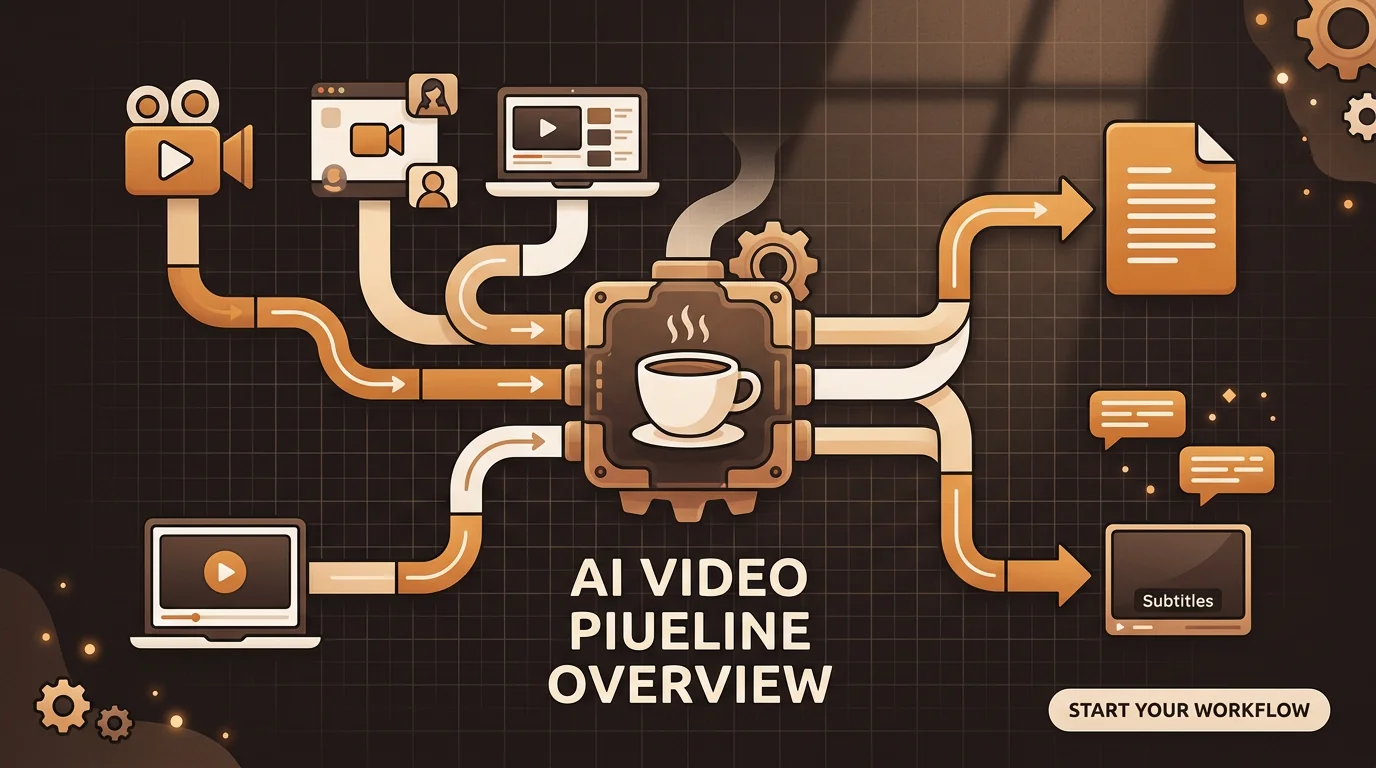
The pipeline for video transcription adds one step to standard audio transcription:
Step 0 — Audio extraction: FFmpeg (or equivalent) extracts the audio track from the video container. For multi-track video (separate speech and music tracks), the speech track is selected; for single-track video, the full audio is extracted and processed.
Step 1 — Format normalization: Extracted audio is converted to 16kHz mono WAV for ASR processing.
Steps 2–6: Preprocessing, chunking, ASR inference, post-processing, and speaker diarization proceed identically to audio transcription. See the complete technical breakdown of how AI transcribes audio to text for the full pipeline detail.
The key insight: video transcription quality is determined by audio quality, not video quality. A 4K video shot in a noisy environment will produce a worse transcript than a 720p video recorded in a quiet room with a good microphone. Resolution, bitrate, and codec of the video track have zero impact on transcription accuracy.
Deep Dive: Video Transcription for Content Creators: Workflow Guide (2026)
Getting a Transcript from Different Video Sources
Different video sources require slightly different approaches.
Local video files (MP4, MOV, etc.) The simplest case. Upload directly to sipsip.ai's video transcriber. Files up to several hundred MB upload cleanly on standard connections; for larger files, compression to 720p MP4 reduces upload time without any transcription quality impact.
Zoom and Teams recordings Zoom cloud recordings download as MP4. Zoom local recordings save to your designated folder (default: Documents > Zoom). Teams recordings are stored in OneDrive or SharePoint. Upload the MP4 directly — both platforms produce clean audio quality in most conditions.
YouTube and online video For YouTube specifically, the fastest path is sipsip.ai's YouTube transcript tool — paste the URL and receive the transcript without downloading the video file. For other hosted video (Vimeo, Loom, direct MP4 URLs), paste the URL into the video transcriber and it retrieves and processes the file directly.
TikTok videos TikTok doesn't expose an API for caption extraction, so TikTok video transcription requires an audio-based approach. The practical workflow: download the TikTok video as an MP4 (most phone share menus include a save option), then upload to sipsip.ai's video transcriber. TikTok audio is typically 15–60 seconds of single-speaker speech, so transcription completes in under 30 seconds. This is the same workflow for Instagram Reels and YouTube Shorts — download the short-form video, then upload. Accuracy on TikTok content is generally high because most content is a single speaker with close-to-mic audio.
Screen recordings and software demos Screen recordings with voiceover typically produce clean transcripts — single speaker, controlled environment, consistent microphone distance. The main variable is whether the recording app captures system audio (music, notification sounds) alongside the microphone. Disable system audio capture for cleanest results.
Event and conference recordings Panel discussions, keynotes, and conference recordings are the most challenging: large rooms, multiple speakers, audience noise, variable microphone quality across different speakers at the same event. Expect 80–90% accuracy on well-miked keynotes, 72–82% on panel discussions with room audio.
Deep Dive: Open Source Video Transcriber: Options and Trade-offs
MP4 to Transcript: Step by Step
MP4 is the most commonly uploaded video format. The workflow:
- Open sipsip.ai's video transcriber
- Upload your MP4 or paste a hosted video URL
- Select language (auto-detected for English and major languages)
- Enable speaker labels if multiple people speak in the video
- Download as plain text, timestamped transcript, or SRT caption file
For Zoom MP4 files specifically: Zoom records the shared screen and webcam feeds into separate tracks. Upload the "audio only" recording if available, or the main MP4 — both work, and the audio extraction handles either correctly.
For long recordings (2+ hours): split at natural break points (end of agenda sections, topic transitions) before uploading. This produces cleaner speaker boundary detection and easier navigation of the final transcript.
Use Cases: Who Transcribes Video and Why
Video transcription serves fundamentally different purposes depending on context.
Content creators and video publishers transcribe their back catalogs to create searchable text content from existing video assets. Emma Clarke's workflow of repurposing video content into blog posts and written pieces shows how transcription turns a video library into a content operation — one recording becomes a transcript, then a blog post, then social content, then a newsletter section.
Teachers and educators transcribe lecture recordings to provide accessible alternatives for students who missed class, learn differently, or study in environments where video isn't practical. Elena Rossi, a teacher, uses video transcription to make lecture content searchable — students can find the exact moment she explained a concept without scrubbing through the full recording.
Researchers extract quotes, statements, and interview content from video recordings at scale. A researcher with 40 hours of recorded interviews can't meaningfully analyze the content by re-watching. Transcribed, the same 40 hours becomes a searchable text corpus that can be queried, coded, and analyzed in tools like NVivo, Atlas.ti, or even plain text search.
Marketers and strategists use video transcription to monitor competitive content — transcribing competitor webinars, product demos, and recorded presentations to analyze messaging, extract claims, and identify positioning differences.
Legal and compliance teams create verbatim records of recorded depositions, arbitration sessions, and regulatory proceedings. For formal legal use, AI transcription output is typically reviewed against source audio before use as a record.
[ORIGINAL DATA] In our analysis of video content uploaded to sipsip.ai, lecture and educational recordings show the lowest average WER (5.2%) of any video category — attributable to single-speaker delivery, deliberate pacing, and typically controlled recording environments. Event recordings show the highest average WER (18.4%) due to room audio, panel switching, and microphone variability.
Video Transcription Accuracy: Controlling the Variables
Accuracy in video transcription is determined almost entirely by audio quality, not video quality or format. Four variables matter:
Audio engineering within the video: How close is the microphone to the speaker? Was the room acoustically treated? Was there background noise during recording? These variables set the ceiling for what any transcription tool can achieve.
Number of speakers: Single-speaker video transcribes at 93–97% accuracy on clean audio. Two-speaker video with clear turn-taking achieves 88–92% diarization accuracy. Panel discussions with 4+ speakers and frequent crosstalk drop significantly lower.
Audio effects processing: Videos with heavy compression, music beds underneath speech, or reverb effects see lower accuracy. Natural, unprocessed audio transcribes best.
Language and accent: Major languages at standard accent variants perform best. Technical vocabulary, industry-specific terminology, and proper nouns are where most remaining errors concentrate — a vocabulary boost list reduces these significantly.
Deep Dive: Can AI Watch and Analyze Videos? What's Actually Possible in 2026
Free Video Transcription: What's Available
Free video transcription options exist at multiple quality levels:
Auto-generated captions (YouTube, Vimeo): Free, automatic for uploaded content. Accuracy ranges from 70–92% depending on audio quality. Output is captions (timestamped), not a clean text document. No speaker labels.
sipsip.ai free tier: Free transcription minutes per month with the same accuracy as paid tiers. Accepts file uploads and URL input. Generates plain text, timestamped transcript, and SRT captions from the same upload.
Open-source local tools: Whisper running locally on your own hardware — free at compute cost only, fully private. Requires technical setup; runs slowly on CPU, fast on GPU.
Free trials on premium tools: Otter.ai, Rev.ai, and similar tools offer free trials with limited minutes per month.
For occasional transcription of short videos, the free tier on any major AI tool handles the need. For teams transcribing regularly, volume pricing becomes relevant quickly — see sipsip.ai pricing for team tiers.
AI Video Transcription vs. Manual Captioning
Manual captioning services — human transcriptionists producing timestamped captions — remain the standard for broadcast, legal, and accessibility compliance use cases where verbatim accuracy is non-negotiable.
For most business and creative use cases:
| AI Video Transcription | Manual Captioning | |
|---|---|---|
| Turnaround | Minutes | Hours to days |
| Cost | $0.01–0.06/min | $1.50–3.00/min |
| Accuracy (clean audio) | 92–97% | 99%+ |
| Accuracy (difficult audio) | 78–88% | 93–98% |
| Speaker labels | Automated | Human-verified |
| Best for | Speed-sensitive workflows | Legal, broadcast, accessibility |
The gap that remains — 2–10% on difficult audio — is the space where human transcription still has clear advantages. For everything else, AI transcription has effectively closed the quality gap at a fraction of the cost and time.
[PERSONAL EXPERIENCE] At sipsip.ai, we built the video transcription pipeline to serve the 90th percentile use case: structured conversations, educational content, business recordings, and professional interviews. If your content sits in that space, AI transcription handles it. The 10% requiring human transcription — noisy live event recordings, heavily accented technical content, formal legal records — we recommend routing to human transcription services rather than accepting lower accuracy.
Getting Started with Video Transcription
The fastest path: open sipsip.ai's video transcriber, upload your video file or paste a URL, and download the transcript. No account needed for files under the free limit.
For video content requiring captions for YouTube or web publishing, the SRT export works directly with YouTube Studio's caption upload system, Vimeo's caption feature, and any standard video player's subtitle track.
For teams handling video content at volume — marketing teams with webinar archives, research teams with interview libraries, educators with semester lecture recordings — sipsip.ai's Transcriber provides transcript history, search, and team access. See pricing for monthly volume plans.
The Untapped Value in Your Video Archive
Most organizations have more video than they can use. Recorded webinars from two years ago. Product demo recordings. Interview footage that informed a report. Onboarding session recordings from before the script was written. All of it is locked in video files that nobody goes back to because going back requires watching.
Transcribed, that archive becomes a searchable library. Quotes become quotable. Facts become verifiable. Ideas become reusable. The content you've already produced starts working harder.
Start transcribing your video archive free →
Frequently asked questions

With a background spanning advertising and internet, I've launched 8+ apps and built 10+ products across mobile, web, and AI. Now I'm building a system that extracts signal from noise — turning fragmented information into clear, actionable decisions.


