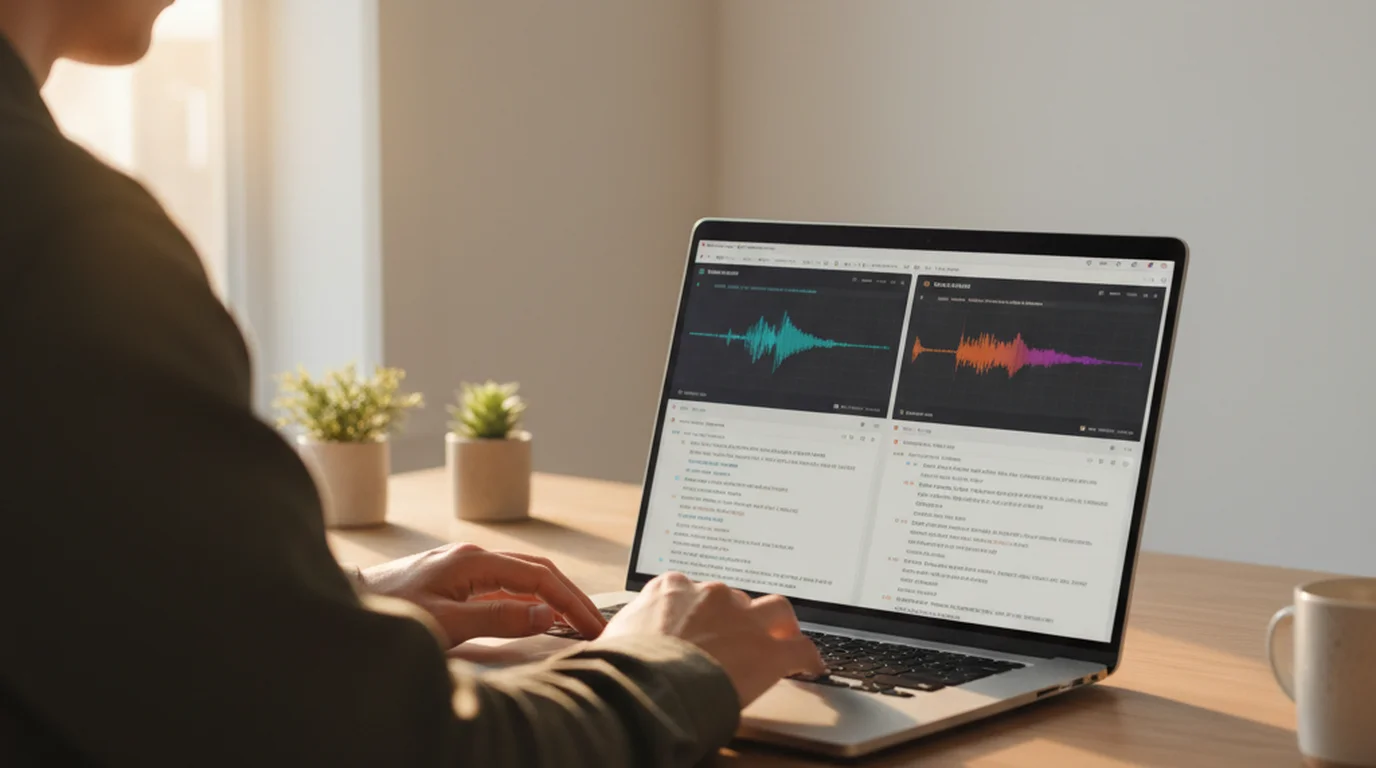
Descript is genuinely impressive software. It just isn't transcription software — it's a video and podcast editor where the transcript is the editing interface. If you're paying $12–24/month and only using the transcript export, you're funding a video studio you don't need. Here's what to use instead.

The clearest Descript alternatives for transcription are sipsip.ai (transcript + AI summary + key points, free tier available), Otter.ai (meeting-focused, 300 min/month free), and OpenAI Whisper (open-source, free to run, no structured output). Each fits a different use case — the right pick depends on whether you need AI summaries, a managed service, or raw cost minimization.
Why Descript Users Look for Transcription Alternatives
Descript launched as a transcript-based video editor: you edit the video by editing the words in the transcript. That's a clever idea and it works well. The problem is the pricing and complexity are structured around that full editing suite.
What Descript includes that most transcription users don't need:
- Multi-track video/audio timeline editor
- Screen recording with cursor effects
- Overdub (AI voice cloning — $24/mo Pro tier)
- Filler word removal and studio sound processing
- Collaboration and multi-user project workspaces
If your workflow is: upload recording → get transcript → extract key points or write show notes, you're using maybe 15% of what Descript charges for.
The free tier problem: Descript's free plan gives 1 hour of transcription per month with watermarked video export. The watermark doesn't affect transcript exports, but 1 hour/month is limiting for anyone transcribing more than a couple of interviews or podcast episodes. The moment you hit the ceiling, you're looking at $12/month minimum.
Export lock-in: Descript's project files are proprietary. Transcripts export as .txt, .docx, or .srt — workable, but the editing environment and its corrections stay inside Descript. There's no API for automation.
According to a 2024 report by Voicebot.ai, 61% of transcription tool users say they only use their tool for transcript output and do not use any video editing or voice synthesis features — the exact use case where Descript's pricing structure becomes a mismatch.
Descript vs. Alternatives: Side-by-Side Comparison
| Tool | Price | Free Tier | Transcription Quality | AI Summary | Video Editing | Ease of Use |
|---|---|---|---|---|---|---|
| Descript | $12–24/mo | 1 hr/mo (watermarked) | Very good | No | Yes (core feature) | Moderate — designed for editors |
| sipsip.ai | Free to start | 30 credits | Very good | Yes — summary + key points + quote | No | Simple — upload and done |
| Otter.ai | Free / $16.99/mo | 300 min/mo | Good | Basic AI summary (paid) | No | Simple — meeting-focused |
| Whisper (OpenAI) | Free (self-host) / $0.006/min API | Unlimited (self-host) | Very good | No (raw transcript only) | No | Technical — CLI or API |
The 4 Best Descript Alternatives for Transcription
1. sipsip.ai — Best for Transcription + AI Intelligence Layer
sipsip.ai is built specifically for the workflow Descript users often want but have to assemble manually: upload an audio or video file, get a clean transcript, and immediately have a structured AI output ready to use.
What you get in one pass:
- Full timestamped transcript
- AI-generated summary (paragraph form)
- Key points (bullet list — ready for show notes or meeting recap)
- Standout quote (single most quotable line, useful for social or article pull quotes)
The audio transcriber handles MP3, WAV, M4A, and other audio formats. The video transcriber accepts MP4 and MOV files directly, plus YouTube URLs — paste a link and get a transcript without downloading anything.
Pricing: 30 free credits to start, no credit card required. Paid plans are significantly cheaper than Descript for users who don't need video editing.
What it doesn't do: No video editing, no overdub, no screen recording. If you need those features, sipsip.ai isn't a full Descript replacement — it's a deliberate alternative for a specific subset of use cases.
In our testing at sipsip.ai, uploading a 45-minute podcast interview produced a transcript, full summary, and 8 key points in under 4 minutes — output that would have required manually copy-pasting from Descript and writing show notes separately.
Best for: Podcasters writing show notes, researchers transcribing interviews, content creators pulling quotes, anyone who uploads to Descript and immediately exports the transcript text.
2. Otter.ai — Best for Meeting Transcription
Otter.ai is optimized for live meeting transcription: it connects to Zoom, Google Meet, and Microsoft Teams to transcribe in real time. This is a different use case from Descript's post-production workflow.
Free tier: 300 minutes/month — significantly more generous than Descript's 1 hour. This is enough for most individual users' meeting load.
AI summary: Otter's Pro plan ($16.99/mo) adds an AI summary per meeting. The free tier gives raw transcript only.
Where it's weaker than Descript: Otter doesn't handle uploaded audio files as cleanly as Descript or sipsip.ai. It's designed around real-time meeting capture. For podcast or interview transcription from a file, it works but isn't optimized for it.
Where it beats Descript: Real-time live transcription, calendar integration, and free-tier generosity. For teams running weekly meetings and needing searchable transcripts, Otter's free tier covers most of the need without paying for Descript's video editor.
Best for: Teams and individuals who primarily need meeting transcription rather than recorded audio/video files.
3. OpenAI Whisper — Best Free / Lowest Cost Option
Whisper is an open-source speech recognition model from OpenAI. It's free to self-host and available via API at $0.006/minute — less than half the implied cost of Descript's entry tier at comparable transcription volume.
What it does well: Accurate transcription across 99 languages, strong performance on accented speech and technical vocabulary, and completely transparent model weights (no vendor lock-in).
What it doesn't provide: No AI summary, no key points, no structured output. You get a raw transcript in whatever format you export (SRT, VTT, plain text). If you need anything beyond the raw text, you'd need to pipe the output to another model or tool.
Self-hosting requirement: Running Whisper locally requires Python and, for decent speed, a GPU. It's well-documented and the community tooling is mature, but it's not a click-and-go solution like the managed alternatives. The managed OpenAI API version is simpler but starts costing money at volume.
According to OpenAI's technical report, Whisper large-v3 achieves a 2.7% word error rate on clean English audio — matching or exceeding commercial managed services at a fraction of the cost.
Best for: Developers, researchers, and technically comfortable users who want zero-cost transcription and don't need a managed web interface or AI summary output.
4. Adobe Premiere Pro (with Captions) — Best If You Need Video Editing Too
If you do need video editing and are currently using Descript, Adobe Premiere Pro's auto-transcription and caption workflow is the closest feature-equivalent alternative within a professional editing suite.
Premiere's Speech to Text generates a searchable transcript, lets you find words in footage, and exports captions. It doesn't have Descript's text-based edit-video-by-editing-words interface, but it's part of an Adobe Creative Cloud subscription many video professionals already have.
Cost consideration: If you already pay for Creative Cloud ($54.99/mo), this adds no incremental cost. If you're buying it specifically for transcription, it's far more expensive than any other option here.
Best for: Video editors already in the Adobe ecosystem who want basic transcript-based workflow without a separate Descript subscription.
Who Should Stick With Descript
Descript earns its price for specific workflows. Don't switch away if:
You use overdub: Descript's AI voice cloning — which lets you fix spoken words by typing replacements — is genuinely unique. No other transcription tool does this. If you regularly correct on-camera mistakes by editing the transcript, Descript's Pro tier is the only tool that handles this cleanly.
You edit video by text: Descript's core innovation is letting you cut footage by deleting words in the transcript. If this is your editing workflow, there's no equivalent in the alternatives listed here.
You produce polished video content: Filler word removal, studio sound, screen recording, and the full timeline editor are real features that justify the price for creators making produced video content — YouTube, courses, video podcasts with edited b-roll.
You need real-time collaboration on video projects: Descript supports multi-user projects with shared timeline editing. That's out of scope for any transcription-only tool.
Who Should Switch
Consider moving away from Descript if:
- You only use it to get a transcript and maybe copy-paste it into a doc
- You're on the free tier and keep hitting the 1 hour/month ceiling
- Your primary output is text — show notes, meeting summaries, interview quotes — not a video file
- You don't use overdub, screen recording, or the video editor
- You want an AI summary automatically generated without manual effort
The sipsip.ai transcriber fits the "just give me the transcript and summary" workflow directly. The video transcriber accepts YouTube URLs so you can get a transcript from any public video without downloading it first.
For more on finding the right transcription tool for your specific format, see our guide to the best free audio transcriber tools online and how to convert video to a text transcript.
Conclusion
Descript is excellent software for video and podcast editors who work in a transcript-based editing workflow. For that specific use case — overdub, text-based video cutting, screen recording — it's hard to replace.
For everyone else who uploads a recording, exports the transcript, and moves on: you're paying for a video studio you don't use. sipsip.ai handles the transcription-plus-structured-output workflow directly, with a free tier that's more usable than Descript's and AI summary output Descript doesn't provide at any price tier. Otter.ai works well if your main use is meeting transcription. Whisper works well if you want free and are technical enough to run it.
The right tool is the one that matches your actual workflow — not the most feature-complete one.
Frequently asked questions

With a background spanning advertising and internet, I've launched 8+ apps and built 10+ products across mobile, web, and AI. Now I'm building a system that extracts signal from noise — turning fragmented information into clear, actionable decisions.