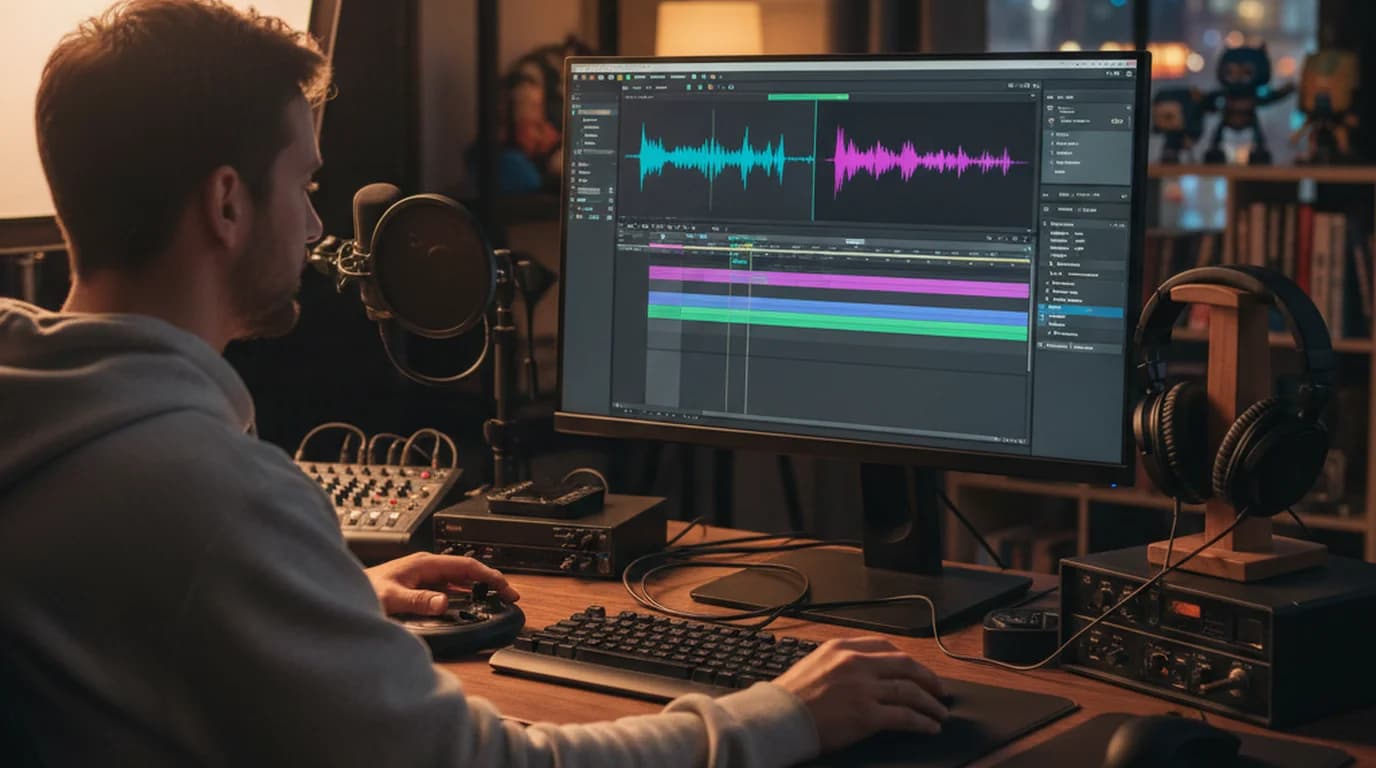
In video production work, I regularly need audio-only versions of YouTube reference material — tutorials I'm analyzing, music tracks I'm referencing, interviews I need to transcribe. The tools that work reliably for this have changed significantly over the past two years.
Converting YouTube to MP3 is a solved technical problem. The tools exist, the process is straightforward, and the output quality is determined by the original YouTube audio bitrate, not the conversion tool. The harder question is which tool you can actually rely on, given how frequently browser-based converter sites disappear or degrade.
To convert YouTube to MP3: yt-dlp (free, command-line) is the most reliable option. For a simpler interface, 4K YouTube to MP3 (paid desktop app) is stable. If your goal is to transcribe the audio content, paste the YouTube URL directly into sipsip.ai's transcriber instead — you get the transcript without downloading the audio file at all.
How YouTube to MP3 Conversion Works
YouTube doesn't serve MP3 files. It serves video streams in VP9 or H.264 formats, with audio encoded in AAC or Opus (for the audio-only streams). A YouTube to MP3 converter does two things: downloads the audio stream from YouTube's servers, then re-encodes it from AAC/Opus to MP3.
The conversion step introduces a quality trade-off. AAC at 128kbps → MP3 at 128kbps is a transcoding operation (lossy to lossy), which reduces audio quality slightly. At higher bitrates (320kbps), the quality loss is less perceptible. The original YouTube audio bitrate caps at 128kbps for most content — so a 320kbps output MP3 doesn't contain more quality than the original 128kbps stream, despite the larger file size.
For transcription purposes (the most common professional use case), the AAC-to-MP3 transcoding quality difference is irrelevant — speech recognition models process the acoustic content, not the encoding format.
Which YouTube to MP3 Tool Actually Works in 2026
The browser-based converter landscape (YTMP3, Y2mate, etc.) is unstable. These sites operate in a gray area, change domains frequently, and commonly include aggressive advertising, redirects, and occasionally malware-adjacent behavior. They work when they work, but they're not reliable infrastructure.
yt-dlp is the dependable option. It's an actively-maintained open-source command-line tool (successor to youtube-dl) that downloads YouTube content by interfacing directly with YouTube's API. To extract MP3 audio:
yt-dlp -x --audio-format mp3 --audio-quality 0 "https://youtube.com/watch?v=VIDEO_ID"
-x extracts audio only. --audio-quality 0 sets the highest quality. Output is a labeled MP3 file in your current directory. yt-dlp handles playlists, channels, age-restricted content (with cookies), and most YouTube content types.
Installation: brew install yt-dlp (Mac), pip install yt-dlp (any platform with Python).
4K YouTube to MP3 is a desktop GUI application (Mac and Windows) for users who want a point-and-click interface. It's paid ($15 one-time or subscription), actively maintained, and doesn't carry the instability of browser-based tools. Handles batch downloads and playlist extraction.
ffmpeg is not a YouTube downloader but is necessary for the conversion step that yt-dlp performs internally. If you have already-downloaded video files and need to extract the audio as MP3:
ffmpeg -i input.mp4 -q:a 0 -map a output.mp3
-q:a 0 is variable bitrate at highest quality. For fixed bitrate: -b:a 192k.
The Faster Alternative for Transcription: Skip the Download
If your goal is to get text content from a YouTube video — for analysis, notes, quotes, closed captions, or research — you don't need to download the MP3 at all.
Paste the YouTube URL into sipsip.ai's transcriber. It retrieves the audio directly and produces a timestamped transcript. For a 45-minute YouTube video, this takes approximately 4 minutes and produces clean, searchable text.
This is faster than: downloading the MP3 with yt-dlp → uploading the MP3 to a transcription service → waiting for the transcript. The URL-direct approach skips two steps.
The YouTube to text guide covers the full transcript extraction workflow, including how to handle YouTube channels that post in multiple languages.
Legal Considerations
YouTube's Terms of Service prohibit downloading content without explicit permission from the content owner. Enforcement is rare for personal use, but browser-based YTMP3 sites have received DMCA notices and takedowns from major music labels.
Where it's clearly acceptable: content under Creative Commons licenses, your own uploaded videos, content where the creator explicitly permits download, and educational use with transformative purpose.
Where it's risky: commercially released music, movies, TV shows, or content from creators who have monetization arrangements dependent on view counts.
The "personal use" interpretation of YouTube downloading is widely practiced but legally untested in most jurisdictions. yt-dlp is a tool; its legal status depends on what you use it for.
For business use (extracting audio for content analysis, archiving, or production reference), assess the copyright status of the source content before downloading.
Converting Other Audio Formats
If you have audio in M4A, WAV, OGG, or other formats and need MP3:
M4A to MP3 (common iTunes/Apple Music format): ffmpeg -i input.m4a -q:a 0 output.mp3
WAV to MP3: ffmpeg -i input.wav -q:a 0 output.mp3
OGG to MP3: ffmpeg -i input.ogg -q:a 0 output.mp3
CloudConvert handles these conversions in a browser (25 free conversions/day) if ffmpeg isn't available. Zamzar is another browser-based option with a file size limit on the free tier.
For transcription purposes, format conversion before uploading is usually unnecessary. sipsip.ai accepts MP3, MP4, M4A, WAV, OGG, and most common audio and video formats directly — upload the original file rather than converting it first.
Conclusion
yt-dlp is the only YouTube-to-MP3 tool I'd rely on for anything professional. It's actively maintained, handles YouTube's changing infrastructure, and produces consistent output. Browser-based tools work intermittently but aren't reliable enough for workflow integration.
If your goal is transcription rather than audio playback, skip the download step entirely — paste the YouTube URL into sipsip.ai directly and get the transcript in a fraction of the time.
Try sipsip.ai's transcriber — paste any YouTube URL and get a full transcript without downloading the audio.
Liam Carter is a video production specialist who works on corporate and editorial video projects. He uses sipsip.ai to transcribe reference material and interview recordings as part of his post-production workflow.
Frequently asked questions

I run product at a B2B SaaS company. Fifteen to twenty customer discovery calls a month is a normal pace — more during research sprints. Every call is recorded as an MP4.


