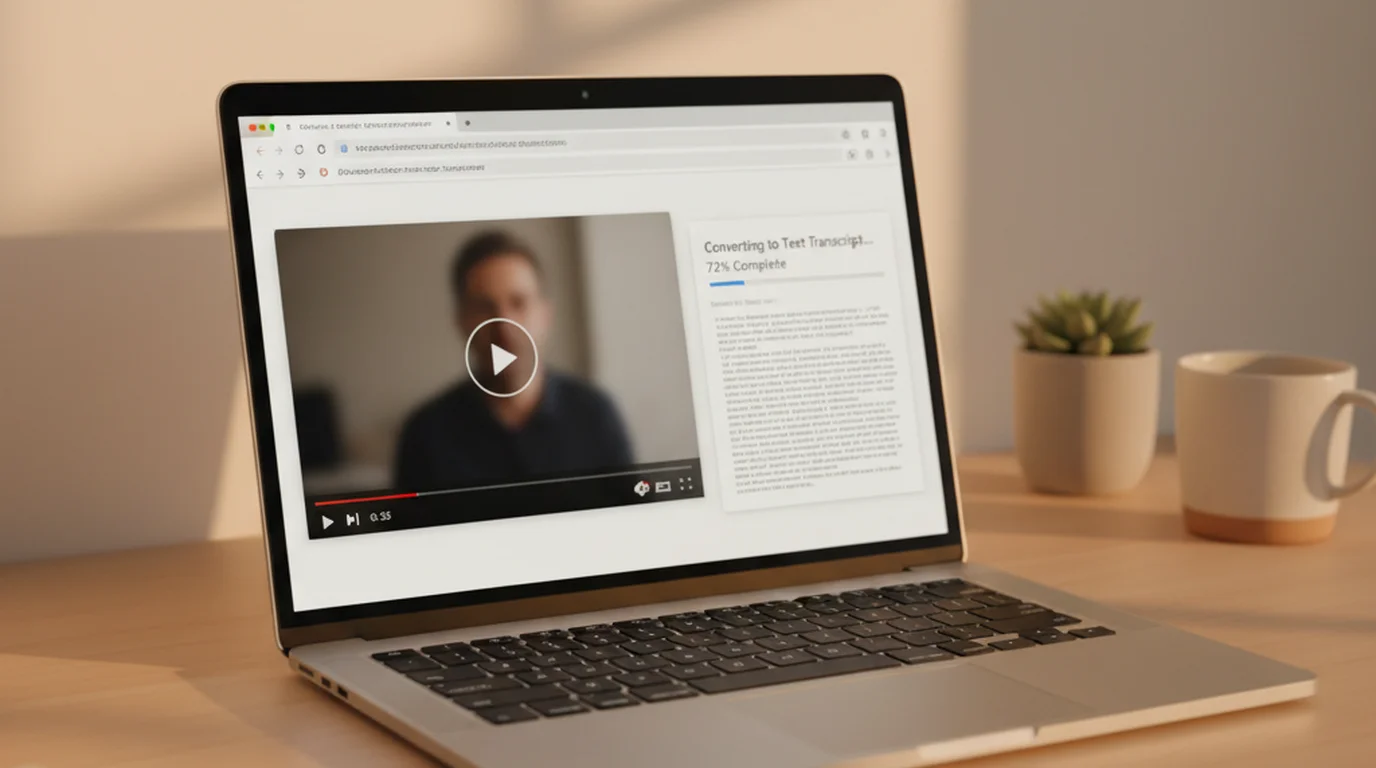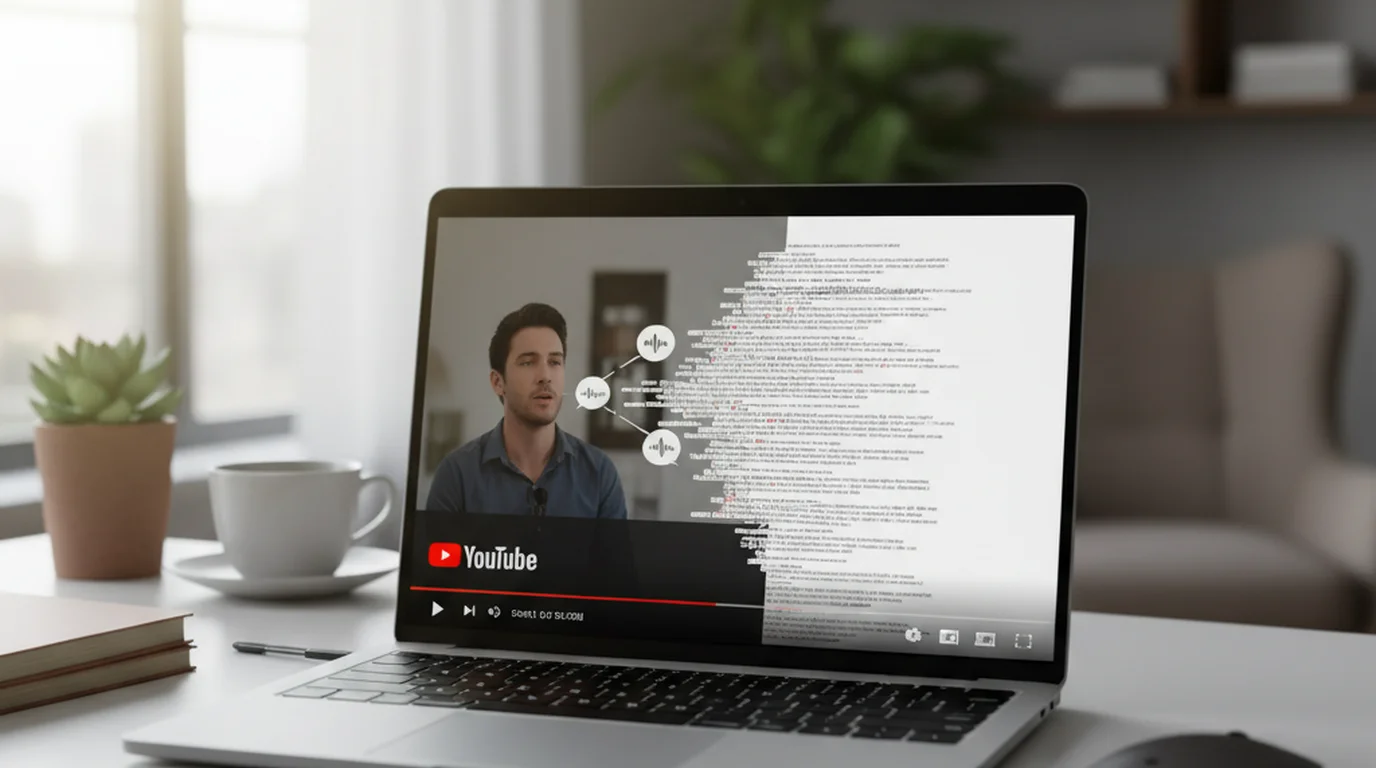
"Free" and "actually works" aren't always the same thing with YouTube transcript generators. Some require a subscription for videos over a certain length, some only work on videos with existing captions, and some produce output so poorly formatted that it's faster to type the transcript yourself. Here are four tools that actually deliver free transcripts in 2026 — with an honest description of what each one is good for.
What Makes a YouTube Transcript Generator Actually Useful
Before comparing tools, it's worth being specific about what the output needs to be to qualify as "useful":
- Accurate enough to read: 85%+ word accuracy means you don't spend more time correcting than you would have spent typing
- Formatted as readable text: Not raw caption data with every 3-second chunk as a separate line
- Works without a subscription: Actually free, not a trial that converts to paid
- Handles your specific videos: Some tools require captions; others generate transcripts from audio directly
Most generators pass one or two of these criteria. The ones below pass all four — for their specific use case.
Tool 1: sipsip.ai Free Transcript Tool (No Account Required)
sipsip.ai/tools/youtube-transcript extracts a clean, formatted transcript from any captioned YouTube video without creating an account or providing payment details.
How to use it:
- Copy the YouTube URL
- Paste it at sipsip.ai/tools/youtube-transcript
- Click "Get Transcript" — result appears in seconds for captioned videos
- Copy the clean text or download as a file
What makes it different from copying YouTube's panel: The raw YouTube transcript panel produces timestamped text in 3-second chunks with no sentence structure. sipsip.ai's free tool reformats it into readable paragraphs with proper sentence boundaries and clean formatting.
Best for: Researchers, students, and anyone who wants to read or quote from a YouTube video quickly without an account.
Limitation: Only works on videos that have captions available. For uncaptioned videos, use sipsip.ai's Transcriber (below).
Tool 2: sipsip.ai Transcriber (30 Free Credits, Works on Any Video)
For videos without captions — older videos, non-English content, or creators who never added captions — the sipsip.ai Transcriber generates a transcript from the audio track using Deepgram's speech recognition.
How it works: Paste the YouTube URL (or upload an audio/video file). The tool fetches the audio, runs it through the Deepgram Nova-2 model, and returns a full timestamped transcript plus an AI summary and key points.
Free tier: 30 credits — each covers about 2 minutes of video or audio. No credit card required to create a free account.
Accuracy: 94–97% on clean audio — significantly better than YouTube's auto-generated captions on technical vocabulary and non-standard speech. In our testing, a 45-minute technical conference talk produced 12 errors on sipsip.ai vs. 47 on YouTube's auto-captions, on the same video.
Best for: Uncaptioned videos, non-English content, technical or specialized topics where caption accuracy is poor, and anyone who needs a structured summary alongside the transcript.
Related: How to Get a YouTube Transcript (3 Free Methods for 2026)
Tool 3: YouTube-Transcript.io (No Account, Bulk Support)
YouTube-Transcript.io is a standalone web tool that extracts YouTube captions — no account needed, no file size limits, and it supports bulk extraction for multiple videos in one session.
Best features:
- No signup at all — paste URL, get transcript
- Bulk mode: paste multiple URLs and download all transcripts at once
- Export as plain text file
Best for: Researchers processing multiple YouTube videos in a session who want no-friction extraction without any account.
Limitation: Caption-dependent — doesn't work on uncaptioned videos.
Tool 4: youtube-transcript-api (Python, Unlimited, Technical)
For developers and data researchers who need to process large numbers of YouTube transcripts programmatically:
pip install youtube-transcript-api
from youtube_transcript_api import YouTubeTranscriptApi

transcript = YouTubeTranscriptApi.get_transcript("dQw4w9WgXcQ")
for segment in transcript:
    print(f"{segment['start']:.1f}s: {segment['text']}")
Best for: Building datasets, academic research at scale, developers creating transcript-dependent applications.
Limitation: Technical setup required, and like all caption-based methods, only works on captioned videos.
Which Tool for Which Situation
| Your situation | Best tool |
|---|---|
| Captioned video, no account | sipsip.ai free transcript tool |
| Uncaptioned video | sipsip.ai Transcriber (free 30 credits) |
| Non-English video | sipsip.ai Transcriber |
| Bulk extraction, no account | YouTube-Transcript.io |
| Summary + transcript together | sipsip.ai Transcriber |
| Developer / programmatic | youtube-transcript-api |
The Caption Dependency Explained
Most "free YouTube transcript generators" are actually caption extractors — they retrieve the caption data YouTube already generated, reformat it, and display it to you. That's fast and requires no AI processing, but it has a hard limit: if the video has no captions, there's nothing to extract.
YouTube generates auto-captions for most public videos in major languages. But captions are missing on: older videos published before 2019, videos in some less-common languages, unlisted and private videos, and any video the creator explicitly disabled captions on.
For these cases, an AI generator that runs speech recognition on the audio is the only free option. sipsip.ai's Transcriber handles both types — captioned videos get the clean formatted caption extraction, uncaptioned videos get AI speech recognition — so you don't need to check which type a video is before using it.
Explore More
Comparison
7 Best YouTube Transcript Generators in 2026 — Compared
Related Article
How to Download a YouTube Transcript as SRT, TXT, or VTT
Related Article
How to Get a YouTube Transcript — 3 Free Methods
Frequently asked questions

With a background spanning advertising and internet, I've launched 8+ apps and built 10+ products across mobile, web, and AI. Now I'm building a system that extracts signal from noise — turning fragmented information into clear, actionable decisions.