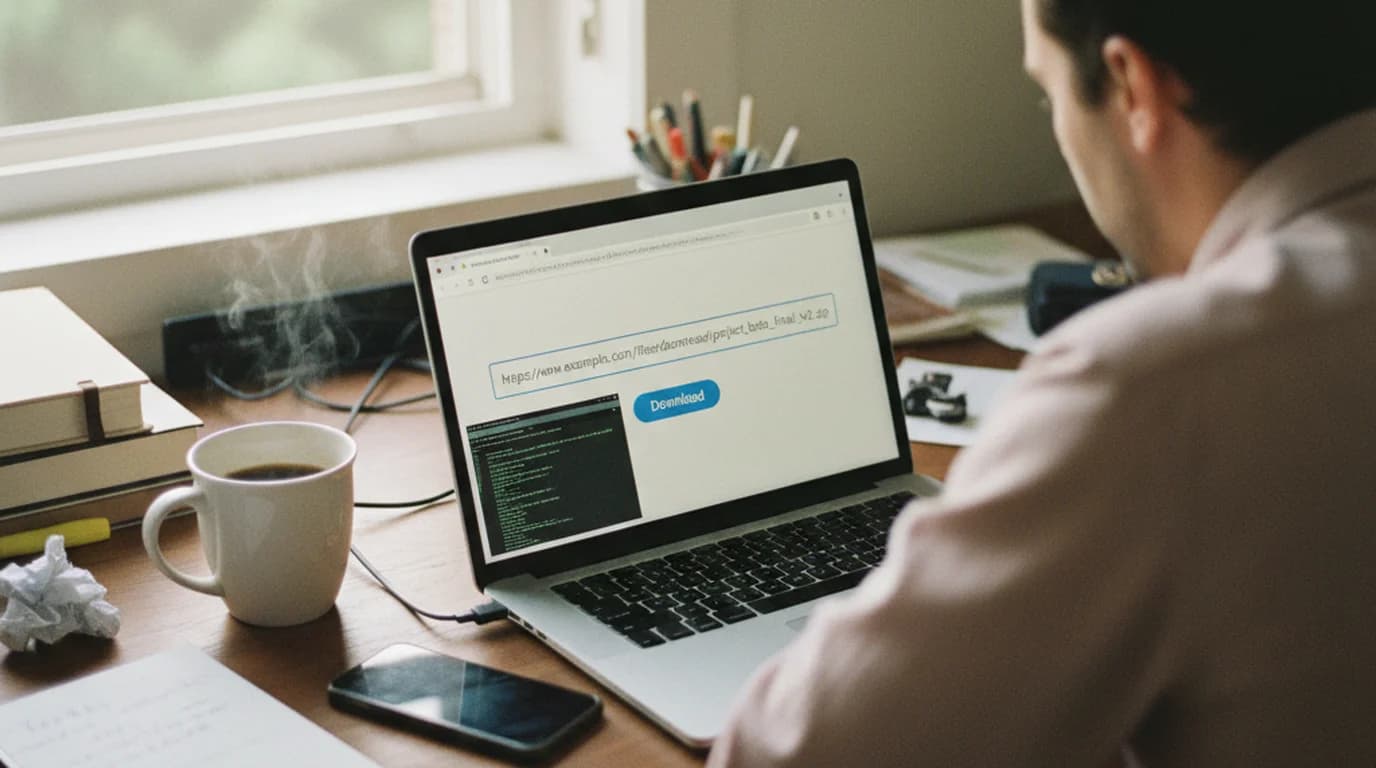
For years, Y2Mate was the site people reached for to turn a YouTube video into an MP3. The original y2mate.com shut down in October 2025, and the sites still using the name today are clones run by unknown owners and paid for by aggressive ads, redirects and notification prompts. So is Y2Mate safe? It's best treated as unsafe, and the same goes for most YTMP3 sites: the risk sits in the pages around the download rather than in the MP3 file itself.
Quick answer: the risks on Y2Mate and YTMP3 sites are ads that open new tabs, fake download buttons, prompts to install a "player" or extension, and requests to show browser notifications. If you need audio from a link, use a converter with a clear owner and a direct download, such as sipsip.ai's Link to MP3, the open-source cobalt.tools, or yt-dlp on your own computer.
Is Y2Mate safe? What happened to y2mate.com
Y2Mate was one of the most visited YouTube-to-MP3 sites in the world. On October 14, 2025, the recording industry body IFPI announced that the operator of y2mate.com and 11 related sites, including yt1s.com and 9convert.com, had agreed to shut them down permanently. IFPI said the 12 sites received more than 620 million visits in the previous 12 months and that it now holds most of the domains, including y2mate.com. TorrentFreak's report confirms that most of the domains are now in IFPI's possession.
That changes the safety question. A site that calls itself Y2Mate in 2026 is run by someone else, under a different domain, with its own ad network. There's no single "Y2Mate" to vouch for, only a family of lookalikes, and their owners are rarely named.
The shutdown was about copyright, not security. But the business model behind these sites, free conversions paid for by high-volume advertising, is exactly what creates the security risks below.
Is YTMP3 safe? What security researchers report
Security guides describe the same pattern again and again: the converter works, and the advertising around it is where things go wrong.
- Ads and redirects. PCrisk's Y2Mate removal guide says the site "contains various advertisements and it causes redirects to other dubious sites," and that clicked ads can run scripts that install potentially unwanted applications. Some of the pages opened this way may be scam sites.
- Notification spam. The same guide warns that Y2Mate asks for permission to show browser notifications, and that allowing it leads to unwanted notifications and pop-up ads even after you leave the site.
- YTMP3 works the same way. Comparitech's analysis of ytmp3.cc states that "Ytmp3.cc isn't a virus as such – it's a website that rips audio from YouTube videos," but its download button sends users to third-party pages that can lead to unwanted programs or browser hijackers. It adds that "Ytmp3.cc also requests notification permissions, which can be abused to bombard you with spam."
The wider category has drawn official warnings too. In March 2025, the FBI's Denver field office warned that free online file converters were being used to deliver malware, and Malwarebytes' write-up lists what sites in this space have installed: browser hijackers, adware, potentially unwanted programs, information stealers and, in the cases the FBI described, ransomware. That warning focused on document converters, but the mechanism is the same one that makes ad-funded media converters risky: a free tool that ranks well, then hands you something extra.
The four common risks on ad-heavy converter sites
Here's what the risks look like in practice, so you can recognize them on any converter, not just Y2Mate or YTMP3.
1. Redirects and pop-unders. Clicking anywhere on the page, including the Convert button, opens a new tab with a sweepstakes page, a "your device is infected" warning or an adult site. The converter tab stays behind it, so it feels like the site worked.
2. Fake download buttons. Large green or blue "Download" buttons that are actually ads sit next to the real one. The real link is often smaller, plain text, or appears only after a countdown.
3. Notification permission prompts. A pop-up asks you to "Click Allow to confirm you're not a robot" or "Allow to download." Allowing it gives the site the right to push ads to your desktop or phone long after you've left. This is one of the most common complaints in removal guides.
4. Bundled installers and extensions. The site says you need a "fast downloader," a codec, a player or a browser extension. Converters in a browser need nothing installed, so any request to run a .exe, .dmg, .apk or extension is a red flag.
The common thread: an MP3 or MP4 file doesn't run code. A program, an extension or a permission does. Keep those three out and you've removed most of the risk.
How to stay safe if you use a converter site
If you do use an ad-supported converter, these habits keep it to a nuisance rather than a problem:
- Check the domain before pasting a link. After the 2025 shutdown, lookalikes use dozens of variations of the Y2Mate and YTMP3 names.
- Use a reputable ad blocker, which removes most redirect ads and fake buttons.
- Click Block on notification prompts. If you already allowed one, remove the site under your browser's site settings for notifications.
- Close new tabs that open on their own, and never call a phone number from a "virus detected" page.
- Only save audio or video files. Anything else (.exe, .dmg, .apk, .msi, .zip, .js or a browser extension) shouldn't come from a converter.
- Keep anti-malware protection on (Microsoft Defender on Windows, XProtect on Mac) and keep your browser updated; active protection is the first step Malwarebytes recommends.
Is cobalt tools safe?
Cobalt is the converter that comes up most often as the clean option, and for good reason. Its code is open source under AGPL-3.0 on GitHub, and the project describes itself as a downloader with no "ads, trackers, paywalls or other nonsense." The official site is cobalt.tools; there are also community-run instances, which are only as trustworthy as the people running them.
So the honest answer to "is cobalt tools safe" is yes for the official site and instances you trust. Its limits are reliability rather than safety: public instances sometimes stall when platforms block their servers, which our cobalt tools alternatives guide covers in detail.
Safer ways to get audio from a link
These options share the traits that matter: a clear owner, no installer or extension for the web tools, no notification prompts, and a direct file.
1. sipsip.ai Link to MP3 and YouTube to MP3. Paste a public link (YouTube, SoundCloud, TikTok, Instagram, Suno or a podcast episode) and download the audio in the browser. YouTube to MP3 is tuned for YouTube links; Link to MP3 takes the rest. Visitors get one free try a day across sipsip's free tools for media up to 10 minutes. A free account (no card) adds free credits and sources up to 4 hours long, keeps each download in My Sip for 7 days, and lets you transcribe or summarize any download afterwards. For MP4 as well as MP3, the Converter handles both formats in one box.
2. cobalt.tools. Open source and ad-free, as above. Best when its instance can reach the platform you need.
3. yt-dlp or a yt-dlp GUI on your computer. yt-dlp is the open-source engine many downloaders use, and GUIs like Open Video Downloader put buttons on it. Downloads run from your own connection with no ads at all. Our guide to yt-dlp online explains the browser, desktop and self-hosted ways to use it.
4. The platform's own offline feature. YouTube Premium, Spotify and SoundCloud Go save content for offline listening inside their apps. The files stay in the app, but there's nothing to vet.
A short note on copyright
Y2Mate was shut down over copyright, so it's worth being clear about what's fine to download. Your own uploads, Creative Commons content, podcasts and talks whose hosts allow downloads, and anything you have permission to use are the clear cases. YouTube's Terms of Service allow downloading only where YouTube offers it or with permission from YouTube and the rights holders, and copyright law applies to commercial music everywhere. Keep downloads of other people's work for personal use and ask before reusing them.
The bottom line
So, is Y2Mate safe? Y2Mate as it existed until October 2025 is gone, and the sites using its name are clones that make their money from aggressive ads. The same is true of most YTMP3 sites. The audio file is rarely the danger; redirects, fake buttons, notification prompts and installers are. Cobalt is a clean open-source option, and for a quick MP3 from a link with a direct download and nothing to install, sipsip.ai's tools cover YouTube and the other major platforms.
Frequently asked questions

With a background spanning advertising and internet, I've launched 8+ apps and built 10+ products across mobile, web, and AI. Now I'm building a system that extracts signal from noise — turning fragmented information into clear, actionable decisions.