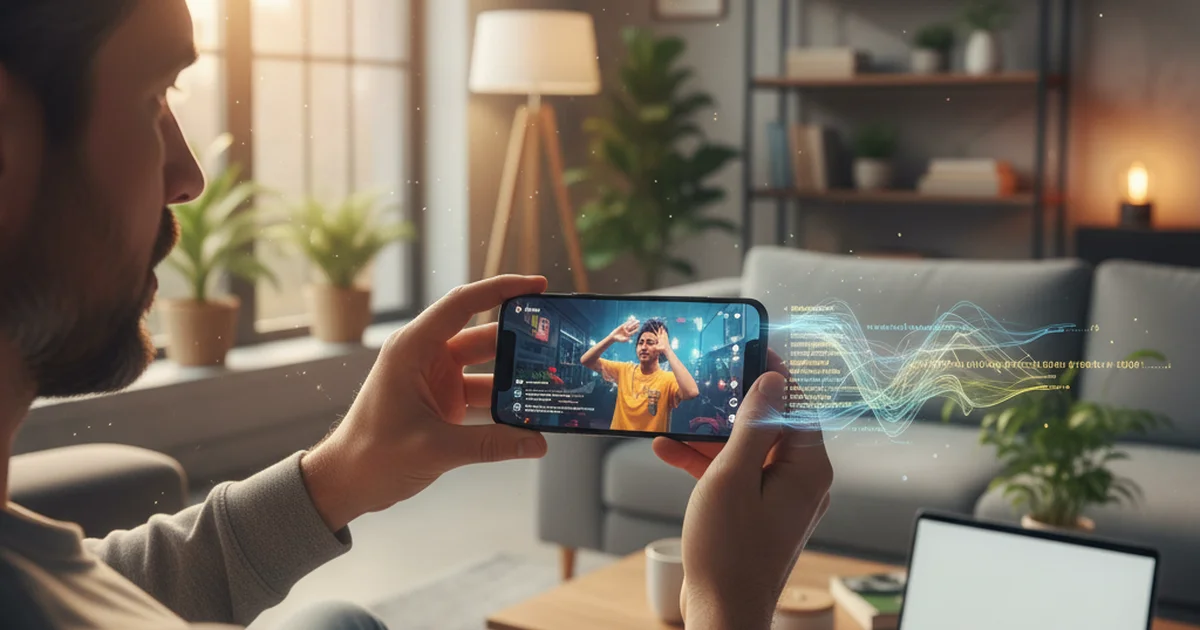
I've been hosting an independent podcast for three years. In that time I've interviewed 140 guests, read several hundred long-form articles, and tracked a few dozen ongoing research threads. I've also started following TikTok creators seriously for story leads. Getting text from short-form video changed how I source and research.
Three years ago, getting a transcript from a TikTok video meant watching it two or three times while typing. That was slow enough that most people skipped it. Now, a TikTok transcript takes under 30 seconds and costs nothing. This guide covers the three methods that actually work in 2026 — what each does well, where each falls short, and which one I use for research.
To get a TikTok transcript: copy the video URL, paste it into a TikTok transcript generator like sipsip.ai, and click Transcribe. The AI extracts the audio and returns clean text within 30 seconds. For downloaded MP4 files, upload directly instead of using a URL. Both produce an identical transcript plus an optional AI summary.
Why TikTok Transcripts Are Useful
Short-form video is where a lot of original thinking now surfaces first. Researchers, journalists, and analysts who ignore TikTok miss expert commentary, product announcements, and opinion shifts before they appear in longer written formats. The problem has always been access: watching 45 videos to extract 3 quotes is inefficient; skimming thumbnails misses the substance.
A transcript changes the format entirely. Text is skimmable in seconds, searchable by keyword, copy-pasteable into notes, and readable without headphones. For anyone who treats social video as a source — not entertainment — the transcript is what makes TikTok content useful.
As an independent podcast host, I use TikTok transcripts for two things: identifying quotes and framings from creators who'd make good guests, and tracking how a topic is being discussed at the edges before it reaches mainstream coverage. The speed difference between watching and reading is roughly 10x for the same volume of content.
Method 1: Paste the URL into a TikTok Transcript Generator
This is the fastest method. Copy the TikTok video URL from the Share menu (or from the address bar in a browser), paste it into a TikTok transcript generator, and wait about 30 seconds.
The tool you use matters. Several options exist, and they differ in what happens after the transcript is generated:
sipsip.ai's Transcriber processes the video URL, runs Deepgram nova-3 speech recognition directly on the audio, and returns three outputs: a full timestamped transcript, an AI summary, and extracted key points. For research and content analysis, the summary is frequently more useful than the raw transcript — it distills a 60-second video into 2–3 sentences, which is the format I actually want when screening 30 TikToks for story leads.
TokScript and transcript.you are caption-extraction tools: they pull TikTok's own auto-captions and format them as text. They're fast and free, but dependent on the video having auto-captions. Many TikToks don't — particularly those posted before 2022, those in non-major languages, or creators who have disabled auto-captioning. For these, caption extractors return nothing.
ElevenLabs' TikTok transcript tool runs AI speech recognition similar to sipsip.ai but doesn't return an AI summary. Output is a plain transcript.
For reliability across all TikToks — captioned or not — a speech recognition tool beats a caption extractor.
According to Deepgram's 2025 Voice AI Report, nova-3, their latest speech recognition model, achieves a word error rate of under 8% on conversational speech — the category TikTok most closely resembles. Across our testing at sipsip.ai, short-form TikTok content (under 3 minutes) consistently transcribes at 90–95%+ accuracy for clear audio in English and 15 other high-resource languages.
Method 2: Upload the Downloaded MP4
If you've downloaded the TikTok video as an MP4 file, you can upload it directly to a transcription tool without using a URL. This method works for:
- TikToks that won't accept URL transcription due to regional restrictions
- Videos saved before the creator set them to private
- Offline research where you've archived content beforehand
The process: download the video (using TikTok's in-app "Save video" option, which saves watermarked MP4 to your camera roll), then upload the file to sipsip.ai's video transcriber. The tool extracts the audio track and runs the same Deepgram pipeline as the URL method. Output is identical.
One practical note: TikTok's watermarked downloads include the creator's username overlaid on the video, but this doesn't affect audio and doesn't change transcript accuracy.
For researchers archiving TikTok content systematically, the upload method is more reliable than URL-based transcription because it's not dependent on the video remaining publicly accessible. A downloaded MP4 transcribes regardless of whether the original post is later deleted or made private.
Method 3: Use TikTok's In-App Captions (For Creators)
TikTok has built-in auto-captioning for creators, accessible via Creator Tools → Auto Captions. This generates captions synchronized to the video for viewers who watch with subtitles.
For transcript extraction, however, TikTok's in-app captions have three significant limitations:
- Not exportable. Auto-captions exist as a display layer inside TikTok — there's no button to download them as text or copy them in bulk.
- Language-limited. Auto-captions work for a narrower set of languages than Deepgram-based tools.
- Requires the Creator account. Only the video's creator can access the caption editing interface, not viewers or researchers.
For viewers trying to extract text from someone else's TikTok, in-app captions are not accessible. This method is only relevant for creators who want to review or edit the captions on their own content — not for transcript extraction as research or analysis.
If you create TikToks yourself and want transcripts of your own content, the most efficient workflow is to upload the original video file (before posting) to a transcription tool rather than downloading the posted version later.
What You Get Beyond the Raw Transcript
Most TikTok transcript generators return text. sipsip.ai returns three things from the same request:
Full transcript. Timestamped text, speaker-segmented where the model identifies distinct speakers, formatted for readability. For a 60-second TikTok, this is typically 100–200 words.
AI summary. 2–4 sentences capturing the main point of the video. This is the format I use when screening content at volume — I can evaluate 30 TikToks from a summary scan in the time it takes to watch 3 videos.
Key points. Extracted bullet points of the 3–5 core claims or pieces of information in the video. Useful for note-taking and for building research files without re-reading full transcripts.
The combination of transcript, summary, and key points turns a TikTok from a passive watch experience into a document you can search, reference, and build on. For anyone using TikTok as a research source rather than a content feed, this output format is the difference between having a note and having evidence.
Frequently Asked Questions
How do I get a transcript of a TikTok video? Paste the TikTok video URL into sipsip.ai's Transcriber tool. The AI extracts the audio, runs speech recognition, and returns a clean timestamped transcript in under 30 seconds. No account required for first use. TikTok's own auto-captions are visible inside the app but can't be exported as text.
Is there a free TikTok transcript generator? Yes. sipsip.ai, tokscript.com, and saveto.ai all offer free TikTok transcript generation. sipsip.ai's free tier works without creating an account, runs Deepgram speech recognition (not just caption extraction), and returns a transcript plus an AI summary and key points in one pass.
Can TikTok automatically generate transcripts? TikTok generates auto-captions for accessibility, but they're only visible during playback inside the app — not exportable as text. A third-party tool is required to get an editable, searchable transcript.
How do I convert a TikTok video to text? Copy the TikTok video URL, paste it into sipsip.ai, and click Transcribe. The tool downloads the audio, runs Deepgram's nova-3 model, and returns the full text within 30 seconds. For downloaded MP4 files, upload the file directly — the result is the same.
Noah Hughes is an independent podcast host. In three years he's interviewed 140 guests across technology, science, and culture. He uses sipsip.ai to transcribe video interviews and TikTok research clips.
Frequently asked questions

I've been hosting an independent podcast for three years. In that time I've interviewed 140 guests, read several hundred long-form articles, and tracked a few dozen ongoing research threads. I also follow TikTok creators seriously for story leads.