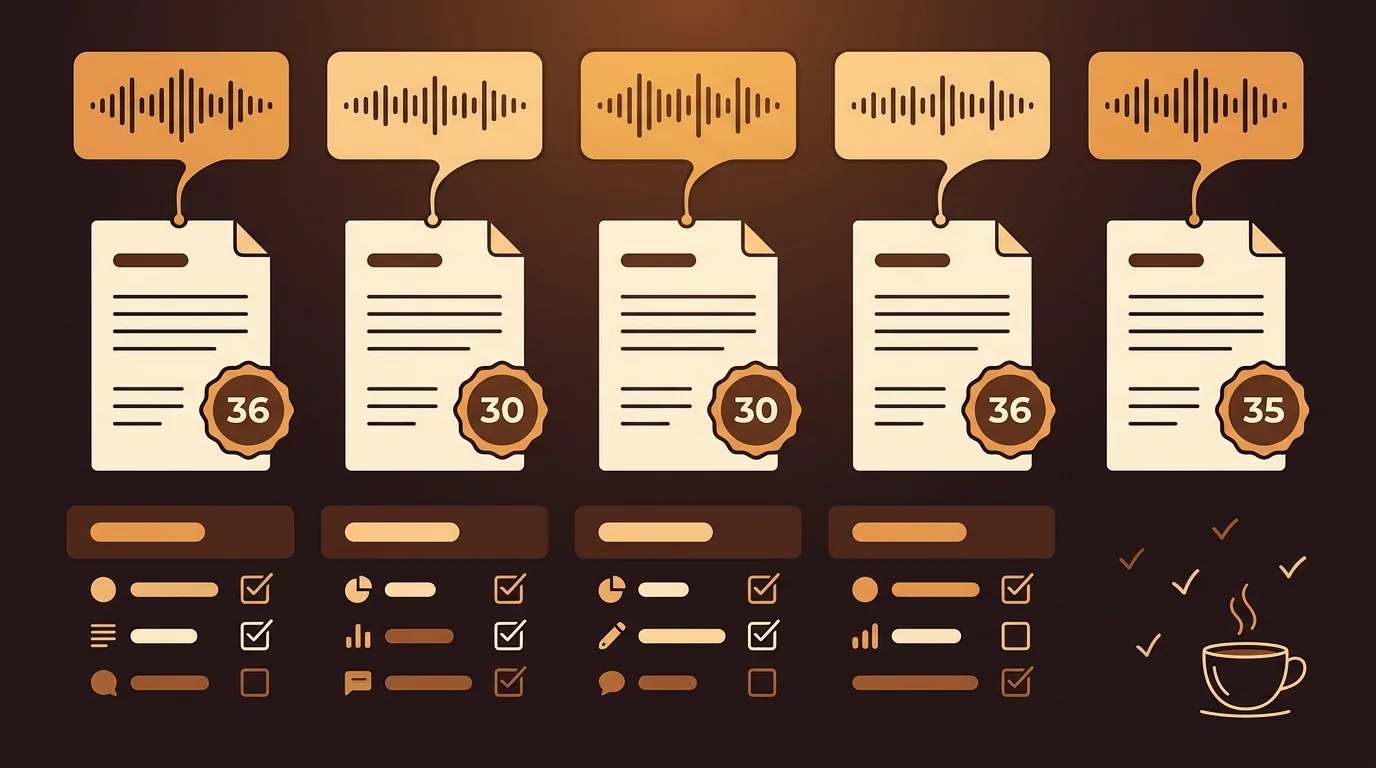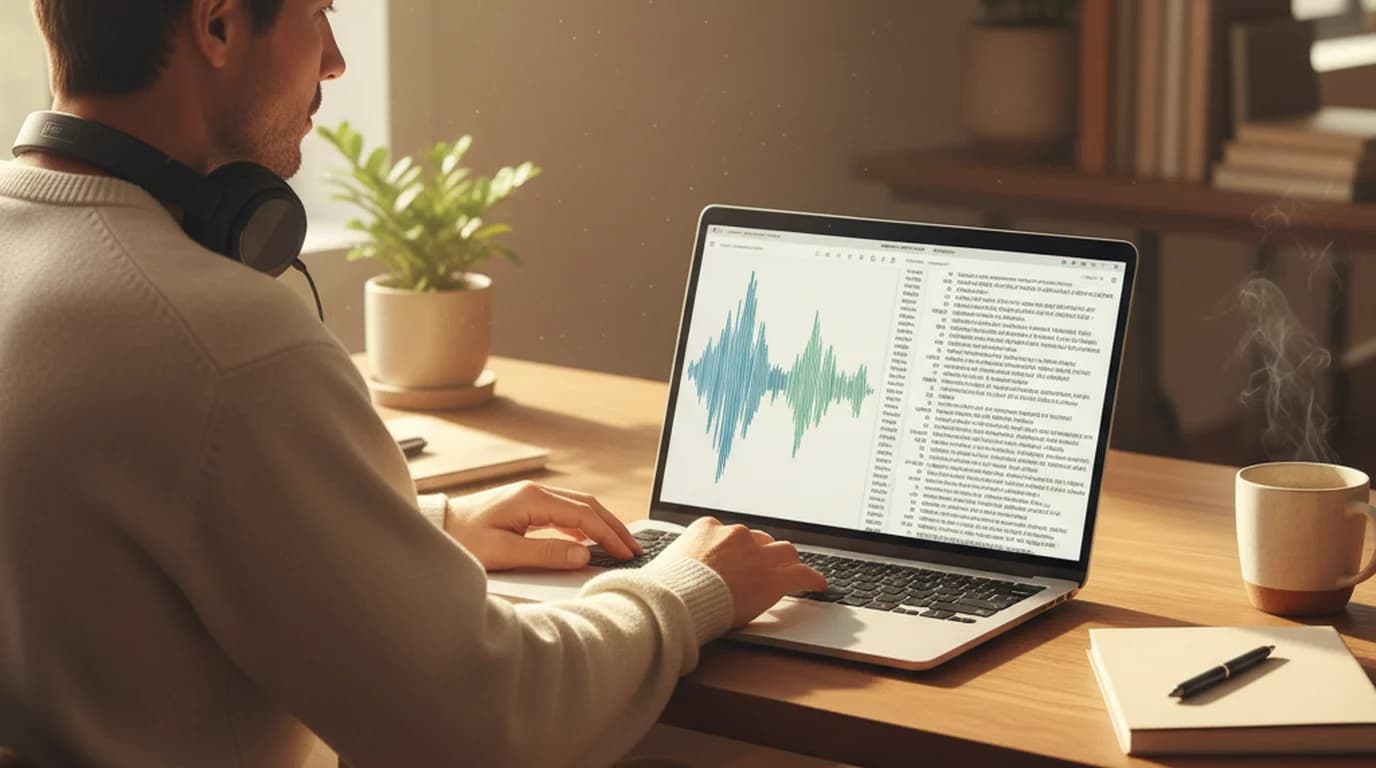
Voice recording transcription used to mean one of two things: hours of typing or paying someone to type for you. In 2026, neither is the default. AI transcription tools convert a 60-minute recording into readable text in under 10 minutes — and accuracy on clean audio is high enough to work from without a full correction pass. Here's a direct comparison of the three real methods available, and when each one makes sense.
Voice recording transcription is the process of converting recorded speech — from a voice memo, phone call, interview, meeting, or any audio file — into a readable text document. The output from modern AI tools includes a full timestamped transcript, speaker identification, and an automated summary with key points.
Method 1: AI File Upload (Fastest, Most Practical)
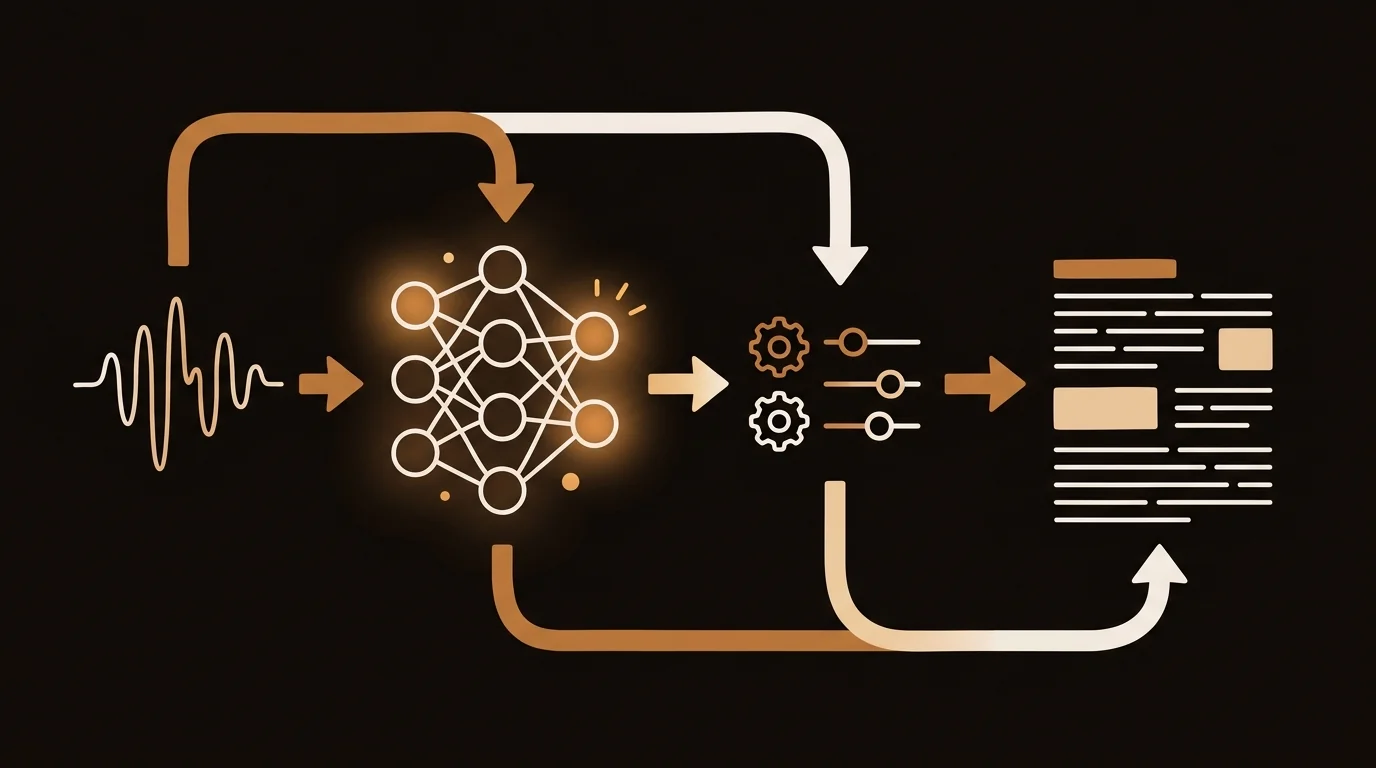
The fastest way to transcribe a voice recording is to upload the file to an AI transcription tool. You don't play audio back or type anything — the AI processes the file directly from the audio waveform.
Step-by-step:
- Export your recording as MP3, M4A, WAV, or MP4 from your recorder or app
- Upload it to sipsip.ai's free Transcriber
- Wait 3–8 minutes while the AI processes the file
- Review the transcript — check proper nouns, technical terms, and names
Accuracy on clean recordings: 94–97%. Drops to 85–92% on phone call audio, and 80–88% on noisy in-person recordings with significant background ambient sound.
According to Deepgram's published accuracy benchmarks, their Nova-2 model — the transcription engine powering sipsip.ai — achieves a 9.4% word error rate on real-world conversational audio, compared to 14.4% for Google Speech-to-Text on the same test set. That represents roughly 30 fewer errors per 10 minutes of audio, which means a meaningfully shorter correction pass for any transcript you'll cite or share.
Cost: Free for 20 recordings on sipsip.ai, then pay-per-use. No subscription required to start.
Best for: Anyone with a recording file who needs a working transcript quickly. Works on voice memos, Zoom exports, phone call recordings, field recordings — any format, any source.
Method 2: OS Dictation with Audio Playback
Mac (Apple Dictation) and Windows (Windows Speech Recognition) include built-in speech-to-text tools. You can play a recording back through speakers and let the OS tool capture the text in real time.
How it works:
- Enable Dictation in Mac System Settings or Windows Speech Recognition in Control Panel
- Open a text document and activate the dictation feature
- Play your recording back through speakers near your microphone
- The tool transcribes what the microphone picks up from the playback
Accuracy: Typically 75–85% — lower than direct AI processing because the audio goes through an extra analog conversion (speaker to microphone) before recognition runs on it. Background noise gets amplified and compression artifacts are introduced.
Cost: Free, included with the operating system.
Best for: Occasional transcription when a rough draft is acceptable. Not recommended for professional use or any content where accuracy and quoting precision matter.
Method 3: Human Transcription (Highest Accuracy, Slowest)
Manual transcription — done by you or a professional service — still achieves the highest accuracy on difficult audio: heavy accents, overlapping speakers, poor recording quality, highly technical vocabulary. Services like Rev.com charge $1.50–$2.00 per audio minute.
Accuracy: 98–99% on standard audio. The gap over AI narrows significantly on clean recordings, where AI accuracy is already 95%+.
Cost: $90–$120 for a 60-minute recording at typical service rates. Your own time: 4–6 hours for 60 minutes of audio at 50 WPM with pauses.
Best for: Legal depositions, regulated medical documentation, academic interviews requiring verifiable accuracy standards. Not practical for regular workflow use — the cost and turnaround time don't scale.
Method Comparison at a Glance
| Method | Accuracy (clean audio) | Speed | Cost |
|---|---|---|---|
| AI file upload | 94–97% | 5–10 min per hour | Free to start |
| OS dictation (playback) | 75–85% | Real-time | Free |
| Human transcription | 98–99% | Hours to days | $90–120 per hour |
For most workflows — meetings, interviews, voice memos, call recordings — AI file upload is the practical choice. The accuracy difference versus human transcription is small on clean audio, while the time and cost difference is substantial.
How to Record Better Audio (Before You Transcribe)
Transcription accuracy is determined before you upload, not after. These changes to your recording setup make a measurable difference.
Record in a quiet environment. Background noise is the single biggest accuracy factor. An HVAC hum or café ambient sound reduces accuracy by 5–10 percentage points even on strong models. If you can't control the environment, position the microphone as close to the speaker as possible.
Use a directional microphone. Phone built-in mics are omnidirectional — they pick up everything equally. A lapel mic or a directional recorder mic focuses on the speaker. A $40 lapel microphone typically produces a larger accuracy improvement than switching between AI transcription services.
Keep speakers separated. In multi-speaker recordings, speaker diarization — identifying who said what — works best when voices are acoustically distinct and speakers don't talk over each other. For group discussions, a central recording device equidistant from all speakers produces better diarization than a phone in someone's pocket.
Pre-process difficult audio. For recordings you've already made with noise issues, Audacity's noise reduction filter and volume normalization can meaningfully improve transcription results before upload. Fifteen minutes of audio cleanup can eliminate most recognition errors on a challenging file.
Related: How AI Transcribes Voice Recordings to Text: The ASR Pipeline Explained
When to Get a Full Transcript vs. a Summary
Not every voice recording needs a word-for-word transcript. If you recorded a 90-minute strategy discussion and need the three decisions that came out of it, a full transcript is more than you need — and slower to work from.
sipsip.ai's Transcriber generates both outputs simultaneously: a full timestamped transcript and a structured summary with key points. For most recordings, reading the summary takes two minutes and tells you whether you need to go deeper. The full transcript stays searchable if you need to find a specific phrase, verify a quote, or pull the exact wording someone used.
In our experience processing hundreds of recordings across interview, meeting, and voice memo formats, the summary answers the question "what did this recording contain?" in under two minutes. The full transcript answers "what exactly did they say at 14:32?" — which you only need for a fraction of the material you process.
For ongoing workflows — reviewing call recordings weekly, processing a series of research interviews, following a podcast series — sipsip.ai's Daily Brief automates the summarization so you're not processing each recording individually.
Explore More
Related Article
Audio Transcription Complete Guide — Formats, Accuracy, and Use Cases
Related Article
How to Transcribe Audio Recordings to Text — Step-by-Step
Related Article
Transcribe Voice Memos Automatically (iPhone, Android, and Web)
Frequently asked questions

With a background spanning advertising and internet, I've launched 8+ apps and built 10+ products across mobile, web, and AI. Now I'm building a system that extracts signal from noise — turning fragmented information into clear, actionable decisions.