I'm finishing a master's in computational linguistics. Between seminars, conference talks, and lecture series, I watch a lot of academic YouTube — and I need to be able to quote, search, and cite it. For a long time, that meant manually rewatching and pausing. Now it takes me about 5 seconds.
The Academic YouTube Problem
Academic content on YouTube is dense. A 50-minute conference keynote might contain 3 genuinely citable points and 47 minutes of context. Finding those points again — for a paper, a presentation, a literature note — requires either an excellent memory or a system.
YouTube has auto-generated captions on most videos, but they're not accessible in a usable text format. You can turn on closed captions, but you can't search them, you can't copy a block of text, and you can't export them to your notes. The platform is designed for watching, not reading.
I needed a way to turn YouTube videos into text I could work with. I didn't want to pay for a subscription tool for this. And I didn't want to create an account somewhere just to get a transcript.
The Tool That Actually Works
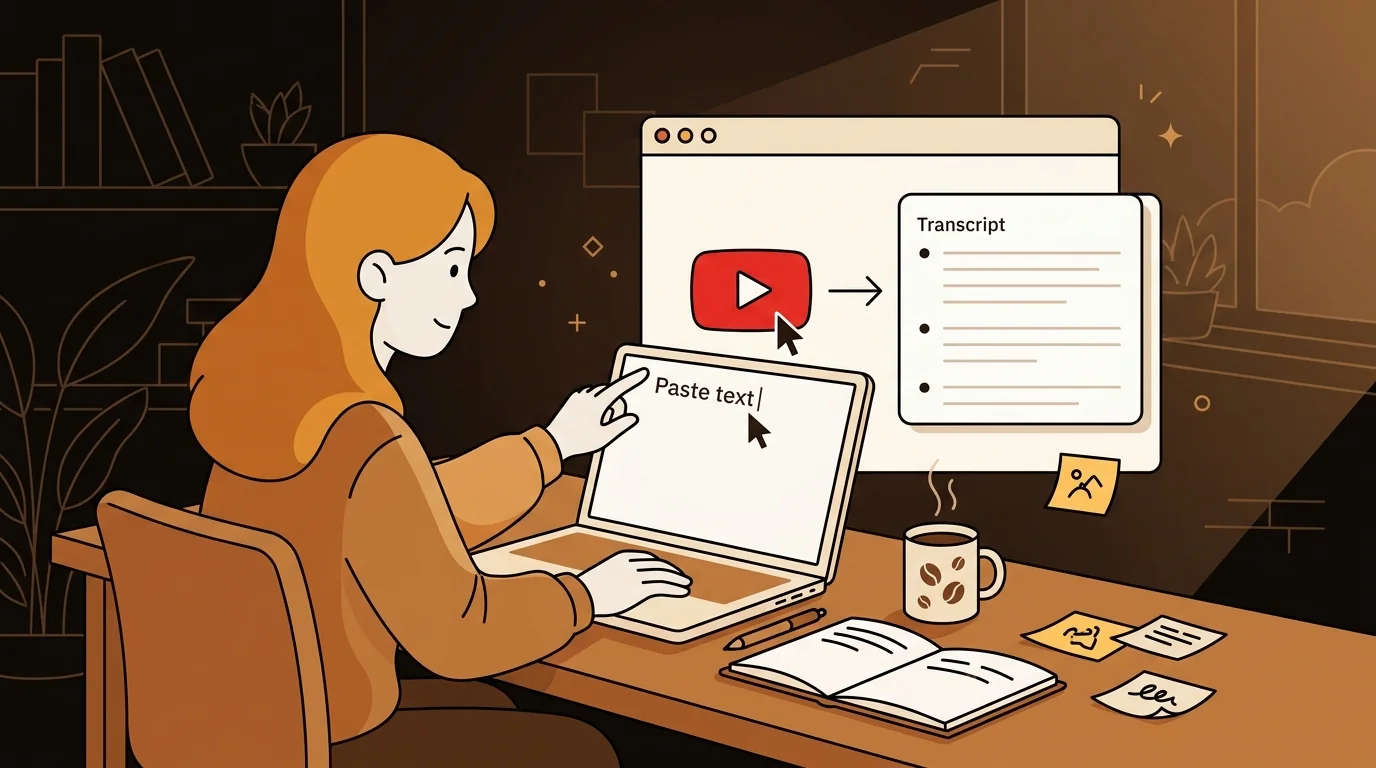
Sipsip.ai's free YouTube transcript tool does exactly what it says: paste a YouTube URL, get the transcript. No account. No paywall. No installation.
I found it by searching for a free YouTube transcript generator. Most tools I found required sign-up or had aggressive limits on the free tier. This one just works. You paste the link and the transcript appears in a few seconds.
For a 50-minute lecture, the full transcript comes back in under 10 seconds. It's using YouTube's existing caption data — which is why it's fast — reformatted as clean, readable text.
"I paste the link, I get the text. That's the whole workflow. It takes less time than navigating to the video."
— Kai Nakamura
How I Use the Transcripts
Searching for specific content. I use Ctrl+F on the transcript to find the moment I half-remember. Someone said something interesting about phonological transfer in a 2024 talk — I can find it in seconds instead of scrubbing through the video.
Quoting accurately. Academic writing requires exact quotation. The transcript gives me the speaker's actual words, which I verify against the video when it matters for a formal citation.
Reading instead of watching. Some lectures are better read than watched. I can skim a 60-minute talk in 10 minutes by reading the transcript, identify the relevant sections, and only watch those parts. My content consumption rate has roughly tripled.
Building literature notes. I use Obsidian for my research notes. Paste the transcript, highlight the relevant passages, link to my other notes. A lecture becomes part of my searchable knowledge base instead of a video file I'll never find again.
Try This Free
Free YouTube Transcript Tool — Paste Any URL, Get Clean Text Instantly
Which Videos Work
The tool extracts captions from any YouTube video that has them — which is most videos, since YouTube auto-generates captions in a wide range of languages. Older academic content, niche conferences, and videos in less common languages sometimes lack captions, in which case the tool can't return a transcript.
For videos without existing captions, the AI-powered transcription in sipsip.ai's Transcriber can process the video file directly — though that requires downloading the video first.
Languages Beyond English
My research involves multilingual content. I regularly watch talks in Japanese and German. The free transcript tool extracts whatever captions YouTube has — so if the video has Japanese captions, I get Japanese text.
This has been useful beyond the obvious: I can use the transcript with a translation tool to get a working translation much faster than watching a foreign-language video with subtitles.
Frequently asked questions

I'm a grad student with no tools budget. sipsip.ai's free YouTube transcript tool gives me searchable text from any lecture video instantly — no account, no paywall.