An audio transcriber converts recorded speech to text — and in 2026, the best ones do it automatically using AI. If you've got an audio file and want readable text, here's exactly how it works, what accuracy to expect, and how to use one.
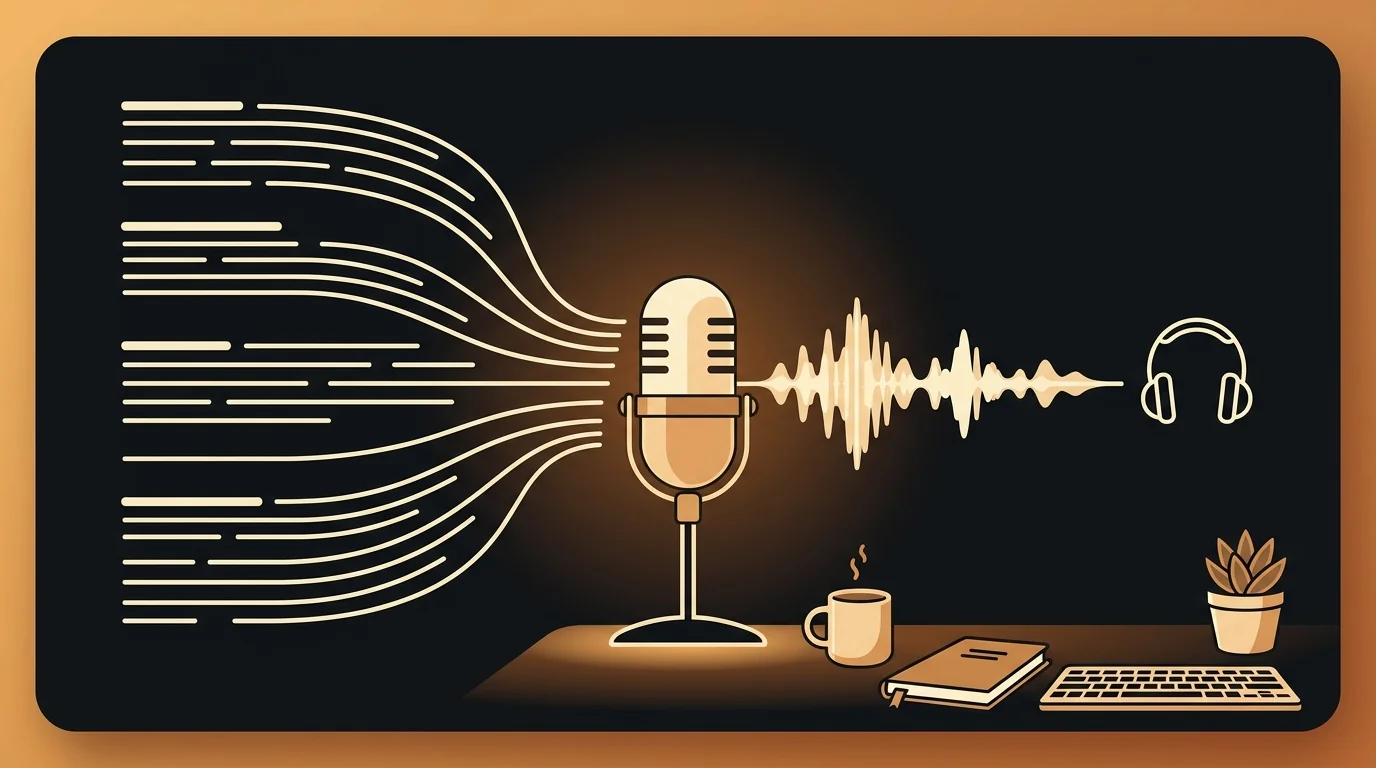
An audio transcriber is a tool that takes recorded audio as input and outputs a written transcript. Modern AI audio transcribers don't require you to type anything — you upload a file and the model returns timestamped text, usually within minutes.
How AI Audio Transcribers Work
Every AI audio transcriber runs on automatic speech recognition (ASR) — a model trained on large datasets of paired audio and text. When you upload a file, the ASR model analyzes the audio waveform pattern by pattern and produces a sequence of text tokens that correspond to the spoken words.
The two most widely used ASR models in 2026:
Whisper (OpenAI) — open-source, strong on multilingual audio and difficult accents, slower to process but highly accurate on diverse audio types. Many consumer tools run Whisper large-v3.
Deepgram Nova-2 — commercial API, faster than Whisper, optimized for professional and conversational speech, strong on English and a growing set of languages. Powers sipsip.ai's transcription.
Both models return the same core output: a text transcript with timestamps. Premium tools layer speaker diarization (who said what), structured summaries, and key points on top of the base transcript.
According to Deepgram's published benchmark data, Nova-2 achieves a 9.4% word error rate on real-world conversational audio — meaning roughly 9 words in every 100 may need correction on typical recordings, versus zero corrections on clean studio audio where the model reaches 3–4% error rate.
What You Can Transcribe
AI audio transcribers work on any audio source — the format is what matters, not where the recording came from:
| Source | Typical format | Transcription quality |
|---|---|---|
| iPhone Voice Memos | M4A | Excellent |
| Zoom / Google Meet | MP4 | Excellent |
| Phone call recording | M4A / MP3 | Good |
| In-person meeting | MP3 / WAV | Good–Fair |
| Podcast episode | MP3 | Excellent |
| Field recording | WAV / MP3 | Fair–Good |
| Voicemail | MP3 / M4A | Good |
Any file with audible speech can be transcribed. The quality of the output depends on the recording quality, not the topic or industry — a clear recording about a technical subject transcribes more accurately than a noisy recording of casual conversation.
Related: How to Transcribe Voice Recordings to Text — 3 Methods Compared
How to Transcribe an Audio File (Step by Step)
Step 1: Prepare the file. Export your recording from your recorder or app. Most tools accept MP3, M4A, WAV, and MP4 directly — no conversion needed in most cases. If your app exports AMR or OGG, convert to MP3 first with VLC or Audacity.
Step 2: Upload to an AI transcriber. Go to sipsip.ai's Transcriber and drag and drop the file, or click to browse. The upload progress is visible, and processing begins automatically once the file is received.
Step 3: Wait for processing. AI transcription takes roughly 5–10 minutes per hour of audio. A 30-minute recording processes in 3–6 minutes. The tool shows a progress indicator while the ASR model runs on the audio.
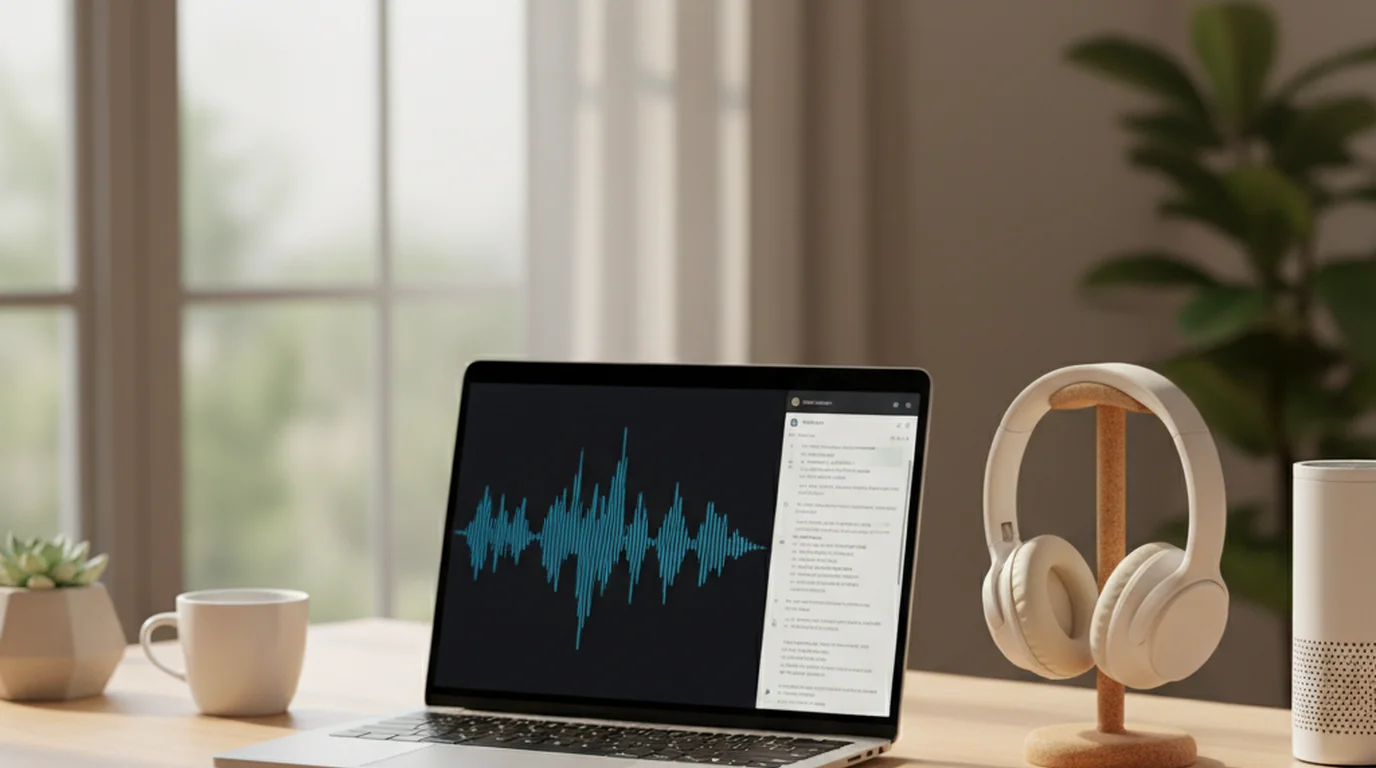
Step 4: Review the output. When complete, you'll see a summary, key points, and the full timestamped transcript. Click any line in the transcript to jump to that moment in the audio — useful for checking accuracy on specific passages.
Step 5: Correct and export. Do a quick pass for proper nouns, technical terms, and names — these are where errors cluster. Most professional recordings need 5–10 minutes of light correction. Export as plain text or Markdown for use in your notes, documents, or reports.
Accuracy by Recording Type
What to expect from an AI audio transcriber based on your recording environment:
Clean Zoom or Teams call (headset or quality webcam mic): 94–97% word accuracy. Most errors will be proper nouns and company names. A 45-minute meeting transcript needs 5–10 minutes of review.
In-person meeting (phone on table): 85–92%. Background noise, distance from speakers, and room reverb all reduce accuracy. Expect more corrections, especially when multiple people speak at the same time.
Phone call: 88–92%. Compression artifacts in phone audio reduce quality below broadband VoIP. Still usable for most purposes.
Podcast episode (studio-recorded): 95–98%. Professional recording environments produce transcripts close to error-free on standard vocabulary.
Field recording (outdoor, ambient noise): 78–88%. Variable — depends entirely on mic placement and noise level.
For recordings you know are difficult, basic audio cleanup in Audacity (noise reduction, volume normalization) before upload can add 5–10 percentage points of accuracy on challenging audio.
When You Need a Summary Instead of a Full Transcript
A full transcript isn't always the right output. If you processed a 90-minute all-hands meeting and you need the three decisions that came out of it, reading 12,000 words of transcript is slower than necessary.
sipsip.ai's Transcriber produces both simultaneously: a full timestamped transcript and a structured summary with key points. Read the summary first — for most recordings, it answers "what did this contain?" in two minutes. The full transcript exists as a searchable reference for specific quotes or verification.
For recurring audio sources — a weekly podcast series, ongoing customer calls, regular team meetings — sipsip.ai's Daily Brief automates the process: subscribe sources, receive a morning summary of new content without manually uploading each file.
Explore More
Related Article
Best Free Audio Transcribers in 2026 — 6 Tools Tested and Ranked
Related Article
Audio Transcription Complete Guide — Formats, Accuracy, Use Cases
Related Article
How to Transcribe Audio Recordings to Text (Step-by-Step)
Frequently asked questions

With a background spanning advertising and internet, I've launched 8+ apps and built 10+ products across mobile, web, and AI. Now I'm building a system that extracts signal from noise — turning fragmented information into clear, actionable decisions.