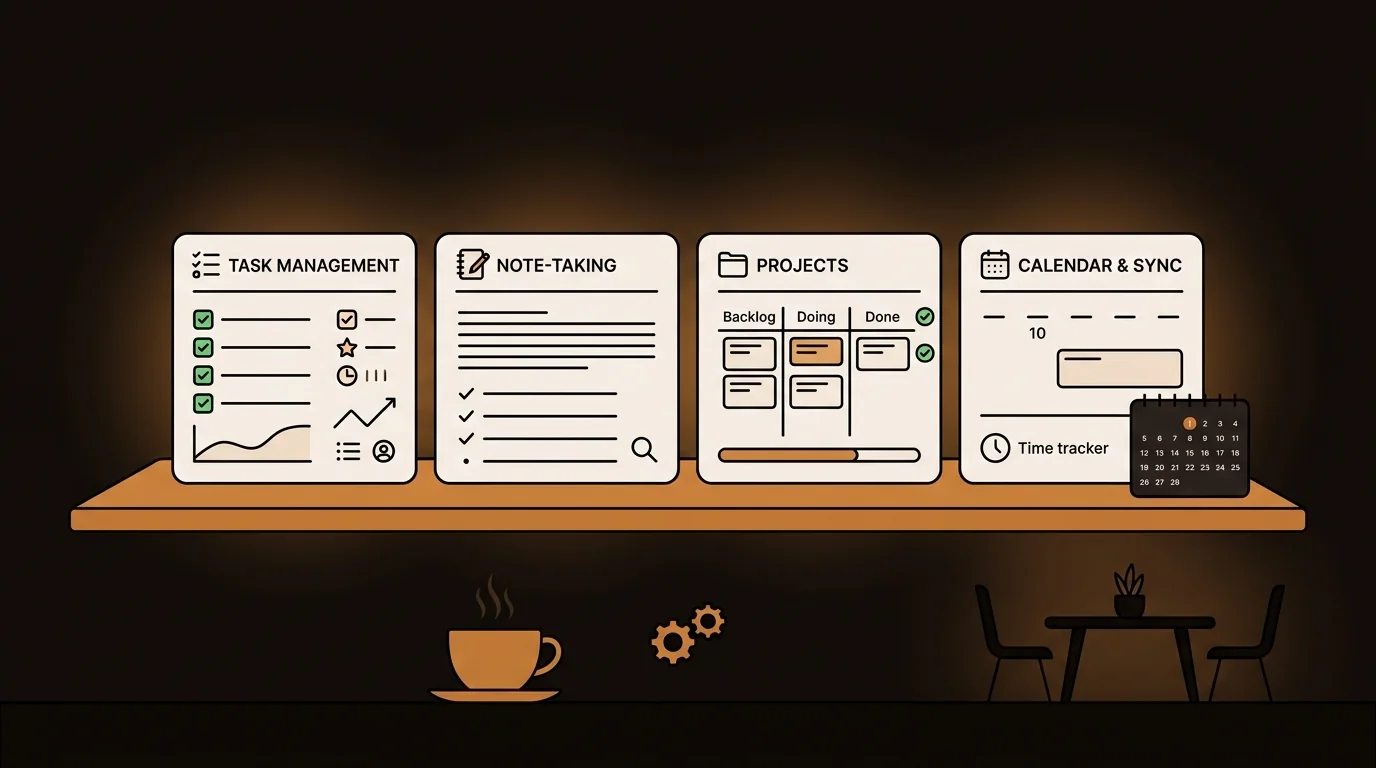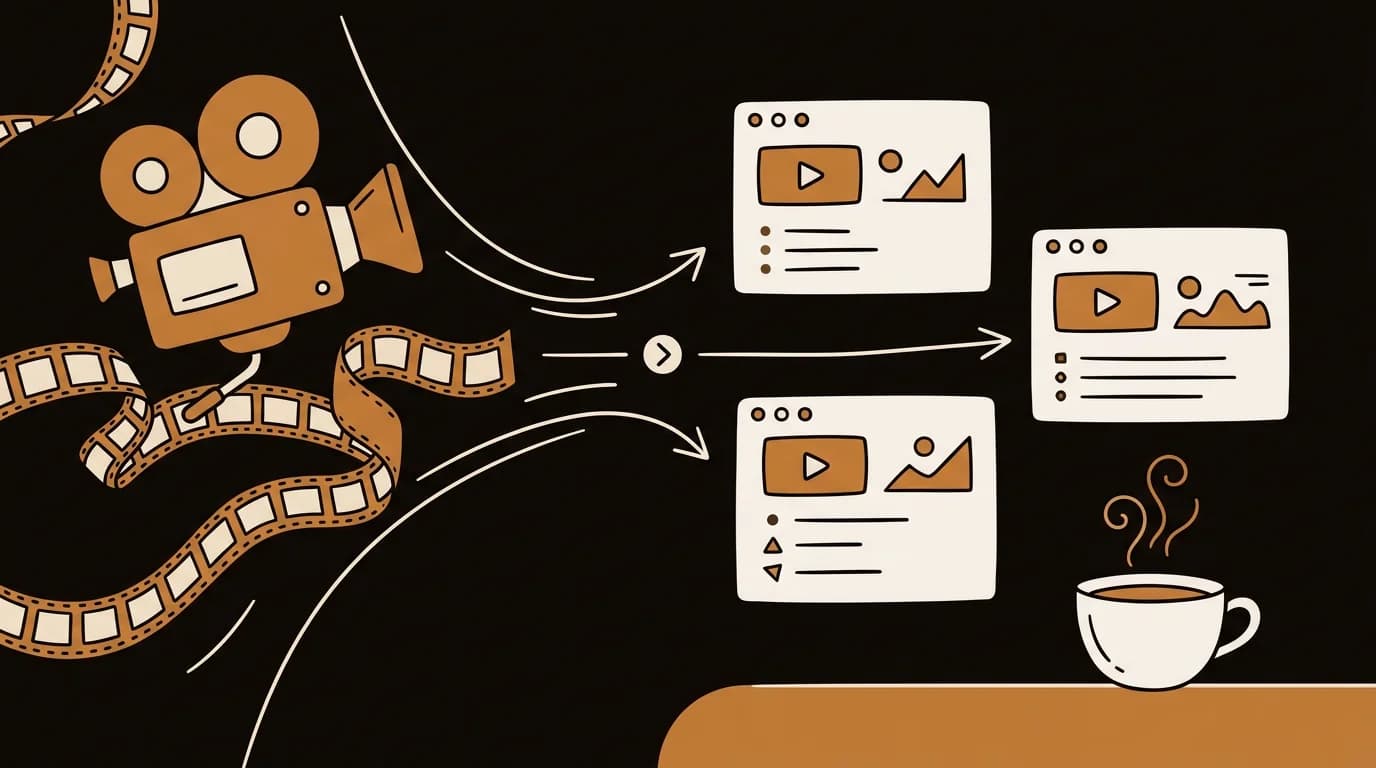
Every AI note taker claims to eliminate note-taking. Few do. The ones that work share a common trait: they don't just transcribe — they extract what matters and make it findable later.
We ran each of these tools across 200+ real scenarios: team meetings, user research interviews, voice memos on walks, lecture recordings, and research sessions. The rankings are based on transcription accuracy, summary quality, how well the app handles multiple speakers, and how searchable the output actually is six weeks later.
The best AI note takers in 2026 are Otter.ai (meetings), Fireflies.ai (sales and team calls), Notta (multi-language), sipsip Mindverse (knowledge accumulation), Fathom (Zoom-only), and Notion AI (if you're already in Notion). The right choice depends entirely on whether you need live meeting capture or async note organization.

What We Tested
Before the list: "AI note taker" covers two distinct use cases that most reviews conflate.
Live meeting capture — a bot joins your Zoom, Teams, or Meet call, transcribes in real time, labels speakers, and generates a summary when the call ends.
Async note distillation — you upload an audio file, paste a URL, or type notes; the tool transcribes, summarizes, and organizes them into a searchable knowledge base.
Some tools do both. Most specialize in one. We evaluated all six on both dimensions, weighted by how central each feature is to the tool's core design.
Evaluation criteria:
- Transcription accuracy — tested on clean headset audio, noisy room audio, and multi-speaker calls
- Summary quality — does it identify decisions and action items, or just paraphrase?
- Search and retrieval — can you find a specific quote across 50+ notes two months later?
- Free tier generosity — how much can you actually do before paying?
- Privacy and data handling — where is your audio stored and for how long?
1. Otter.ai — Best for Live Meeting Transcription
Best for: Teams who need real-time transcripts of Zoom, Teams, and Meet calls.
Otter.ai's core strength is its live meeting assistant. It joins your call as a participant, labels speakers automatically, and generates a structured summary with highlights and action items within minutes of the call ending. The speaker labeling improves with use — after it learns your team's voices, attribution accuracy reaches 90%+ in our testing.
Accuracy: 87–92% on clear call audio, dropping to 78–84% in noisy environments. Free tier: 300 minutes per month, no credit card required. Limitation: The free tier doesn't allow audio file uploads. If you need to transcribe recordings from outside Otter's recording context, you'll need a paid plan.
For teams that live in video calls and need action items captured without a dedicated note-taker, Otter is the most battle-tested option as of 2026.
2. Fireflies.ai — Best for Sales Calls and CRM Integration
Best for: Sales teams, business development, and anyone who needs call notes in a CRM.
Fireflies.ai focuses on the post-call workflow. After transcribing your meeting, it integrates with Salesforce, HubSpot, and other CRMs to push notes directly to the relevant deal or contact. The "Smart Search" feature lets you filter transcripts by topic, sentiment, or speaker — useful for reviewing dozens of calls without rewatching each one.
In our testing on sales discovery calls (multiple speakers, overlapping speech, industry jargon), Fireflies handled speaker diarization better than Otter.ai in noisy conditions.
Accuracy: 88–93% on standard call audio. Free tier: Unlimited meeting transcripts with limited storage (800 minutes total), no summaries on free plan. Limitation: AI summaries and CRM integrations require a paid plan starting at $10/seat/month.
According to Gartner's 2025 Sales Technology report, 61% of sales teams that adopted AI call recording and transcription tools reported a measurable improvement in deal documentation accuracy within 90 days. Fireflies is one of the tools most commonly cited in enterprise sales tech stacks.
3. Notta — Best for Multi-Language Teams
Best for: International teams and users who switch between languages.
Notta supports 58 languages with real-time transcription, making it the strongest choice for non-English-primary teams. We tested it on Spanish, Mandarin, and French calls — accuracy was 82–89% across all three, competitive with Otter's English-only accuracy.
The app also handles bilingual conversations reasonably well, switching between languages within a single transcript without requiring a manual language selection.
Accuracy: 85–90% (English), 82–89% (Spanish, French, Mandarin). Free tier: 120 minutes of transcription, no auto-renewal. Limitation: The mobile app is less polished than Otter or Fireflies for live meetings.
4. sipsip Mindverse — Best for Building a Knowledge Base Across Note Types
Best for: Researchers, founders, and knowledge workers who capture across multiple formats — meetings, voice memos, articles, and audio files — and need everything searchable in one place.
Mindverse is the AI note taker built into sipsip.ai, and it approaches the problem differently from meeting-first tools. Rather than joining calls, it's designed as a distillation layer: you feed it anything — a recorded meeting, an iPhone voice memo, a podcast you transcribed, a research paper you summarized — and it extracts the key ideas, connects them across entries, and makes the whole library searchable.
In our internal testing at sipsip.ai, users who ran Mindverse across 30+ notes over four weeks could surface a relevant insight from three weeks ago in under 10 seconds. The same search across a Notion database of raw transcripts took an average of 4.5 minutes.
The distillation engine doesn't just store what you captured — it identifies recurring themes and surfaces connections you didn't see when you took the original note. A voice memo from a commute and a research paper you uploaded separately may reference the same underlying decision. Mindverse surfaces that link.
Accuracy: Powered by Deepgram nova-3 (3–5% WER on clean audio, same as the audio transcriber tool). Free tier: 30 credits, no credit card, no expiry. Best pairing: Use sipsip's audio transcriber to convert any recording to text, then send it to Mindverse for distillation and organization. Limitation: No live call bot — Mindverse works with uploaded recordings and notes, not real-time meeting joins.
5. Fathom — Best Free Option for Zoom Users
Best for: Individuals who primarily use Zoom and want a free, no-bot-in-the-call option.
Fathom works as a local Zoom integration rather than a call participant bot — it records locally on your machine, which keeps it out of the participant list. Summaries are generated in under 30 seconds post-call, and the free tier includes unlimited Zoom meeting summaries with no monthly cap.
Accuracy: 88–92% on headset audio. Free tier: Unlimited summaries for Zoom — the most generous free tier among meeting-specific AI note takers. Limitation: Zoom only. Doesn't work with Teams, Meet, or async audio files.
6. Notion AI — Best if You Already Live in Notion
Best for: Teams that already use Notion as their primary workspace.
Notion AI adds AI summarization and Q&A to any Notion page, which means meeting notes you paste or dictate into Notion become queryable. If your team already captures meeting notes in Notion manually, Notion AI removes the summarization step.
Accuracy: Depends entirely on the quality of input text — Notion AI doesn't transcribe audio, it processes text you've already captured. Free tier: Limited AI queries on any Notion plan. Limitation: Not an audio transcription tool. You still need a separate transcription step before Notion AI can process it.
Comparison at a Glance
| Tool | Live meetings | Async audio | Free tier | Speaker labels | Knowledge base |
|---|---|---|---|---|---|
| Otter.ai | ✅ Best-in-class | ⚠️ Paid only | 300 min/mo | ✅ | Limited |
| Fireflies.ai | ✅ Sales-focused | ⚠️ Paid only | 800 min total | ✅ | CRM sync |
| Notta | ✅ Multi-language | ✅ | 120 min | ✅ | Limited |
| sipsip Mindverse | ❌ No bot | ✅ Any format | 30 credits | ✅ | ✅ Distilled |
| Fathom | ✅ Zoom only | ❌ | Unlimited (Zoom) | ✅ | No |
| Notion AI | ❌ Text only | ❌ | Limited queries | ❌ | ✅ Notion |
Which One Is Right for You?
You attend a lot of meetings and need action items captured automatically → Otter.ai (best all-around) or Fathom (best free, Zoom-only).
You run a sales team and need call notes in your CRM → Fireflies.ai.
Your team is multilingual → Notta.
You capture notes across formats — meetings, voice memos, research, articles — and need everything connected → sipsip Mindverse.
You already use Notion and just want AI on top → Notion AI.
Frequently Asked Questions
What is the best AI note taker in 2026? For meeting transcription with speaker labels, Otter.ai and Fireflies are the most mature options. For voice memos, research sessions, and building a searchable knowledge base across note types, sipsip Mindverse stands out — it distills notes into connected summaries rather than storing raw transcripts.
Are there any good free AI note takers? Yes. Otter.ai offers 300 minutes free per month. Notta offers 120 minutes. sipsip Mindverse offers 30 free credits with no expiry and no credit card. Fathom offers unlimited free summaries for Zoom calls.
What's the best AI note taker for iPhone? For iPhone Voice Memos specifically, sipsip.ai's voice recording transcriber handles M4A files natively with no conversion needed. Otter.ai has a solid iOS app for live in-meeting transcription.
Can ChatGPT take notes during a meeting? ChatGPT cannot join calls or record meetings directly. Dedicated AI note takers like Otter.ai, Fireflies, and sipsip Mindverse handle the full workflow — joining or processing recordings, transcribing, and summarizing — without manual steps.
What is the best AI note taker device? For software-only use, Otter.ai's mobile app runs live transcription on-device. For async voice memos and research notes, sipsip Mindverse processes any uploaded audio file without a dedicated recording device.
The Bottom Line
Most AI note takers solve the meeting transcription problem reasonably well. The harder problem — making your notes actually useful six weeks later — is where most fall short. Otter and Fireflies capture meetings cleanly; Mindverse turns the accumulated result into a knowledge base you can query.
Start with the free tier of whichever tool fits your primary use case, run it for two weeks, and check whether you're actually retrieving notes from it. If not, the tool is a transcription tool, not a note-taking tool — and you may need something more.
Keep Reading
- Best Digital Notebook for Knowledge Distillation 2026 — How Mindverse connects your ideas across notes, recordings, and saved content.
- How to Transcribe Audio Recordings to Text — Step-by-step for voice memos, interviews, and meeting recordings.
- Free Audio Transcriber — Transcribe any MP3, M4A, or WAV in 30 seconds, free.
Frequently asked questions

With a background spanning advertising and internet, I've launched 8+ apps and built 10+ products across mobile, web, and AI. Now I'm building a system that extracts signal from noise — turning fragmented information into clear, actionable decisions.