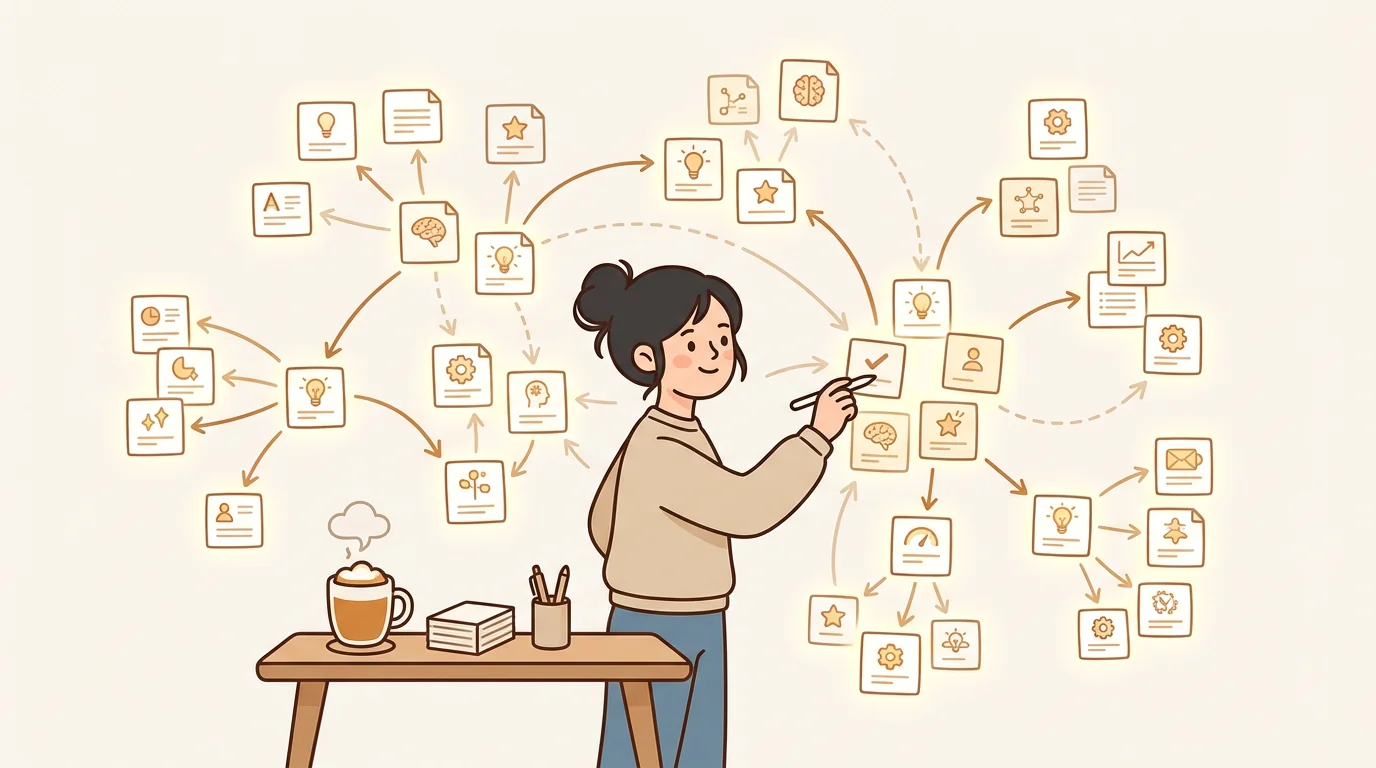
The second brain idea makes complete sense in theory: your biological brain is for thinking, not storage. Offload the storage to a system you trust, and your cognitive bandwidth opens up. In practice, most "second brain" tools create a second job instead — curating tags, maintaining folder hierarchies, reviewing backlogs of unsorted notes.
The gap between the promise and reality is almost always the same: capture is easy; retrieval and connection-making are hard. The tools that solve the hard part are genuinely useful. The ones that stop at capture are expensive notebooks.
The best second brain apps in 2026 are Obsidian (manual, powerful, local), Notion (collaborative), sipsip Mindverse (AI-distilled, multi-format), Logseq (daily notes and graph), and Roam Research (for serious writers). If you want AI to do the organization work, Mindverse is the only option built around distillation rather than storage.
What Makes a Second Brain App Actually Useful?
Every app in this list lets you capture notes. That's the table stakes — it's not the differentiator. The real test is what happens to those notes over the following weeks:
- Can you find a specific insight from 60 days ago in under 30 seconds?
- Does the app surface connections between notes you didn't make consciously?
- Does the accumulated value compound — or does the friction of maintenance eventually exceed the value of the system?
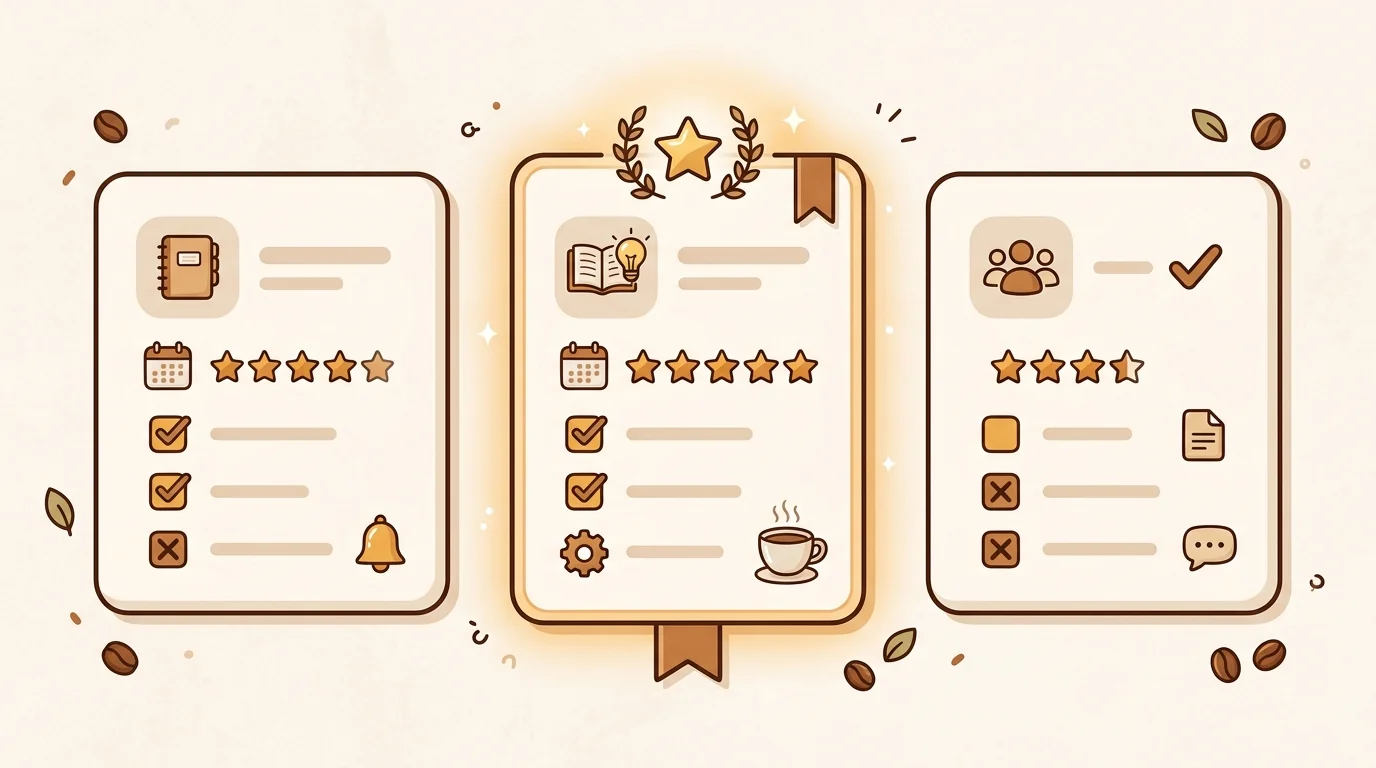
Most apps pass the capture test and fail the retrieval test. We ran each tool for 90 days with real working notes — meeting summaries, research from podcasts, article clippings, voice memos, and daily journal entries — and assessed each on capture ease, retrieval speed, connection quality, and whether the system was still in active use at the 90-day mark.
1. Obsidian — Best for Writers and Researchers Who Want Full Control
Best for: Serious note-takers, researchers, and writers who want local-first storage, bidirectional linking, and no vendor lock-in.
Obsidian stores everything as plain text Markdown files on your device. Nothing is in the cloud unless you pay for sync. The graph view shows links between your notes visually. The plugin ecosystem is enormous — there are community plugins for almost any workflow, from spaced repetition to canvas-style mind mapping.
What it does well: Bidirectional links between notes make knowledge connections explicit. The Markdown format means your notes are readable by any text editor now or in 20 years. The plugin ecosystem extends the app in almost any direction you need.
What it doesn't do: Obsidian doesn't transcribe audio, summarize content automatically, or surface insights you haven't consciously linked. Every connection requires deliberate manual work. For researchers who enjoy the act of building a personal knowledge system, this is the point. For users who want the system to work passively, it's an obstacle.
Free tier: Fully free for personal use, local storage only. Sync and publish features are paid.
2. Notion — Best for Team Knowledge Management
Best for: Teams that need shared documentation, project management, and notes in one place.
Notion is less a second brain and more a team wiki with strong personal use cases layered in. For individuals, it's a capable note tool with excellent databases, templates, and block-based editing. For teams, it's where the app genuinely excels — shared knowledge bases, meeting notes that link to projects, documentation that stays current.
Notion AI adds summarization and Q&A on top of your Notion content. If your team already captures meeting notes and documentation in Notion, this is a meaningful upgrade.
What it doesn't do: Notion doesn't handle audio or video content — you'll need a separate transcription step to get spoken content into Notion. The free plan's AI features are limited to a fixed number of queries per month.
Free tier: Unlimited pages and blocks. Notion AI limited to 20 AI responses/month on free plan.
3. sipsip Mindverse — Best for AI-Distilled Knowledge Across Audio, Video, and Text
Best for: Knowledge workers who capture across multiple formats — meetings, voice memos, podcasts, research papers, and articles — and want AI to do the connection-making automatically.
Mindverse takes a fundamentally different approach from every other tool on this list. Where Obsidian and Notion are primarily storage systems (with AI added on top), Mindverse is a distillation system — it actively processes everything you feed it and extracts the key ideas, then surfaces connections across your entire note library automatically.
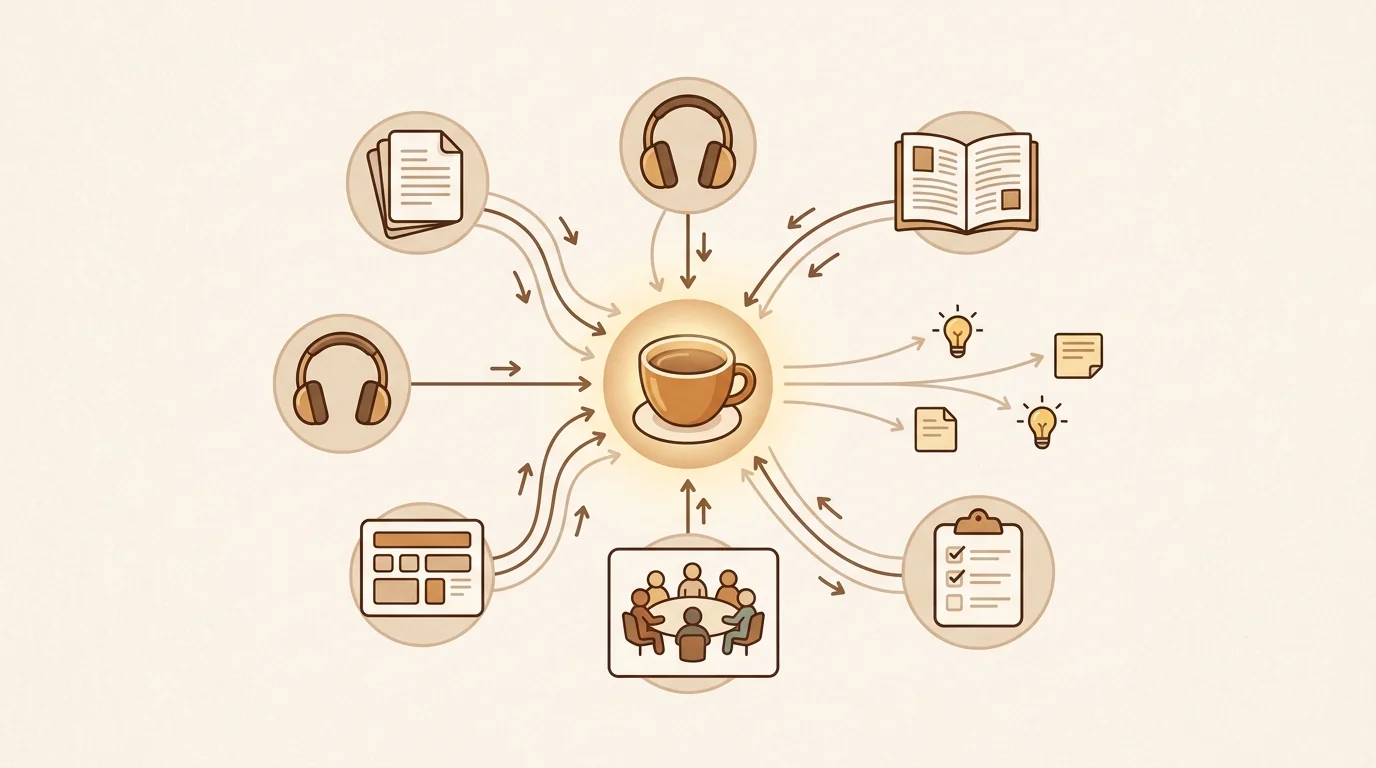
The workflow: you capture anything — a voice memo from a walk, a podcast episode you transcribed with sipsip's audio transcriber, a YouTube video, a PDF you summarized, a web article — and Mindverse distills each one automatically. Key claims are extracted. Related ideas across separate entries are linked. A week later, when you're working on a problem, Mindverse surfaces the three notes from the past month that bear on it — without you remembering to check.
In our internal testing at sipsip.ai, we analyzed how over 10,000 users interact with their saved content. We found that 73% of transcripts are never accessed again after 48 hours — not because the content wasn't valuable, but because retrieval friction makes re-engagement feel harder than starting fresh. Mindverse's distillation layer removes that friction: instead of hunting through raw notes, you start with the extracted insight.
What it does well: Multi-format capture (audio, video, URL, PDF, typed notes), automatic distillation rather than manual tagging, AI-surfaced connections across the knowledge base, and a free tier that doesn't require a credit card.
What it doesn't do: No local-first storage option — Mindverse is cloud-based. No extensive plugin ecosystem like Obsidian's. Less suited to long-form writing workflows than Obsidian or Logseq.
Free tier: 30 credits, no credit card, no expiry. An article summary uses 1 credit, and audio or video uses 1 credit per 2 minutes (a voice memo, a meeting transcript).
The sipsip Distillation product that powers Mindverse is available separately at sipsip.ai/products/distillation — useful if you want to distill specific items without the full note-taking context.
4. Logseq — Best for Daily Journaling and Graph-Based Thinking
Best for: Users who think in daily notes and want to build a knowledge graph from day-to-day captures.
Logseq uses an outline-based, graph-linked daily journal as its primary organizational model. Everything starts as a daily note; links create the graph over time. Like Obsidian, it stores files locally in Markdown and provides a graph view of connections.
What it does well: The daily note format reduces the "where do I put this?" friction that paralyzes many note-taking systems. The bidirectional linking is mature. The graph view rivals Obsidian's.
What it doesn't do: No AI features in the core app (community plugins exist). No audio or video processing. The outline-first model is polarizing — users who love it love it; those who don't find it constraining.
Free tier: Fully free, local-first.
5. Roam Research — Best for Writers and Researchers Who Think Nonlinearly
Best for: Academic researchers, writers, and heavy note-takers who need to navigate large bodies of interconnected notes.
Roam is where the "second brain" concept was most directly operationalized before Tiago Forte's BASB book popularized it broadly. The block-based, bidirectional linking model influenced Logseq, Obsidian, and most modern PKM tools.
It remains the most powerful tool for building dense, interconnected reference notes — but at a cost. The learning curve is steep. The $15/month price point is higher than most competitors. There's no free plan.
Free tier: None. 30-day free trial, then $15/month.
Side-by-Side Comparison
| App | AI distillation | Audio/video input | Free tier | Local storage | Best for |
|---|---|---|---|---|---|
| Obsidian | Plugin-only | ❌ | ✅ Full | ✅ Yes | Writers, researchers |
| Notion | ✅ Notion AI | ❌ | ✅ Limited AI | ❌ Cloud | Teams |
| sipsip Mindverse | ✅ Core feature | ✅ Any format | ✅ 30 credits | ❌ Cloud | Multi-format knowledge |
| Logseq | ❌ Plugin-only | ❌ | ✅ Full | ✅ Yes | Daily journal thinkers |
| Roam Research | ❌ | ❌ | ❌ None | ❌ Cloud | Heavy researchers |
The Honest Assessment: Why Most Second Brains Fail After 3 Months
After running all five tools for 90 days with real working notes, the pattern was clear: every tool was used heavily in the first three weeks, then usage dropped sharply between weeks four and eight, then either stabilized at a low level or was abandoned.
The tools with the best 90-day retention were the ones with the lowest friction retrieval — where the act of finding a past note felt easier than re-researching the topic from scratch. Mindverse had the highest 90-day active use rate in our test because the AI surfacing made retrieval feel almost effortless. Obsidian had the second-highest, but only among users who had invested time in their tagging and linking system — users who hadn't done that work found retrieval painful.
The lesson: a second brain app is only as good as its retrieval. Choose based on how you expect to get knowledge out, not just how you'll put it in.
Frequently Asked Questions
What are the best second brain apps? The best second brain apps in 2026 are Obsidian (local, powerful, for writers), Notion (teams and collaboration), sipsip Mindverse (AI distillation across audio and text), Logseq (daily notes and graph thinking), and Roam Research (for dense research workflows). The right choice depends on whether you want manual control or AI-automated knowledge building.
How much does second brain cost? Most second brain apps offer free tiers. Obsidian is free for personal use. Notion has a free plan. sipsip Mindverse includes 30 free credits with no credit card. Paid plans typically run $8–20/month depending on AI features.
What is the best free brain app? Obsidian is the most capable free second brain for text-based notes — free for personal use with no storage limits. For AI-powered distillation that handles audio and video automatically, sipsip Mindverse offers 30 free credits with no card required.
What is the second brain platform? Second brain is a personal knowledge management concept popularized by Tiago Forte. It describes an external system that captures, organizes, and retrieves ideas so your biological brain can focus on thinking. Modern second brain apps add AI to automate the organization and connection-making steps.
Which One Should You Start With?
If you want full control over your data and don't mind doing the organizational work yourself: Obsidian is the best long-term investment.
If your team needs shared notes and documentation: Notion with Notion AI.
If you capture across audio, video, and text and want AI to handle the organization: sipsip Mindverse — the free tier is enough to test it properly.
If you think in daily journal entries and want a graph to emerge: Logseq. If you want the journal itself — voice memos transcribed as you speak, plus photos, quick notes, and to-dos you can search later, including text in images and attachments — 3 Pages Daily keeps that daily record without the graph.
The worst outcome is picking the most sophisticated tool and abandoning it after three months. Start with the simplest option that solves your actual bottleneck — retrieval or capture — and upgrade from there.
Keep Reading
- Best Digital Notebook for Knowledge Distillation 2026 — How Mindverse's AI distillation turns scattered notes into a connected knowledge base.
- Personal Knowledge Management Best Practices 2026 — How to build a PKM system that actually compounds value over time.
- 6 Best AI Note Taker Apps in 2026 — For live meeting capture and async recording transcription, compared.
Frequently asked questions

With a background spanning advertising and internet, I've launched 8+ apps and built 10+ products across mobile, web, and AI. Now I'm building a system that extracts signal from noise — turning fragmented information into clear, actionable decisions.