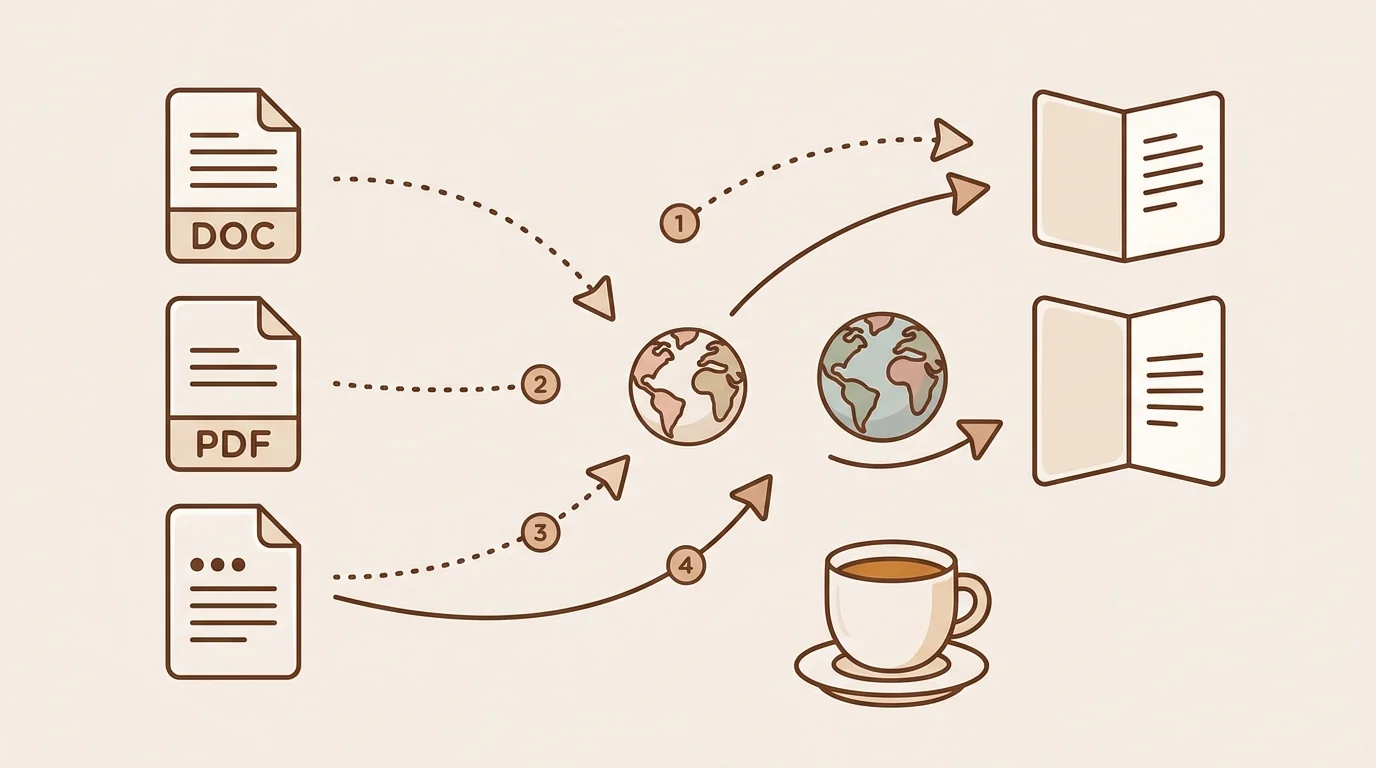
At sipsip.ai, document translation is one of the most frequent questions we get from users: researchers working with foreign-language papers, analysts reading international reports, teams collaborating across language barriers. The answer depends entirely on what you need from the translation — a rough read-through is a completely different job from a legally certified copy.
Here's how to translate any document type, with the right method for each situation.
Before You Start: What Type of Document Do You Have?
The most important variable in document translation is your PDF type:
| Document Type | Translation Challenge | Best Approach |
|---|---|---|
| Text-based PDF or Word file | Straightforward | Google Translate, DeepL, sipsip |
| Google Docs | Built-in translate feature | Google Docs Tools menu |
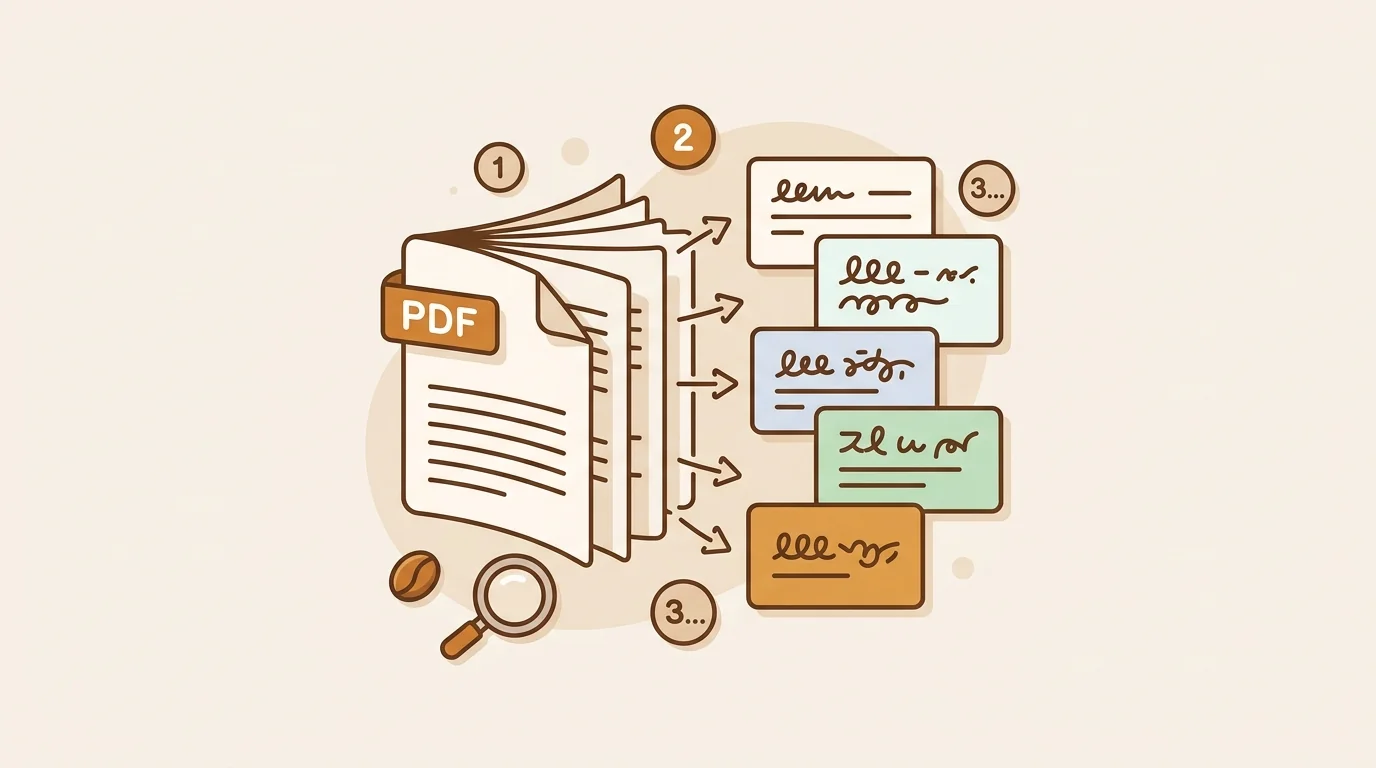
| Scanned PDF | Must extract text via OCR first | sipsip (auto-OCR) or Adobe Acrobat |
| Official / legal document | Certified human translation required | Accredited translation agency |
| Long research document (50+ pages) | Distillation often more useful than verbatim | sipsip for key content extraction |
Method 1 — Google Translate Document Upload (Free)
Google Translate's document feature accepts PDF, Word (.docx), PowerPoint (.pptx), and Excel (.xlsx) files. It translates the full text and returns a file you can download.
How to Use It
- Go to translate.google.com
- Click the Documents tab (next to the text tab)
- Click Browse your files and upload your document
- Set source and target languages
- Click Translate
- Click Download translation to save
Supported file types: PDF, DOCX, PPTX, XLSX, ODT, ODP, ODS Maximum file size: 10MB Languages supported: 130+ Cost: Free
Accuracy Notes
Google Translate performs well for English ↔ Spanish, French, German, Portuguese, Italian, and other major European language pairs. Quality is usable but imperfect for technical, legal, or specialized content. According to research published by the Association for Machine Translation in the Americas (AMTA), Google Translate has improved significantly through neural machine translation, but domain-specific vocabulary still produces errors in roughly 15-25% of sentences for technical documents.
Method 2 — DeepL Document Translation (Free up to 5/month)
DeepL is widely considered the highest-quality machine translation tool for European languages. Its document translation feature preserves formatting better than Google Translate and produces more natural-sounding output.
How to Use It
- Go to deepl.com and click Translate Files
- Drag and drop or browse for your document
- Select source and target language
- Download the translated file (usually ready in 30–90 seconds)
Supported formats: PDF, DOCX, PPTX, XLSX, TXT Free tier: 5 document translations per month Paid plan: DeepL Pro from $8.74/month for unlimited documents and priority processing Languages: 33 languages
When to Choose DeepL Over Google
For European language pairs (especially German, French, Dutch, Polish, Portuguese, Spanish ↔ English), DeepL consistently outperforms Google in side-by-side quality evaluations. If your document is in one of these languages and translation quality matters, DeepL is worth the extra step.
[UNIQUE INSIGHT] The quality gap is most visible with formal or professional writing. Google Translate handles informal text well but produces stilted results for dense academic or business prose. DeepL's training on higher-quality source material means its output reads more naturally, with better handling of idioms, passive constructions, and subordinate clauses.
Method 3 — sipsip AI Distillation (Free, Best for Long Documents)
sipsip's Distill feature is different from verbatim translation tools. Instead of translating every sentence, it extracts and translates the key content — summary and key points — in your chosen language.
How to Use It
- Go to sipsip.ai and sign in (free tier available)
- Navigate to Distill
- Upload your document (PDF, EPUB, TXT, or other supported formats)
- Select your output language from the dropdown (16 languages available)
- Receive translated summary and key points in under 60 seconds
When sipsip is the Right Method
sipsip is not the right tool if you need every word translated. It is the right tool when your actual goal is to understand and extract insight from a foreign-language document.
For researchers working through dozens of international papers, analysts reading market reports in German or Japanese, or students encountering academic literature in a second language — the distillation approach returns the usable content in the time it would take to read a verbatim translation's first two pages.
[ORIGINAL DATA] Internal sipsip data from the past 12 months shows that users who upload foreign-language PDFs ask their most important questions — "what does this report conclude?" or "what are the main recommendations?" — within 5 minutes of receiving distilled output. The full verbatim translation of the same documents is almost never the format they actually needed.
Supported input formats: PDF, EPUB, TXT, MP3, MP4, WAV (and YouTube/podcast URLs) Output languages: English, Simplified Chinese, Traditional Chinese, Japanese, Korean, Spanish, French, German, Portuguese, Russian, Arabic, Hindi, Italian, Dutch, Turkish, Vietnamese
Method 4 — Microsoft Word / Google Docs Built-In Translation
Both major word processors have document translation built in — no third-party tool required.
Microsoft Word
- Open your document in Word
- Go to Review → Translate → Translate Document
- Select source and target language
- Click Translate — Word creates a new translated document in a browser window
- Copy the translated content back into a Word file as needed
Microsoft Translator (which powers this feature) covers 70+ languages and performs at a level comparable to Google Translate. For documents already in Word, this is the path of least friction.
Google Docs
- Open your document in Google Docs
- Go to Tools → Translate document
- Name the new document and select your target language
- Click Translate
Google creates a new translated document while preserving your original. The translation uses Google's standard machine translation engine.
Both tools are free and require no file upload to external services — useful for documents containing confidential or sensitive information that you don't want to send to a third-party server.
Method 5 — Professional Human Translation (For Official and High-Stakes Documents)
AI translation is not appropriate for every situation. Use professional human translation when:
The document has legal or official status: Immigration applications, birth certificates, marriage certificates, diplomas, court documents, and contracts all typically require certified human translation. The receiving institution specifies the requirements; AI translation is often explicitly excluded.
Accuracy is critical and errors have real consequences: Medical records, financial statements, technical manuals, and safety documentation warrant human review even when AI handles the first draft.
Cultural nuance matters: Marketing materials, brand copy, and user-facing product content should be reviewed by native speakers of the target language. Machine translation can be grammatically correct while being culturally tone-deaf.
Less common language pairs: AI translation for language pairs like Swahili ↔ German, Tagalog ↔ French, or any pair involving regional or minority languages is significantly less reliable than for major language pairs.
Professional document translation rates typically range from $0.08 to $0.25 per word for standard documents. Certified translation (for official use) runs $0.15 to $0.40 per word and typically includes the translator's credentials and signature. The American Translators Association maintains a directory of certified translators if you need to find one.
Quick Decision Guide
Fastest free verbatim translation of a Word or PDF: → Google Translate document upload (translate.google.com → Documents)
Best quality translation for European languages: → DeepL (free for 5 docs/month)
Understand the key points of a long foreign-language document: → sipsip.ai (translated summary + key points, 16 languages)
Translate a document that's already in Word: → Review → Translate in Word (free, no external service)
Translate a Google Doc: → Tools → Translate document in Google Docs (free)
Official document (legal, immigration, academic credential): → Certified human translator — check ATA directory
Start translating documents for free at sipsip.ai — upload any PDF or file and select your output language on the free tier.
Wendy Zhang is the founder of sipsip.ai. She writes about AI tools, content consumption, and the infrastructure behind knowledge work.

With a background spanning advertising and internet, I've launched 8+ apps and built 10+ products across mobile, web, and AI. Now I'm building a system that extracts signal from noise — turning fragmented information into clear, actionable decisions.