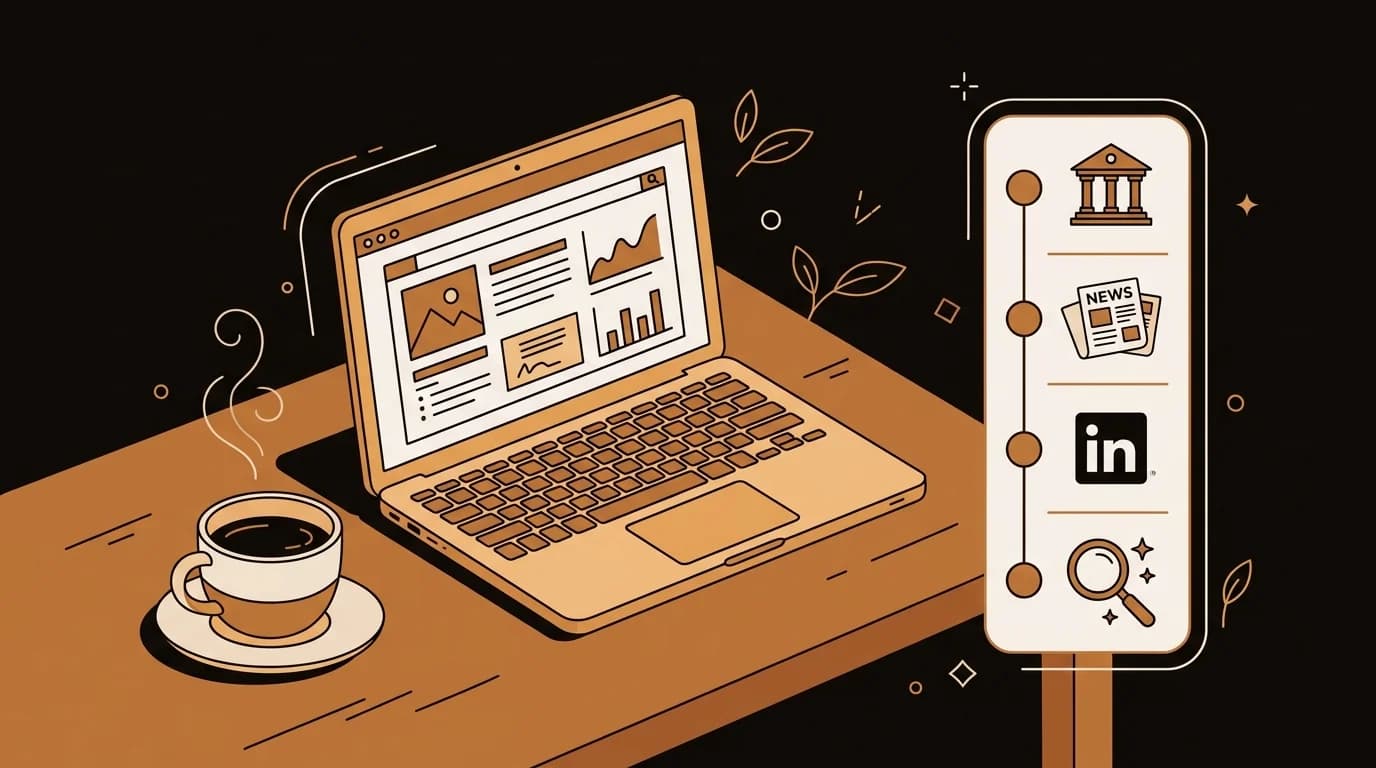
The public record on most people is richer than most people realize. Court filings, business registrations, property records, news archives, and professional license databases are all publicly accessible — often for free. The limitation isn't that the information doesn't exist. It's that finding it manually is tedious, time-consuming, and easy to miss things.
I built the retrieval layer of sipsip.ai's AI Investigator, so I've spent considerable time understanding exactly what's publicly available, where to find it, and where manual research breaks down. This guide covers the full manual process — and explains where AI synthesis takes over.
In short: An online background check using public sources involves searching court record portals, news archives, LinkedIn, business registrations, and social platforms with public content. AI-powered tools like sipsip.ai AI Investigator automate and synthesize this workflow, typically covering more sources in less time with cited output.
What Public Sources Are Actually Available
More than most people think. Here's what's genuinely accessible:
Federal Court Records (PACER)
The Public Access to Court Electronic Records (PACER) system gives access to federal court filings — civil, criminal, bankruptcy, and appellate. It costs $0.10 per page, but the first $30 per quarter is waived, which covers most individual research projects.
Federal court records include: federal criminal cases, civil lawsuits in federal court, bankruptcy filings, and federal regulatory enforcement actions. This is the most underused public resource in manual background research.
State Court Records
Most states have public-facing court record portals. Coverage varies — some states provide free, searchable access to most criminal and civil records; others are fragmented across county systems. Search "[state] court records public portal" to find your state's system.
State court records include: criminal prosecutions (by far the most common criminal record source), civil litigation, family court proceedings (often sealed), and small claims.
Criminal History Check Portals
Many states have dedicated criminal history check portals separate from general court systems. These aggregate criminal conviction data across the state's court systems. Some are free; others charge a small fee. The National Center for State Courts maintains a state-by-state directory.
Business Registration and Secretary of State Databases
Every state maintains a public database of business registrations — LLCs, corporations, and other entities formed in that state. These databases list officers, registered agents, and filing history. Most are searchable online for free.
This is useful for checking whether a company someone claims to have founded actually exists, who the officers of record are, and whether the company is in good standing.
Property Records
County assessor and recorder databases list property ownership, purchase history, and assessed value. Useful for verifying residence claims and, occasionally, for understanding financial status signals (multiple properties vs. none).
News Archives
Google News goes back years. Regional newspaper archives are increasingly digitized. For older coverage, services like Newspapers.com and ProQuest cover historical archives (paid, but available through many public libraries for free).
Local news is particularly valuable because national news doesn't cover most people — but a local dispute, a small business opening, a court case, or a community incident might be covered in a regional outlet.
[ORIGINAL DATA] In our analysis of background investigations for non-public individuals, we found that local and regional news archives surfaced relevant findings in approximately 30% of cases — information that appeared in no other source type. This is the category most manual researchers skip, and it's where significant signal lives.
LinkedIn and Professional Profiles
LinkedIn is a first-party public record of employment history and professional claims. It's voluntary and self-reported, which means it's worth comparing against other sources rather than treating as ground truth — but it's publicly searchable and a good starting point.
Also check: GitHub (for technical contributors), ResearchGate and Google Scholar (for academics), personal websites, and any platform-specific professional profiles (Behance for designers, etc.).
Social Media (Public Content Only)
Twitter/X, Facebook (public posts), Instagram (public accounts), YouTube channel histories, TikTok, and forum platforms like Reddit are publicly searchable. The relevant question for background research is whether public content reveals anything materially inconsistent with what the person has represented.
This requires judgment. Someone's old tweets are public record but may not be relevant. A pattern of content that contradicts professional claims is more relevant.
The Manual OSINT Checklist
Here's the full sequence for a manual online background check:
1. Google: name + city, name + employer, name + "title" Start broad. Look at the first 3-4 pages of results — not just the first page. Note anything that seems inconsistent with what you know about the person.
2. Google News: name + company Filter by time range — last year, last 5 years, all time. Regional news coverage often doesn't appear in general web search but surfaces in Google News.
3. LinkedIn Review employment history, education, recommendations, and activity. Note specific claims: dates, titles, companies. These become your verification checklist.
4. PACER (federal court records) Search by name and state. This covers federal criminal cases, federal civil litigation, and bankruptcy. Takes 5-10 minutes and costs under $5 for most searches.
5. State court portal Search your state's public court records system. Also search the state where the subject previously lived, if known.
6. Secretary of state / business registration Search the name and any companies associated with the person. Note filing dates and officer history.
7. Professional license databases If the person claims a professional credential (attorney, CPA, doctor, contractor, real estate agent), every state has a public license verification database. Check it.
8. YouTube / podcast search Search the name on YouTube. Search the name + "podcast" in Google. Public interviews, conference talks, and speaking appearances are primary source material.
9. Property records Search the county assessor database for the county where they claim to live.
10. Review platforms Yelp, Google Business reviews, LinkedIn recommendations, and niche platforms relevant to their industry.
Total time for a thorough manual search: 3-6 hours. More for subjects with complex histories, multiple locations, or common names.
Where Manual Research Breaks Down
The manual process above is effective but has clear limitations:
Time. 3-6 hours is a lot of time to spend on due diligence for something that might not pan out. For investors doing 20+ founder reviews per month, or HR teams processing multiple senior hires simultaneously, this doesn't scale.
Coverage gaps. Manual research is only as thorough as the researcher's patience. It's easy to stop at page 2 of search results, skip the regional news archives, or forget to check business registrations in a second state. Systematic coverage requires systematic process.
Multimedia content. A 45-minute podcast interview can't be skimmed in 3 minutes. Most manual researchers skip audio and video content — which is often the highest-quality primary source available.
Synthesis. A stack of browser tabs doesn't tell you whether what you've found is consistent or contradictory. Making sense of 15 sources is a different cognitive task from finding them, and it's where most manual research falls apart.
Cross-jurisdictional coverage. Court records are county-level in most states. A thorough criminal record check requires knowing which counties to search — and if you don't know where someone has lived, you can't know which county portals to check.
[PERSONAL EXPERIENCE] We built the AI Investigator specifically because the manual process above is what our team was doing for our own due diligence, and it was taking 3-6 hours per subject. The retrieval pipeline automates every step in the checklist. Multimedia content gets transcribed. Sources get cross-referenced automatically. Output is a cited dossier rather than a pile of tabs.
How sipsip.ai AI Investigator Automates This Workflow
sipsip.ai's AI Investigator runs the same source categories as the manual checklist — web, news, court records, social, multimedia, business registrations — but systematically and in parallel rather than sequentially and manually.
The difference in practice:
- Coverage: The AI search fans out wider than a manual researcher typically does — more source types, more geographic coverage, more query variations to catch common name ambiguity
- Multimedia: Podcast and YouTube content is transcribed and analyzed, not skipped
- Synthesis: Findings are cross-referenced automatically — discrepancies between sources are flagged rather than overlooked
- Output: A structured dossier with cited sources, ready to share, rather than a folder of screenshots
For a concrete workflow example, see how a journalist used AI Investigator to run a self-background-check before a major pitch, or how a consultant uses it to vet vendors.
The manual process in this guide is worth understanding — it tells you what the AI is doing under the hood, and knowing that makes you a better judge of the output. But for regular due diligence workflows, the manual approach doesn't scale.
Get early access to AI Investigator to run your first investigation.
Complete Guide: AI Background Check & People Intelligence: The Complete Decision-Making Guide

Across 8+ years, I've built full-stack and platform systems using TypeScript, Node, React, Java, AWS, and Azure, applying AI to practical problems and turning ambitious ideas into shipped products.