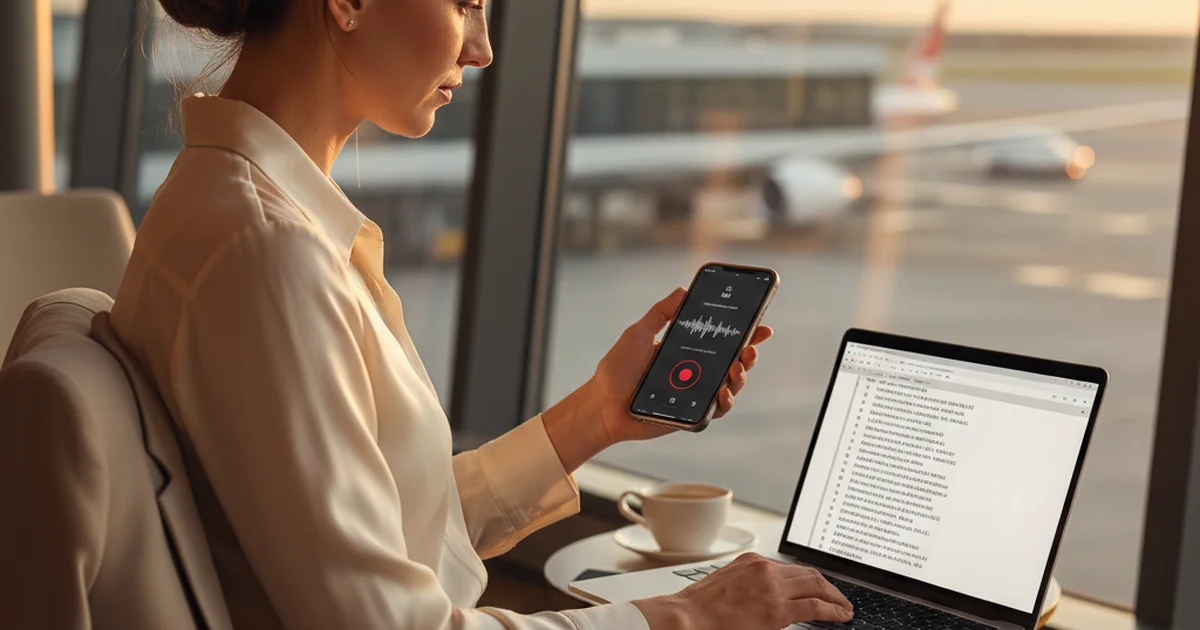
I'm a management consultant at a Big 4 firm. My job is to walk into rooms and know more about a client's industry than the people in it. That requires consuming large amounts of information quickly — earnings calls, industry conference recordings, client interview notes. For a long time, my transcription options were either expensive per-minute services or slow manual work.
Free audio transcription tools have improved substantially. In 2026, several options produce professional-quality transcripts at no cost. The difference between them isn't primarily price — it's accuracy, format support, and what you get beyond raw text.
Short answer: sipsip.ai's free tier transcribes audio files and URLs with Deepgram's nova-3 model, returning transcript + AI summary + key points, with no credit card required for first use. Uniscribe offers unlimited free transcription with no account. Microsoft Word's transcription feature is free for Microsoft 365 subscribers. Breev is a simple free online option. OpenAI Whisper runs locally, free, for technically inclined users.
## 1. sipsip.ai — Best Free Option for Professional Output
Free tier: 20 credits, no credit card
Formats: MP3, MP4, WAV, M4A, YouTube URLs, podcast links
Output: Transcript + AI summary + key points
Languages: 50+
sipsip.ai's free tier covers 20 transcription credits without a credit card — enough to get a genuine sense of the tool's output quality on your actual audio content before deciding whether to upgrade.
What separates it from simpler free tools: the output isn't just raw text. Every transcription returns a full timestamped transcript, a narrative AI summary (2–4 sentences capturing the main content), and structured key points (3–5 bullets of the most important claims). For consulting work, the summary is what I check first — it tells me whether this recording contains content relevant to the current engagement without reading the full transcript.
Accuracy uses Deepgram nova-3, which performs at the high end of the accuracy range for conversational and professional speech. In my testing on earnings call recordings, expert interview clips, and client meeting recordings: accuracy is consistently 92–96% for clear audio with two speakers.
## 2. Uniscribe — Best for Unlimited Free Transcription
Free tier: Unlimited, no account required
Formats: Audio and video files
Output: Transcript only
Languages: Multiple, focus on European languages
Uniscribe provides completely free transcription without usage caps or account creation. For users who need to transcribe large volumes without paying, this is the most permissive free option available.
The limitation is output quality at scale — Uniscribe's free offering produces a plain transcript without AI summary, key points, or structured output. For basic transcription where you just need the text, Uniscribe's unlimited free model is useful. For professional research where structured output saves time, the absence of summaries is a gap.
## 3. Microsoft Word Audio Transcription — Free for Microsoft 365 Subscribers
Free tier: Included with Microsoft 365 subscription
Formats: Audio file upload or live recording in browser
Output: Transcript with speaker labels
Languages: English-focused, limited multilingual support
Microsoft Word includes audio transcription in the web version (word.live.com → Insert → Transcribe). Upload an MP3, M4A, or WAV file, and Word generates a transcript with speaker labels, displayed in a side panel that you can insert into the document.
The workflow is clean for Microsoft 365 users — no additional tool to set up, and the transcript integrates directly into a Word document. Accuracy for clear English audio is in the 85–92% range in my experience, lower than Deepgram-based tools on technical content.
The Microsoft Word audio transcription guide covers the full process and limitations in detail, including the 300-minute file length limit and the browser-only requirement.
## 4. Breev — Simple Free Online Option
Free tier: Yes, no registration
Formats: Audio file upload
Output: Transcript only
Languages: Multiple
Breev is a no-friction free transcription tool — upload an audio file, get a transcript, no account required. The interface is minimal. Output is clean plain text without AI features.
For one-off quick transcriptions where you need text and nothing else, Breev is a solid option. The no-signup approach is its main advantage. For regular use or professional-grade output with summaries, the feature set is limited.
## 5. OpenAI Whisper — Best Accuracy, Requires Technical Setup
Free tier: Free to run locally
Formats: All audio formats
Output: Transcript (SRT, VTT, or plain text)
Languages: 99 languages
Whisper is OpenAI's open-source speech recognition model, released publicly in 2022. Run locally on your machine, it produces transcription that matches or exceeds commercial tools in accuracy — the large model achieves 6–8% WER on standard benchmarks.
The practical barrier is setup: Whisper requires Python installation, downloading model weights (600MB to 3GB depending on model size), and running commands in a terminal. For data privacy-sensitive transcription (client information that shouldn't go through a cloud service), Whisper's local processing is a significant advantage. For non-technical users, the setup time exceeds the value compared to cloud tools.
Tools like sipsip.ai use Whisper-based models (alongside Deepgram) in their backend — so the accuracy is comparable, with the setup done for you.
Free Transcription Decision Guide
| If you need | Use |
|---|---|
| Best output with AI summary | sipsip.ai (20 free credits) |
| Unlimited free, raw transcript | Uniscribe |
| Integration with Microsoft docs | Microsoft Word (M365) |
| No account, one-off use | Breev |
| Local processing for privacy | OpenAI Whisper (technical setup required) |
| Developer API | AssemblyAI or Google Cloud Speech (60 min/month free) |
According to Gartner's 2025 Hype Cycle for AI Speech Technology, AI transcription has moved out of the "peak of inflated expectations" phase into the "slope of enlightenment" — meaning enterprise adoption is widespread and the technology delivers consistent value for clearly defined use cases. For professional audio transcription with clear recording quality, the free-tier tools available in 2026 are sufficient for most non-verbatim use cases.
The key accuracy variable remains audio quality: free tools that use Deepgram or Whisper-based models produce excellent results on clean recordings; all tools degrade significantly on poor-quality audio. If your recordings are consistently low quality, improving the recording environment is higher-value than tool selection.
The audio transcription complete guide covers the full accuracy benchmark comparison across major tools and audio quality categories.
Maya Patel is a management consultant at a Big 4 firm. She transcribes industry interviews, expert calls, and client session recordings using sipsip.ai to build research archives for ongoing engagements.
Frequently asked questions
I'm a management consultant at a Big 4 firm. I consume large amounts of information quickly — earnings calls, industry conference recordings, client interview notes.